12 Best AI Study Tools for High School Students (2026)
According to PEW research data, 64% of U.S. teens ages 13-17 use AI chatbots ("Roughly two-thirds"), with 54% using AI chatbots to help with schoolwork specifically. So we know roughly half of you are going to AI for help with studying.
Using AI tools is a smart idea, especially for high school students who have such a range of subjects to study for. You could have an essay draft due on Monday and a Chemistry test that same Thursday.
AI is a great helper- if you know how to work it to your advantage. Going into AI tools without a plan can lead you down some rabbit holes. We thought we’d save you the trip and show you the best AI study tools out there.
This guide covers the 12 best AI study tools for high school students in 2026 and how to build a workflow that plays to their strengths.
TL;DR
- The best AI tool is the one that best fits your specific context: general LLMs for explaining concepts and more purpose-built apps for flashcards and math.
- We have compiled an overview and free tiers for most tools listed here.
- We suggest using AI for support, not as a replacement for your own thinking or integration of knowledge.
What Makes a Good AI Study Tool for High School Students?
There’s a lot of flashy marketing out there, especially around AI tools. It's important to know what you are evaluating for before you get dazzled by those demo videos.
Ask yourself this:
Doesit fits your subject? If you are looking for a tool to help you with essays, it doesn’t matter how awesome it is at math study help. Where possible, try to fit the tool to the task.
Is it affordable? Most tools on this list have free tiers, but beware the 7-day free trials and stay disciplined about testing the tools.
Will it actually save you time? Good AI tools handle transcription, formatting, and flashcard creation so you can spend your energy on getting that knowledge into your brain.
The 12 Best AI Study Tools for High School Students
1. RemNote
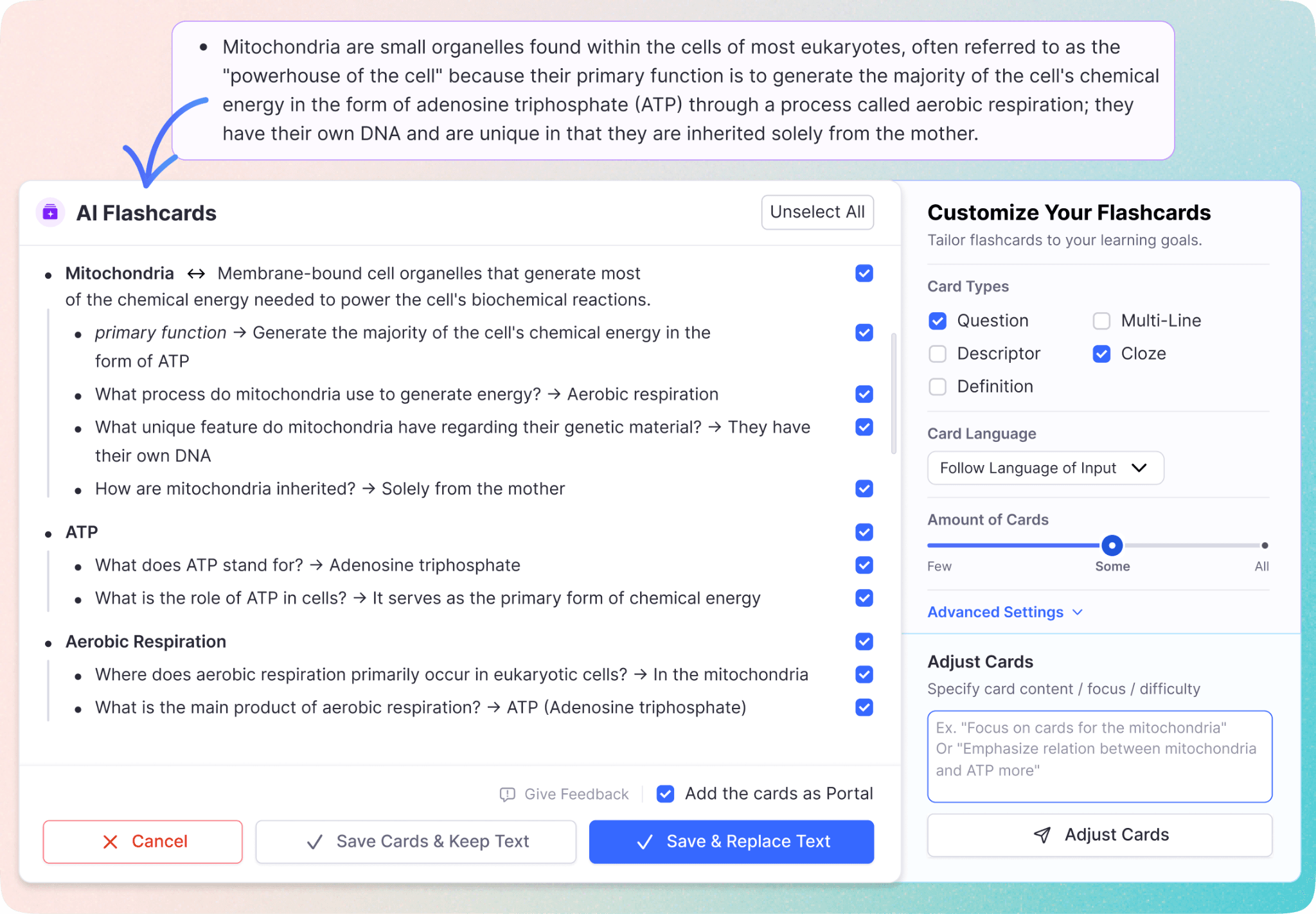
Overview: Remote is a built-for-purpose study app that combines an AI flashcard generator, note-taking, and built-in spaced repetition. Purpose-built for how students actually study.
Best for: Students who want one tool that handles notes, flashcards, and review in a single workflow.
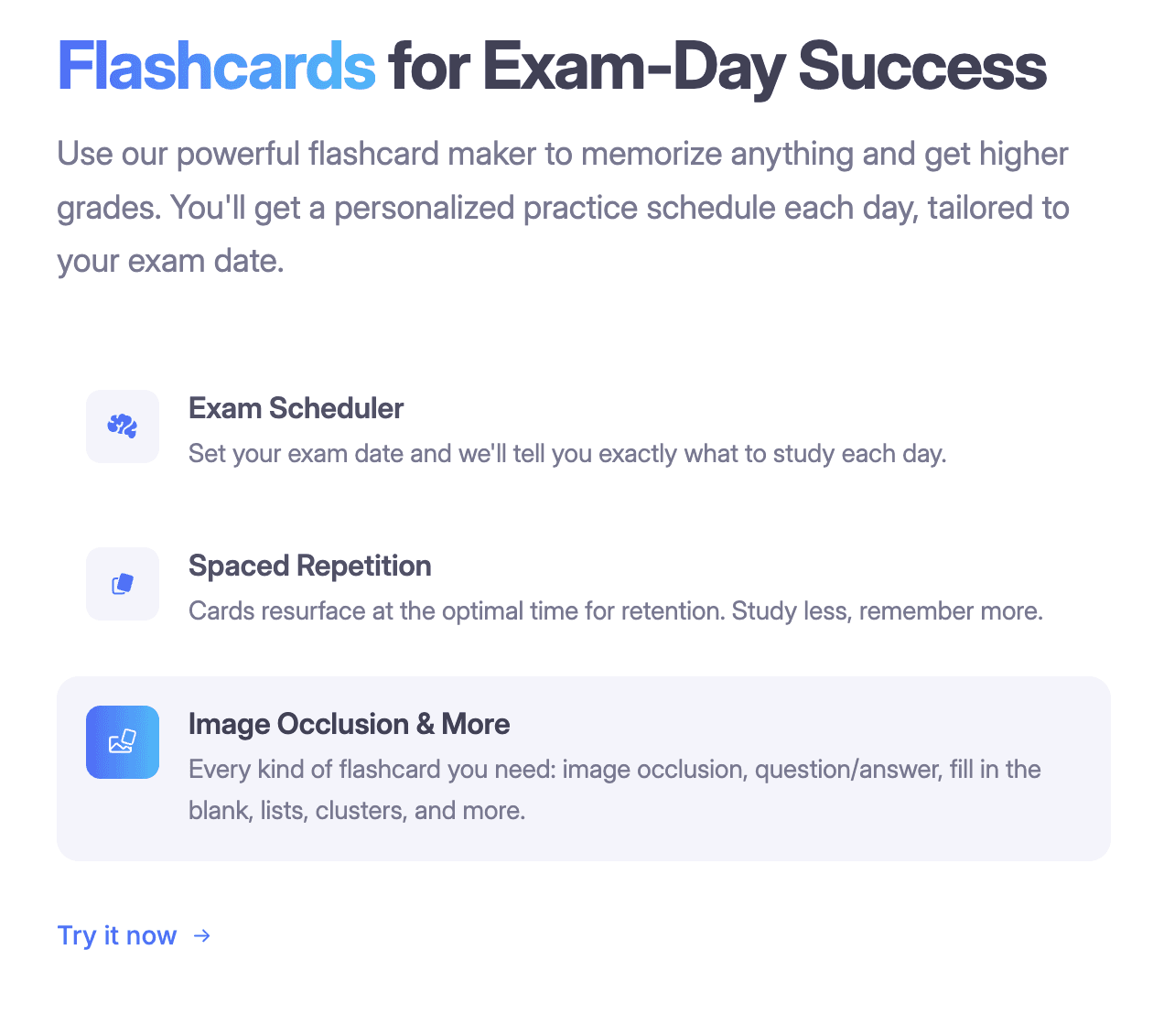
Key features: AI note taker, PDF to flashcards, PPT annotation, PDF annotation, automatic spaced repetition, pre-built study decks, and simple ways to create flashcards or create study flashcards directly from your notes. Spaced repetition works automatically in the background.
Pros:
- End-to-end study workflow
- AI generation feels integrated, not bolted on.
Cons: Learning curve if you've only used simple flashcard apps.
Pricing: Free plan available. Pro from $6/month.
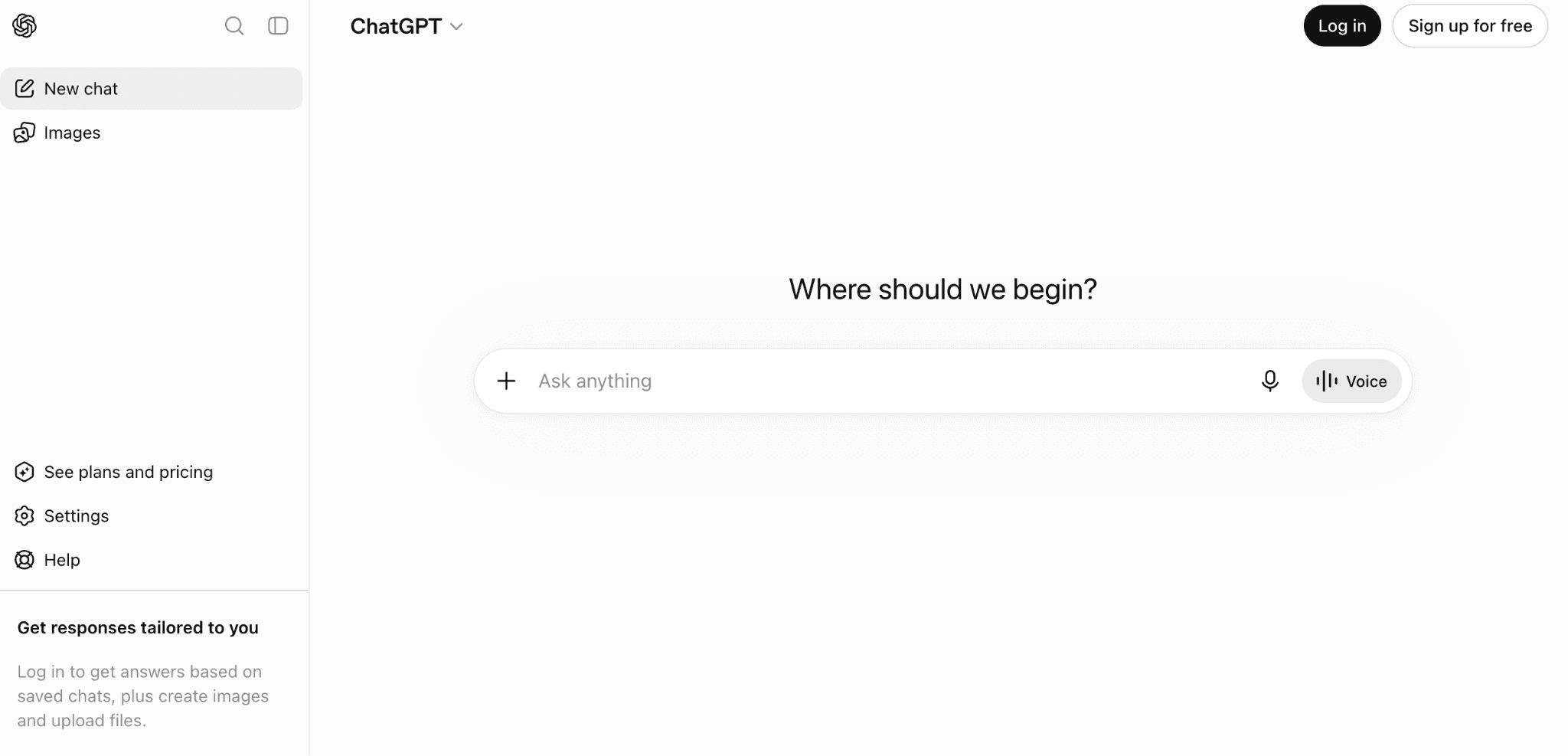
2. ChatGPT (OpenAI)
Overview: ChatGPT is a general-purpose AI assistant for explaining concepts, generating summaries, and drafting practice questions.
Key Features:
- Conversational Q&A
- Custom GPTs
- Voice mode
Pros: Untangling concepts and organizing information. It can also be a useful tool for research, and it can handle any subject.
Cons: Can lead you down rabbit holes as it's designed to expand on your inputs.
Pricing: Free. Plus at $20/month.
3. Claude (Anthropic)
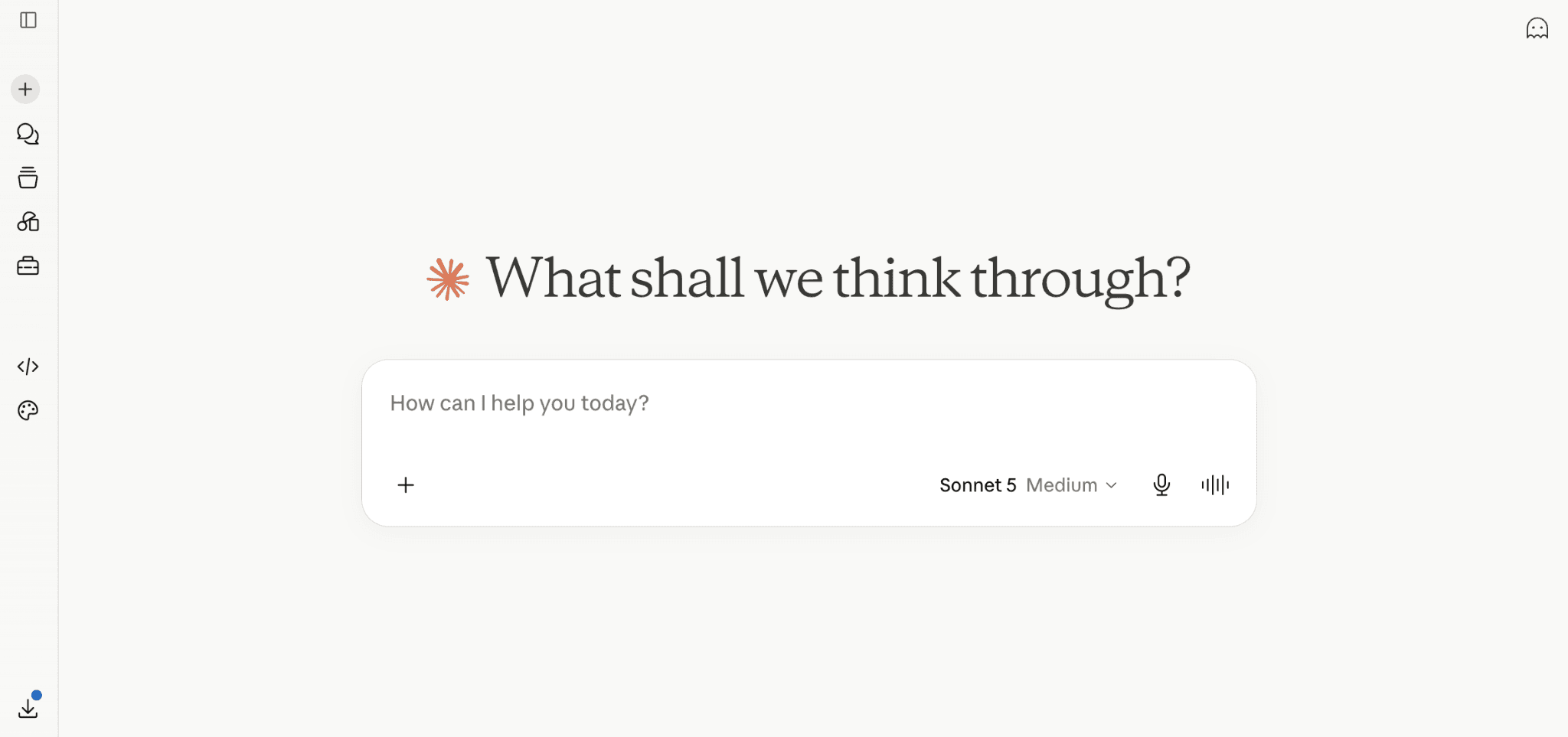
Overview: Claude is another general-purpose AI that handles long documents especially well and is preferred as a writer over ChatGPT.
Key features:
- Large context window that handles full textbook chapters and lecture transcripts
- Artifacts for structured drafting, outlining, and code
- Strong at long-document analysis and multi-step reasoning
Pros: Strong at reasoning and drafting. Useful for feeding in whole chapters or lecture transcripts, and working with long readings and structured writing tasks.
Cons: Same limitation as ChatGPT; it requires prompt engineering for meaningful output, andit'ss not interactive.
Pricing: Free. Pro at $20/month.
4. Khan Academy (with Khanmigo)
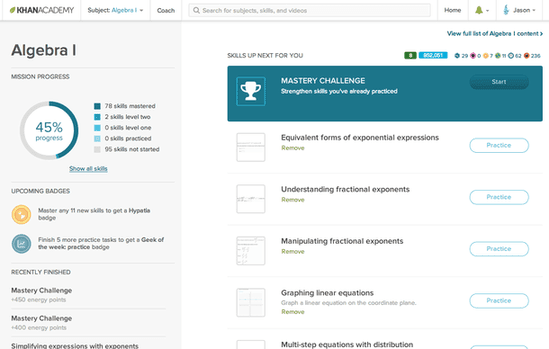
Overview: Khan Academy offers free curriculum-aligned lessons across math, science, humanities, and test prep, paired with an AI tutor called Khanmigo.
Key Features:
- Video lessons across math, science, humanities, and test prep
- Adaptive practice exercises with mastery tracking
- Khanmigo AI tutor that guides you step by step rather than giving answers
Pros: Great for AP prep and standardized tests. Directly aligned to school curriculum.
Cons: Khanmigo features are limited outside the US.
Pricing: Free.
5. Quizlet
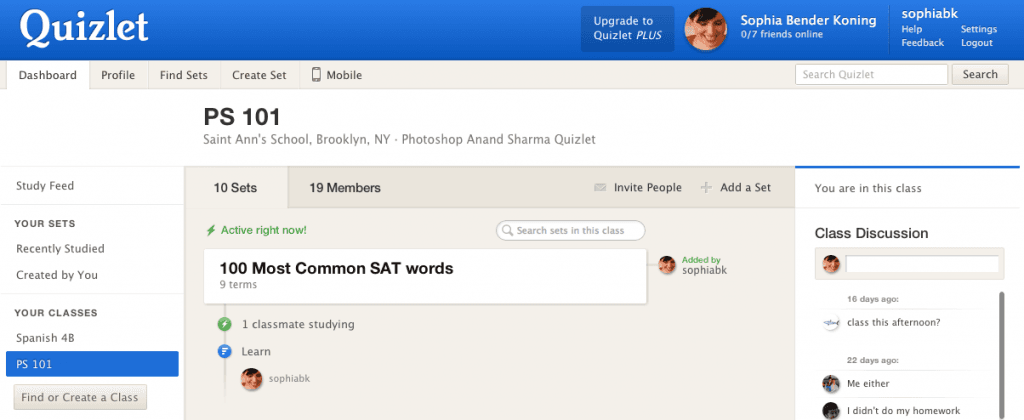
Overview: Quizlet is a long-standing flashcard app with AI-generated practice tests.
Key Features:
- Massive library of user-created flashcard sets
- Multiple study modes: learn, test, match, and flashcards
- AI-generated practice tests and question banks from any set
Pros: Massive library of existing decks.
Cons: Spaced repetition is limited compared to purpose-built alternatives.
See our best Quizlet alternatives for options that go further.
Pricing: Free tier. Plus at $7.99/month.
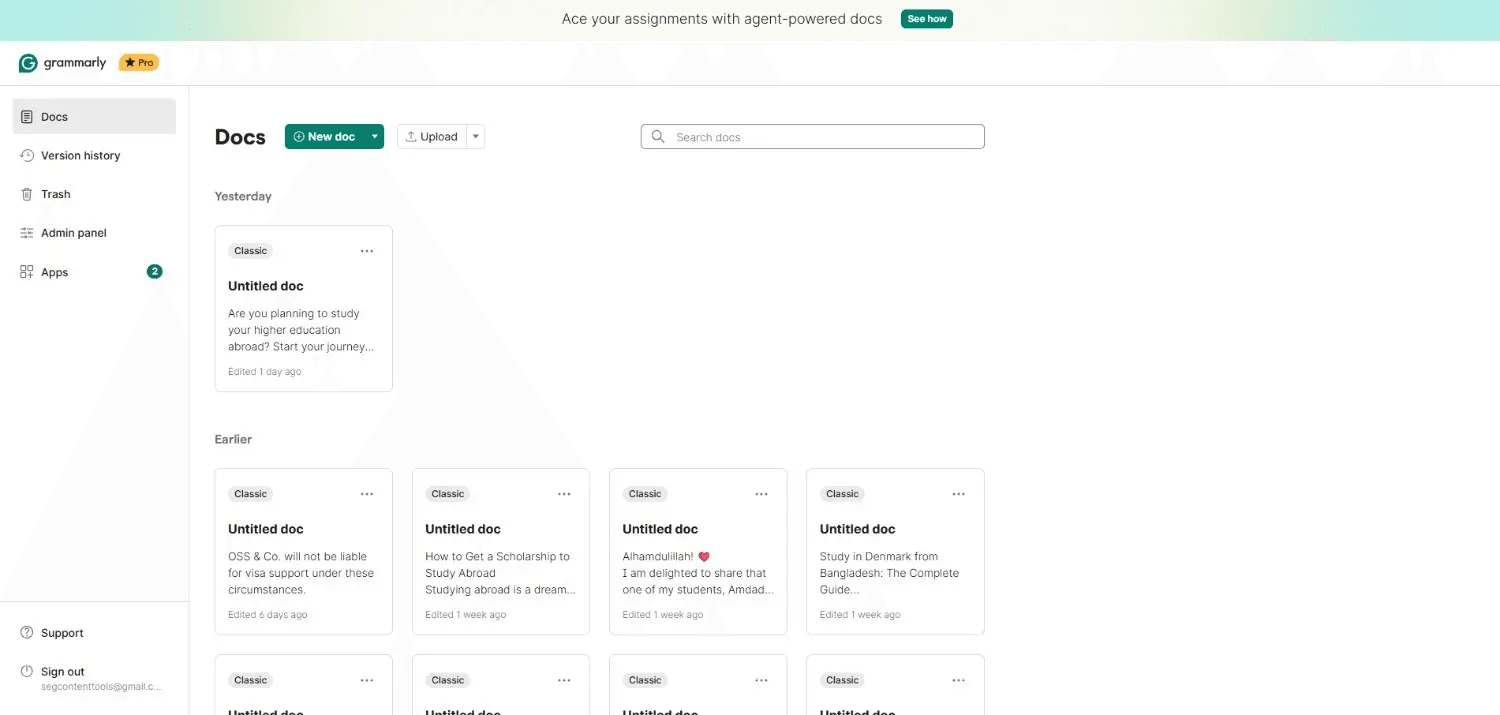
6. Grammarly
Overview: Grammarly is a writing and grammar assistant with AI drafting features.
Key Features:
- Real-time grammar, spelling, and punctuation checks
- Tone, clarity, and conciseness suggestions
- Plagiarism detection built into Premium
Pros: Great for essay and short-answer writing across all subjects. Catches errors most students miss.
Cons: AI-assisted writing can produce work that gets flagged by school detection tools. Grammarly tends to sanitize the text too much, taking the human personality out.
Pricing: Free basic. Premium at $12/month.
7. Photomath
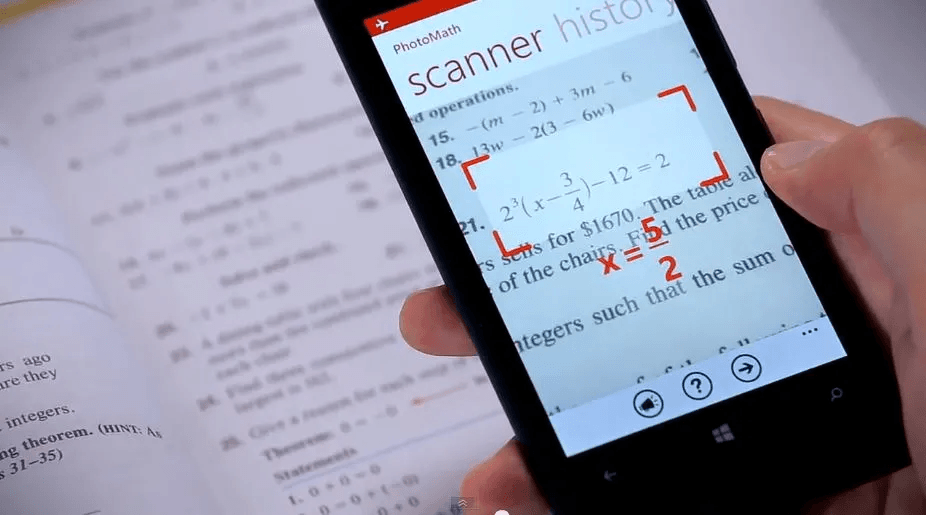
Overview: Photomath uses your phone camera to scan and get step-by-step solutions to math problems.
Key Features:
- Camera-based problem scanning that reads handwritten or printed math
- Step-by-step solution walkthroughs, not just answers
- Interactive graphs for functions, equations, and inequalities
Pros: Algebra, geometry, and calculus problem-solving. Explanations are actually clear.
Cons: Less useful for conceptual math beyond problem-solving.
Pricing: Free tier. Plus at $9.99/month.
8. Wolfram Alpha
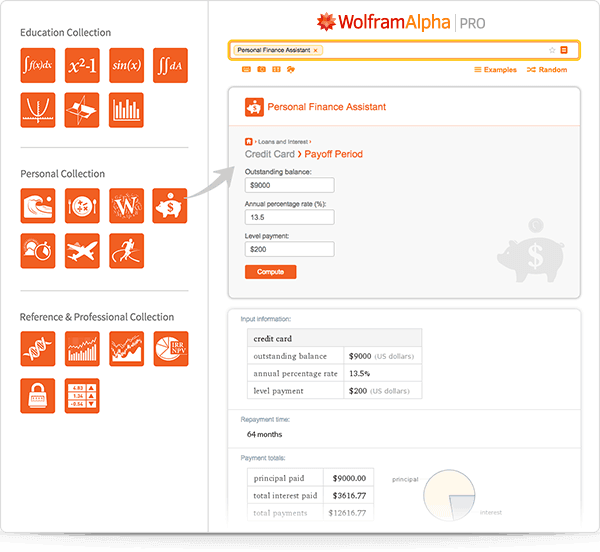
Overview: Wolfram Alpha is a computational knowledge engine that solves math, chemistry, physics, and statistics problems by actually computing them.
Key Features:
- Symbolic math for algebra, calculus, and differential equations
- Chemistry, physics, and unit conversion tools
- Data plotting, statistics, and step-by-step solutions with Pro
Pros: Ideal for anything numerical or scientific that needs actual computation. More powerful than any calculator you'll use in high school, and one of the only tools that will show you working steps for higher-level math.
Cons: The interface is dated and can feel overwhelming when you're just trying to get a quick answer.
Pricing: Free basic. Pro at $7.25/month.
9. Perplexity AI
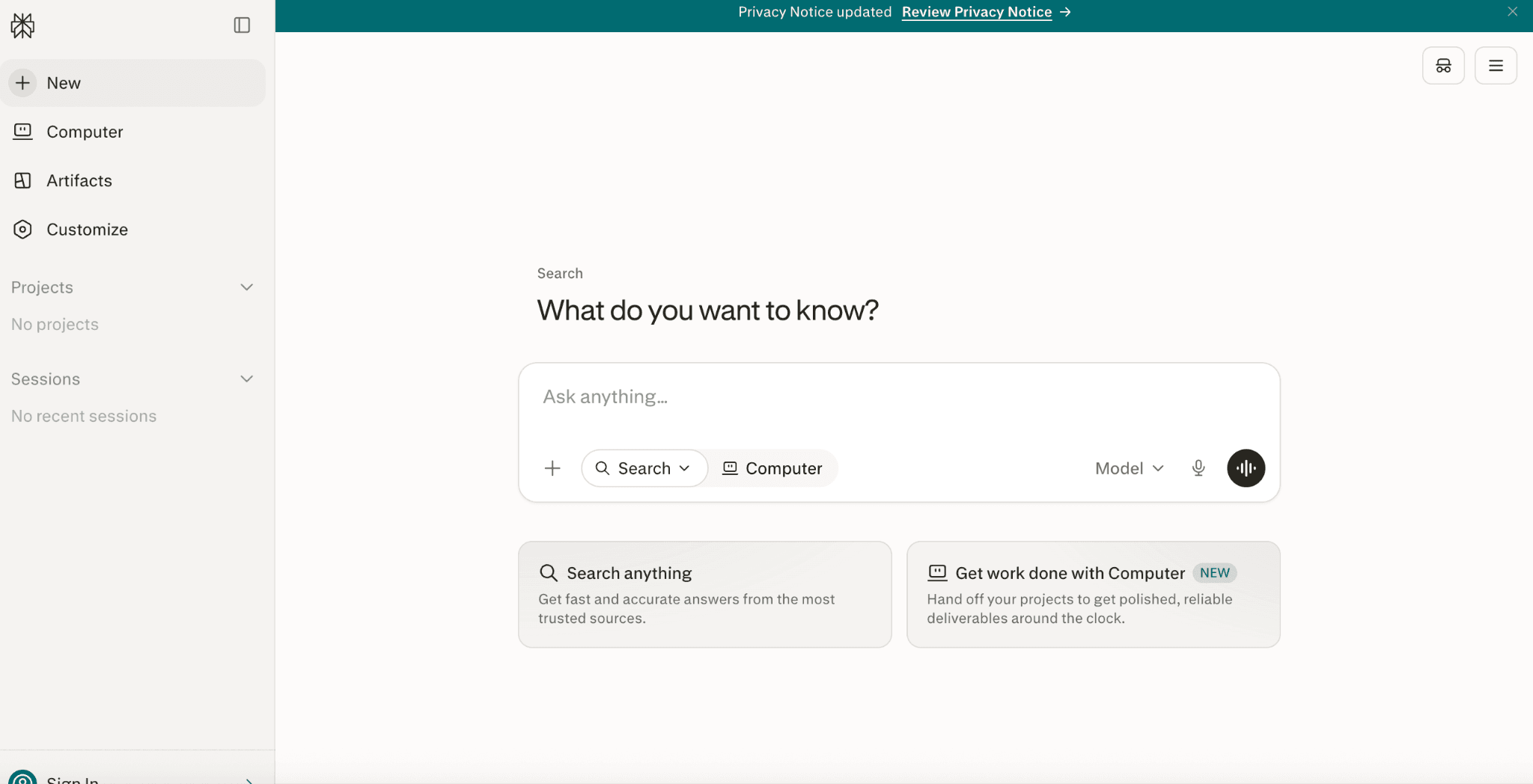
Overview: Perplexity AI is an AI-powered search engine that gives you cited answers instead of a link list.
Key Features:
- Real-time web search with inline source citations
- Follow-up questions that build on your search context
- Focus modes for academic, YouTube, Reddit, or general web
Pros: Great for research assignments where you need sources. Every response comes with links you can verify, which makes it easier to catch AI mistakes.
Cons: The AI sometimes summarizes too much, flattening important nuances from the source material
Pricing: Free. Pro at $20/month.
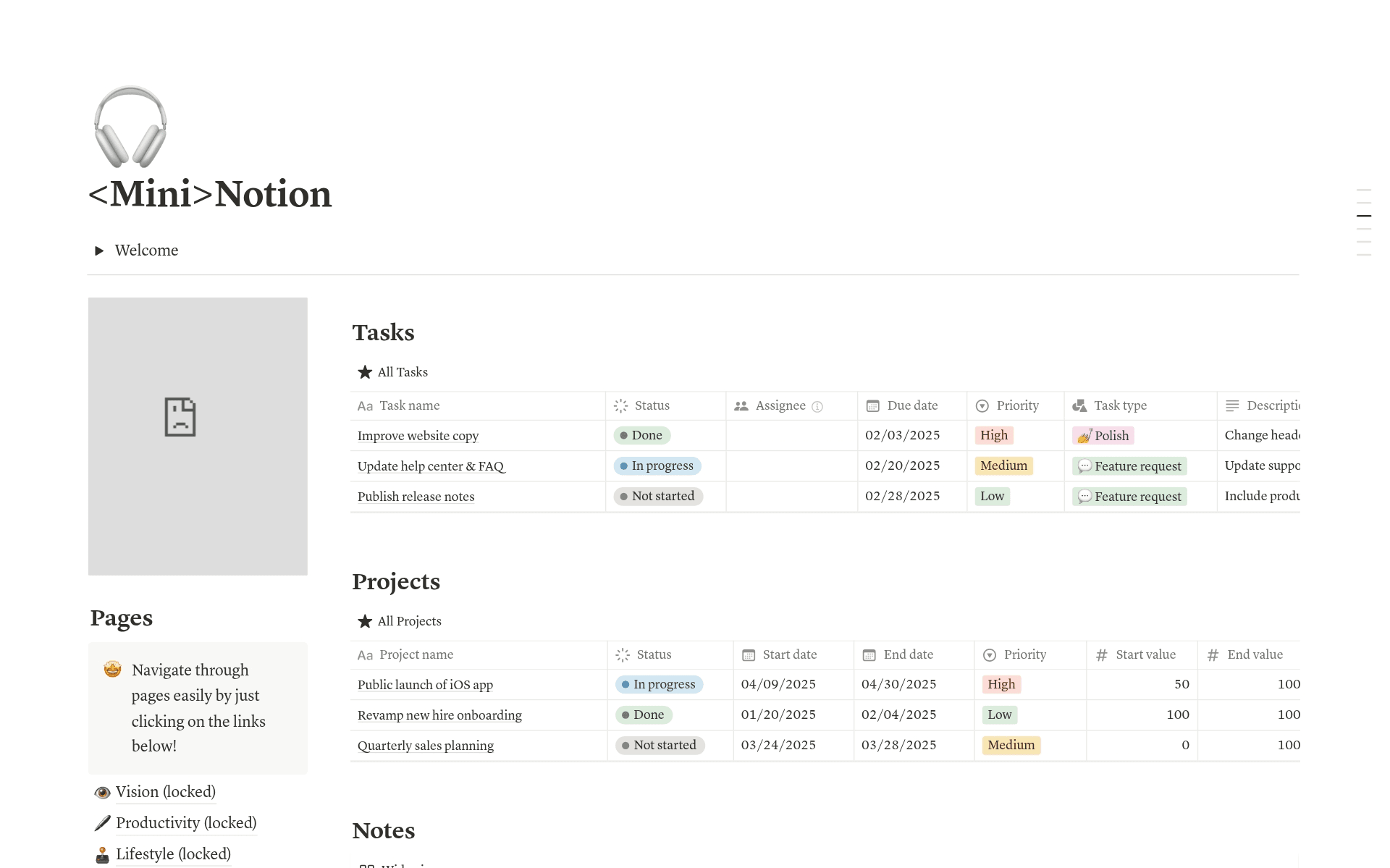
10. Notion (with Notion AI)
Overview: Notion is a flexible note-taking and workspace app with AI features layered on top.
Key Features:
- Flexible pages, databases, and templates for any workflow
- Notion AI for summarizing, rewriting, and drafting inside your notes
- Full education plan free for students with an .edu email
Pros: Excellent for organizing assignments, notes, and calendars in one workspace.
Cons: Not purpose-built for studying, so it lacks the features that actually help you learn: no spaced repetition, no flashcard review modes etc...
Pricing: Free for students.
11. Anki
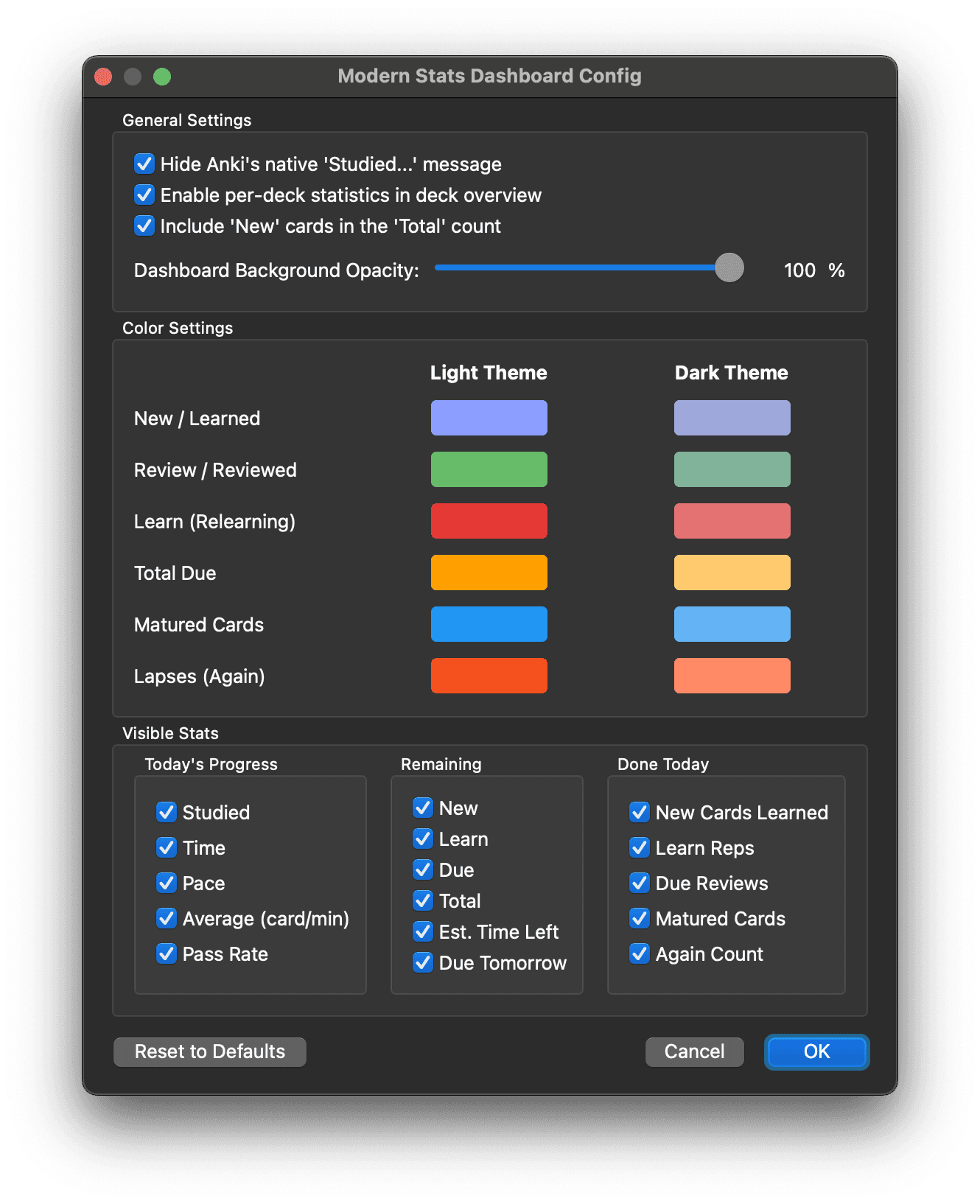
Overview: Anki is an open-source spaced-repetition flashcard app that has been the long-time favorite of serious students.
Key Features:
- Highly customizable spaced-repetition algorithm
- Massive library of community-shared decks (languages, med, law, and more)
- Cross-device sync between desktop, mobile, and web
Pros: Excellent for long-term retention of factual material. Free on most platforms and very customizable.
Cons: Steep learning curve. The iOS app is $25.
Pricing: Free on desktop and Android. $24.99 one-time on iOS.
12. NotebookLM
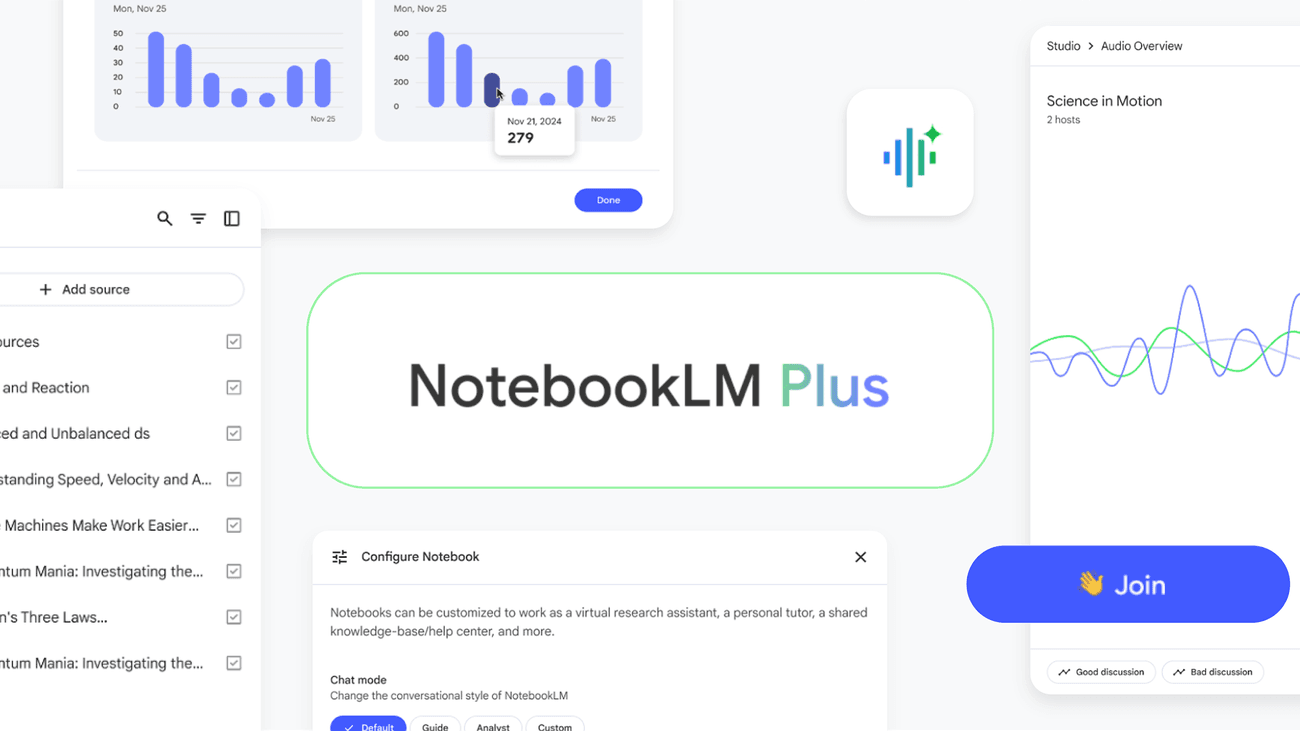
Overview: NotebookLM is Google's AI notebook that lets you upload sources and generate summaries, study guides, and podcast-style audio overviews.
Key Features:
- Source-grounded AI that only answers from what you upload
- Audio overviews that turn dense readings into podcast-style summaries
- Source citations linked to every AI response
Pros: Great for turning a stack of readings into a study guide fast. The audio overviews are also genuinely fun for learning on the go.
Cons: Limited note-taking features, so it works better as a reader than a workspace.
Pricing: Free.
If you want a broader roundup, our list of the best AI study tools covers additional options for college and grad students. For flashcards specifically, the best flashcard makers comparison ranks the major options side by side.
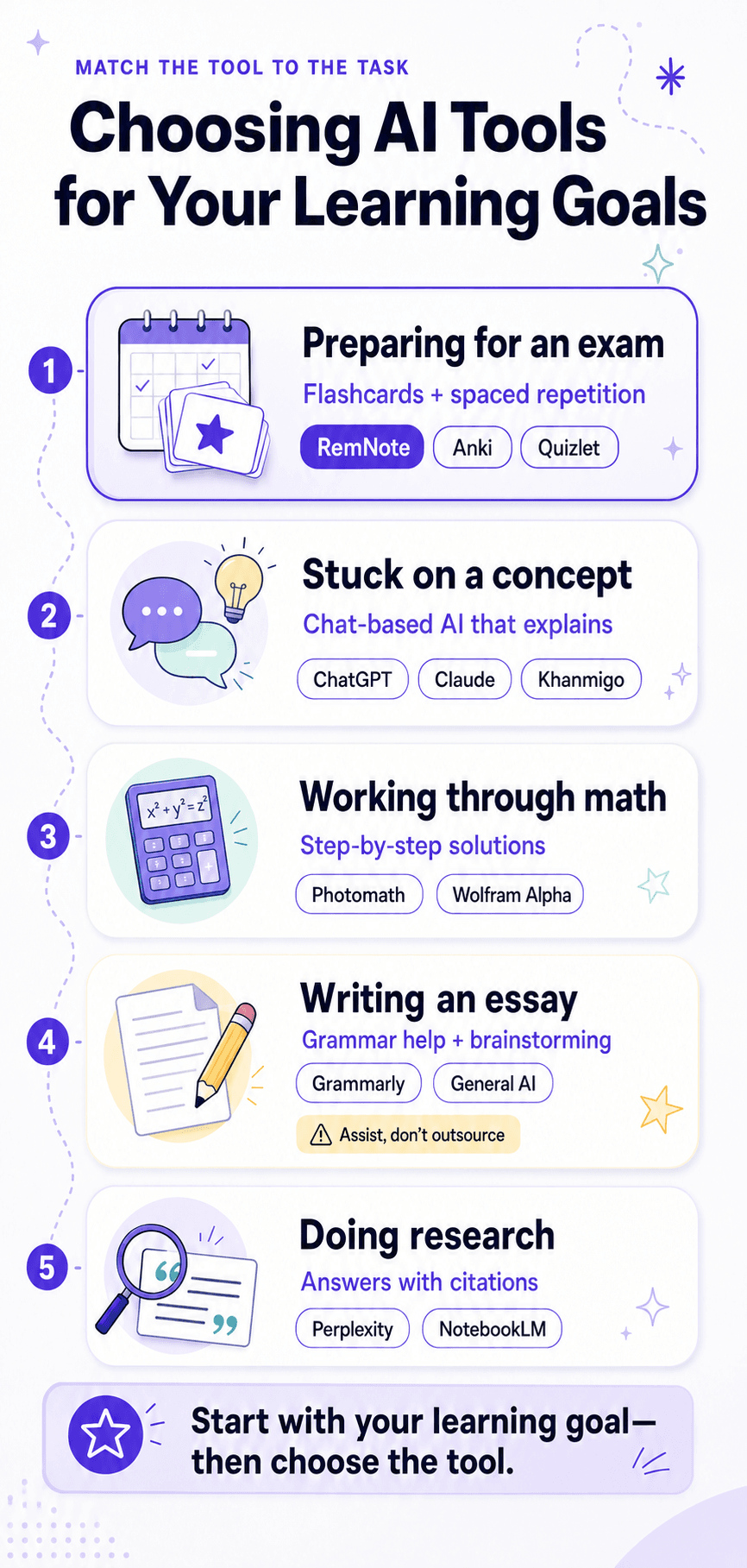
Choosing AI Tools for Your Learning Goals
How to Use AI Responsibly in High School
Sometimes the line between appropriate use and plagiarism or cheating can get blurry- especially with AI helping you along the way. To stay out of trouble we recommend you follow these simple guidelines:
- Use AI to expand or explain not to create an answer from scratch. It can walk you through concepts, but you should create and finish the work.
- Check your school’s AI policy or ask your teacher for the school rules around AI.
- AI can make things up. These are called hallucinations, so make sure you double check all sources and facts that come from open LLMs.
- If you didn’t write it, don’t submit it. Its a good idea to use an accurate detector to make sure the work you are handing in is yours.
- Treat AI as your study partner- you still have to get the information into your brain and no AI tool can replace that.
How AI Supports Learning in High School
AI can support your learning in many different ways aside from studying. If you integrate this tool into your workflow as a student you can get support all across your tasks and learning phases. Here are a few examples:
Language learning
AI conversation partners can help you practice speaking and writing a language without the hassle of arranging and paying for tutoring.
Writing across subjects
AI can generate outlines, brainstorm angles, and suggest revisions. Remember to use it to expand or carify your thinking, not replace it altogether.
Math and science problem-solving
Tools like Photomath and Wolfram Alpha walk you through worked examples the way a good teacher would, so you can fully understand a concept and solve future problems.
Personalized study plans
AI can take a syllabus and an exam date and turn it into a realistic day-by-day study plan. Just be cautious as it tends to be over-optimistinc and can create an unsustainable plan.
FAQs
How do you choose the right AI tool for different academic tasks?
The best place to begin is your specific task. Analyze what you need to accomplish and then evaluate the tools based on how easy/ hard they make it for you to do that. Flashcards and memorization work best in tools built for spaced repetition (RemNote, Anki, Quizlet). Concept explanation works best in general-purpose AI (ChatGPT, Claude, Khanmigo). Math problems need dedicated tools (Photomath, Wolfram Alpha). Writing tasks benefit from grammar assistants (Grammarly). Most students use two or three tools together.
Are AI study tools free for students?
Most AI tools have a free tier or are free for students. If you want access to full features that’s going to cost you anywhere from $5 to $20.
Is it okay to use ChatGPT for homework?
It all depends on how you use it and the assignment. Using ChatGPT to explain concepts, get practice questions, explore different angels, or do research is fine and can be helpful. Using the tool to generate answers or replace your own thinking is probably not going to serve you in the long run and may even violate some school policies.
Which AI tool is best for high school students overall?
Most high school students have a few tools that they rotate through precisely because no one tool does it all. ChatGPT and Claude are strong for concept explanation. Khan Academy is strong for curriculum-aligned learning.