
5 Best Flashcard Makers for Smarter Studying in 2026

Study after study confirms that active recall instead of passively rereading leads to better retention.
And flashcards are the best way to recall something actively. If you have made flashcards before, you know that manually making them takes hours and leaves you too exhausted to even start studying.
But you don’t have to go that route anymore. We now have dedicated AI tools for automatically creating flashcards from your study materials like notes, PDFs, etc.
We evaluated multiple flashcard makers based on different parameters and came up with this guide that covers the top 5 platforms.
But before we start with the list, here are some basics of AI flashcard generators and how we curated our list. By the end, you'll also find best practices for studying with AI-generated flashcards.
What is an flashcard maker?
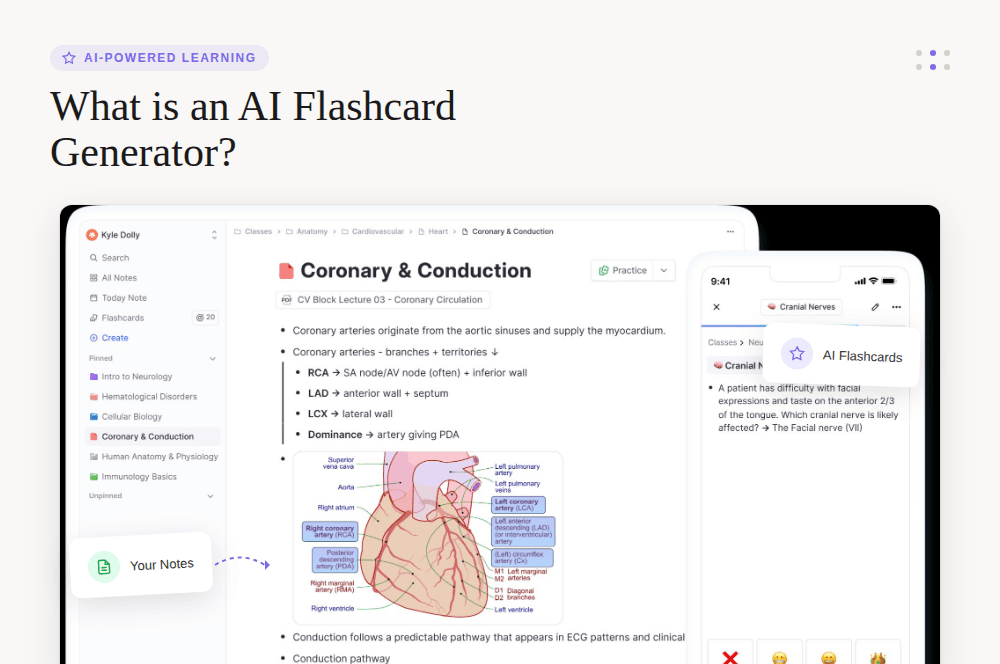
Flashcard makers like RemNote use artificial intelligence to turn your notes, PDFs, lecture recordings, and even textbook photos and scan through them using natural language processing to identify key concepts, definitions, relationships, and facts worth testing yourself on. Then they generate question-and-answer style flashcards for you.
The better AI flashcard makers will create cards that push you to recall concepts in your own words or apply what you have learned to new scenarios, too.
These tools also offer different card types beyond the basic question-answer pairs, such as cloze deletions and multiple choice questions.
Flashcard makers aren’t only for students. They can even help working professionals studying for certification exams, medical professionals maintaining their expertise, or career switchers learning new skills.
Basically, if you've got source material and things worth remembering, you’ll find AI flashcard generators to be valuable.
However, it’s important to remember that while these tools handle the heavy lifting of creating your study materials, the actual learning still requires you to show up and put in consistent practice.
How the AI flashcard tools were evaluated
Before adding an AI flashcard maker to this list, we made sure the tool checks three factors.
- Input flexibility: The more file types the tool supports, the better. Support for handwritten notes is a bonus.
- Automation: The tool should be able to generate flashcards even from complex topics. It should also be able to generate multiple types of flashcards.
- Learning support: The tool should have spaced repetition scheduling. Even better if it can explain what’s on the card.
Top 5 AI flashcard makers in 2026
| Tool | Best For | Free Plan | Pricing (Monthly) | Rating (Google Play Store) |
| RemNote | Taking notes and practicing flashcards in one place | Yes (forever free) | Pro: $10/mo, Pro with AI: $20/mo | 4.5/5 |
| Knowt | Students who want free AI features | Yes (with ads) | Ultra: $19.99/mo | 4/5 |
| Quizlet | Massive library of flashcard sets | Yes | Plus: $7.99/mo, Plus Unlimited: $9.99/mo | 4.1/5 |
| AnkiDecks | Fast creation of Anki flashcards | Yes (4 decks/mo) | Pro: $7.99/mo, Ultimate: $20/mo | 4.7/5 |
| Revisely | Printing your flashcards | Yes (no AI features) | Paid with AI: $6.99/mo | No ratings yet |
1. RemNote (Best for Taking Notes and Practicing Flashcards in One Place)
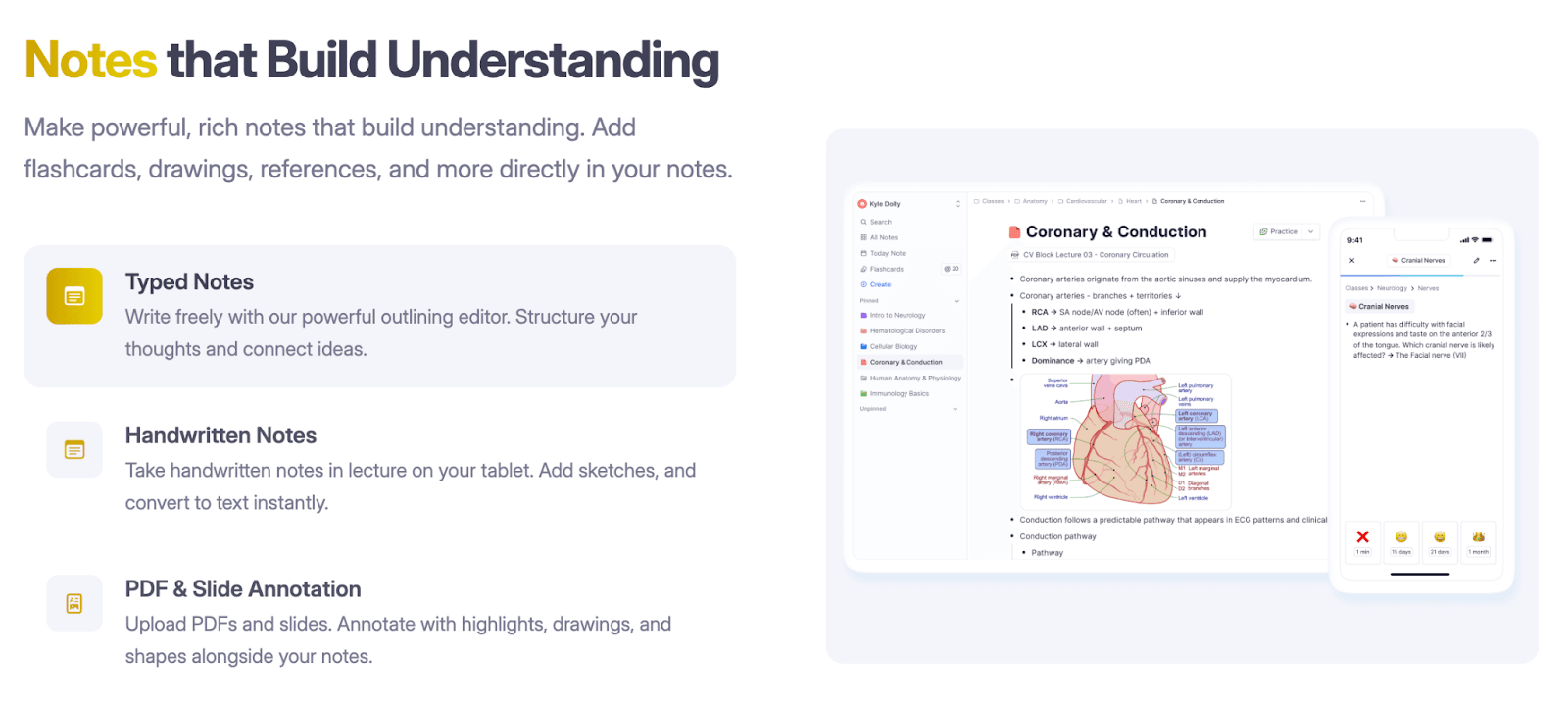
RemNote is a complete learning system built around spaced repetition and active recall.
You might already know it as a note-taking app.
But the tool also lets you turn any piece of information into a flashcard. And our flashcard features are very comprehensive.
Whenever you paste material into RemNote, the AI automatically generates a preview of potential flashcards from it.
You can review those flashcards on the left side of your screen and can uncheck any cards that don't feel useful.
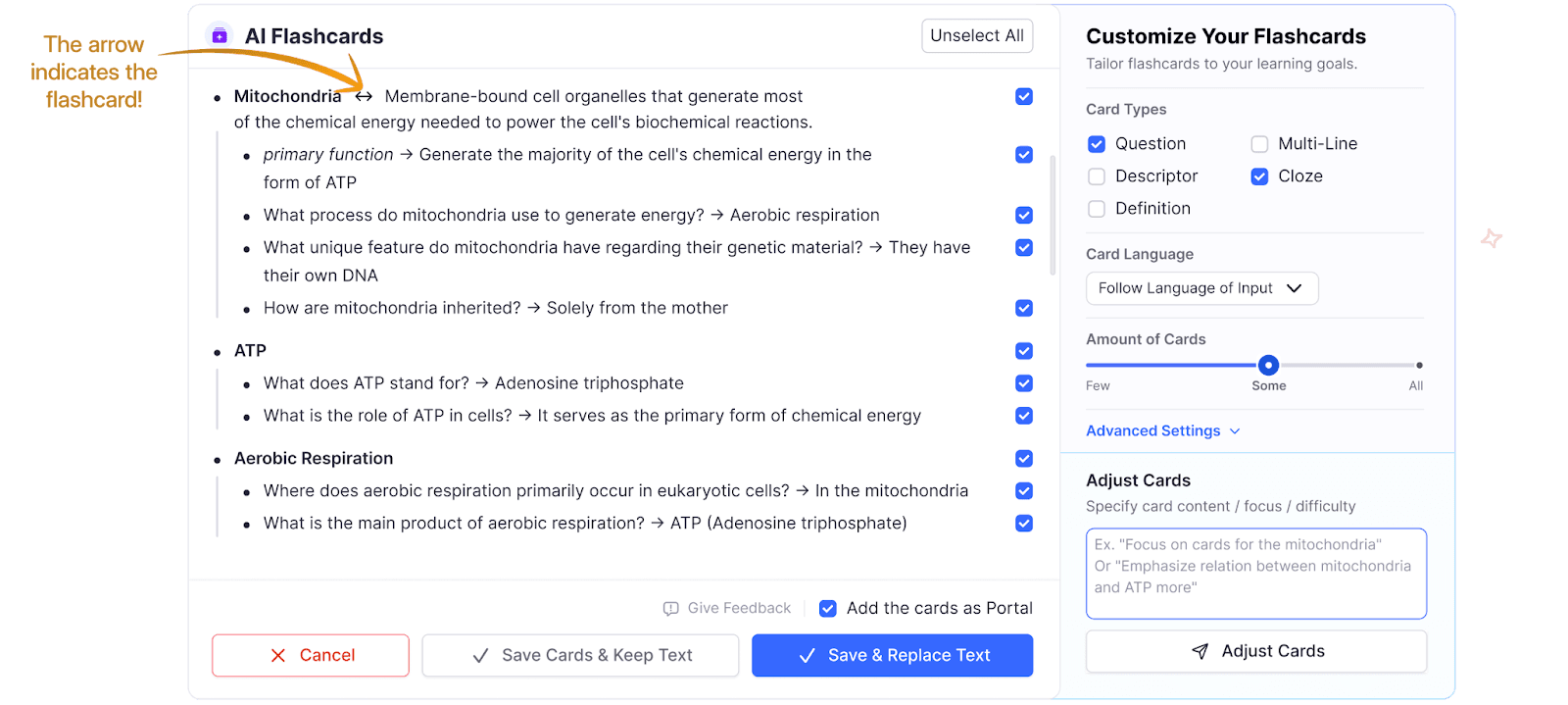
The panel on the right lets you specify which card types to use, change the language, and control the number of cards.
If the first batch of flashcards doesn't match what you need, you can add custom instructions in the advanced settings section to adjust different things about the cards.
RemNote includes an AI explanation feature too. Every generated card comes with the option to see a deeper explanation of the concept being tested. If you're confused during practice, you can ask questions about individual cards and get clarification without leaving the app.
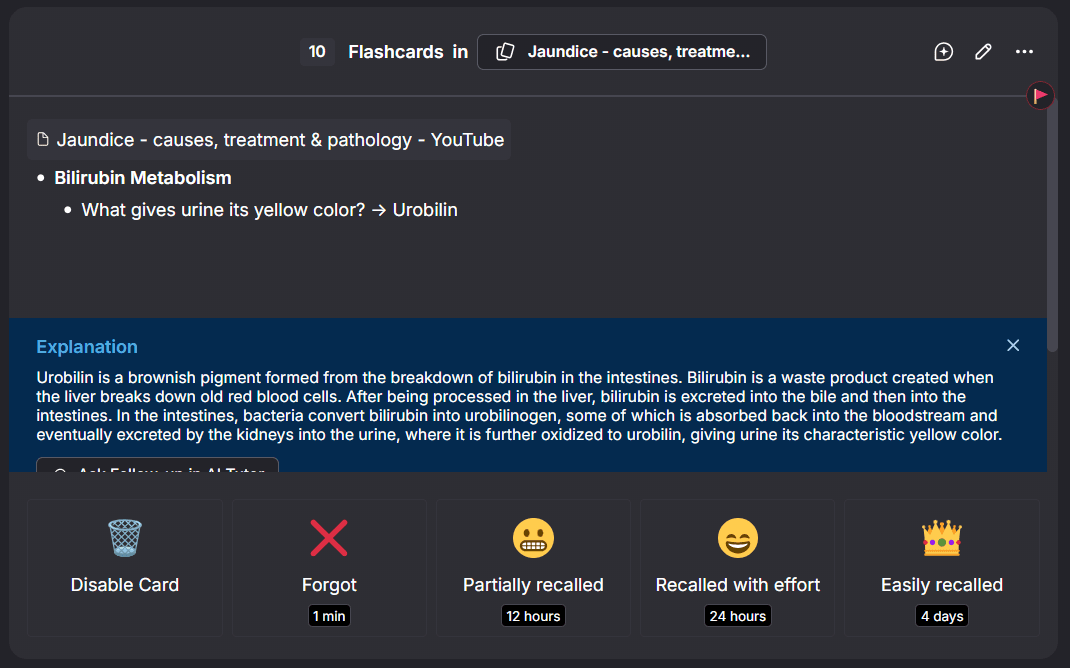
But that’s just the basics. RemNote has a separate dashboard for flashcards only. Here’s a walkthrough video of RemNote’s flashcard dashboard.
Key Features
Support for multiple card types: Questions, multi-line, descriptor, cloze, definition
The system lets you preview cards before committing. You can remove duplicates or unclear questions before adding them to your study queue.
Image occlusion is available. You can create flashcards that hide parts of diagrams, charts, or anatomical images and test yourself on what's obscured.
Documents containing flashcards are categorized into:
- Active: For current classes or learning projects, these cards appear first in the global queue.
- Maintaining: For cards you want to retain but are not actively learning new ideas about.
- Paused: Cards that won't appear in the queue.
- No Priority: Newly created documents with flashcards are automatically added here.
You have multiple ways to practice the cards: Spaced repetition, practice all, practice all cards in order they appear in the document.
Comprehensive statistics:
- Daily practice chart
- Daily goal and streak
- A simulation based on correct/incorrect answers to help adjust practice habits.
- Cards added over time graph
Why do people love RemNote?
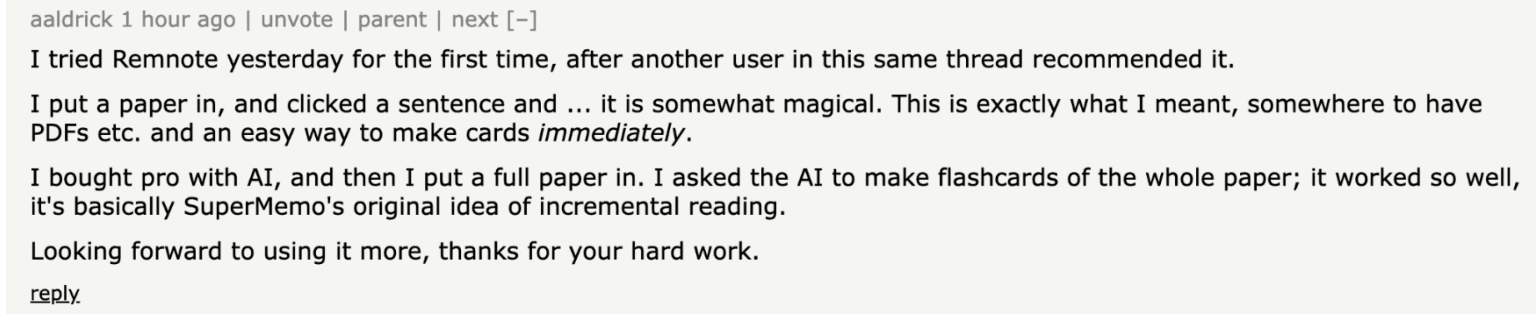
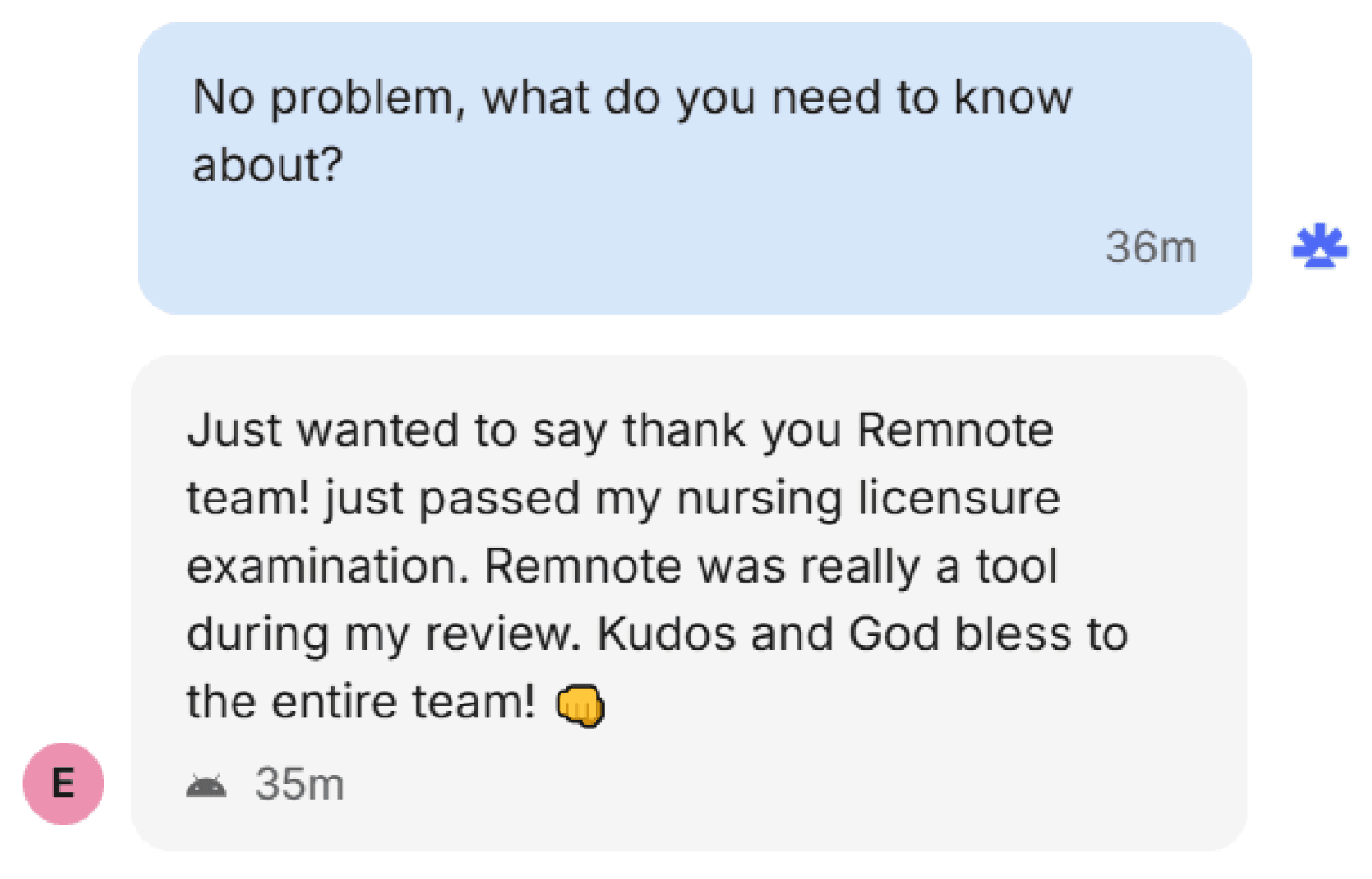
Pros & Cons
| Pros | Cons |
| Note-taking and flashcards in one place | Learning curve |
| Ability to edit what the AI generates | Lifetime plans include time-limited features |
| Comprehensive features and statistics | |
| Free demo of the entire tool with example docs and flashcards already there | |
| Availability across all platforms and devices | |
| Forever free plan with limited free trials for premium features | |
| 25% discount for students | |
| Lifetime plans |
Pricing
RemNote offers three pricing tiers:
- Free forever
- Pro: US$10/month
- Pro with AI: US$20/month
2. Knowt (Best for Students Who Want Free AI Features)
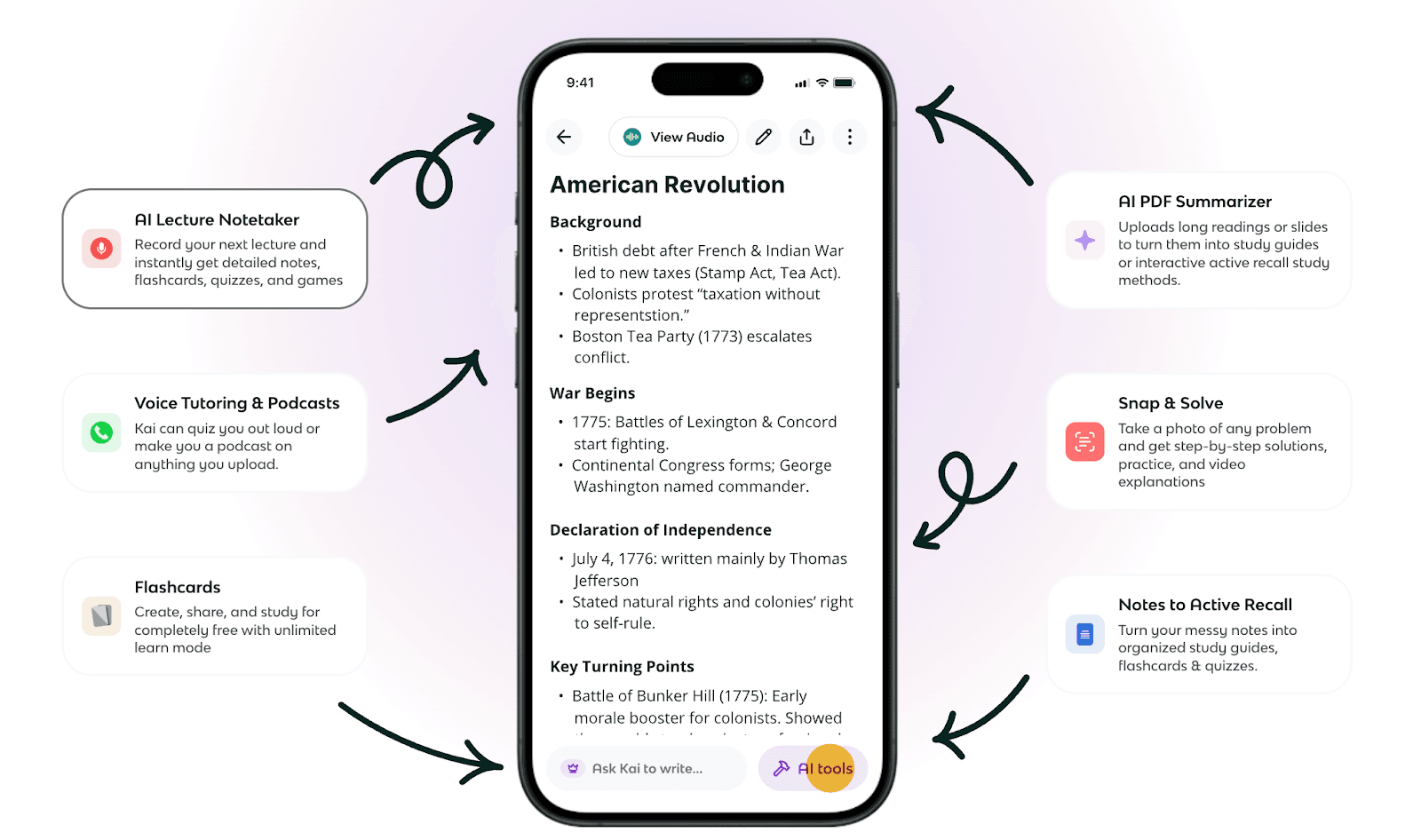
Knowt markets itself as the #1 free Quizlet alternative.
The free part is certainly true. Knowt offers a lot of functionality without charging anything. There’s a free plan for both teachers and students.
Knowt offers multiple small AI tools. But the main focus is flashcards. There are two ways to create flashcards. You can record lectures using the built-in AI recorder and make the tool instantly generate flashcards from it. Or you can upload your notes or paste text and ask the tool to make flashcards from it.
The system tends to create basic question-and-answer pairs rather than more complex card types.
There’s an import feature for Quizlet decks. If you've already built study sets on Quizlet, you can pull them into Knowt with a browser extension.
Knowt also includes an in-app AI assistant called Kai. You can chat with Kai to generate specific flashcards. You can specify how many cards you want, what topics to focus on, what format to follow, and more.
Key Features
- Can process PDFs, PowerPoints, Word documents, images, and even YouTube videos.
- Customize flashcard generation by talking with AI chatbot
- Support for spaced repetition
- Free AP study guides with flashcards and practice tests made by students who actually took the exams
Pros & Cons
| Pros | Cons |
| Genuinely useful free plan | Free plan shows ads |
| Beginner-friendly interface | AI sometimes generates cards that are too basic |
| Built-in lecture recording | |
| Teachers get features to track student progress with cards | |
| Import from Quizlet feature |
Pricing
- Free forever plan
- Ultra plan: $19.99/month
3. Quizlet (Best for its massive library of Flashcard sets)
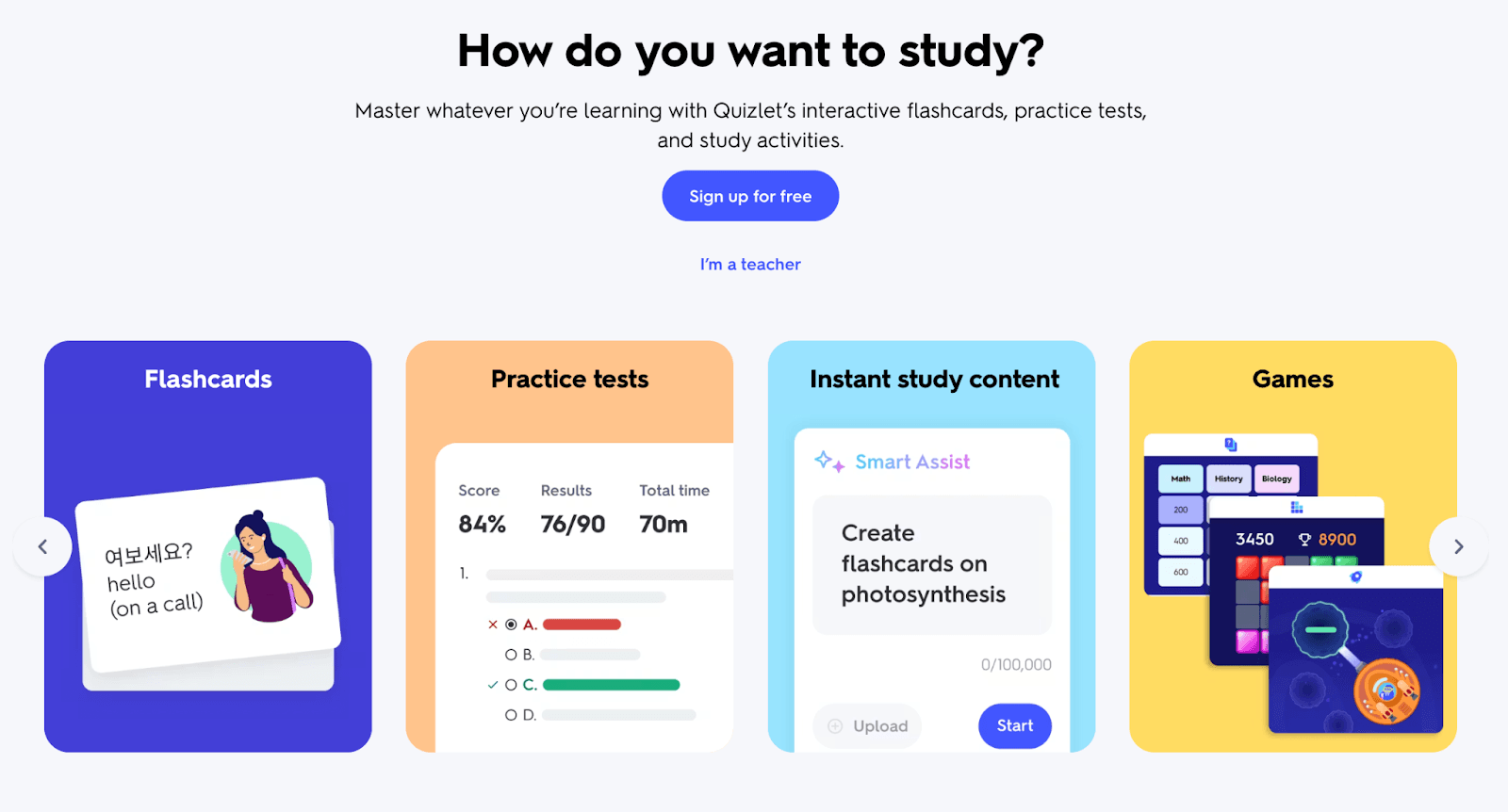 Quizlet has been around since 2005 and is one of the oldest names in digital flashcards.
According to the platform itself, users have created over 900 million flashcard sets on it across virtually every subject you can imagine. That massive library is Quizlet's biggest strength.
You can often skip the flashcard creation process entirely because you'll find hundreds of flashcard sets created by others on the same thing.
When you do want to create your own cards, Quizlet offers multiple ways to do that.
The traditional method lets you manually type terms and definitions. But now Quizlet has added an AI flashcard maker, too.
You can type or paste text, upload documents, or take a photo of your handwritten notes. The AI instantly converts them into flashcards. You can also just tell AI to create flashcards on a topic. After the AI generates flashcards, you get to edit, reorder, and add to them, too.
Key Features
- Massive flashcards library made by the community
- Four study modes
- Offline studying through the mobile app lets you review downloaded sets without internet access
- Classroom tools for teachers
- Ability to make picture-based flashcards
Pros & Cons
| Pros | Cons |
| The library of existing flashcard sets is unmatched | User-generated flashcards can have inaccurate information and other errors |
| The interface is easy to learn | The spaced repetition algorithm is basic |
| Mobile apps work smoothly with clean animations and intuitive gestures | Ads appear throughout the free version |
Pricing
- Free plan with a lot of access
- Quizlet Plus: $7.99/month
- Quizlet Plus Unlimited: $9.99/month
4. AnkiDecks (Best for Fast Creation of Anki Flashcards)
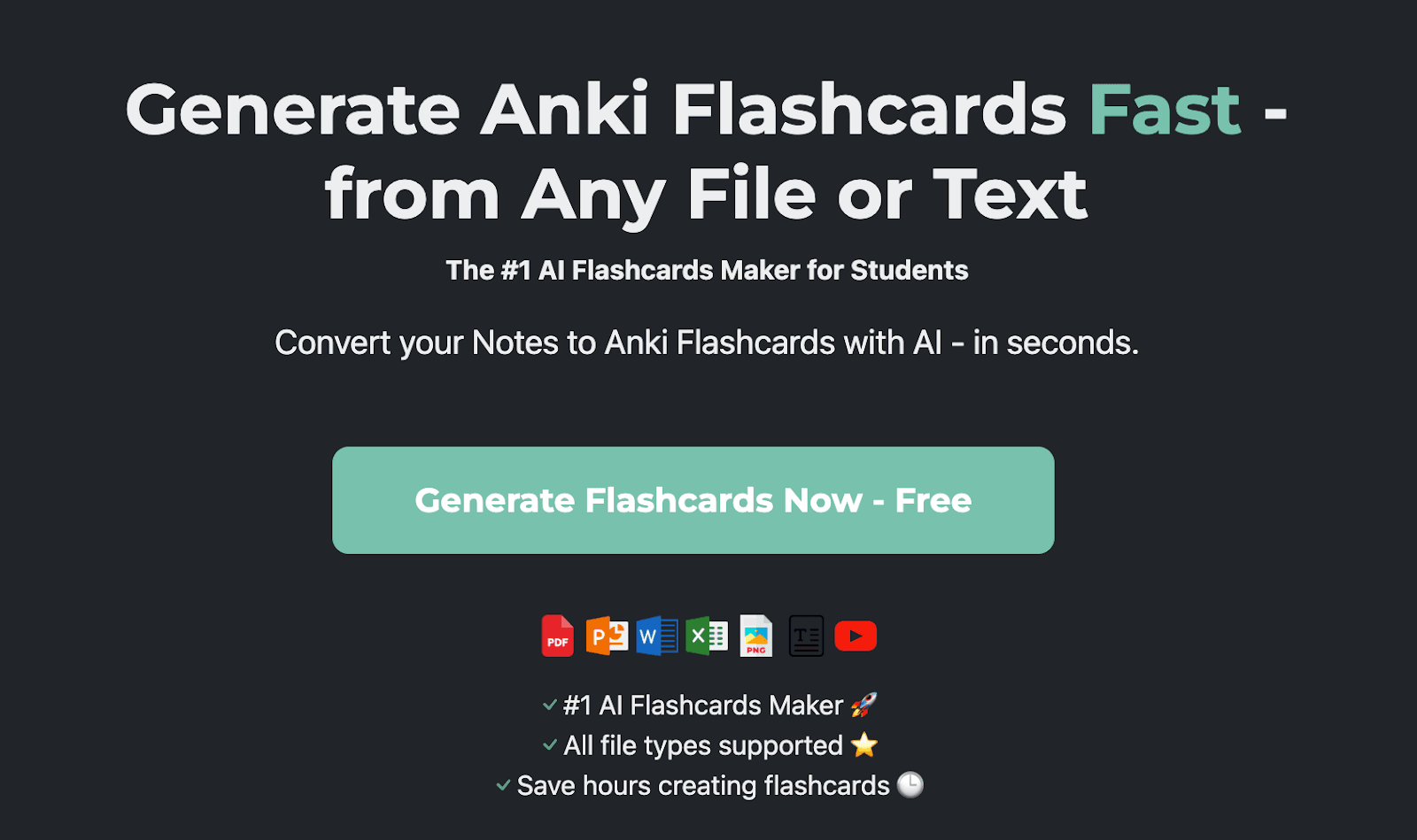
AnkiDecks is for people who already use or want to use Anki.
For those who are unfamiliar, Anki is a free, open-source flashcard program known for having the most sophisticated spaced repetition algorithm available. The only downside about Anki is that creating cards manually in Anki takes forever.
That’s why they created AnkiDecks.
The platform can create flashcards from a large number of file types, including:
- PowerPoint
- Word
- Excel
- Epub
- YouTube
- Image
- Audio
- Video
From these materials, the AI can create the following four types of flashcards:
- Question-Answer
- Cloze (Fill-the-blank)
- Multiple Choice
- Image Occlusion flashcards
The image occlusion feature deserves separate mention because it's unusually automated. Most platforms require you to manually draw boxes over parts of images you want to hide. AnkiDecks can do this automatically. The AI can identify key elements of an image, cover them with labels, and create occlusion cards without you drawing anything.
You can move your AnkiDecks flashcards to Anki to study them. Or you can practice on AnkiDecks itself using their implementation of the FSRS (Free Spaced Repetition Scheduler) algorithm, which is a modern alternative to Anki's SM-2 algorithm. However, most people who use AnkiDecks are Anki loyalists, and they export their cards to Anki.
Key Features
- Supports several file types
- Lets you create flashcards in over 50 languages
- Exporting cards to Anki maintains proper formatting and card structure
- Built-in study mode
Pros & Cons
| Pros | Cons |
| Automated image occlusion | Limits on everything (even on paid plans) |
| Extensive language support | Interface lacks refinement |
| Large file format type support | |
| Automated image occlusion |
Pricing
- Free plan (4 deck generations per month)
- Pro: $7.99/month
- Ultimate: $20.00/month
5. Revisely (Best for Printing Your Flashcards)
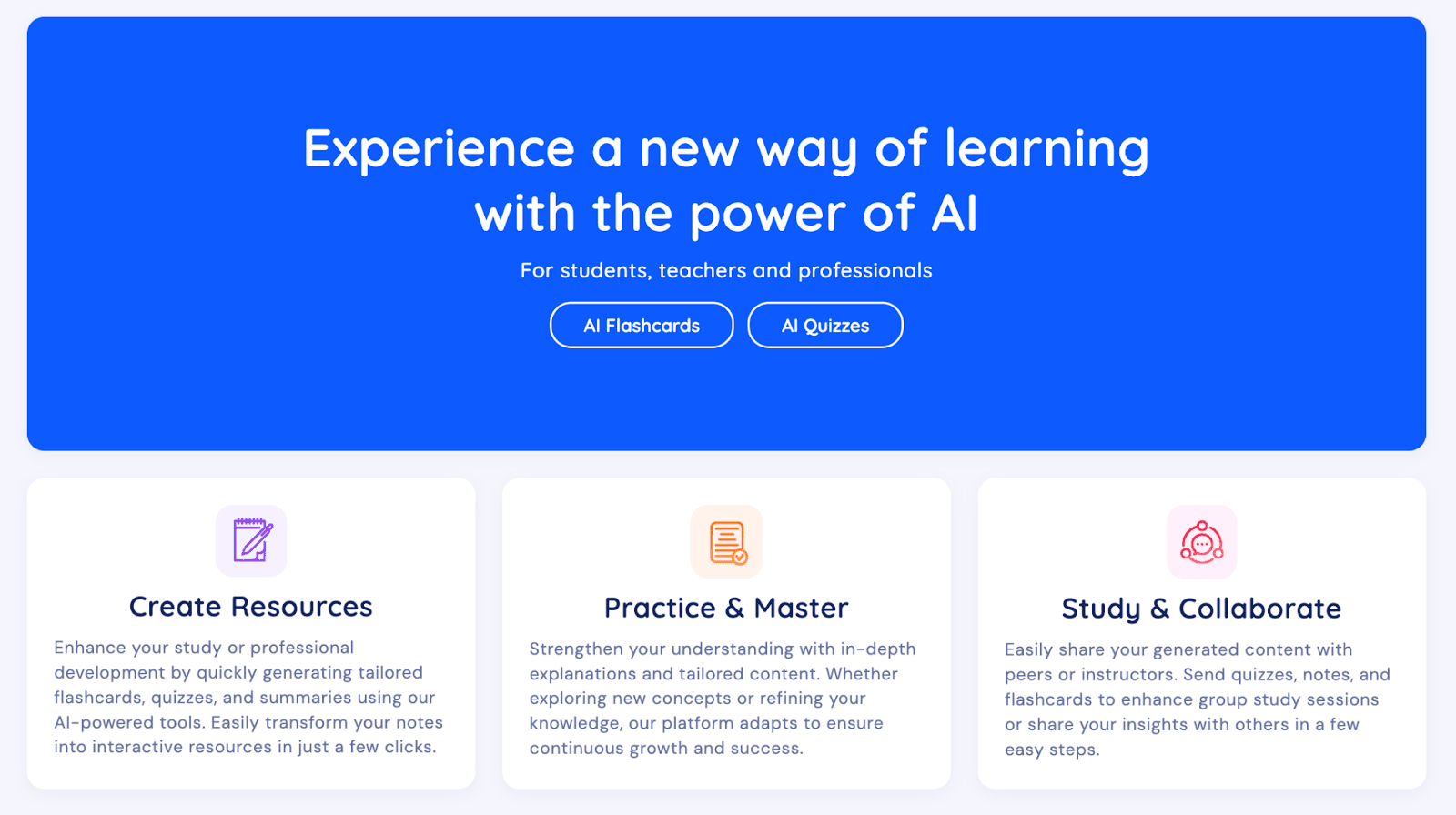
Revisely has three tools: an AI flashcard generator, a quiz generator, and a notes generator.
Its flashcard generator gives you the option to create flashcards from handwritten notes.
Like other tools, Revisely also lets you remove unclear or duplicate flashcards before you approve a batch. But these settings are basic.
Once you have practiced with the flashcards enough, you can enter exam mode to test your knowledge. The AI asks you questions and gives personalized feedback on your answers. The feedback basically tells you what you got correct and what you missed that you could have included in your answer.
Your Revisely flashcards can also be exported to Anki. Moreover, there’s a print option too. You can get your cards printed on one side of the paper and then paste the two sides of each card manually. Or you can choose double-sided printing and get both sides of the cards auto-aligned on both sides of the paper.
Key Features
- Make flashcards from handwritten notes
- Move your cards to Anki
- Print your flashcards
- Quiz yourself and get feedback
Pros & Cons
| Pros | Cons |
| Handwritten notes feature removes friction for people who don't type during class | Extremely limited free plan |
| Exam mode with personalized feedback improves your learning | Very basic flashcard generator |
| Affordable pricing |
Pricing
- The Basic plan is free and includes unlimited non-AI flashcards.
- A paid plan with AI flashcards costs $6.99/month.
How to choose the right AI flashcard generator for you
There’s no universal best AI flashcard tool. But make sure you look for the following factors to make a good choice.
- Subjects: If you're studying visual subjects like anatomy or geography, you need a tool with image occlusion features.
- All-in-one: Do you need an all-in-one platform with features for both note-taking and flashcard generation? Or do you want a standalone flashcard generator?
- Amount of control: Some platforms let you guide the AI with specific instructions or custom prompts. Do you need that, or do you need a tool that’s more automated and offers less room for customization? Basically, choose between speed and precision.
- Advancement: Do you expect the bare minimum? Or do you want a tool with a comprehensive flashcard hub having spaced repetition, progress tracking, and comprehensive stats? Only RemNote offers that in this list. AnkiDecks depends on Anki for that.
Best practices for studying with AI flashcards
The way you study with AI flashcards plays a big role in whether your learning will be effective.
Here are a few best practices to ensure that:
- AI tends to generate vague and sometimes wrong information. So make it part of the process to review the cards. Look for duplicates or cards with too basic or too complex knowledge. This is also why you should choose a tool that supports editing the cards.
- Active recall should happen before you flip a card. Actually try to remember the answer instead of immediately checking if you're right. You’ll struggle, and it’ll take time, yes, but that’s what builds memory.
- Most platforms include some version of spaced repetition or the Leitner system automatically. In this system, priority is given to cards that you’re bad at. The cards you know well or have mastered are reshown to you after longer intervals.
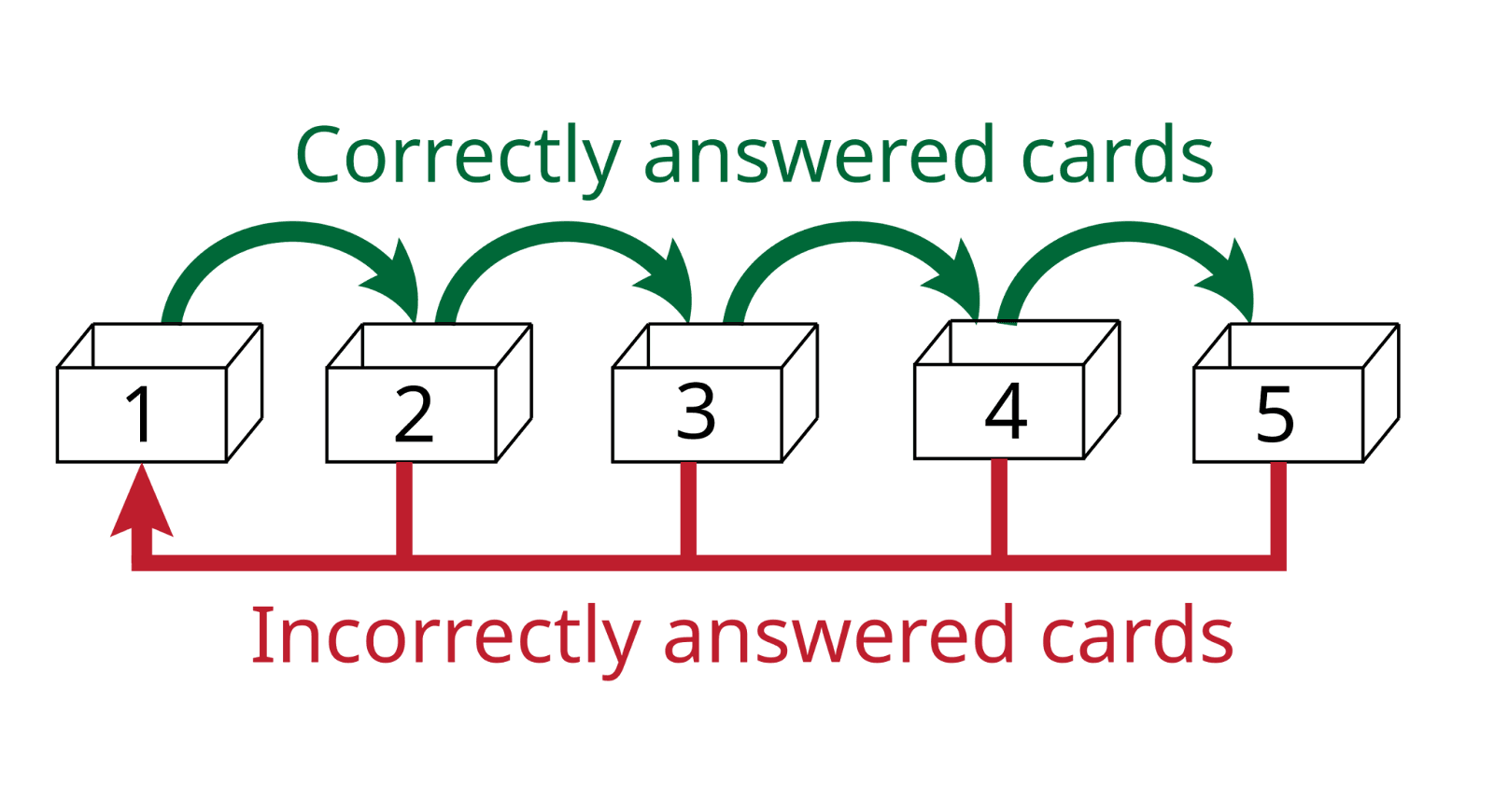
- When you get a card wrong, take some time to understand why you missed it. Identify the reason so you don’t repeat it the next time.
- Study in shorter sessions. Your brain can only maintain high-quality attention for so long. Longer sessions will ultimately have you mindlessly flipping through cards.
- Mix card types if your deck includes them to make sessions less monotonous and more engaging.
- If you're using a platform that allows notes or explanations, read them when you're struggling with a concept.
Why RemNote?
All AI flashcard makers in this guide can create flashcards from your materials.
But simply generating cards isn’t enough. The spaced repetition technique is an essential part of working with flashcards. So if you’re going for a tool from this list, make sure it has a good implementation of that algorithm.
RemNote happens to be the only option in this list to offer advanced flashcard features. We offer an entire hub just for organizing flashcards.
You’ll be generating, reviewing, practicing, editing, and tracking flashcards all from one dashboard.
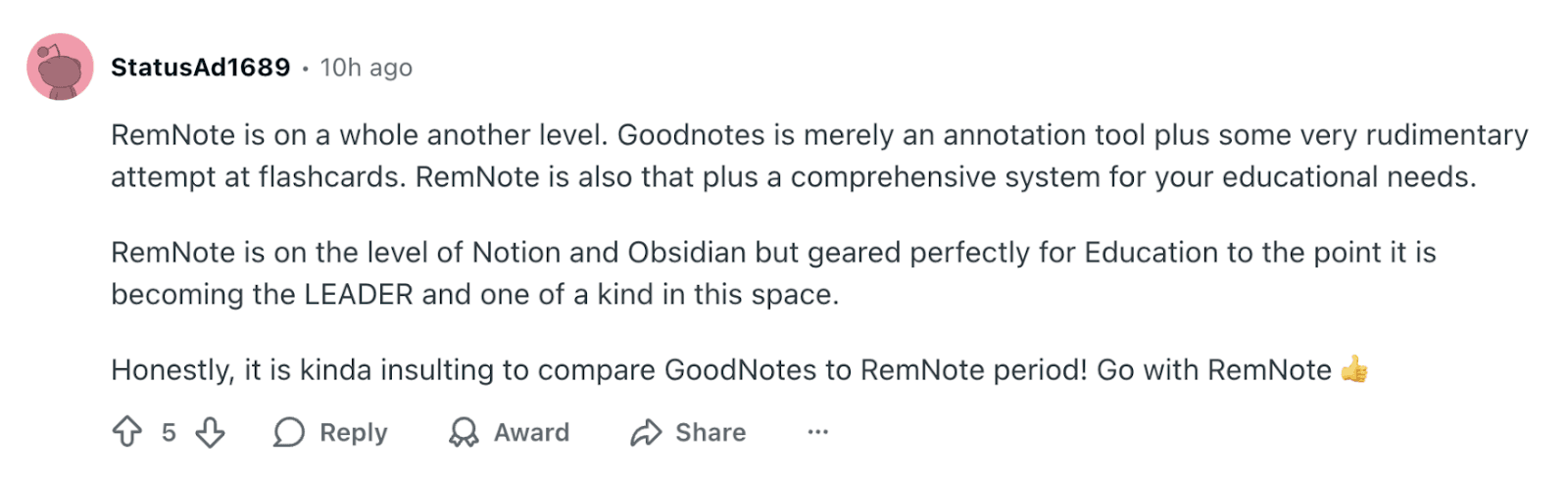
You can watch all RemNote tutorials for free on our YouTube channel. Or if you’re already convinced, sign up for RemNote for free now.
FAQs
What are the benefits of using AI flashcard generators?
The most obvious benefit of AI flashcard generators is that they save you hours of manual work. In addition, generating cards with AI also offers the benefit of covering a subject fully. The AI also catches concepts you might miss when creating cards manually. Other secondary benefits include eco-friendliness. You are not wasting materials that are going to be used a few times only.
What are the limitations and challenges of an AI flashcard maker?
AI-generated cards can often be too basic. Most tools only support basic definition cards by default. Only a few good ones, like RemNote create descriptive cards.
What's the difference between rule-based and LLM-powered flashcard generators?
Rule-based generators scan material and create flashcards from it in a formulaic way. They’re programmed to follow a fixed set of instructions, which is fine when you are working with structured textbooks, but they fail to detect important information in materials they aren’t programmed to scan.
LLM-powered generators, on the other hand, are basically AI. They can handle disorganized materials better and create more varied questions.
What's the difference between manual flashcards and AI-generated flashcards?
Manual flashcards force you to engage with the material. You decide what's important and how to phrase each question, which naturally helps you remember information before you even start reviewing. The trade-off is time spent creating cards.
AI flashcards happen in minutes. The AI extracts information and formats everything automatically. You save time, but you also skip the cognitive work that helps information stick.

