


Connect Your Ideas
Link notes together with references and tags. Find related ideas instantly, see connections you never knew existed, and build a knowledge base that grows smarter over time.
Join 1,000,000+ students getting higher grades!
Bidirectional Links
Every link works in both directions. Reference another note and it automatically knows you mentioned it. See all connections from any starting point: you'll never lose track of related ideas.
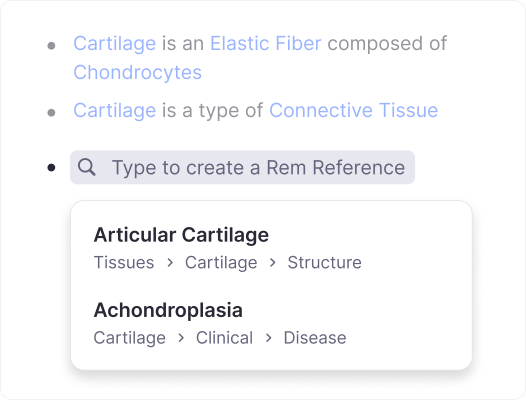
References for Instant Linking
Type [[ or @ to create a link to any note. Click to jump there, hover to preview, and always see the latest content, even if you rename the original.
Type [[
Instantly search and link to any note in your knowledge base.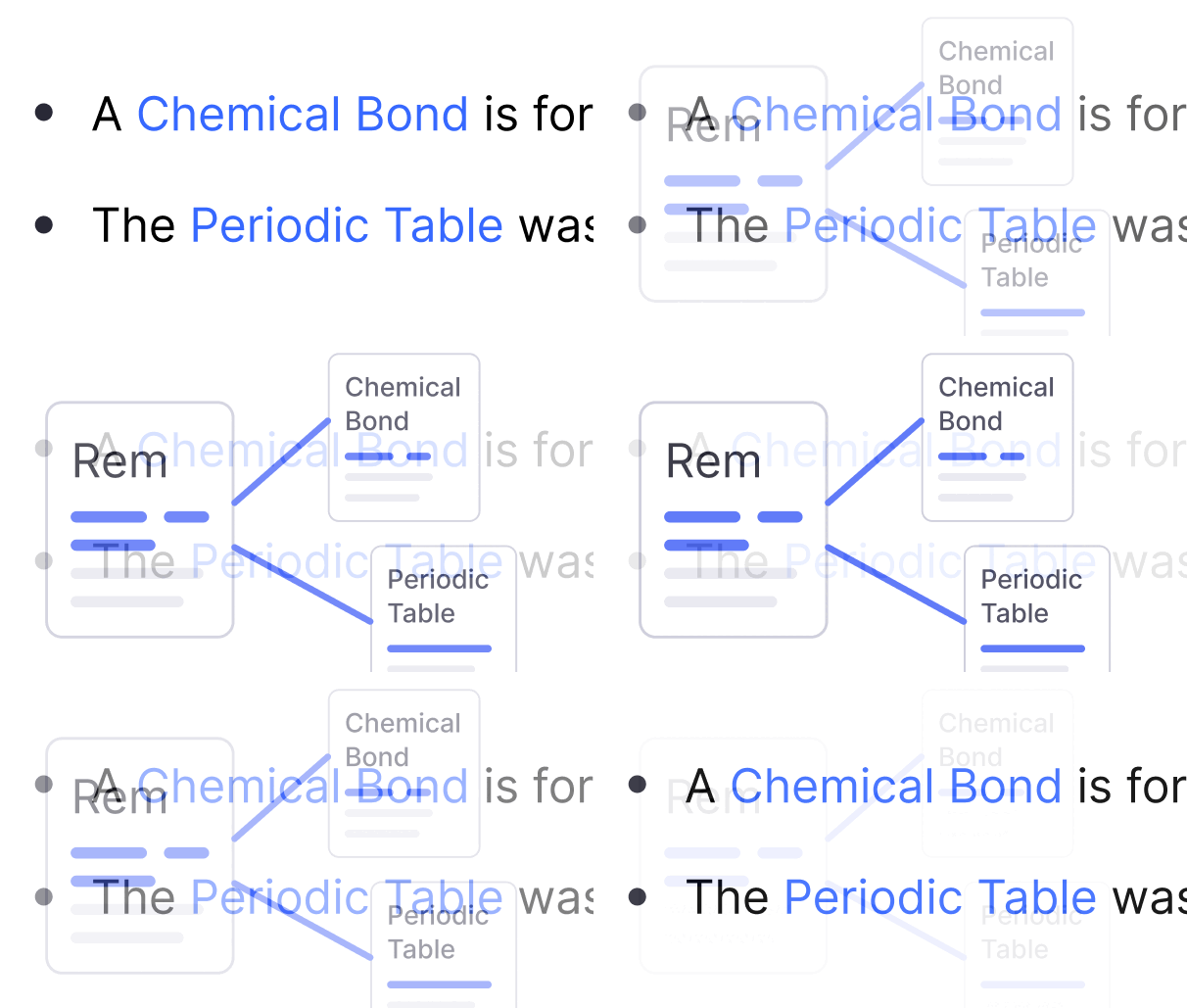
Click to Navigate
Jump to referenced notes instantly. Hold Shift to open in a new pane.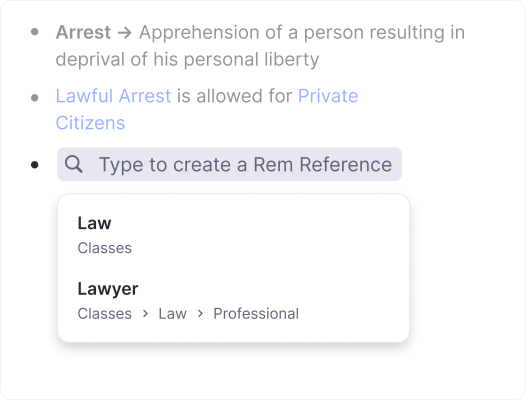
Auto Updates
Rename a note and all references update automatically. No broken links.
Tags for Organization
Categorize your notes with tags. Mark something as "Urgent", "Author", or any category you create. Filter by tag to see only what matters, and view all tagged items in one place.

Use Cases for Linking
References and tags help you build a connected knowledge base that matches how you naturally think and learn.
Medical Students
Link symptoms to diseases, medications to side effects. See connections across all your medical notes.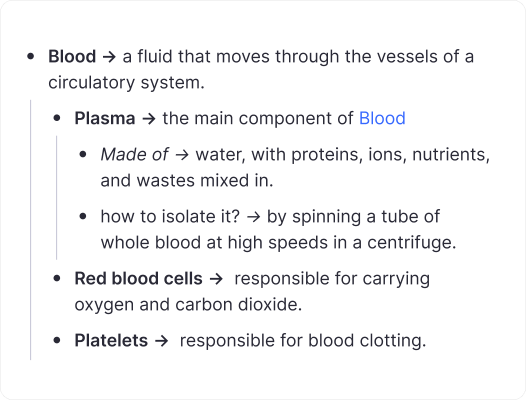
Research & Writing
Tag sources by topic, link quotes to arguments. Build a web of evidence for your papers.
Project Management
Tag tasks as "Urgent" or "Waiting", link meeting notes to action items. Stay organized without extra tools.
Join 1,000,000+ students getting higher grades!
Frequently Asked Questions
What is the difference between references and tags?
References are links to other notes that appear inline in your text, perfect for mentioning related concepts. Tags describe what kind of thing a note is (like "Urgent" or "Author").
Both create bidirectional connections, so you can always find related information from either direction.
How do I create a reference to another note?
Type [[ or @ anywhere in your notes. A search popup appears. Find the note you want and press Enter.
The reference appears as a clickable link that always stays up to date, even if you rename the original note.
How do I add a tag to a note?
Type ## while editing a note, then select an existing tag or create a new one.
Tags appear next to your note and help you categorize and filter your knowledge base.
What are backlinks?
When you reference note B from note A, a backlink automatically appears on note B showing it's mentioned in A.
Click the number bubble on any note to see everywhere it's referenced throughout your knowledge base.
Can I see all notes with a specific tag?
Yes! Click on any tag to see all notes tagged with it.
You can also filter documents by tag using Ctrl+F (Cmd+F on Mac) to focus on what's relevant.
Do references update if I rename a note?
Yes, automatically! All references to a note update instantly when you change its text.
You never have to manually fix broken links.

