


Instant Search Over All Your Notes
Never forget an idea again. Instantly search over all of your documents, folders, and notes to find any idea.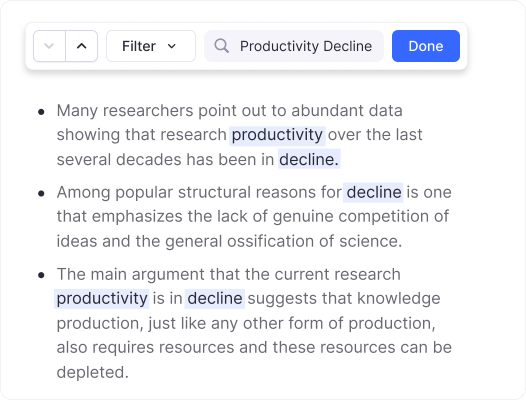
Join 1,000,000+ students getting higher grades!
Results in Less Than 500ms
Search results appear instantly as you type. Find any note, document, or idea in milliseconds, not seconds.
Powerful Fuzzy Search
Don't remember the exact spelling? No problem. RemNote's fuzzy search finds what you're looking for, even with typos.
Prefix Matching
Type the first few letters of multiple words to find matches instantly.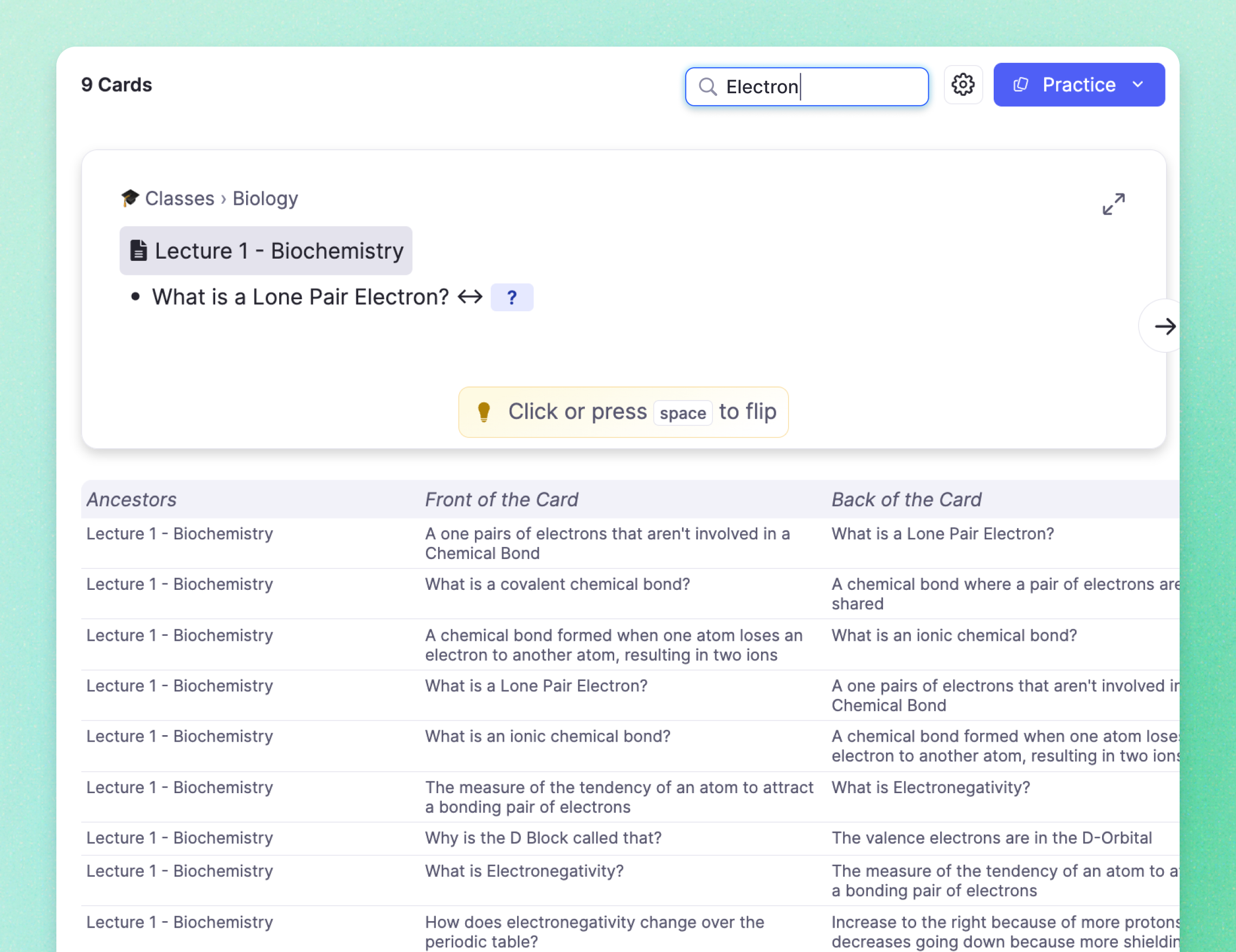
Partial Matching
Type a few letters to find long technical terms.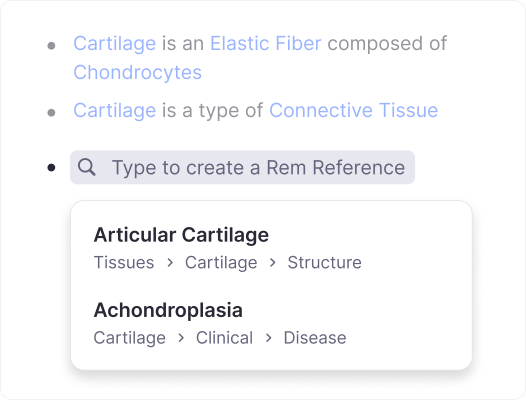
Smart Ranking
Most relevant results appear first, every time.Works Fully Offline
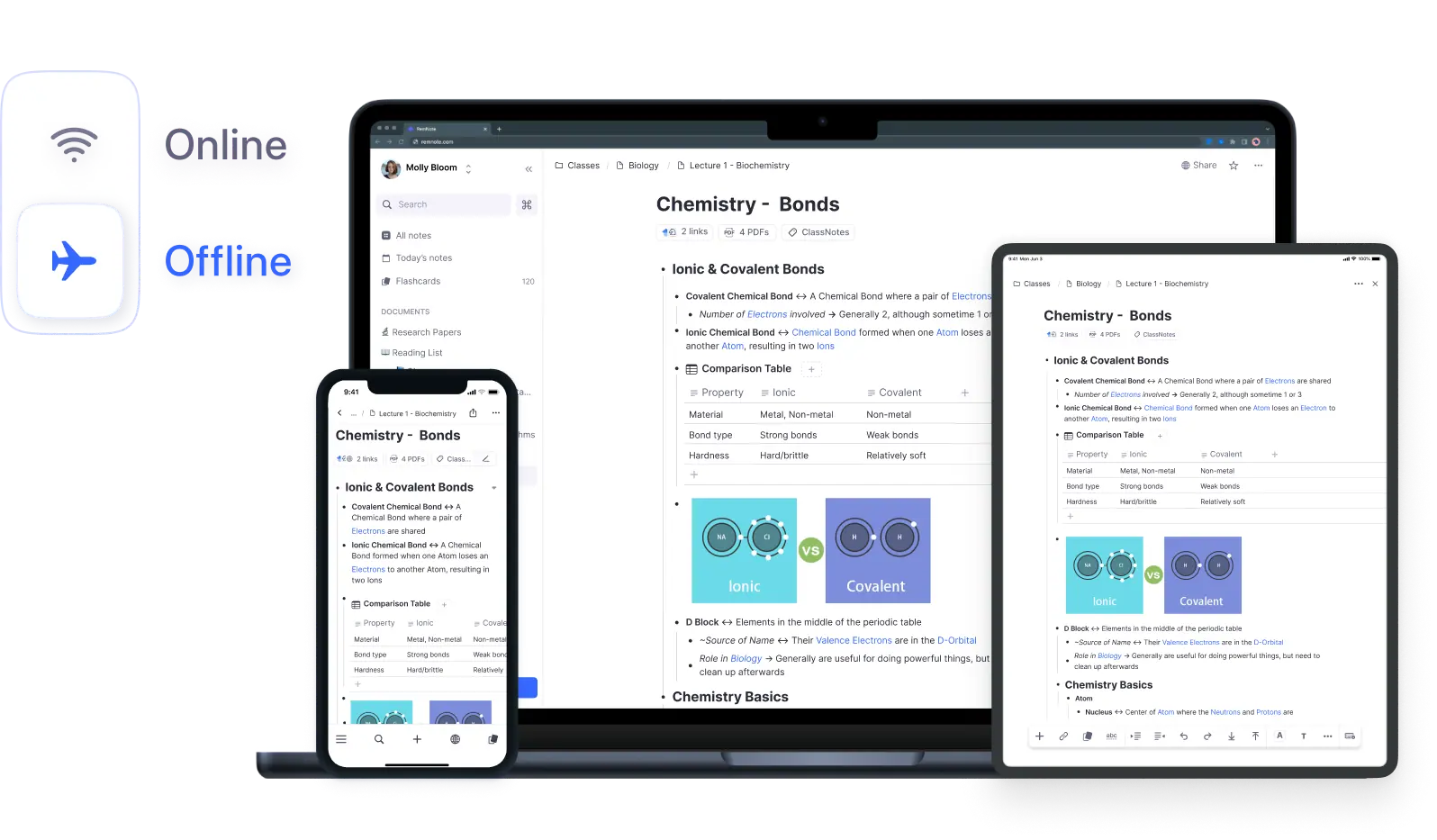
All your notes are stored locally. Search through everything even without internet, on planes, in cafes, or anywhere.
Access On Any Device
Your notes sync across all devices. Search your entire knowledge base from desktop, mobile, or web.
Desktop Apps
Native apps for Mac, Windows, and Linux.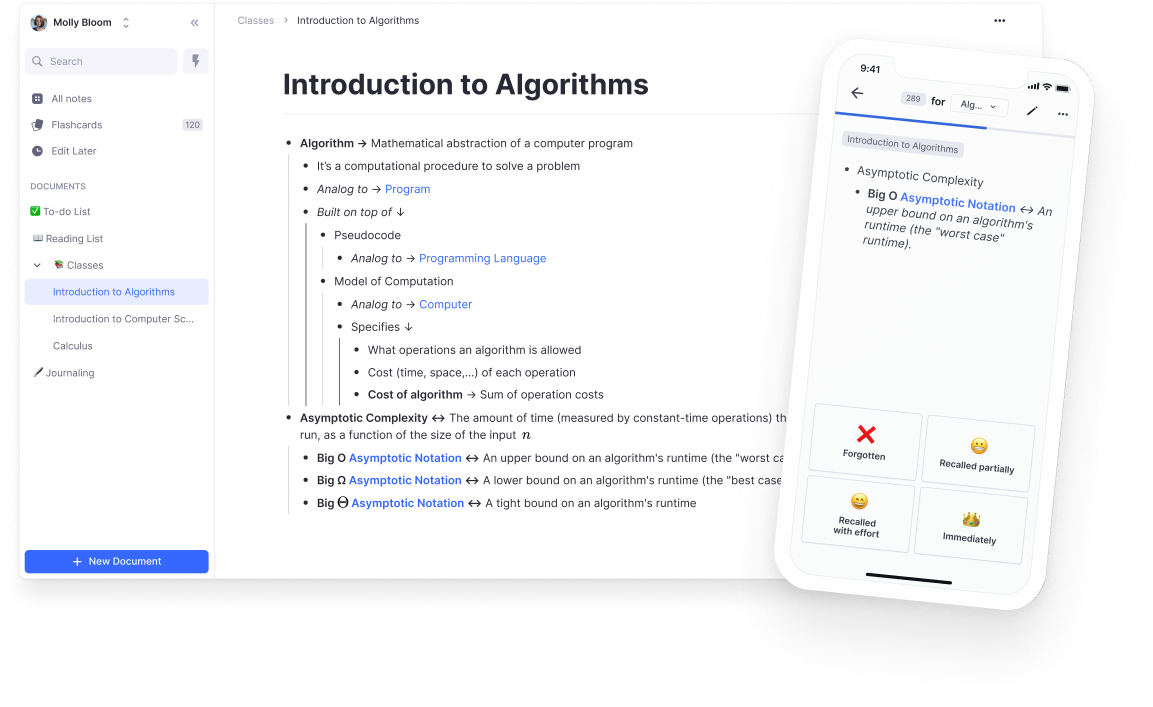
Mobile Apps
Search on the go with iOS and Android apps.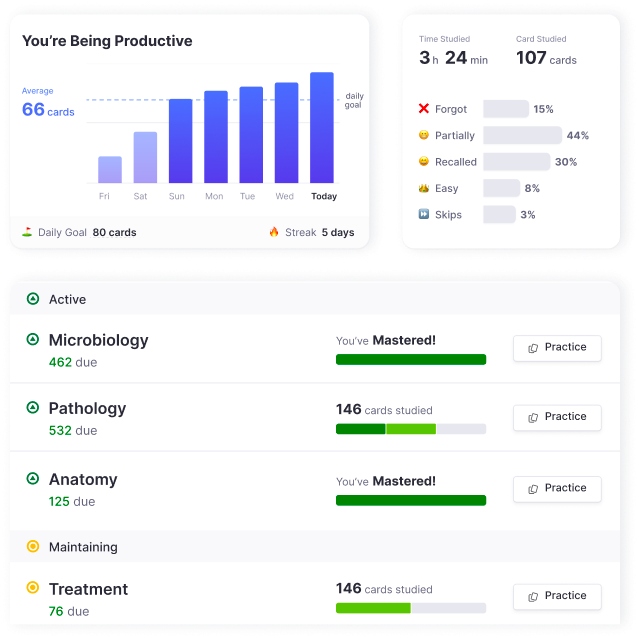
Web Browser
Use RemNote from any browser, anywhere.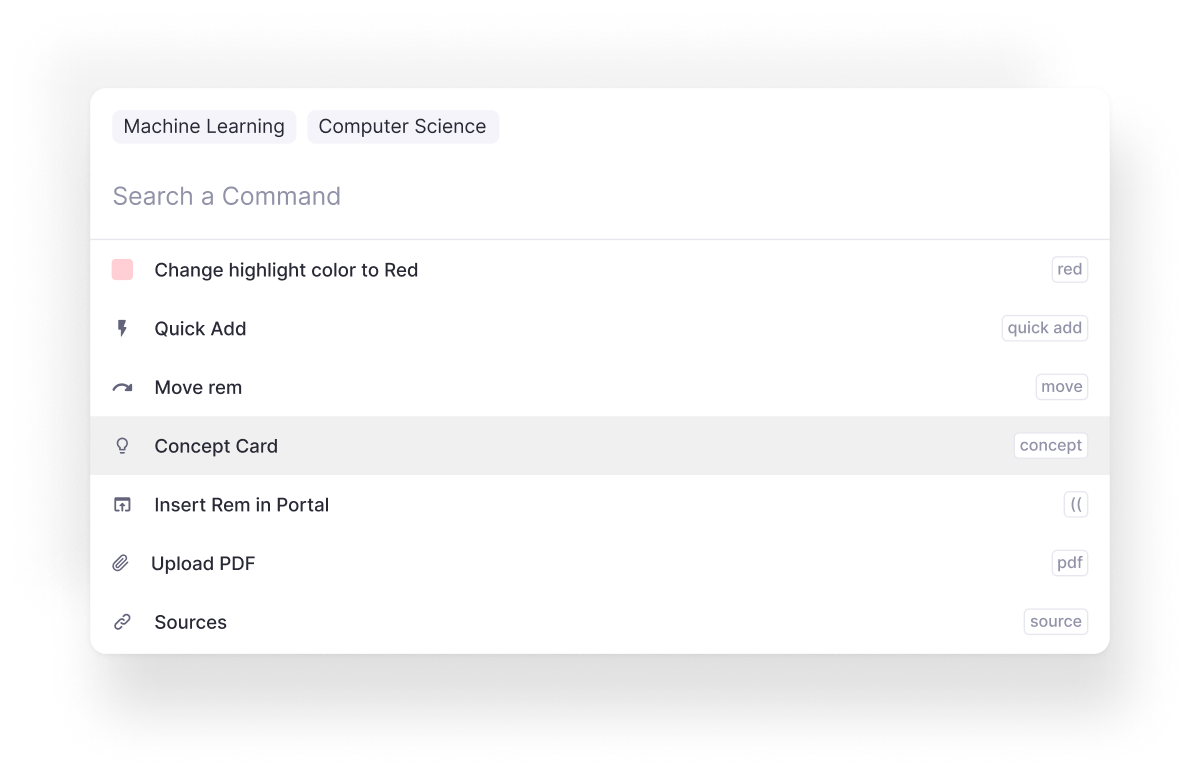
Join 1,000,000+ students getting higher grades!
Frequently Asked Questions
How fast is search in a note-taking app like RemNote?
RemNote delivers search results in under 500 milliseconds, even when your knowledge base contains thousands of documents, PDFs, and flashcards. Results update live as you type each character, using prefix matching so you only need the first few letters of each word.
This means you spend less time searching and more time studying. Whether you are looking for a specific lecture note or a concept buried deep in your files, RemNote surfaces it almost instantly.
Can I search inside PDFs and annotated documents?
Yes. RemNote indexes the full text of every PDF you upload, along with all your notes, flashcards, and document titles. When you search, results come from across your entire knowledge base, so you can find a specific passage in a 200-page textbook just as easily as a single bullet point in your notes.
This unified search eliminates the need to remember which document contains the information you need. Just type a few keywords and RemNote shows you every match across all content types.
Can I search through my flashcards and study material?
Yes. Every flashcard you create in RemNote is fully searchable, including both the question and answer sides. This makes it easy to locate a specific card when you want to edit it, check your wording, or jump to the source note where it was created.
Because flashcards in RemNote are embedded directly in your notes rather than stored in a separate deck, searching for a concept returns both your notes and the associated cards together, giving you complete context in one place.
Does search work offline without an internet connection?
Yes. RemNote stores all your notes locally on your device, so search works fully offline on the desktop and mobile apps. You can find any note, flashcard, or document even on a plane, in a library basement, or anywhere without wifi.
When you reconnect, any changes you made offline sync automatically across your devices. This offline-first design means your study workflow is never interrupted by connectivity issues.
Is my data private and secure?
Yes. Your notes and documents are securely stored with clear privacy protections in place. RemNote does not use your content for advertising or share it with third parties. Your knowledge base belongs to you.
Because search runs locally on your device, your queries never leave your machine. The offline-first architecture means your data stays on your hardware, and only syncs to the cloud when you choose to use multiple devices.

