
Make flashcards in your notes.
Cut study time in half.
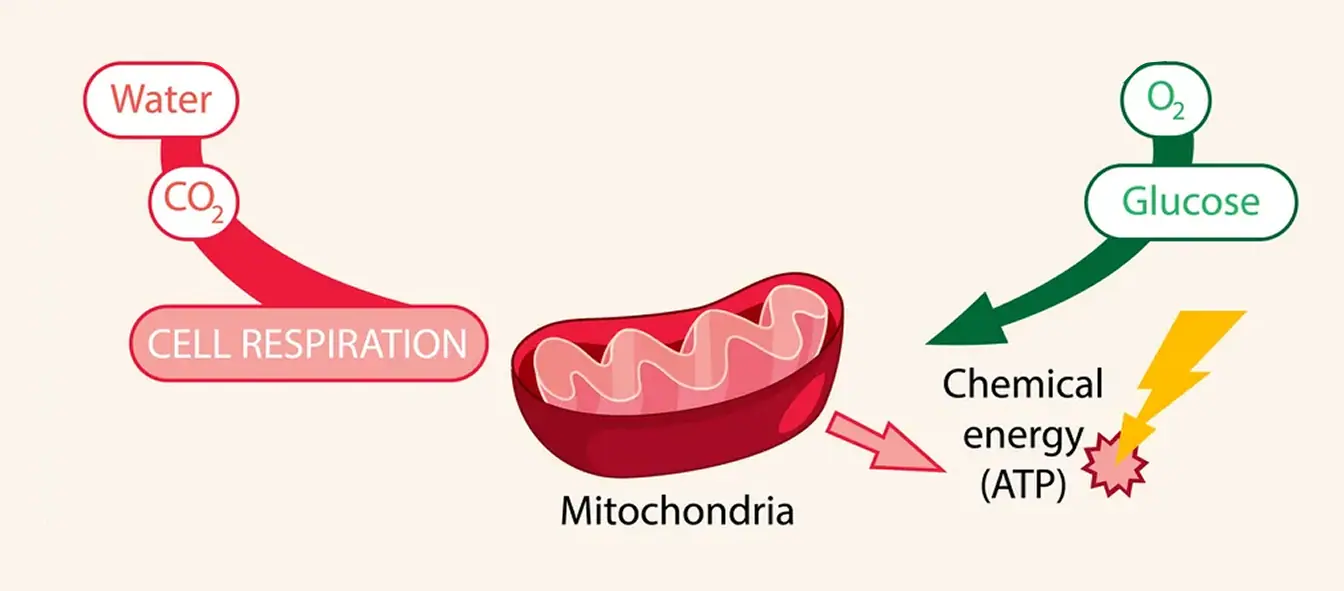
Use evidence-based memory techniques to create flashcards that resurface at the best time for retention, right within your notes.Make ATP (cell's usable energy) via cellular respiration.
Get smart with 1,000,000+ students who know how to study right.
Make a Flashcard in 0.43 Seconds
Make flashcards by typing Question == Answer, directly in your notes! No more disconnected flashcard, slowly converting notes, or switching apps.
All Flashcard Types You Need
RemNote supports every flashcard format for any learning style.
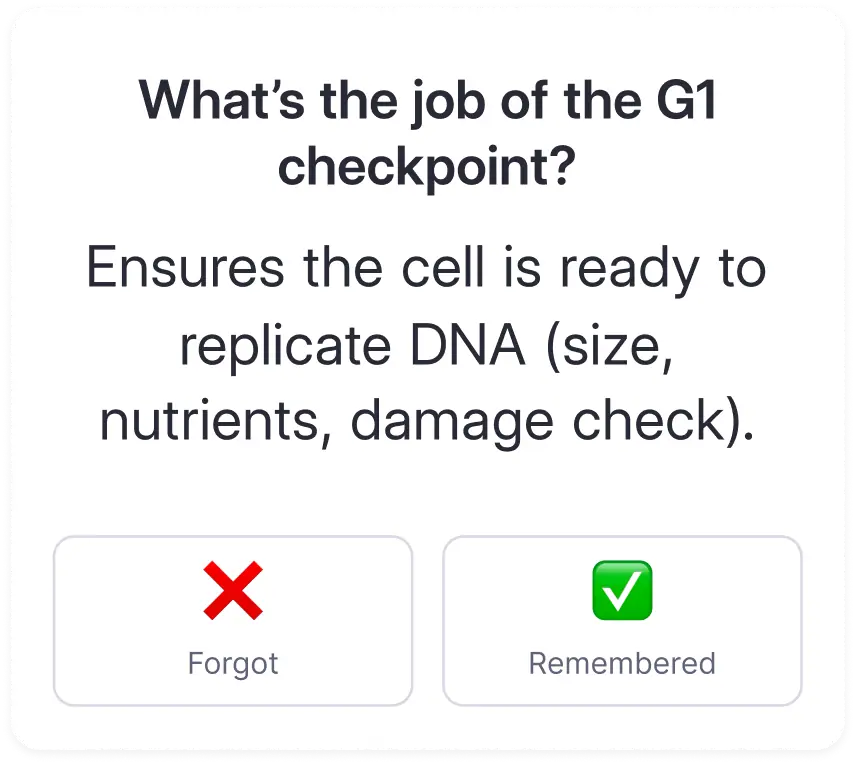
Question & Answer
A simple, efficient front/back card: quick and effective.
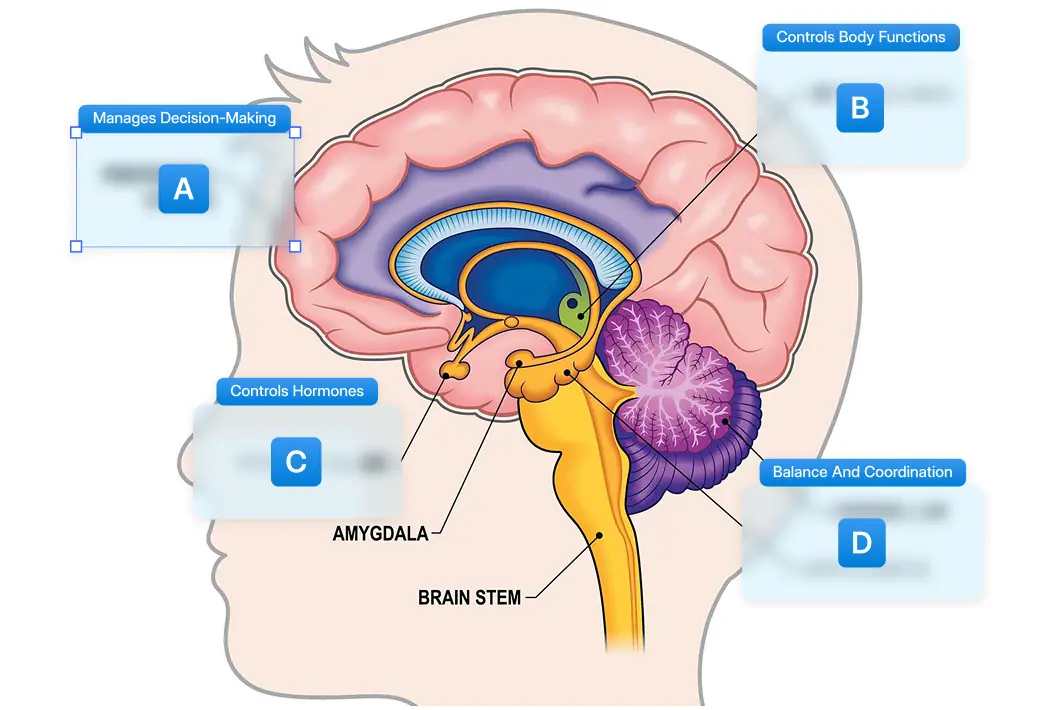
Image Occlusion Cards
Drag boxes on images to hide parts. Perfect for diagrams and anatomy.
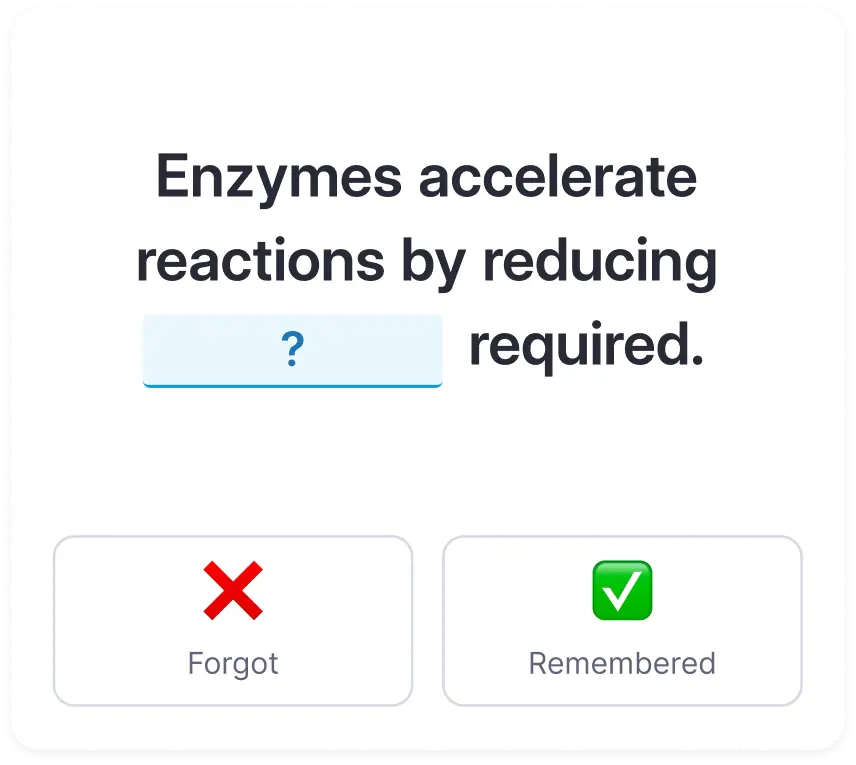
Fill-In-The Blank
Highlight text and press { to create fill-in-the-blank cards.
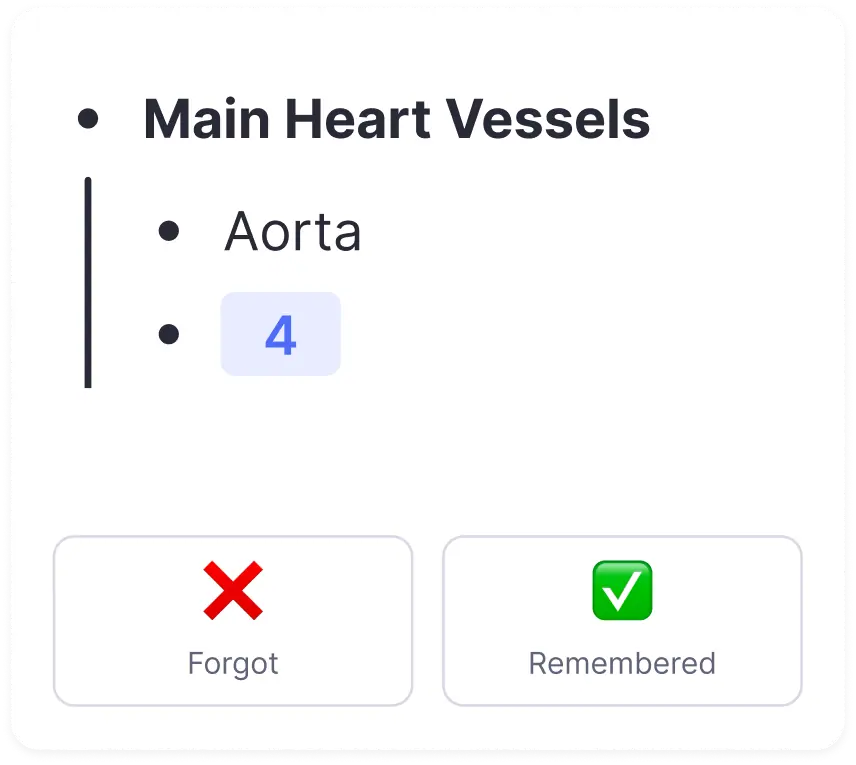
Multiline Cards
Type the question, and press "==", then "↵", then type the answer.
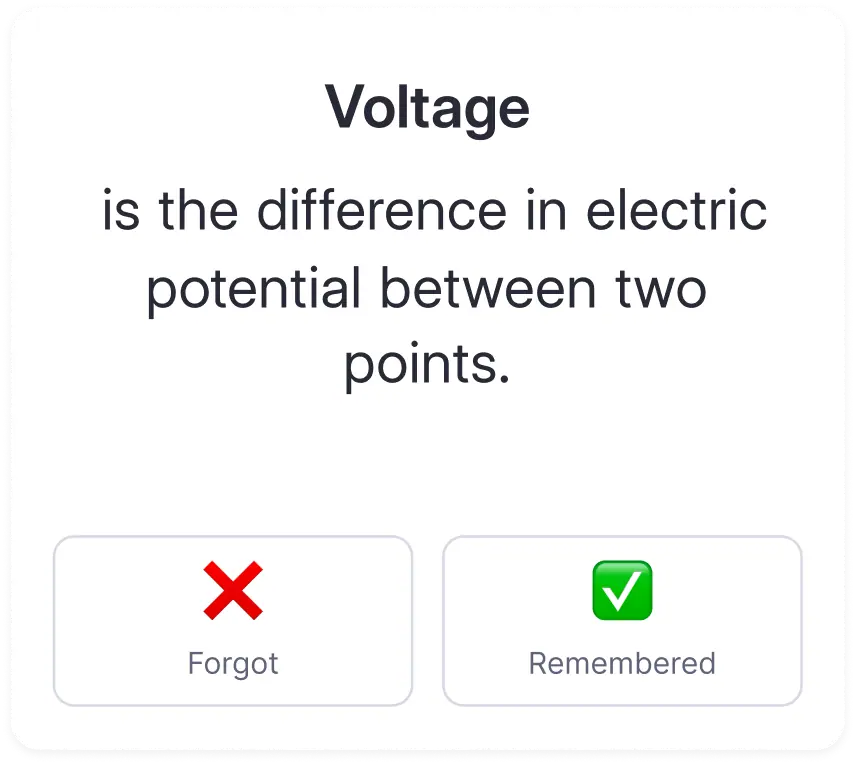
Concept Cards
Type the concept name, then the definition.
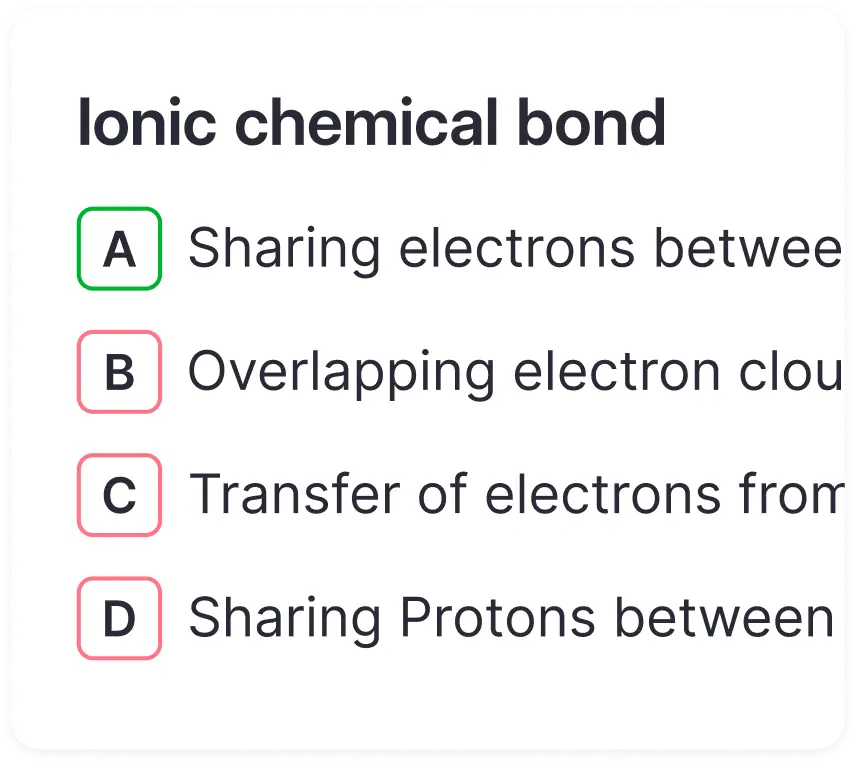
Multi Choice Cards
Type the question, and press "==", then "A)", then answer choices.
Practice with active recall and spaced repetition: science-proven techniques for remembering more and developing deep understanding.
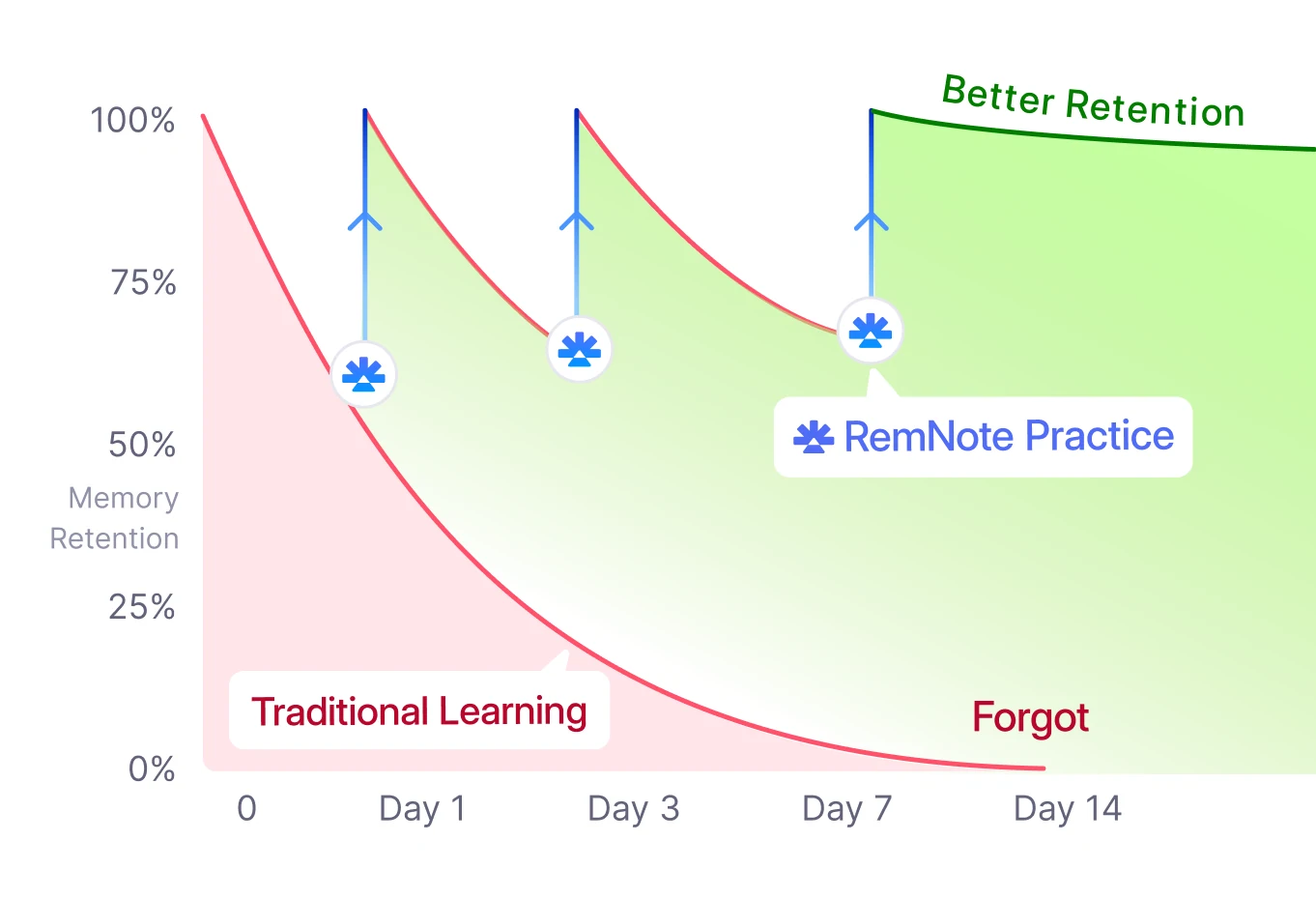
Spaced Repetition Built Right In
RemNote automatically schedules when you need to review each card at the appropriate time.
Never Forget
Study only what you need to. You spend time only on what you're about to forget.
Smart Scheduling
Cards you find difficult appear more often. Easy cards appear less frequently.
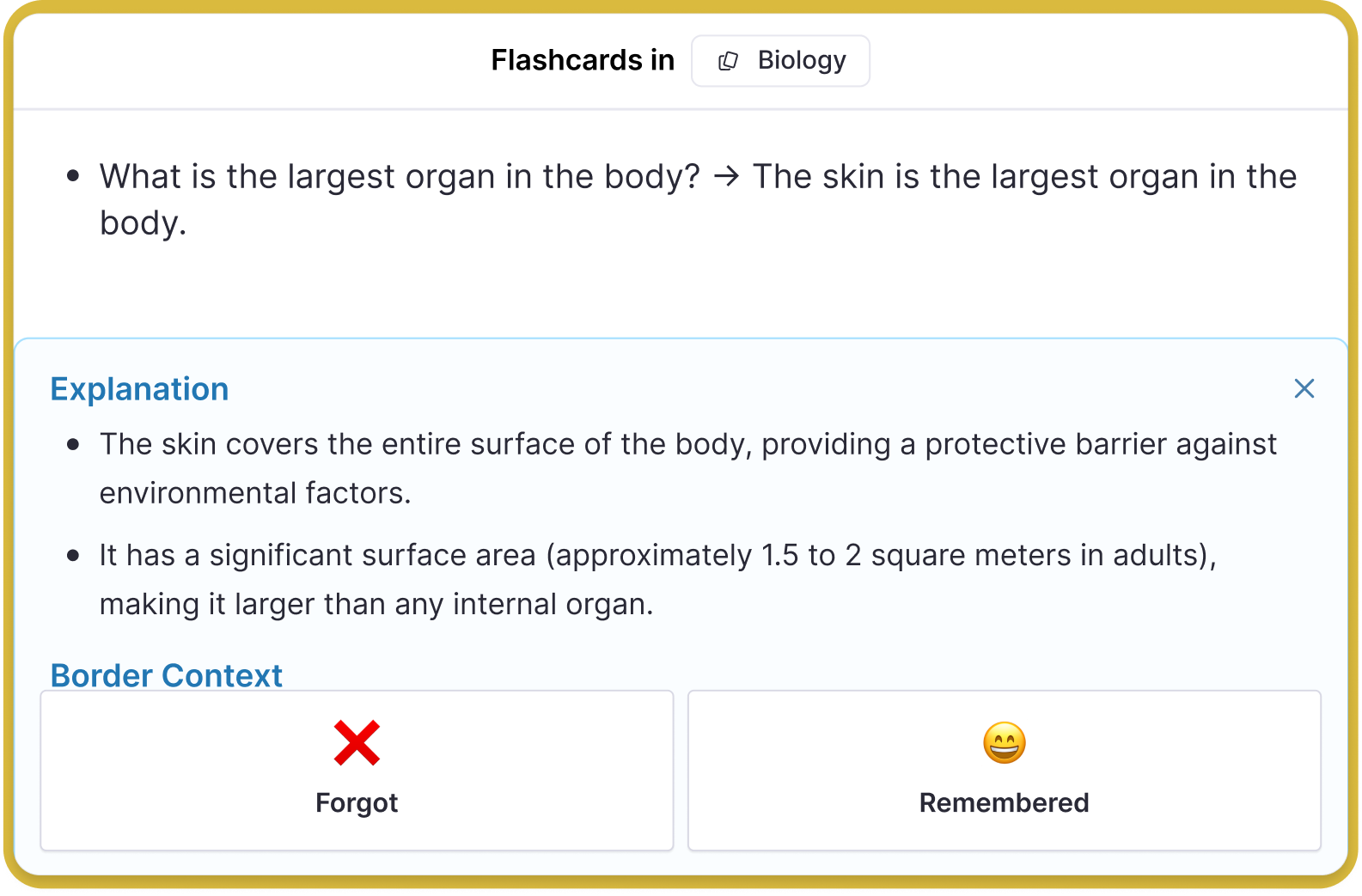
Explanations on Every Card
Don't waste time struggling on confusing cards. Every card shows an easy-to-read explanation to help you move forward.
Join 1,000,000+ students to get an extra day off each weekend!
Want to achieve better grades with less effort?
Frequently Asked Questions
Does this tool help me learn, or does it just give answers?
This tool is built to teach, not shortcut. Instead of simply providing answers, it guides you through active recall and spaced repetition to ensure you understand and retain concepts.
Your flashcards live directly in your notes, so every review session reinforces real understanding.
Can I use RemNote for complex subjects like medicine, law, or engineering?
Absolutely. RemNote supports every flashcard format including Q&A, cloze, image occlusion, and multi-line cards. Its hierarchical note structure lets you connect ideas and manage large volumes of information.
Many medical, pre-med, and graduate-level students use RemNote to handle dense material efficiently.
How is RemNote different from Anki or Quizlet?
RemNote is the only tool where your notes and flashcards are the same thing. You create flashcards directly while taking notes, without switching apps or copying content.
RemNote also offers modern scheduling algorithms like FSRS, AI-powered card generation, and a built-in AI tutor, all in one integrated system.
Will RemNote replace my notes, or work with them?
RemNote enhances your notes. You can import PDFs, lecture slides, and existing materials, then convert them into active recall flashcards.
Instead of keeping static notes in one app and flashcards in another, RemNote unifies note-taking and studying into a single system.
Is this allowed by schools, and does it support academic integrity?
Yes. The platform is designed to support ethical studying and responsible AI use. It does not generate plagiarism or complete assignments for submission.
Built-in safeguards promote understanding, proper citation, and original thinking. The tool complies with FERPA, COPPA, and GDPR standards where applicable.
Is my data private and secure?
Yes. Your notes belong to you. RemNote maintains clear data policies and does not sell your information.
Users retain control of their content, with added administrative controls for institutions.

