


All of your notes, effortlessly organized
Easily organize with folders, documents, and tags. Never lose an idea again.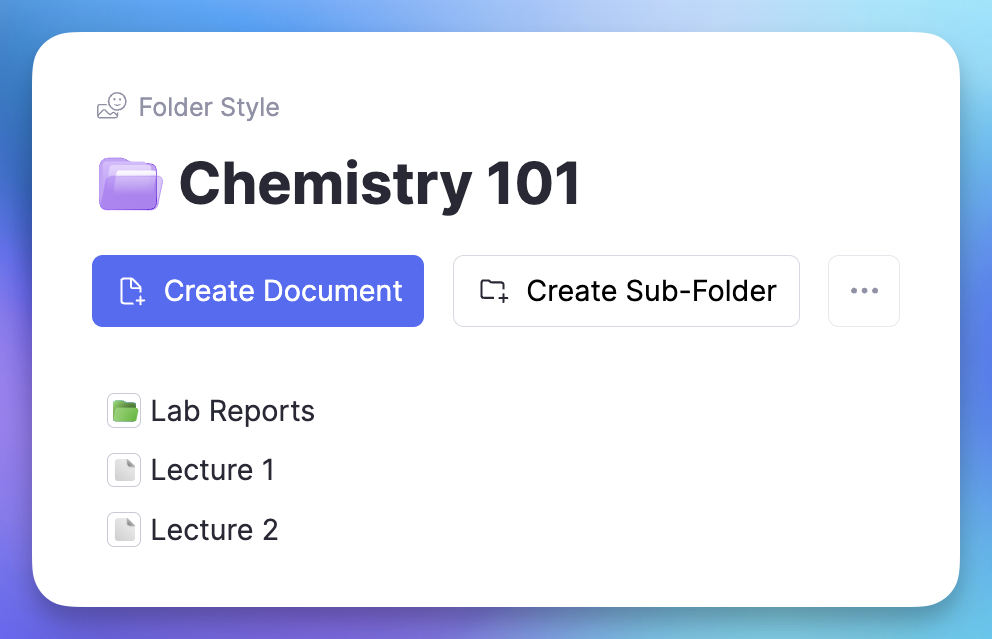
Join 1,000,000+ students getting higher grades!
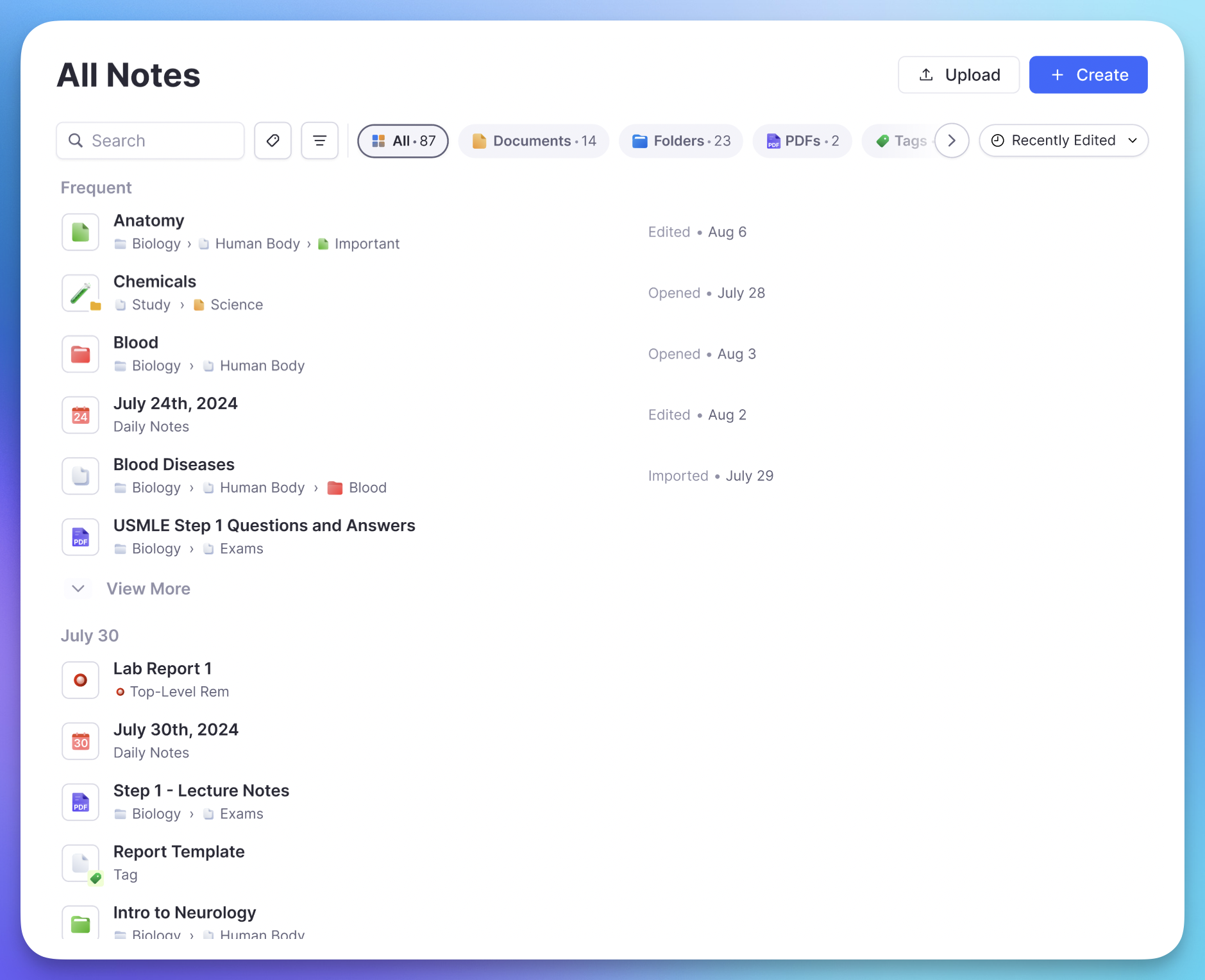
Everything in One Place
Organize all notes, documents, folders, PDFs, images and more, all in one easy to use workspace.
Comprehensive Sidebar
Pin any folder or document to your sidebar for easy access. No more hunting through different folders and drives.
Pin Favorites
Keep your most important documents one click away.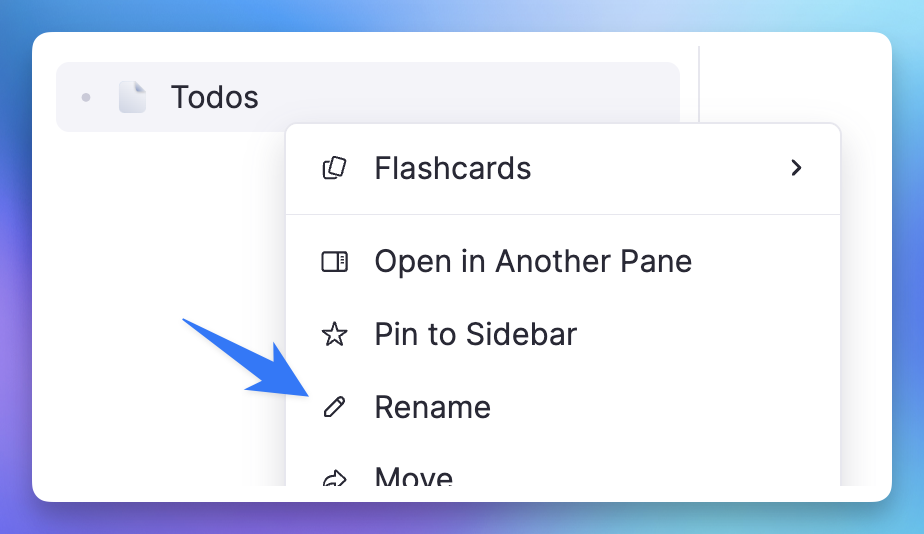
Nested Folders
Create unlimited folder depth to organize however you like.Quick Navigation
Jump to any document instantly with keyboard shortcuts.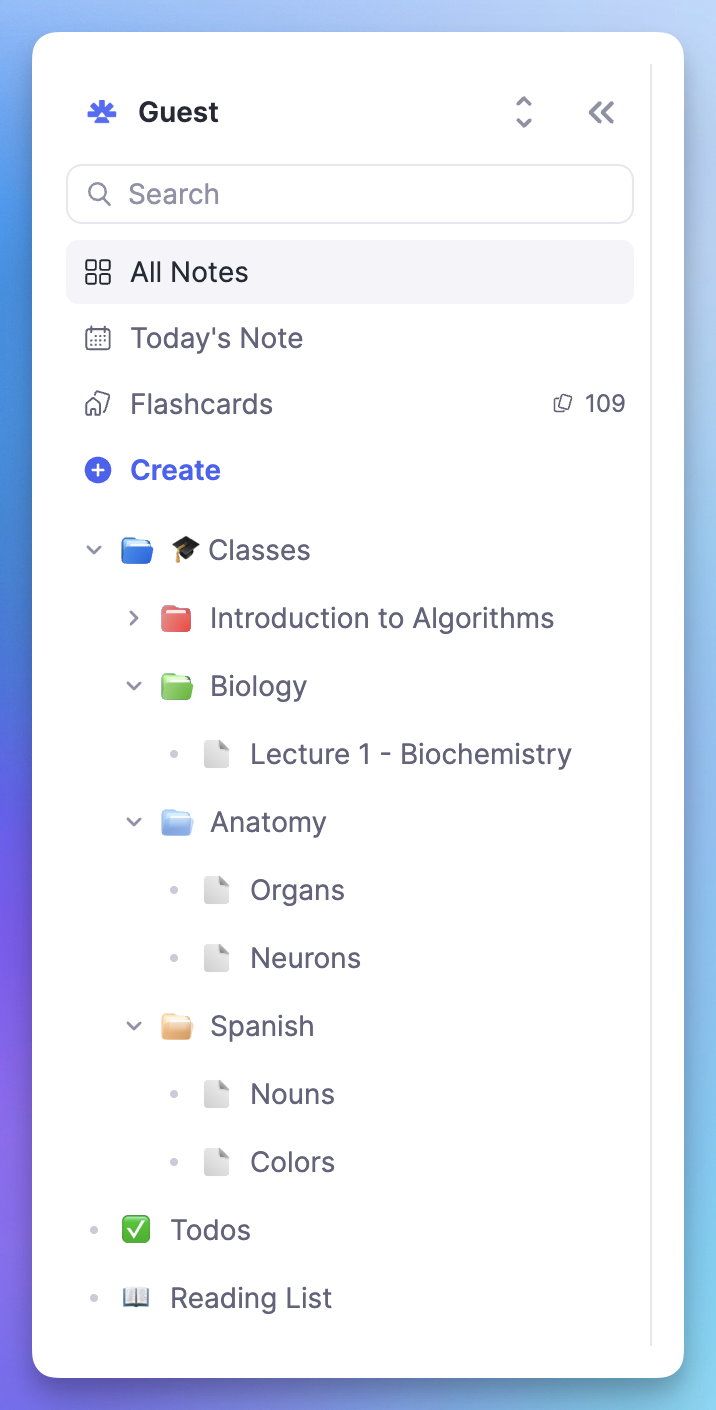
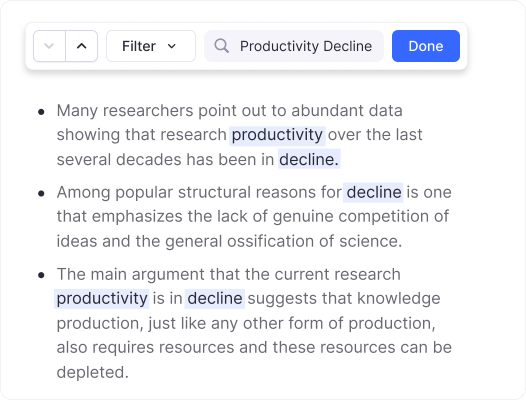
Instant Global Search
Search over all documents to instantly find anything you're looking for. No more manually checking individual files.
Works Fully Offline, Syncs Effortlessly
All documents, folders etc are stored offline for instant easy access. Open RemNote on another computer, phone, or tablet, and your notes are there as well.
Offline First
Access all your notes instantly, even without internet.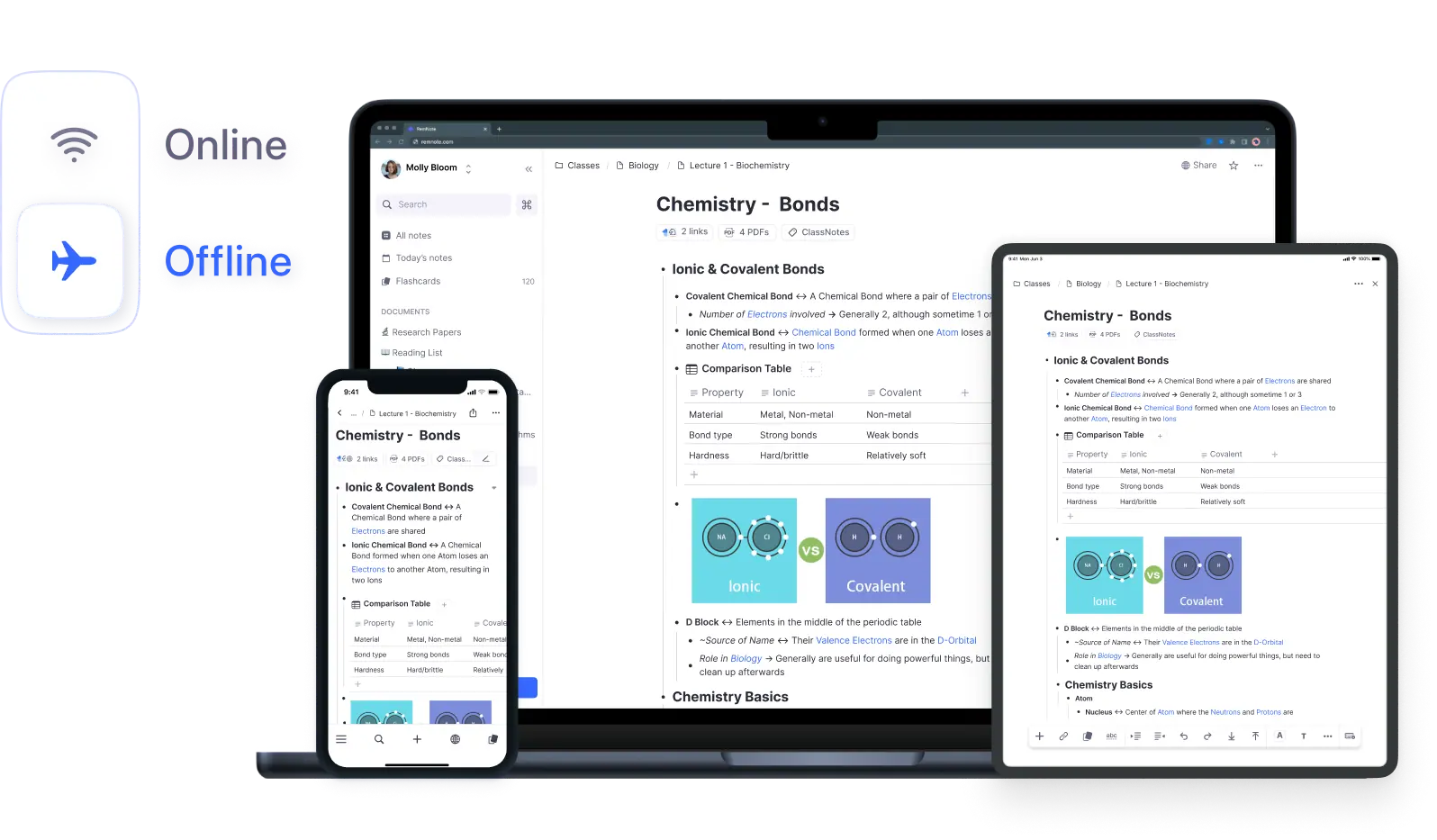
Auto Sync
Changes sync automatically when you come back online.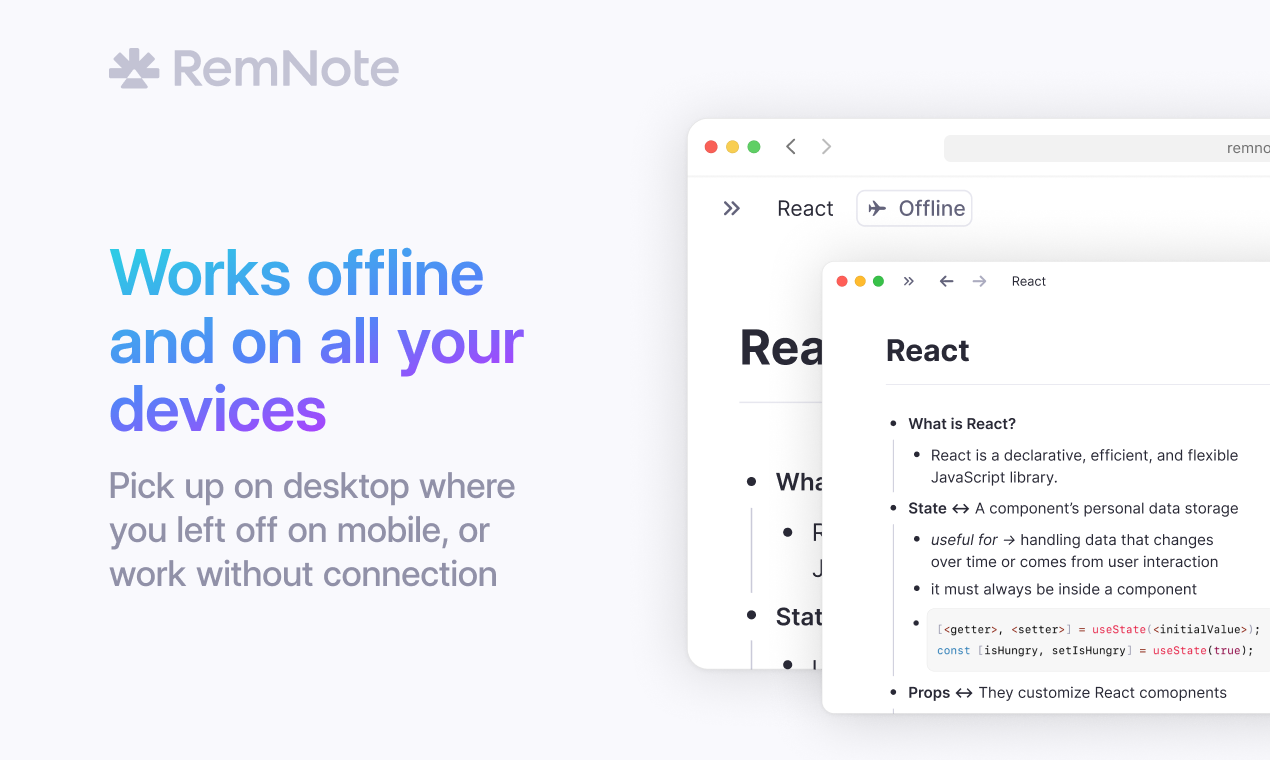
Multi Device
Desktop, mobile, tablet - your notes are everywhere.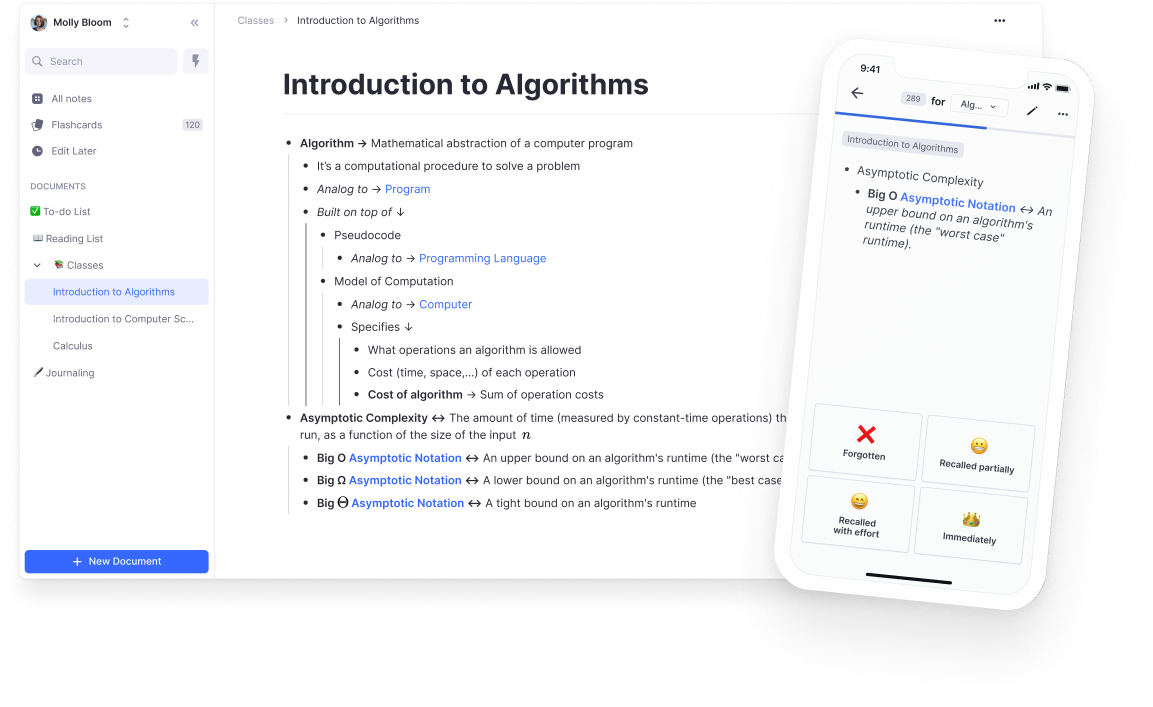
Join 1,000,000+ students getting higher grades!
Frequently Asked Questions
How do I create folders and documents in RemNote?
Creating folders and documents in RemNote is simple. Click the "+" button in your sidebar or use keyboard shortcuts to instantly create new documents. Drag and drop to organize them into folders.
Can I import existing documents and PDFs?
Yes! RemNote supports importing from multiple sources:
- PDFs: Drag and drop any PDF to annotate and study
- Images: Import diagrams, charts, and visual content
- Markdown: Import markdown files with full formatting support
- Other apps: Import from Notion, Roam, Anki, and more
How does the global search work?
Press Ctrl/Cmd + P to instantly search across all your documents, folders, and content. RemNote searches titles, content, and even PDF text to help you find exactly what you need.
Search results appear instantly as you type, with smart ranking to show the most relevant results first.
Does RemNote work offline?
Yes! RemNote is designed to work fully offline. All your documents, folders, and notes are stored locally on your device for instant access even without an internet connection.
When you come back online, everything syncs automatically across all your devices.
How do I organize with tags?
Add tags to any document or note by typing # followed by your tag name. Tags help you organize content across different folders and find related information quickly.
Click on any tag to see all documents with that tag, making it easy to group related content regardless of folder structure.

