


Study Anywhere With Offline Mode
No internet? No problem. Take notes, study flashcards, and access your entire knowledge base anywhere: on planes, in cafes, or off the grid.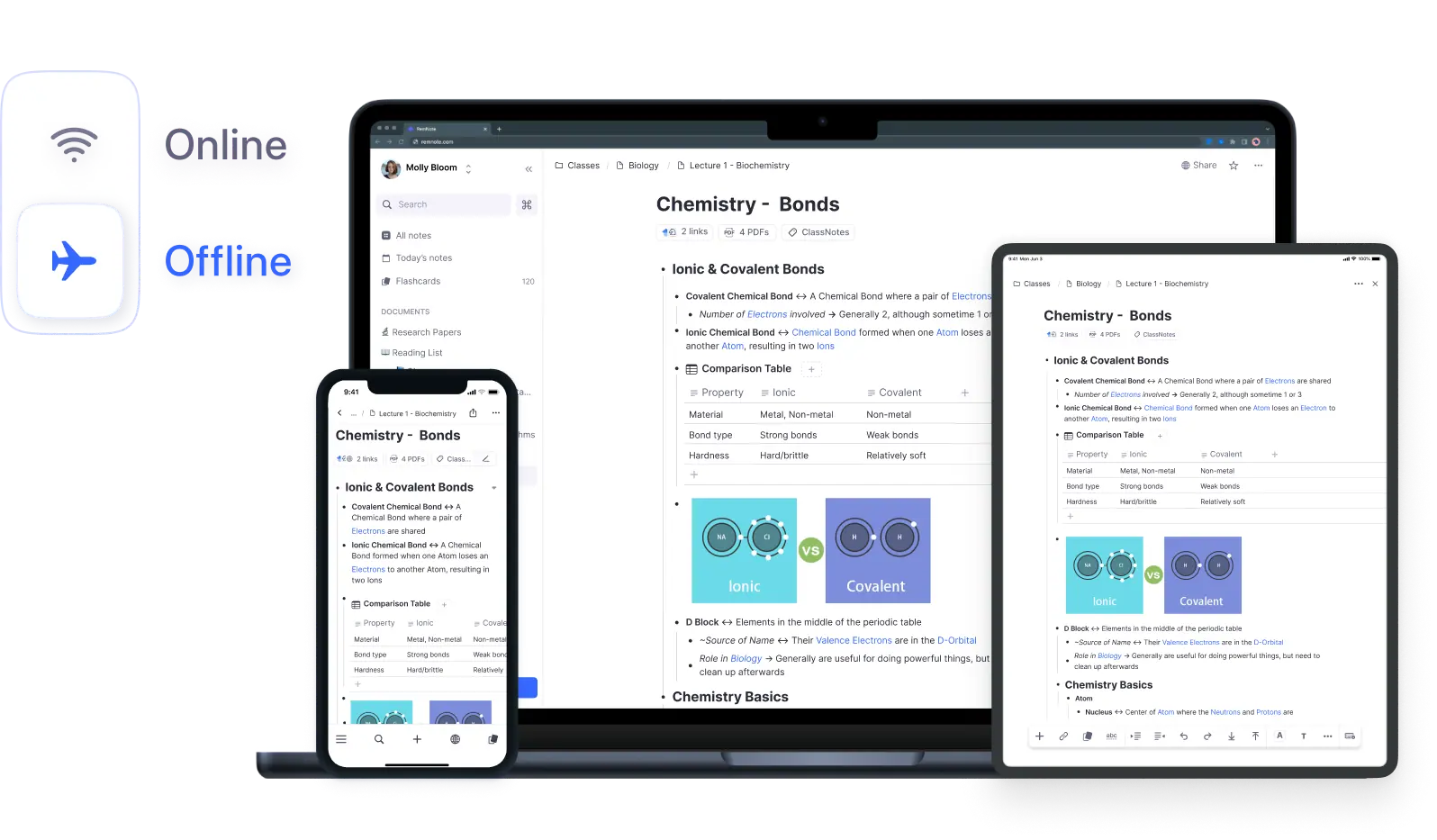
Join 1,000,000+ students getting higher grades!
Your Notes, Always Available
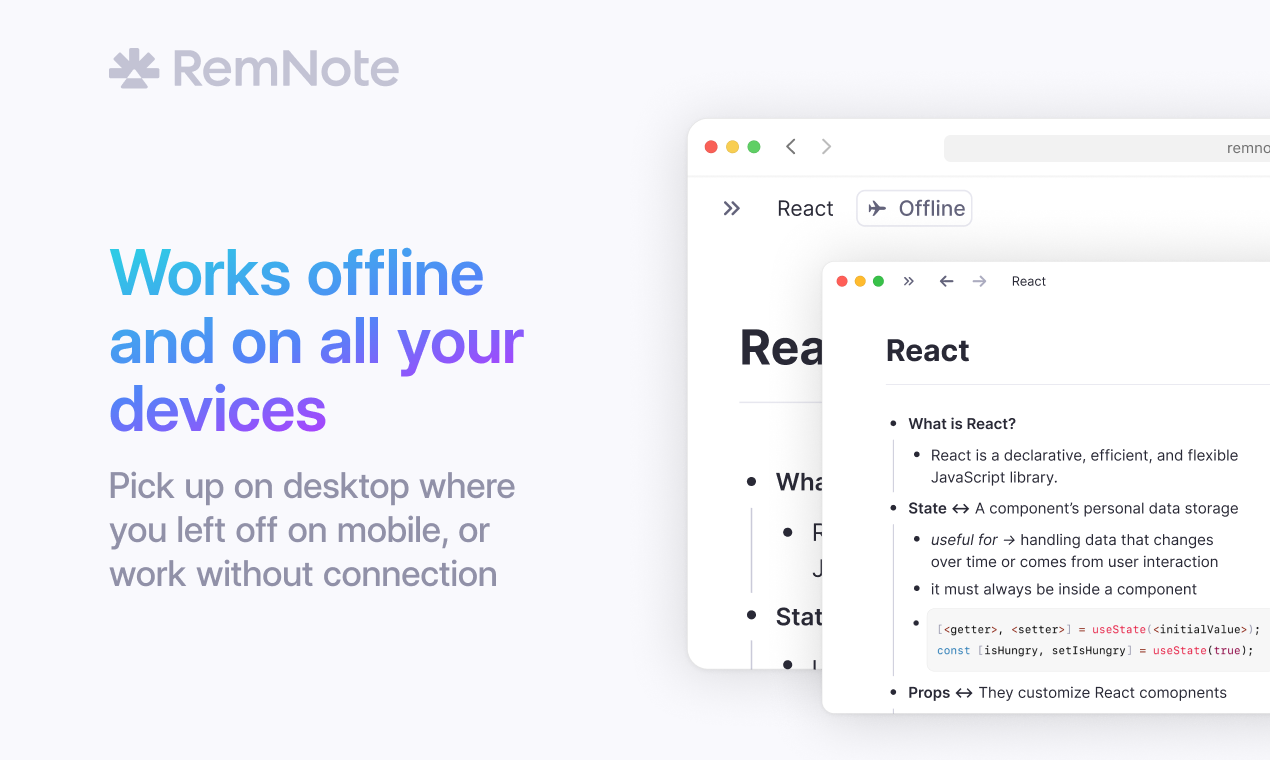
RemNote stores all your notes locally on your device. Edit documents, create flashcards, and organize your knowledge base even without internet.
Automatic Sync When You Reconnect
Make changes offline on any device. Everything syncs automatically when you reconnect, no manual steps required.
Conflict-Free Merging
Edit on multiple devices at once. Changes merge seamlessly.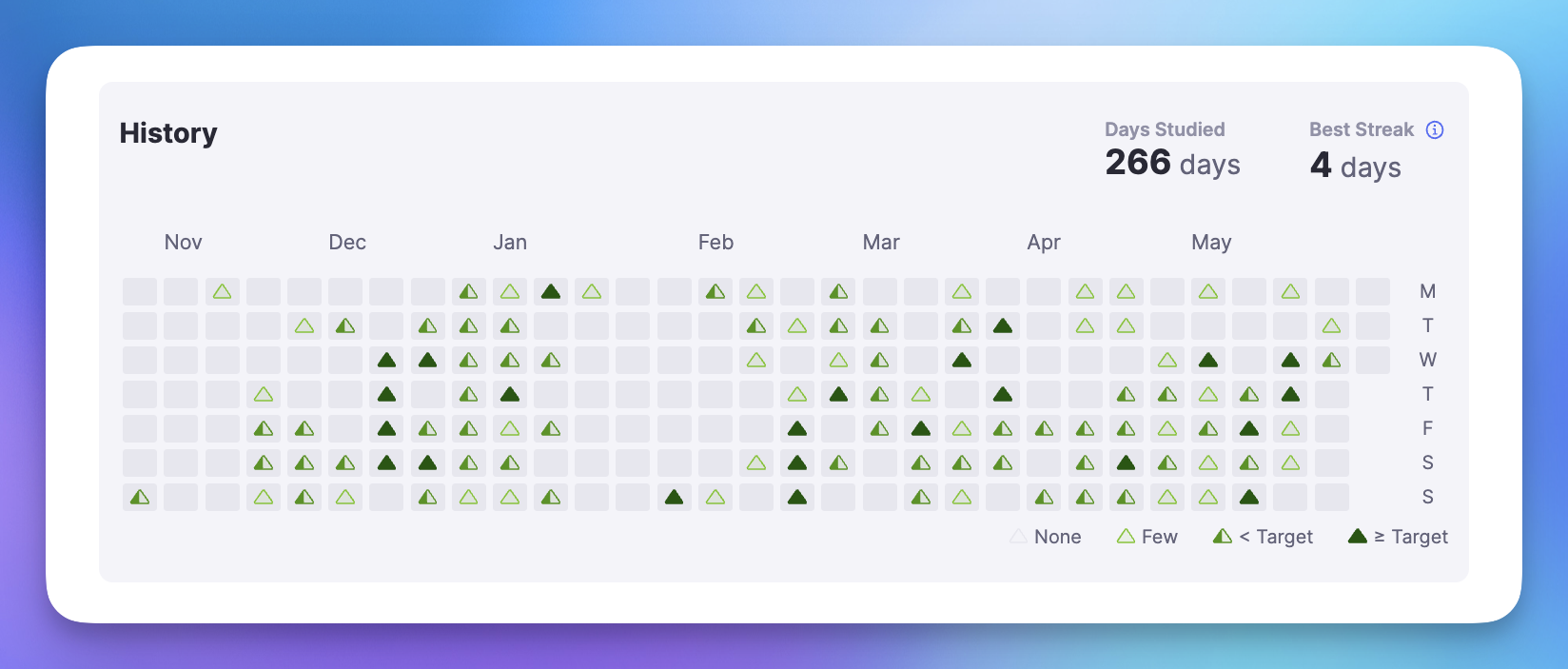
Flashcard Progress Syncs
Study on a plane. Your progress uploads when you land.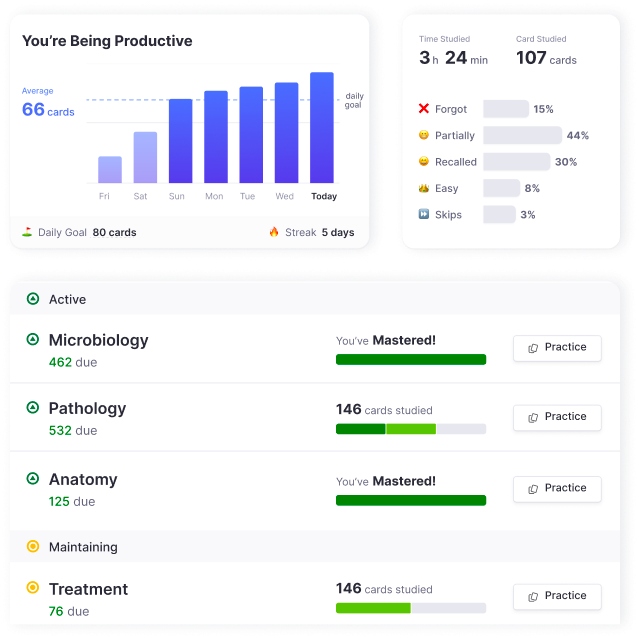
Zero Data Loss
Your work is always safe, whether online or offline.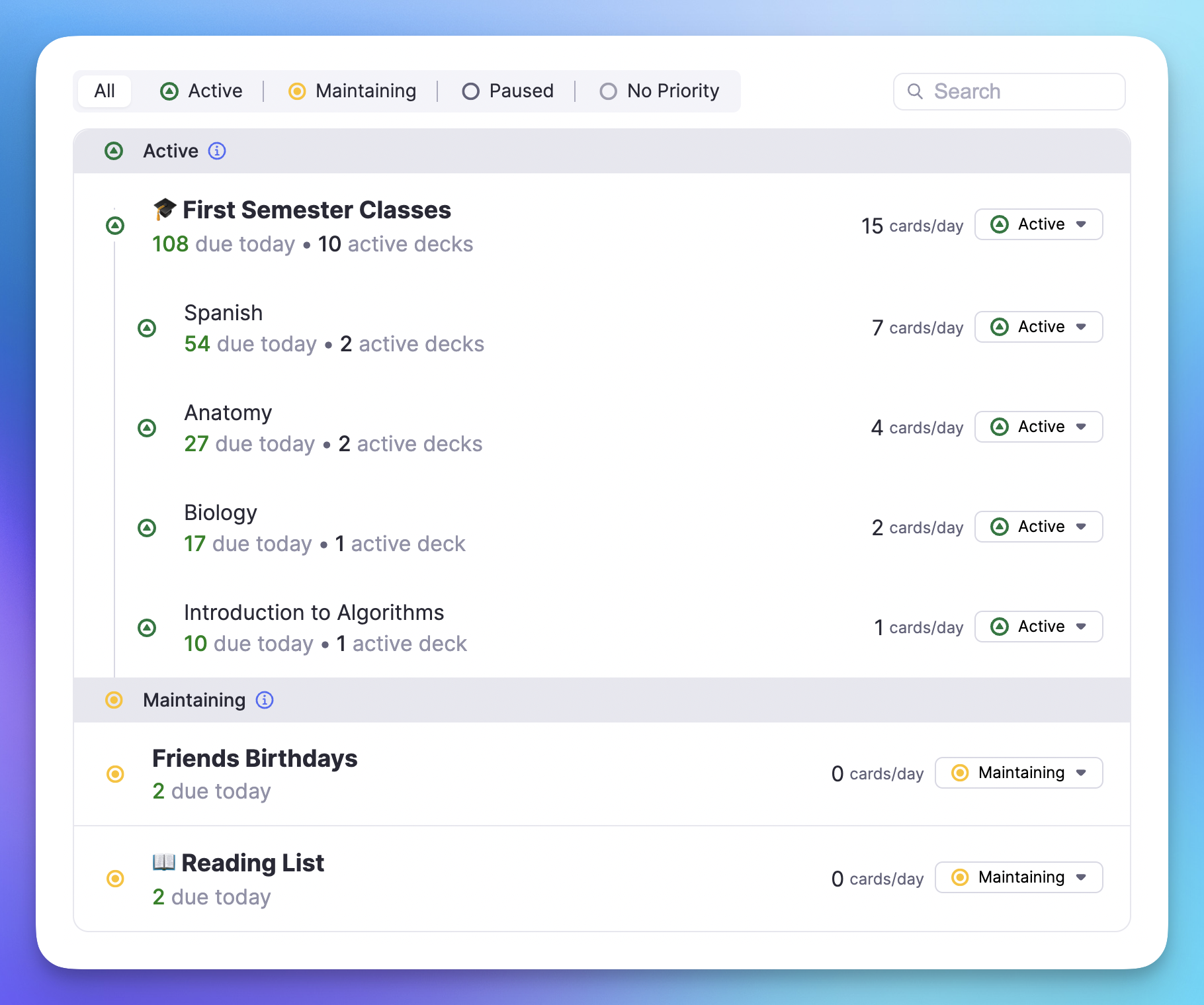
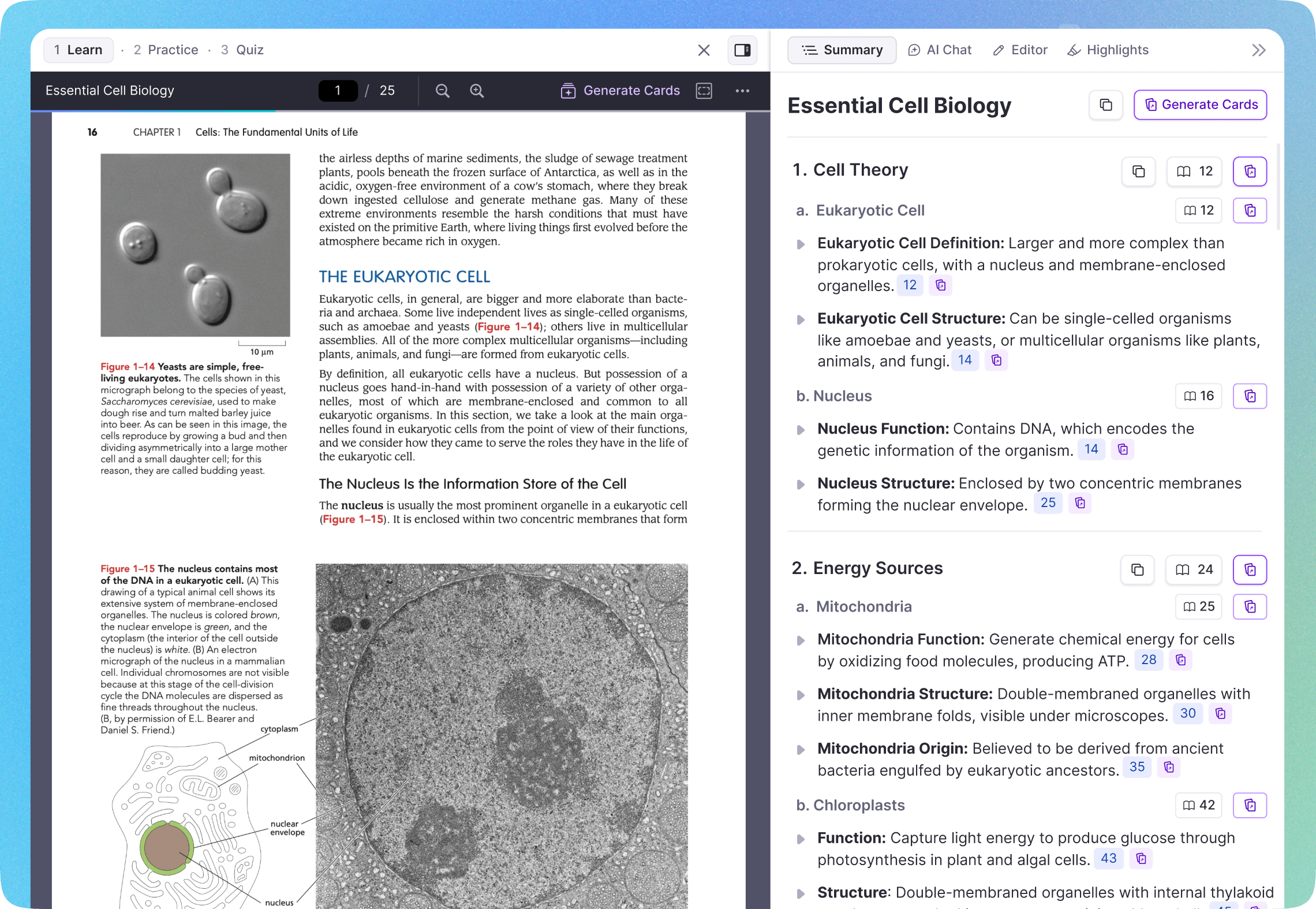
Full Media Access on Desktop
The desktop app stores all your images and PDFs locally. Study your annotated PDFs and image flashcards even without internet.
Works On All Your Devices
Take your notes everywhere. Desktop, mobile, and web: all with offline support.
Desktop Apps
Mac, Windows, and Linux. Full offline with all media stored locally.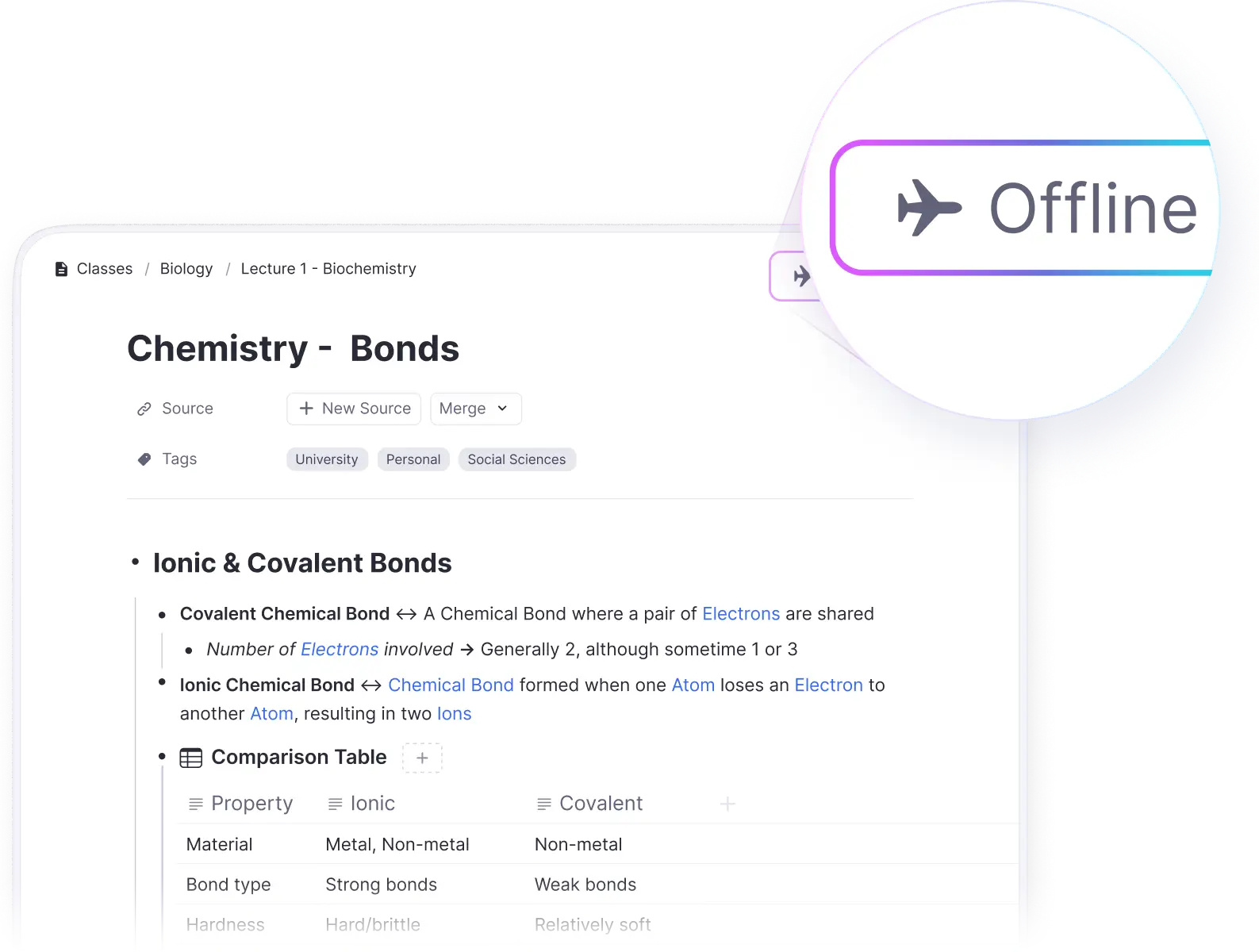
Mobile Apps
iOS and Android. Study flashcards on the go, no connection needed.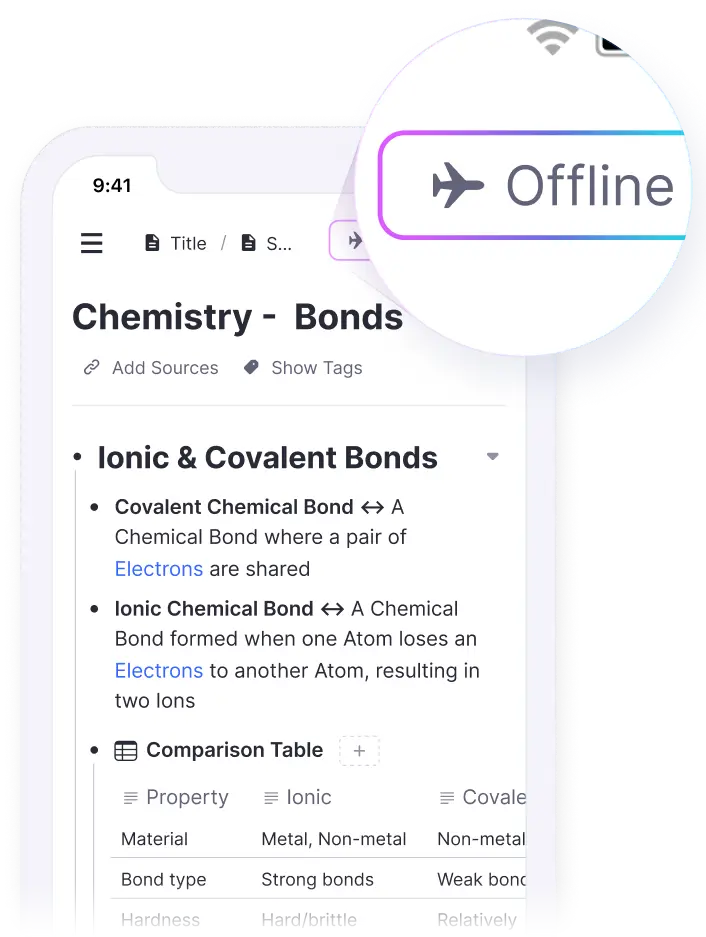
Web Browser
Keep the tab open to continue working when connection drops.
Join 1,000,000+ students getting higher grades!
Frequently Asked Questions
Does RemNote work without internet?
Yes! RemNote is designed to work offline. The desktop and mobile apps store your notes locally, so you can take notes, edit documents, and study flashcards even without an internet connection. Changes sync automatically when you reconnect.
What happens if I edit on multiple devices while offline?
RemNote automatically merges your changes. You can safely make edits on multiple offline devices, and they will be combined the next time each device syncs. No work is ever lost.
Can I access my images and PDFs offline?
On the desktop app, all your images and PDFs are stored locally, so you have full access offline. On mobile and web, recently used media is cached, so you can access your most-used files offline.
Do flashcard reviews sync when I go back online?
Yes, all your flashcard progress syncs automatically. Review cards on a plane, and your progress will upload as soon as you reconnect. Your spaced repetition schedule stays accurate across all devices.
Which platforms support offline mode?
The desktop app (Mac, Windows, Linux) and mobile apps (iOS, Android) work fully offline. The web app can continue working if you keep the tab open, but you need the desktop or mobile app for the best offline experience.

