5 Best Flashcard Apps for Language Learning


Learning a language involves learning a lot of words and then making sure you don’t forget them.
The latter part is the real challenge, and digital flashcards paired with a spaced repetition system are the fix for it.
But you need the right flashcard app for the job, and there are a lot of them to sort through.
I did the sorting for you and curated this list of the 5 best flashcard apps for language learning.
You’ll learn about their key features that are relevant to language learning, the pros and cons, and pricing details.
Let’s start.
How did I select flashcard apps for learning languages?
I evaluated the apps in this list based on what matters to language learners. For instance, a spaced repetition system or something similar is an essential feature for any flashcard app for language learning.
It also helps a lot if the apps have a large library of ready-made language decks and audio support.
If the library is small, the app must have a quick way to create flashcards from scratch and the option to import decks from other apps.
Let’s explore the apps.
5 best flashcard apps for language learning
Here’s a quick look at the apps before I talk about each one in detail.
| Flashcard app | Best For | Spaced repetition | Flashcard support | Ready-made language decks | Platforms | Starting price |
| RemNote | Note-taking and comprehensive flashcard support | FSRS + SM-2 | Comprehensive | ❌ Small library | Windows, Mac, Linux, iOS, Android, Browser | Free / $10/month |
| Anki | Free community-made language decks | FSRS + SM-2 | Decent | ✅ Largest library | Windows, Mac, Linux, iOS, Android | Free (iOS costs $24.99 one-time) |
| Quizlet | A massive library of ready-made vocabulary sets | ❌ Basic adaptive review | Limited | ✅ Largest vocabulary sets | Browser, iOS, Android | Free / $7.99/month |
| Brainscape | Expert-certified language decks with audio | Confidence-based repetition (CBR) | Limited | ✅ Certified + user-made | Browser, iOS, Android | Free / $19.99/month |
| Memrise | Learning pronunciation through native speaker videos | ✅ Adaptive spaced repetition | NA | ✅ Official courses only | Browser, iOS, Android | Free / $24.99/month |
1. RemNote (Best for quick note-taking and comprehensive flashcard support)
When you are learning a language, you come across new words from all sorts of sources. It could be videos on social media, movies, songs, conversations you recently had, etc.
RemNote lets you record all these encounters as notes right on the spot, and then convert these notes to flashcards for memorizing them.
It is the only tool on this list that specializes in both note-taking and flashcards. And the cherry on top is that it’s a true spaced repetition system, which means you are far more likely to retain the language for a very long time if you properly practice it with RemNote.
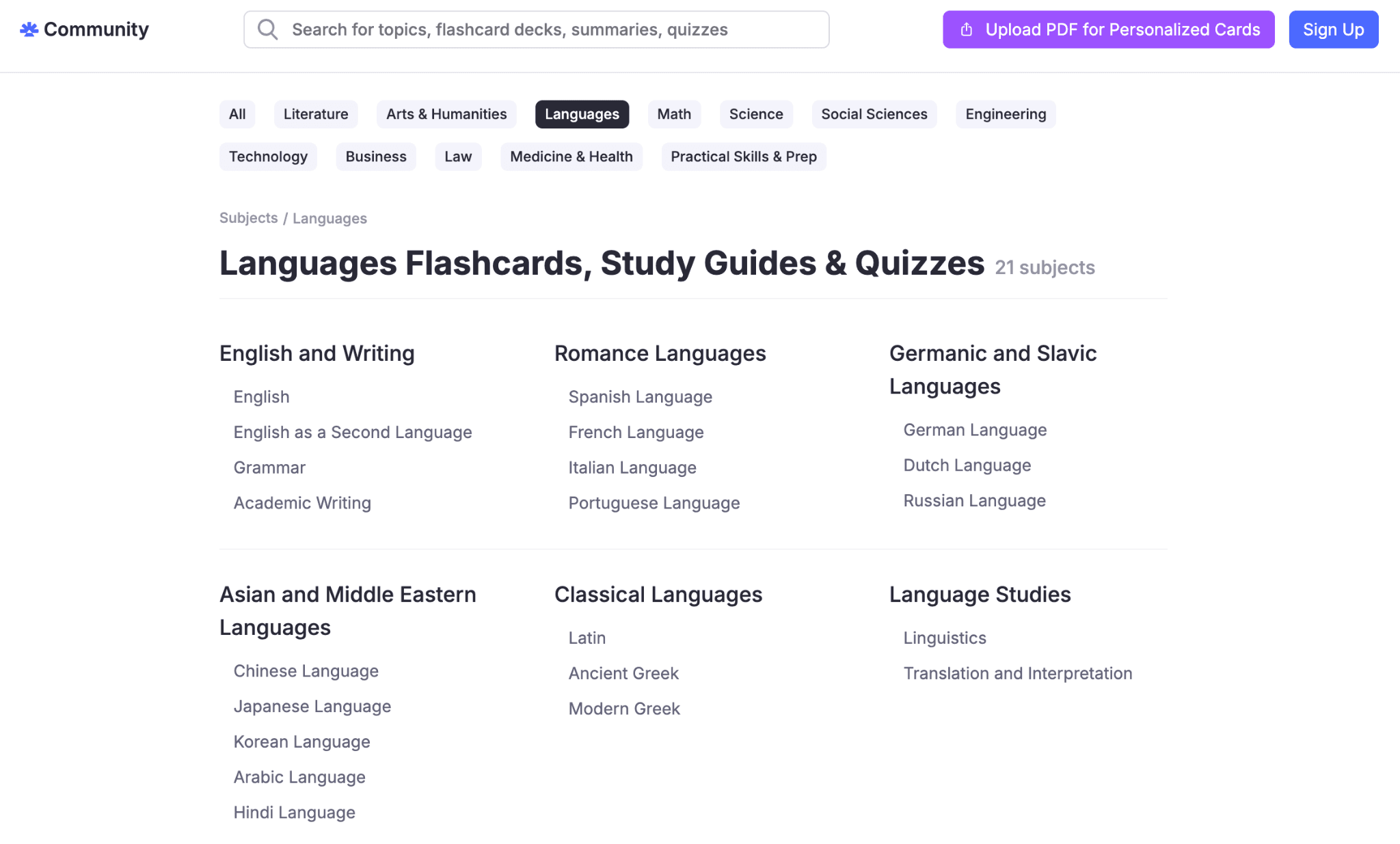
Other than the note-to-flashcards route, you can generate flashcards from uploaded docs. For example, if you have a PDF of a vocabulary list, let’s say Spanish, you could upload it to RemNote and use RemNote’s PDF-to-flashcards feature to generate flashcards for it.
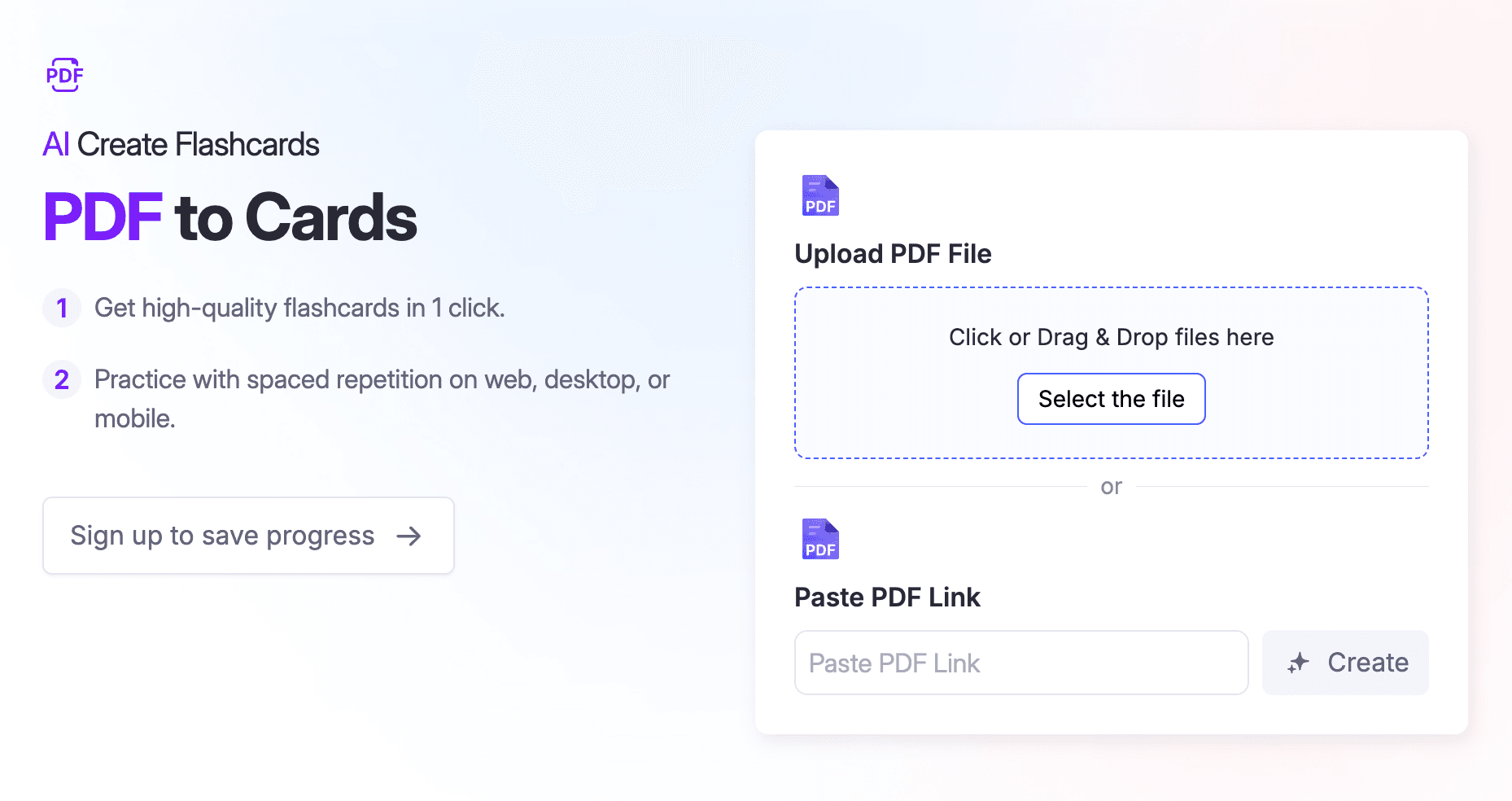
You can also annotate PDFs, and RemNote suggests flashcards based on your annotations.
Another reason RemNote is made for serious language learning is its support for all flashcard types, including cloze cards and concept cards, which are especially helpful for language learners.
What this means is that you won’t be just building vocabulary, but grammar as well. RemNote also has a text reader feature that reads your cards aloud to let you know how to pronounce a word.
The one area where RemNote is still catching up is its library of ready-made language decks. The language section of the shared library currently offers very few materials on a limited number of languages. But that’s compensated for by the fact that you can easily import flashcard decks from a number of major apps like Anki.
You can try RemNote for free and create language flashcards in minutes.
Key features
Six flashcard types supported:
- Question and answer
- Cloze
- Multiple choice
- Image occlusion
- Audio
- Multiline
- Concept cards
Supports two spaced repetition algorithms, i.e., Anki SM-2 and FSRS, for long-term memory retention
Multiple ways to generate flashcards:
- From notes
- From uploaded files
- From webpages and YouTube videos
- From PDF annotations
Built-in text-to-speech to help with pronunciation
Works on Windows, Mac, Linux, iOS, Android, and the web
Many essential features work offline too
Pricing
You can try RemNote for free on its forever-free tier before committing to either of the two paid plans:
- Pro: $10/month when billed monthly, and $8/month when billed annually
- Pro with AI: $20/month when billed monthly, and $18/month when billed annually
Pros
- Note-taking helps you quickly record interesting information anytime
- Quick flashcard creation from notes, PDFs, and other sources
- Support for a full range of flashcard types means you can learn languages beyond just words
- Two science-backed spaced repetition algorithms
- Text-to-speech helps learn pronunciation
- Support for importing decks from Anki
- Generous free plan
Cons
- Small library of ready-made language decks
2. Anki (Best for free community-made language decks)
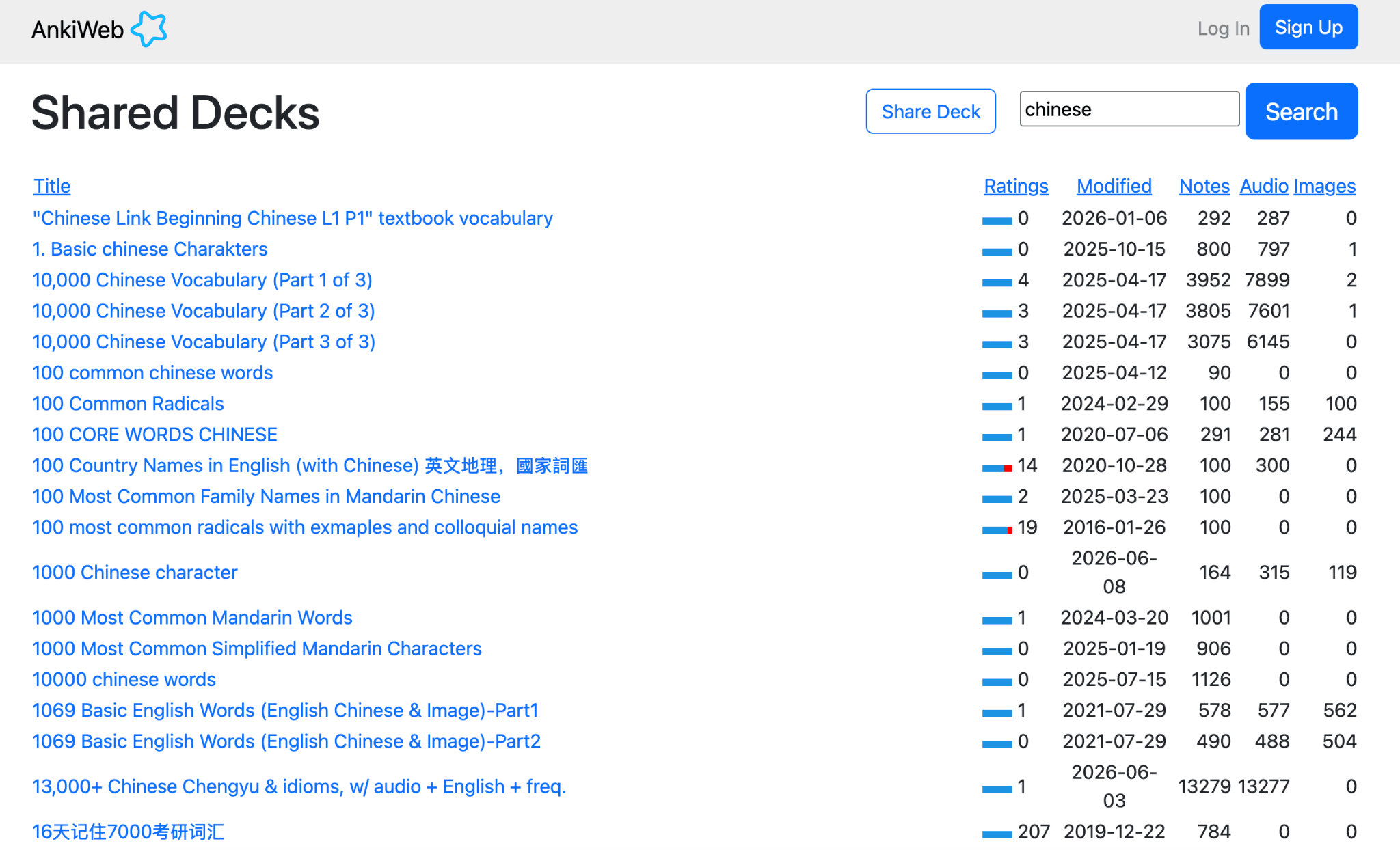
If you take suggestions on flashcard apps for language learning, you will find that people recommend Anki a lot.
One of the biggest reasons why Anki is considered a go-to is its huge library of community-made decks for different languages. The available languages are not many, but the number of decks for each of those languages is a lot.
You will find decks in the following languages:
- Arabic
- Chinese
- English
- French
- German
- Hebrew
- Japanese
- Korean
- Russian
- Spanish
Apart from the library, Anki lets you create all flashcard types that prove helpful in language learning. You can also add text-to-speech to your cards through add-ons.
But all of this comes at a cost, though. Anki has a steep learning curve, and its flashcard functionality is limited relative to modern flashcard makers.
Also, one of the biggest issues with Anki is that creating flashcards on the platform is very time-consuming.
Key features
- The largest library of community-made decks for almost every major language
- All flashcard types supported
- Add-ons to add text-to-speech to your cards
- Runs the FSRS algorithm and SM-2 spaced repetition algorithms the same as RemNote
- Available on Windows, Mac, Linux, Android, and iOS
Pricing
Anki is free on all platforms. Only the iOS app costs a $24.99 one-time fee.
Pros
- Completely free and open source
- Massive library of ready-made language decks
- Highly customizable flashcards
Cons
- Steep learning curve
- Dated interface
- The flashcard creation process is time-consuming, and there’s no way to automatically generate flashcards
3. Quizlet (Best for a massive library of ready-made decks)
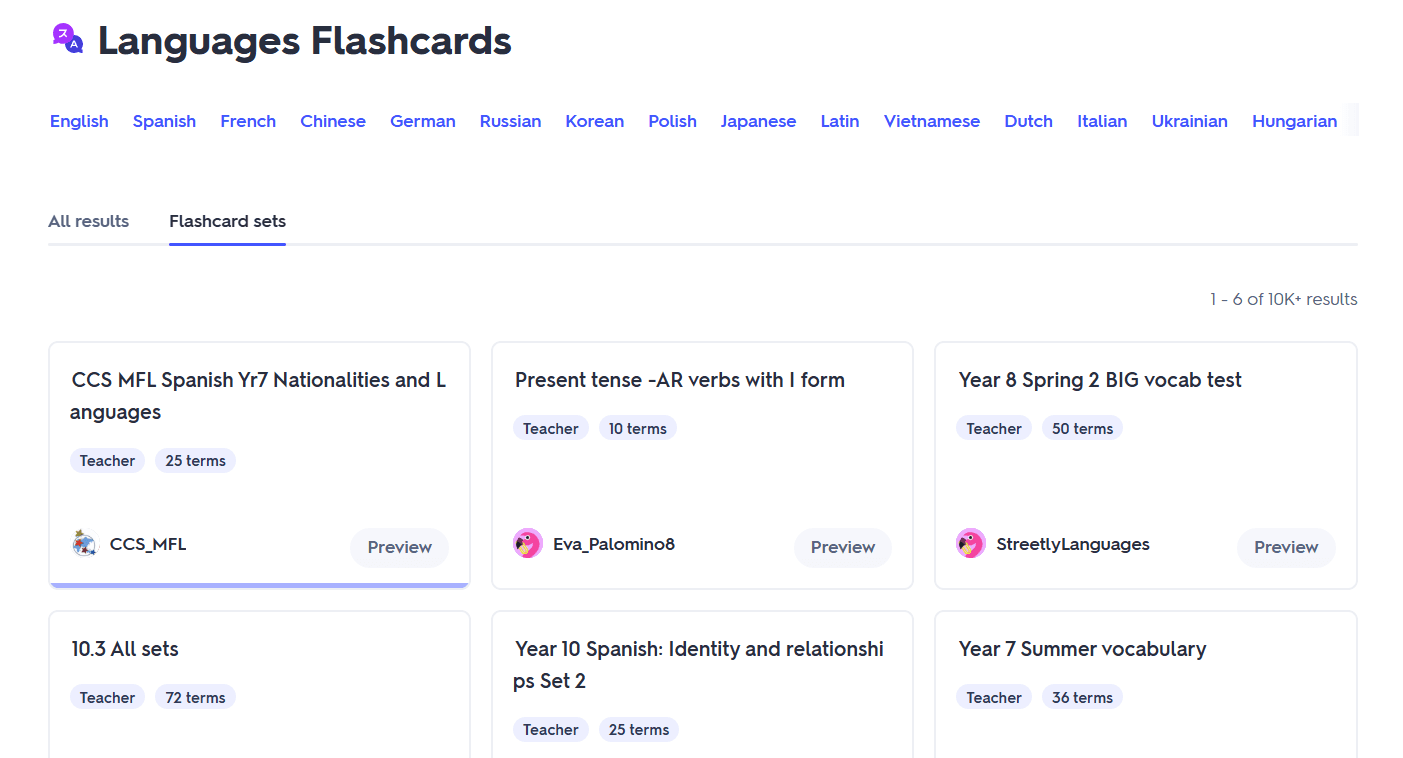
Quizlet’s main attraction is its sheer amount of shared language decks as well. In fact, its language vocabulary decks outnumber those on any other platform, even Anki.
The source of these decks is mostly high school and university students who have uploaded their coursework over the years. This is why these decks are also mostly aligned with specific textbooks or classes.
Quizlet also allows you to make term-definition pairs either from scratch or from files using AI.
The catch is that Quizlet doesn’t have a true spaced repetition system. So it's not the best choice for long-term retention of vocabulary and other language concepts.
Key features
- Massive library of user-made language vocabulary sets
- Simple flashcard creation process
- AI can generate flashcards from uploaded documents
- Multiple study modes to practice the cards
- Available on browser, iOS, Android
Pricing
Quizlet offers a free plan and a free trial in addition to two paid plans:
- Quizlet Plus: $7.99/month when billed monthly and $2.99 when billed annually
- Quizlet Plus Unlimited: $9.99/month when billed monthly, and $3.75 when billed annually
Pros
- Beginner friendly
- Library of ready-made language sets is truly massive
- Quick card creation
Cons
- Doesn’t include true spaced repetition
- Just one flashcard type supported (term and definition)
- Free plan contains ads
4. Brainscape (Best for expert-certified language decks with audio)
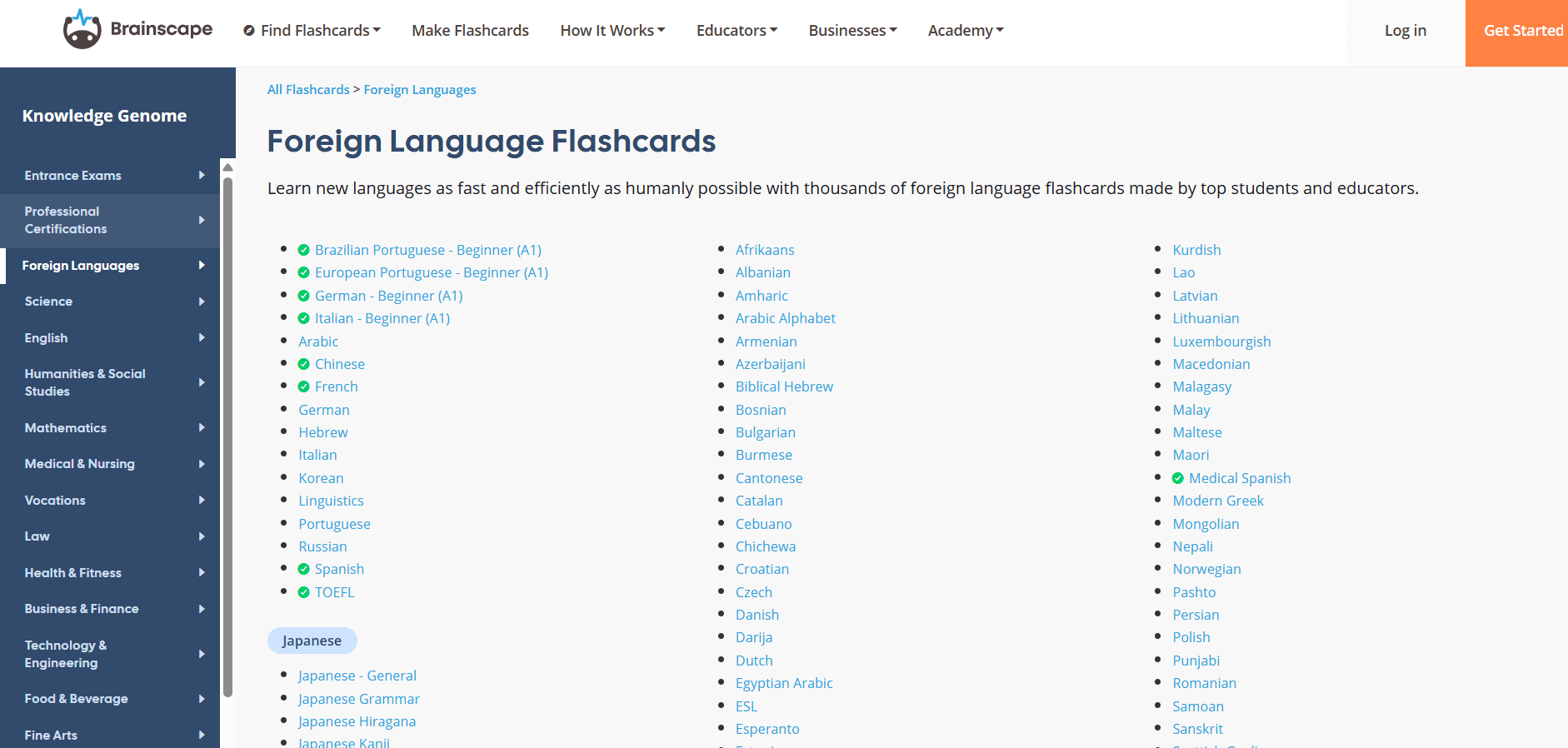
Brainscape is known for its confidence-based repetition system, its distinguishing factor. Under this system, you rate your confidence on a card on a scale of 1 to 5. Cards you rated low come back sooner, and cards you felt confident about come back later.
Brainscape’s library of pre-made decks is also huge. There are decks for plenty of languages, and the unique thing is that, for some languages, you’ll find Brainscape-certified decks as well. Most of the decks come with audio too.
You can also build flashcard decks from scratch. Brainscape supports both manual and automatic ways. But the supported flashcard types aren’t as many as you’d find in RemNote or Anki.
Key features
- Both manual and AI-powered ways to create flashcards
- Confidence-based review system
- User-generated and certified language decks for many languages
- Audio included on most major-language decks
- Available on browser, Android, and iOS
Pricing
Brainscape offers a free plan and the following monthly, half-yearly, yearly, and lifetime subscription options:
- Pro plan: $19.99 (monthly), $9.99/month (semester), $7.99/month (yearly), $199.99 (lifetime)
- Enterprise plan with custom pricing
Pros
- Expert-written decks ensure quality and factuality
- Library of language decks is massive and covers many languages
- Users can earn through their shared flashcard decks
- Generous free plan
- Flexible paid plan duration options
Cons
- Most certified language content is locked behind the paid plan
- The scheduling algorithm is simpler than SM-2 or FSRS
- Your flashcards are public by default on the free plan
5. Memrise (Best for learning pronunciation through native speaker videos)
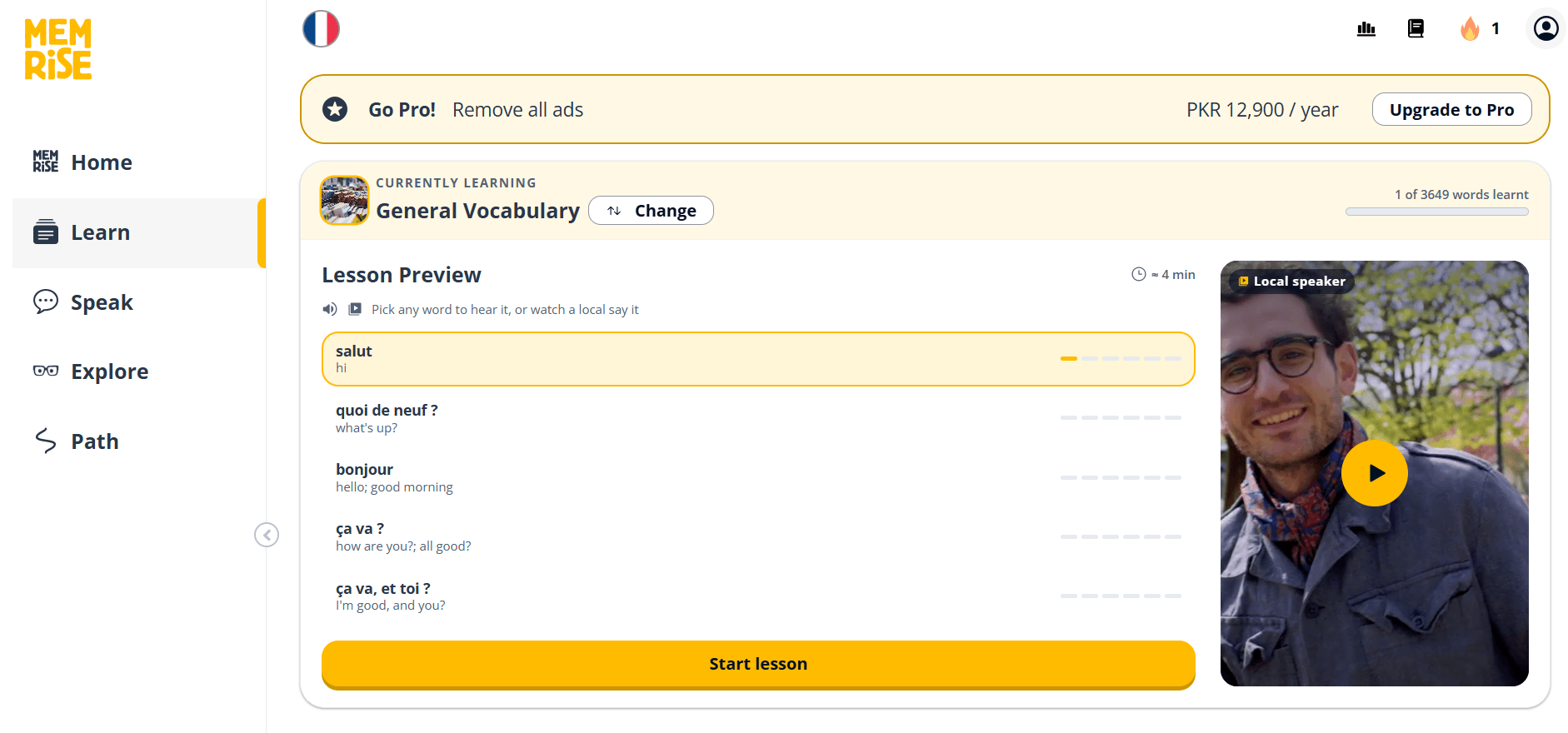
Memrise is a dedicated language learning app.
But the reason to put it at the bottom is its weak flashcard support. The platform no longer allows users to create flashcards. You choose what language you’re learning and why, and the system limits you to that language unless you switch to a different one.
Their pre-made sets focus mainly on the high-frequency words and phrases you'll use most in real-life.
Memrise runs on spaced repetition too. However, you aren’t shown typical flashcards. Instead, you practice with MCQs. There's also an AI chat feature where you can try using what you've learned in a low-pressure conversation, such as ordering a coffee.
Memrise’s limitation is depth. The grammar explanations are light, and you’re limited to only the material the platform has curated for you.
Key features
- Clips accompanying decks that show natives pronouncing words and phrases
- Focus on high-frequency and real-world vocabulary
- An AI chat feature that helps with speaking practice
- Official courses across 23 languages
Pricing
Memrise offers a free plan and one paid plan on a monthly, yearly, and lifetime basis:
- Memrise Pro: $24.99/month, $61.99/year, $329.99 (lifetime)
Pros
- Native speaker videos are of great help
- Strong focus on practical, everyday words
- Learning material for many languages
- Pre-made sets for different types of conversations (ordering a coffee, talking to a receptionist, etc)
Cons
- Very little grammar instruction
- The free plan is limited
- User-created courses are no longer inside the main app
- No longer supports creating flashcards
Why RemNote is the best for language learning
Every app on this list is great at something. Anki, Quizlet, Brainscape, and Memrise have loads of pre-made content to practice a language. But the moment you don’t find a desired deck and are forced to create decks from scratch is when these apps show their limitations.
Anki isn’t beginner-friendly, Quizlet and Brainscape support a single flashcard type only, and Memrise doesn’t allow card creation at all.
RemNote is the app that handles flashcard creation the best. You can create flashcards of any type from scratch with ease. RemNote can also generate flashcards automatically from uploaded files and online content using AI.
Then you review those cards with true spaced repetition, and the language stays with you for years to come. Not to mention, RemNote supports text-to-speech (text reader) on cards, and you can import decks from Anki.