


Text Reader for PDFs
View any PDF in Text Mode for easy, distraction-free reading. Text wraps naturally, images and math are preserved, and you can listen with high-quality text-to-speech.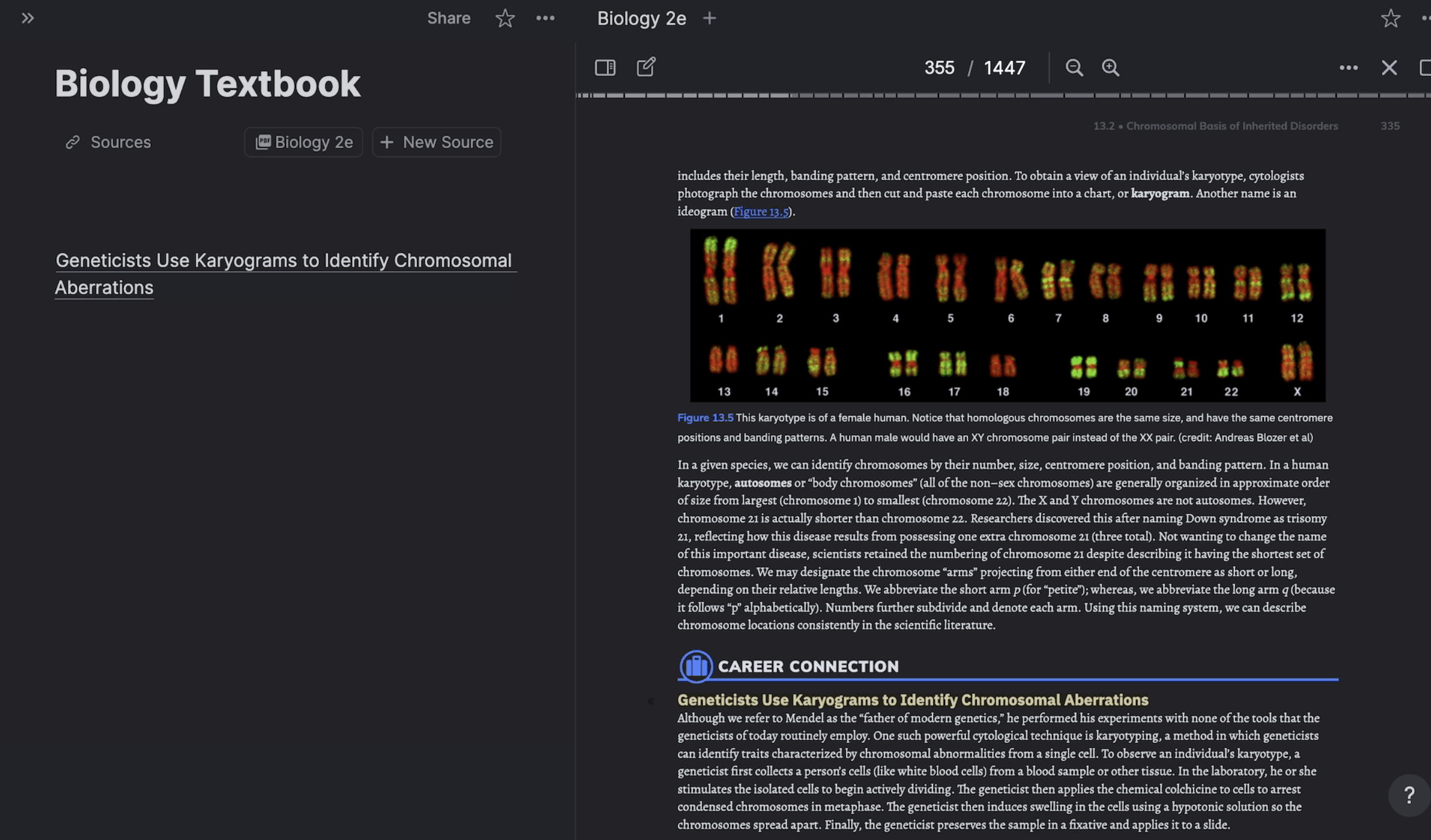
Join 1,000,000+ students getting higher grades!
Distraction-Free Reading
Convert any PDF to clean, flowing text. Images, math equations, and tables are preserved while the text wraps naturally for comfortable reading.
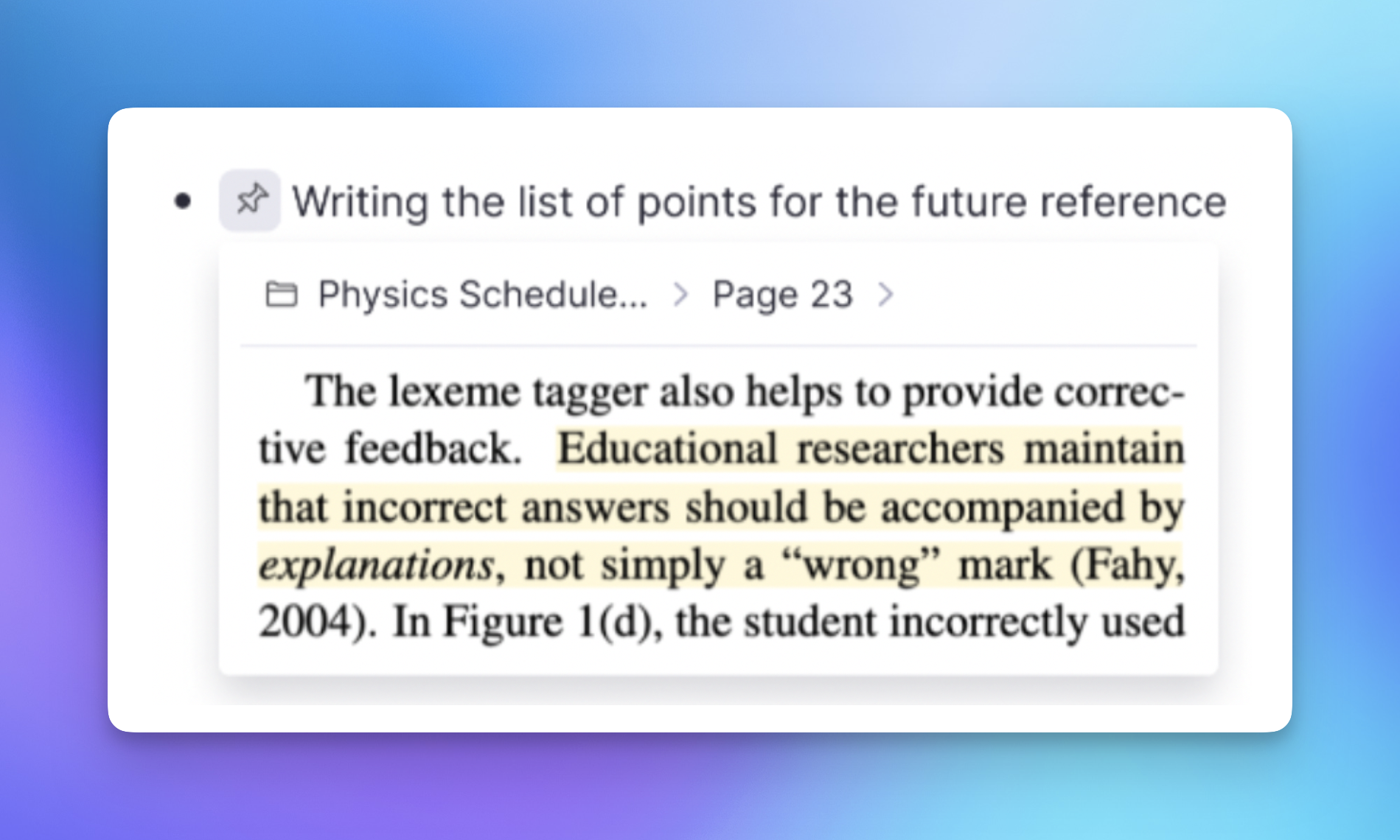
Read Anywhere, Any Device
Text wraps perfectly on mobile screens. No more squinting at tiny PDFs or endless horizontal scrolling.
Mobile Reading
Text wraps naturally on phone and tablet screens for comfortable reading anywhere.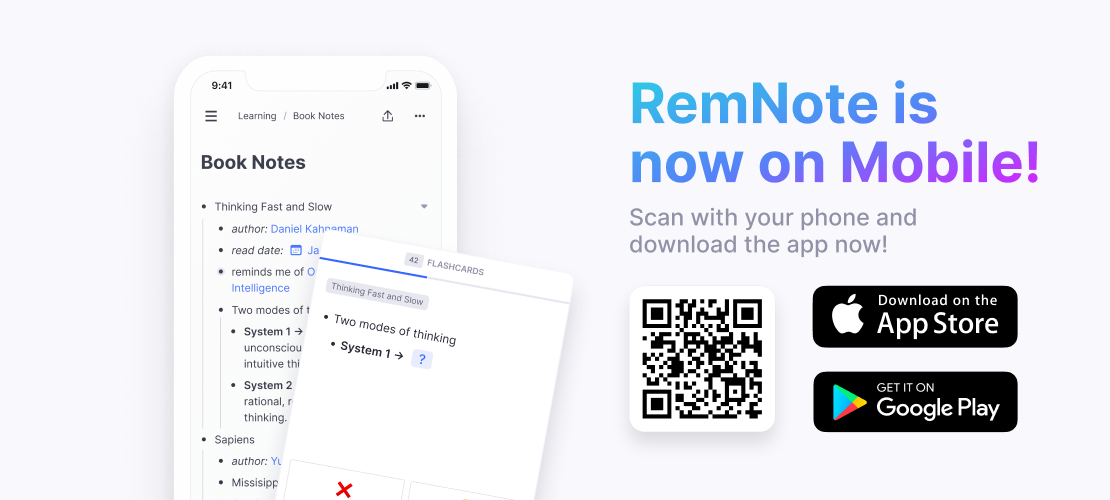
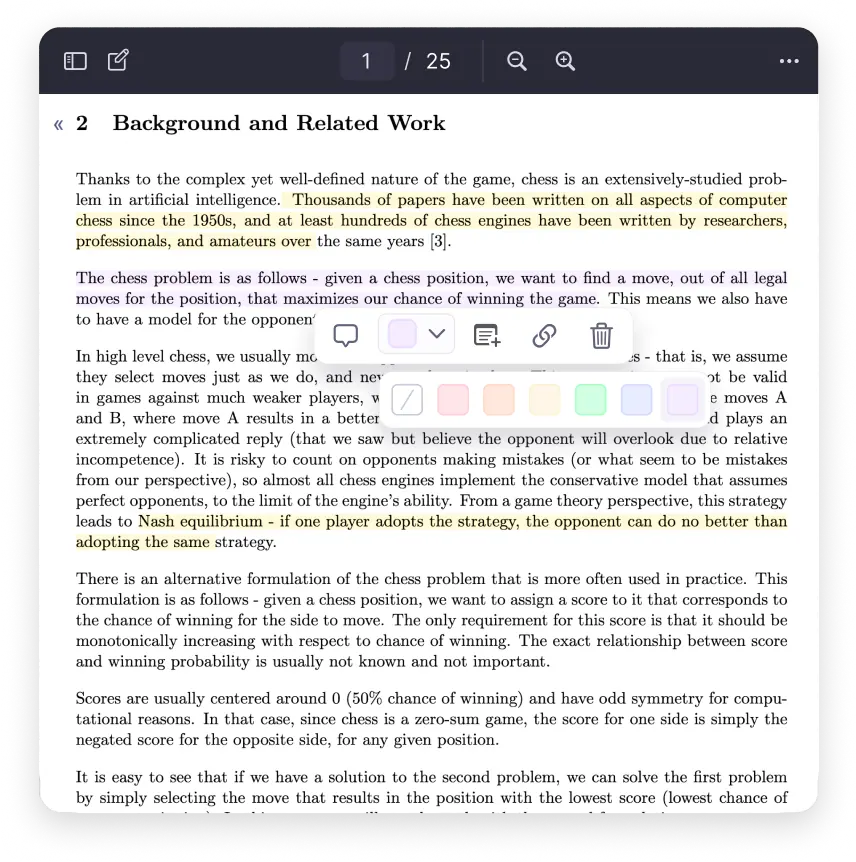
Organized Highlights
View all your highlights in one place with the sidebar. Navigate directly to any annotation.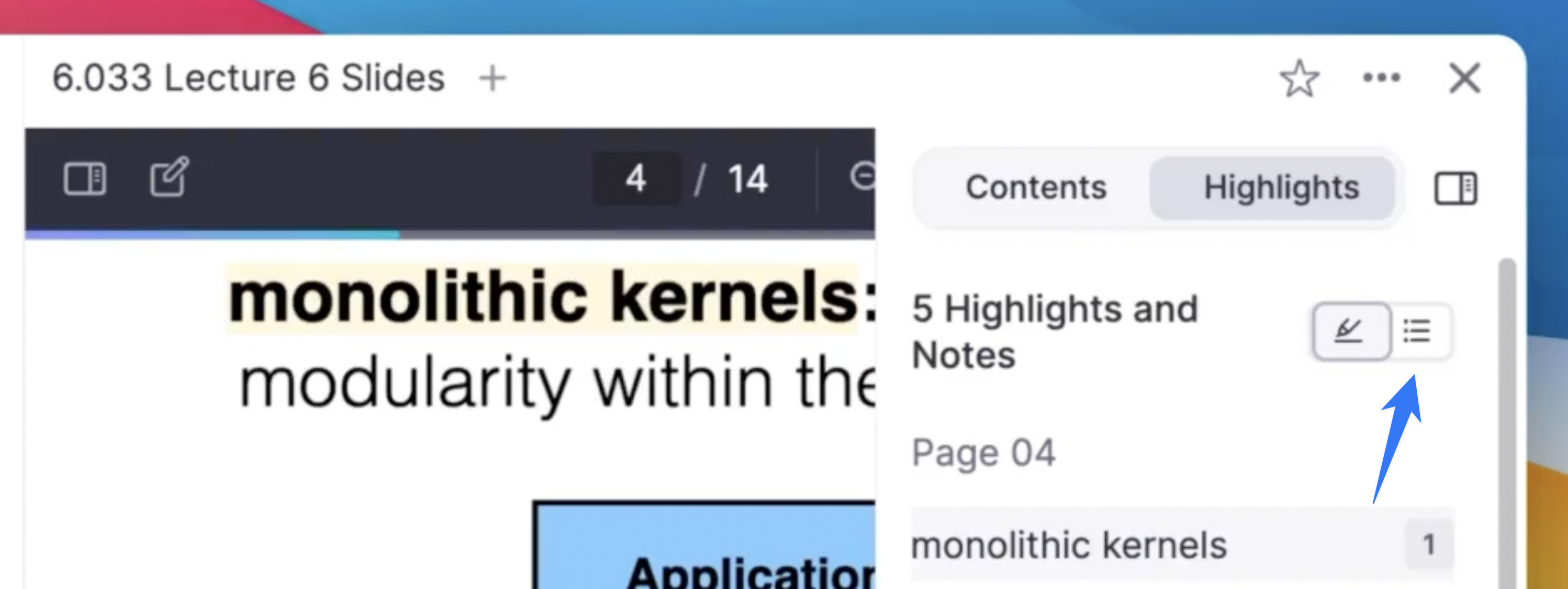
Dark Mode Support
Read comfortably in any lighting condition with full dark mode support.Text to Speech
Listen to your document with high-quality text-to-speech. Select "Listen with text to speech" in the menu, or hold Ctrl and click any word to start from there.
Customizable Appearance
Adjust font size, line spacing, and margins to create your perfect reading experience. Your preferences sync across all your devices.
Join 1,000,000+ students getting higher grades!
Frequently Asked Questions
Can I use text-to-speech to study my notes and PDFs?
Yes. RemNote includes high-quality text-to-speech that lets you listen to any PDF or document. Select "Listen with text to speech" from the menu, or hold Ctrl and click any word to start playback from that point. The audio follows along as you scroll.
This is especially useful for reviewing material during commutes, exercise, or any time you want to study hands-free. You can adjust playback speed to match your preference.
What file formats does Text Reader support?
Text Reader mode works with any PDF you upload to RemNote. It converts the PDF into clean, flowing text while preserving images, math equations, and tables. The conversion uses AI to ensure accurate formatting.
Once a PDF has been converted, you can switch freely between the original PDF view and the Text Reader view at any time. The converted text is also fully searchable and can be highlighted or annotated.
How does Text Reader integrate with flashcards and notes?
Text Reader mode is fully integrated with the rest of RemNote. You can highlight passages, create flashcards directly from the text, and generate AI summaries or quizzes from your reading material.
All highlights and annotations you make in Text Reader are organized in a sidebar for easy review. Because your reading materials and study tools live in the same workspace, you can go from reading a textbook to reviewing flashcards without switching apps.
Is Text Reader useful for students with reading difficulties?
Yes. Text Reader mode is designed to make academic content more accessible. You can adjust font size, line spacing, and margins to create a comfortable reading experience. Dark mode reduces eye strain in low-light environments.
Combined with text-to-speech, students can listen to material while following along visually, which supports multiple learning styles. The clean text layout removes the visual clutter of PDF formatting, making it easier to focus on the content itself.
Is my data private and secure?
Yes. Your PDFs, reading highlights, and study materials are securely stored with clear privacy protections. Your content stays in your personal workspace and is not shared publicly or used to train AI models.
RemNote is an offline-first application, so your documents are stored locally on your device and available without an internet connection. When you connect, everything syncs securely across your devices.

