
Anki vs Quizlet vs RemNote: Which Is Best for Flashcards?

Most students struggle with remembering information they spent hours studying. Flashcards are a popular solution to the “forgetting” problem. They encourage active recall, with which the information you learn moves from short-term memory into long-term memory.
For many years, Anki was considered the gold standard for digital flashcards. But Anki's interface and settings are pretty overwhelming if you don’t have a technical background.
Quizlet and RemNote are newer flashcard tools with modern interfaces.
Anki vs Quizlet vs RemNote, all three platforms have the same job, i.e., helping you create and review flashcards, but each of them is suited for a different type of learner.
In this article, you’ll see a comparison of flashcard creation and review features of Anki, Quizlet, and RemNote.
TL;DR
Anki, Quizlet, and RemNote are all flashcard tools, but they serve different learners. Anki is best for power users who want total control and the strongest free spaced repetition. Quizlet is best for ready-made decks and quick, low-effort studying. RemNote is best for serious long-term retention because it pairs note-taking with an advanced spaced repetition engine. If you want a balance of power and usability and you want to actually remember what you study, RemNote is the strongest all-rounder.
What Is Anki?
Anki is a free flashcard tool that was created by Damien Elmes and first released in 2006. The name comes from a Japanese word meaning “memorization."
You can create your own flashcards or download ready-made card decks from AnkiWeb that have been created by other users. Anki also supports images, audio, and other media.
For many years, Anki used the SM-2 algorithm, which was based on early spaced-repetition research. More recently, it has introduced FSRS (Free Spaced Repetition Scheduler). The new algorithm uses your study history to make more accurate predictions about when you are likely to forget information.
One of Anki’s cool features is add-ons, which are small extensions created by the community that add new features and customize how the app works. Some of them are:
- Review heatmap that shows your study streaks
- Image occlusion enhanced that lets you hide parts of an image and turn them into flashcards
- Batch editing add-on with which you can edit multiple notes at once
- Advanced browser add-on for extensive filtering options to Anki’s card browser
And many, many more.
What is Quizlet?
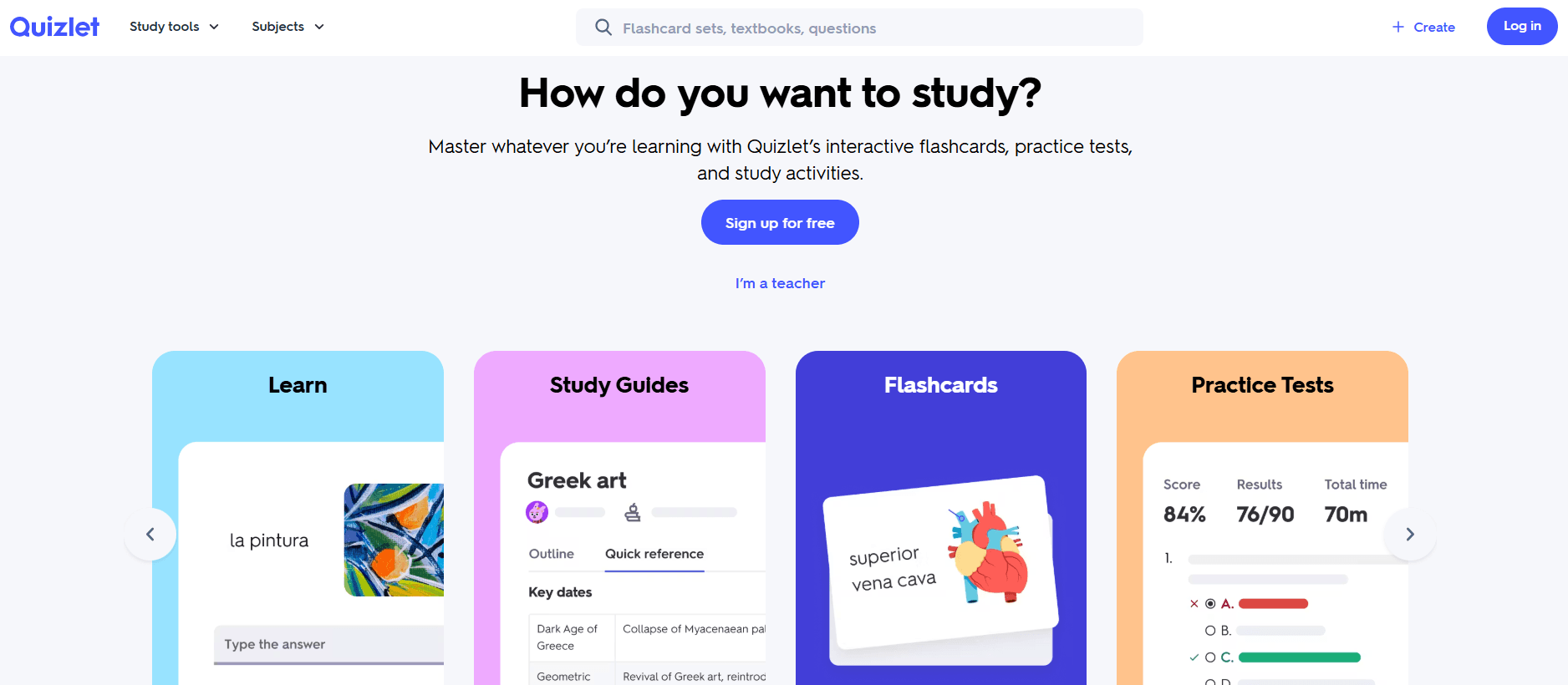
Quizlet was founded in 2005 by Andrew Sutherland, who originally built the tool to help himself memorize vocabulary for a school assignment. This personal project grew into a popular platform with millions of users.
Besides flashcards, Quizlet also gives you multiple study modes, like practice questions, matching games, writing, and learning activities.
You can review the same material in many different ways for optimal retention.
Quizlet also uses learning algorithms to personalize study sessions.
Recently, it has added AI-powered features that automatically generate study materials, summaries, and practice questions from the content you upload.
It is very easy to use compared to Anki. However, its spaced repetition algorithm is pretty basic.
What is RemNote?
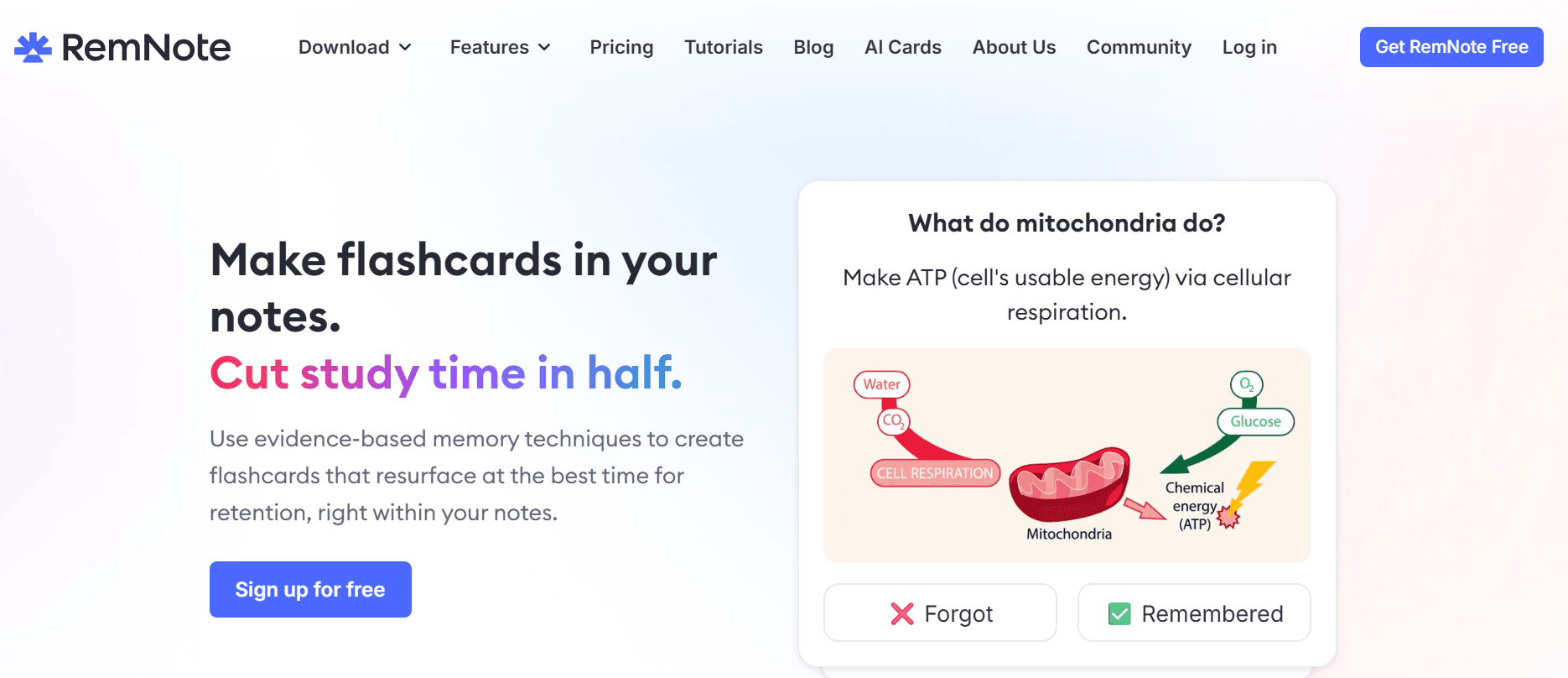
RemNote is an all-in-one study and note-taking app. It was founded in 2020 to primarily bridge the gap between note-taking and active recall.
With RemNote, you can generate flashcards from your notes as you write. The course content you upload can also be auto-converted into review questions without manually creating separate cards.
RemNote uses a spaced repetition algorithm similar to that of Anki.
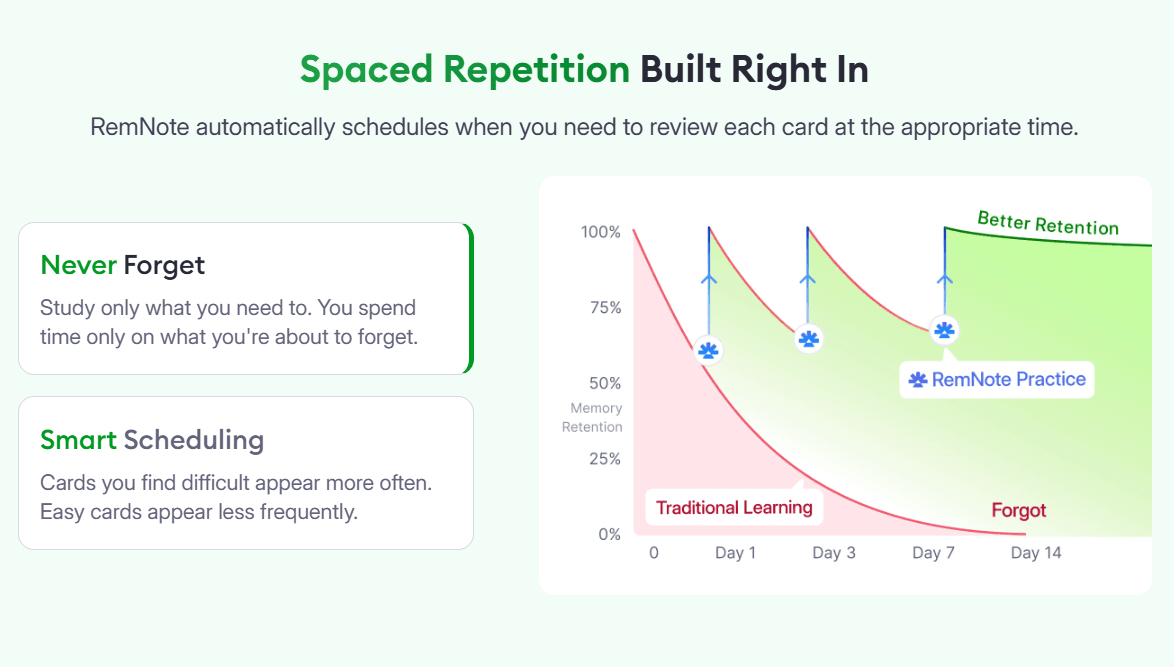
It is also great for organizing study material and linking them together. You create a network of ideas between your notes and flashcards so that you’re never just cramming info.
In addition to flashcards and note-taking, RemNote offers a free PDF annotator, a lecture recorder, and an exam scheduler. It has some AI-powered features too that can summarize notes, generate study materials, and speed up your learning process.
Want to see how notes and flashcards work together? Try RemNote for free!
Anki vs Quizlet vs RemNote: At a Glance
| Feature | Anki | Quizlet | RemNote |
| Spaced Repetition | Advanced (SM-2 +FSRS add-ons) | Basic (Learn mode) | Advanced (FSRS) |
| Best For | Power users; med &language students | Ready-made decks;quick review | Long-term retention;studying from notes |
| Platform Support | Win, Mac, Linux, Android(free); iOS (paid) | Web, iOS, Android | Win, Mac, Linux, Android,iOS, Chrome |
| Learning Curve | Steep | Gentle | Moderate |
| Ease of use | Moderate-Low | High | High |
| Notes Integration | None (cards only) | None | Built-in |
Anki vs Quizlet vs RemNote: Core Features
Flashcard Creation
Anki is entirely manual, but Quizlet and RemNote have both manual and automated ways of creating flashcards.
Anki
All Anki flashcards have to be created manually. You can choose from several built-in note types, like:
- Basic (front and back)
- Basic (reversed card)
- Basic (optional reversed card)
- Cloze deletion
- Image occlusion
Anki allows almost unlimited customization of card layouts, so you can create custom note types and card templates as you like. It supports rich media inside cards, including:
- Images
- Audio
- Video
- Mathematical equations (LaTeX)
- HTML formatting
Anki can also import flashcards from CSV files and shared decks. You can download them in the form of Anki package files (.apkg). AnkiWeb has a large library of publicly shared decks for language learning, medicine, law, science, and many other subjects.
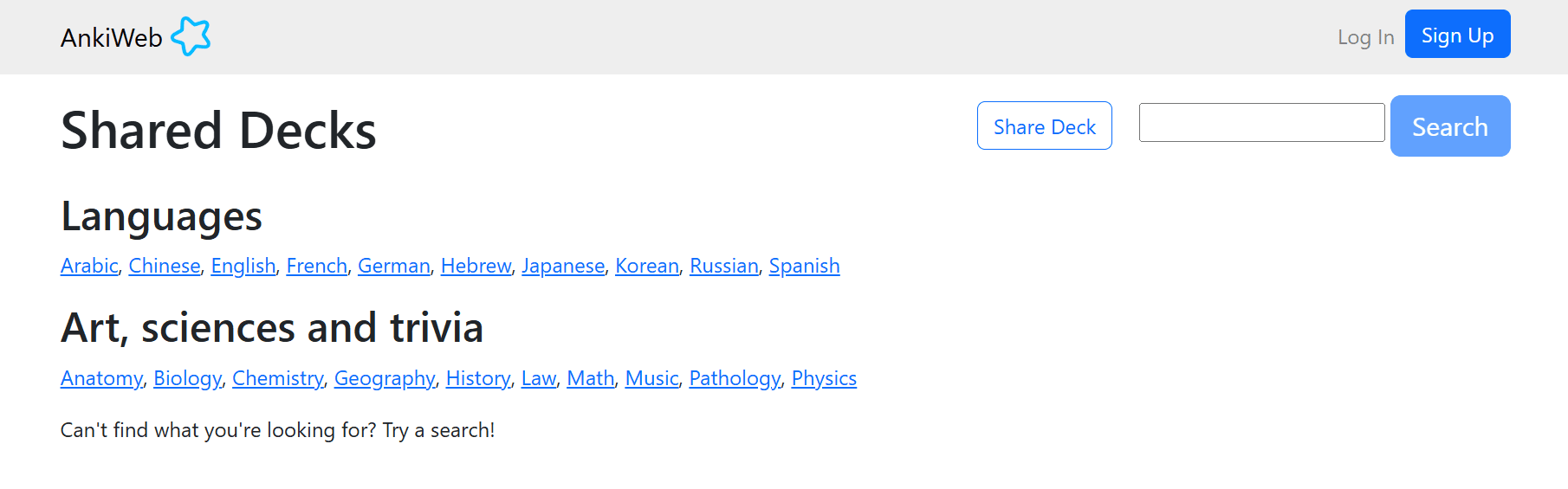
However, it does not natively generate flashcards from documents using AI.
Quizlet
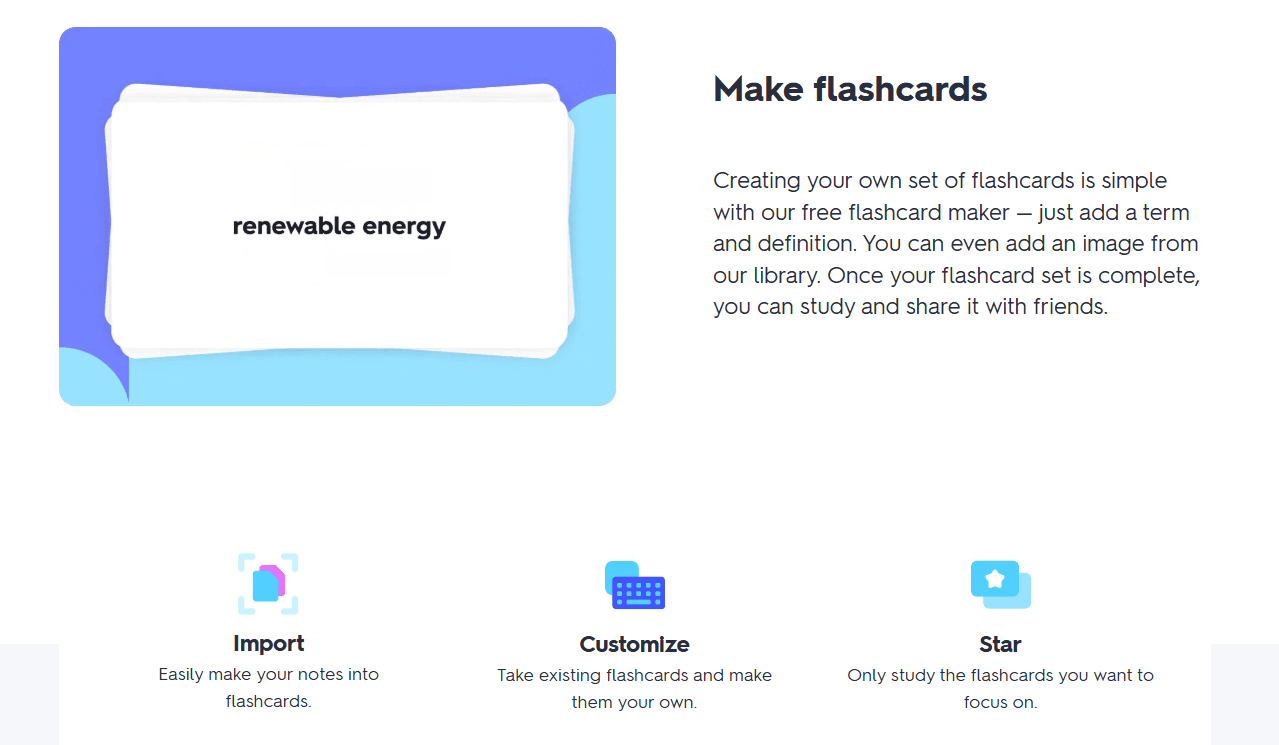
Quizlet supports two primary flashcard formats:
- Term and definition cards
- Diagram sets, where labels are attached to specific locations on an image
There are three ways to create flashcards.
- Creating flashcards manually, like Anki, in which you enter content into separate “Term” and “Definition” fields. Images can also be added to cards.
- Importing content (either upload or paste preformatted material and automatically convert it into flashcards). Quizlet accepts content from Microsoft Word documents, spreadsheets, and plain text lists. But the terms and definitions in imported content must follow specific formatting rules so Quizlet can separate them correctly into cards.
- Generating flashcards using AI-powered Smart Assist feature, with which you just upload learning materials or enter a topic, and Quizlet automatically generates flashcards. The content sources for AI flashcards can be:
- PDFs
- PowerPoint presentations
- Google Slides
- Google Drive files
- Typed notes
- Handwritten notes and scans
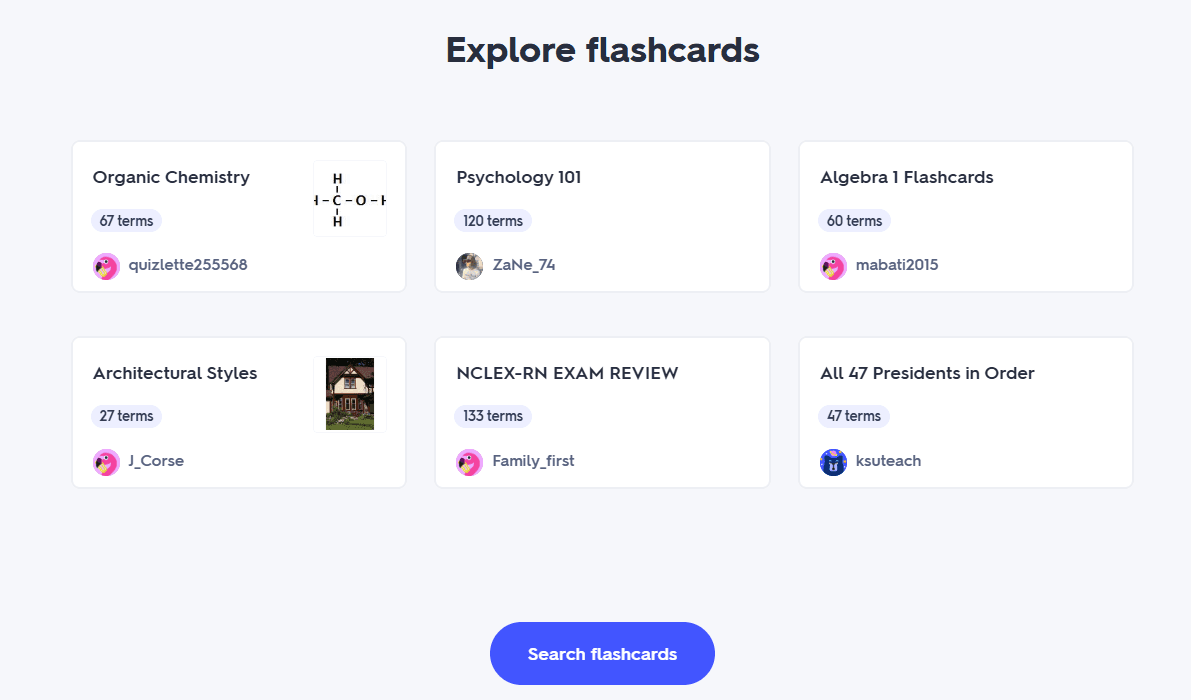
Similar to Anki, Quizlet also has its large public library of flashcard sets.
RemNote
RemNote’s biggest strength is that it combines note-taking and flashcard creation into a single system.
You can create flashcards while taking notes using keyboard shortcuts that act as “flashcard triggers” to convert information into cards. It supports multiple card types.
Here’s how to create different types of flashcards:
- Basic question and answer card: Type >> or ==
- Cloze deletion (fill-in-the-blank) card: Type {{, or highlight some text and press {,
- Bidirectional Concept card: Type :: (:> for forward-only, :< for reverse-only)
- Descriptor card: Type ;; (;< for reverse, ;<> for bidirectional)
- Multiple-Choice card: Type A) after creating a Basic card
- Image Occlusion card: Ctrl+click on an image (Cmd+click on a Mac)
RemNote also supports code blocks within flashcards, which is great for programming and technical subjects.
Alternatively, you can generate AI flashcards from course content you upload on the app. It allows you to upload any of the following sources:
- PDFs
- Documents
- Presentation files
- Text files
- Images
- Notes from other applications
- URLs of webpages or YouTube lecture videos
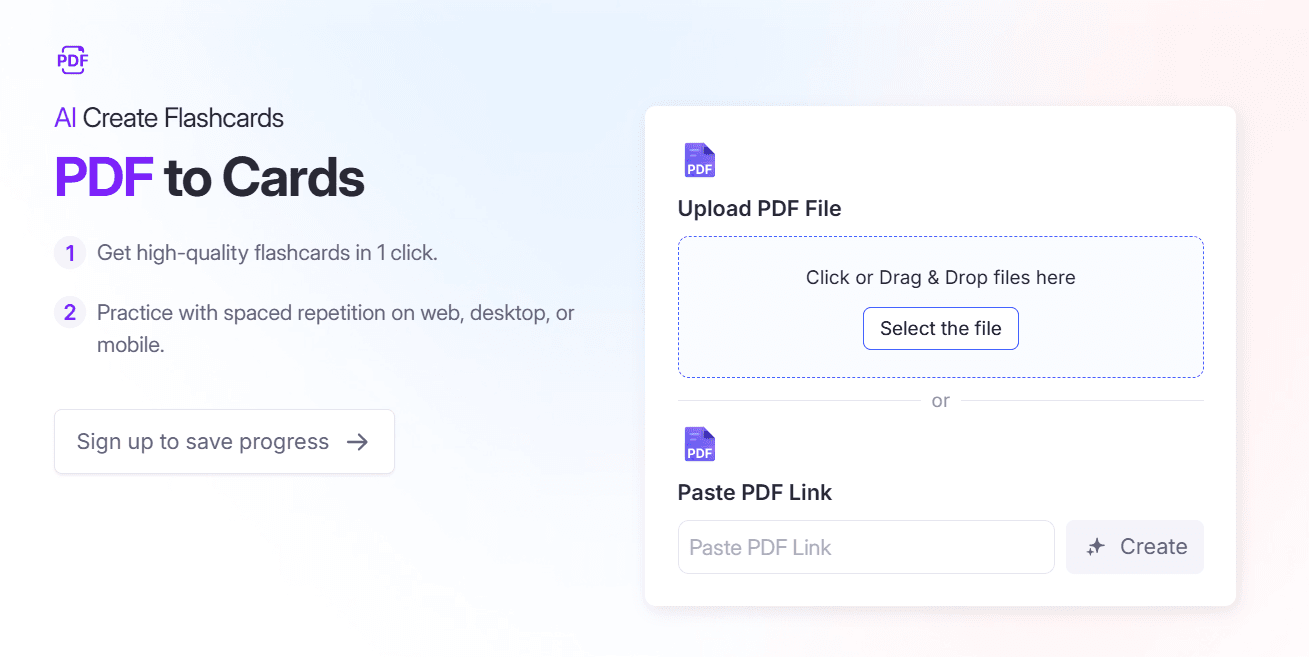
RemNote can also import content from Anki, Quizlet, Notion, Obsidian, etc.
Another method to generate flashcards while you’re studying is annotation-based flashcards.
If you highlight any content while reading a PDF, RemNote suggests flashcards based on the selected content. You can review, edit, accept, or discard these suggestions.
Flashcard Review Techniques
Reviewing flashcards depends on the algorithms each tool runs on. Below are flashcard review techniques Anki, Quizlet, and RemNote use.
Anki
Anki's review system is built on spaced repetition. When reviewing a card, you’ll see the question first, and once you hit the spacebar to reveal the answer, you’ll rate how well you remembered it using the following 4 buttons:
- Again
- Hard
- Good
- Easy
Cards for which you select “hard” or “again” are shown to you more frequently, and the ones you consistently answer correctly are scheduled further into the future.
Anki supports two scheduling algorithms:
- FSRS (Free Spaced Repetition Scheduler)
- SM-2 (legacy scheduler)
FSRS is a newer, more recommended algorithm. It analyzes your review history and predicts the optimal time to review each card for long-term retention.
Quizlet
Quizlet does not run on spaced repetition, but it offers a variety of review methods.
Its most basic review method is Flashcards Mode, in which users flip through cards one at a time to review terms and definitions.
Quizlet's Learn Mode provides a more guided review experience. It tracks your performance and automatically shows you more questions on concepts that you get wrong. These questions are in different forms of game-based review activities, like:
- Multiple choice questions
- Written responses
- Matching exercises
- True/false questions
- Flashcards
There’s also a Test Mode which generates practice tests from a flashcard set.
RemNote
RemNote combines the best of both worlds. Its review system is a combination of traditional spaced repetition like Anki with other learning and review tools you see in Quizlet.
When studying flashcards, you rate the recall quality based on how well you know your content, and the scheduling algorithm determines when it should show you those cards again.
Some advanced review features of RemNote include:
- Daily review queues
- Practice-only review sessions
- Custom filtered reviews
- Exam-focused review sessions
- Forgotten-card reviews
Pricing of Anki vs Quizlet vs RemNote
Anki is a free tool for web and Android use, but it charges a one-time download fee from iOS users. RemNote and Quizlet have free and paid transparent pricing plans. They include:
| Anki Plan | Price |
| Android and Web App | $0/month (Anki has no paid plan) |
| iOS app | One-time $24.99 USD (or local equivalent), no recurring subscriptions. |
| RemNote Plan | Price |
| Free plan | $0/month |
| Pro | $10/month (billed monthly) or $8/month (billed annually) |
| Pro with AI | $20/month (billed monthly) or $18/month (billed annually) |
| Quizlet Plan | Price |
| Quizlet plus | $7.99/month |
| Quizlet Plus Unlimited | $9.99/month |
| Quizlet Plus for teachers | 30-day free trial, then $35.99/year |
What Makes RemNote Stand Out
Although RemNote runs on the same FSRS algorithm that is used by Anki, there are two distinct features that make it a better flashcard review tool.
It puts a lot of emphasis on concept relationships
In RemNote, all flashcards are connected to notes such that you can easily jump from a card to its original context if you don’t remember the concept behind it.
Many Anki users report that they “rote-learn” the cards but do not truly retain the context.
RemNote eliminates that concern. If you think you need a refresher of the topic, you’ll just be one click away from it.
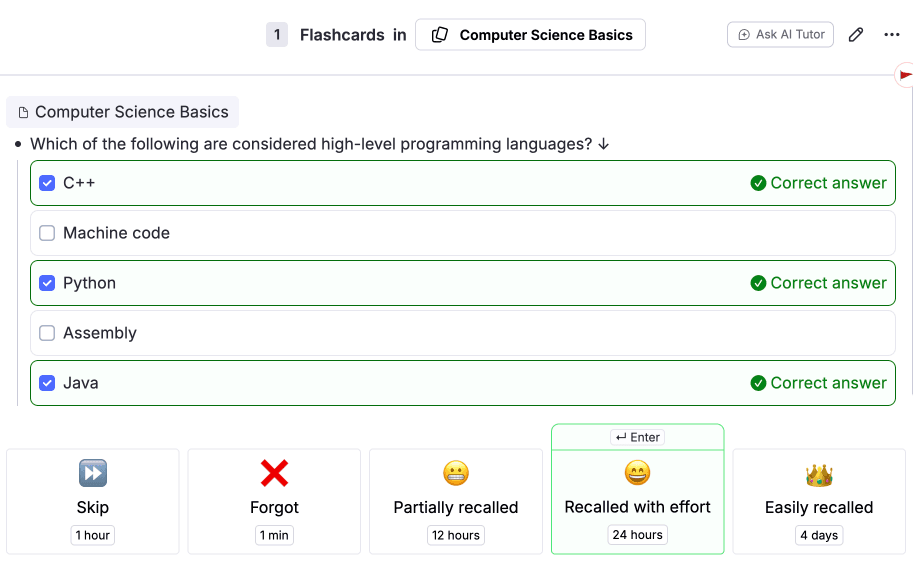
It allows Partial Recall
For most flashcard tools, if you remember partial information from a card (let’s say, one of the two cloze deletions), you’ll have to hit “again” on it.
RemNote allows users to indicate how much of the answer they remembered rather than marking an entire flashcard correct or incorrect.
Try RemNote free and see how much more you actually remember.
Anki vs Quizlet vs RemNote: Which One Should You Choose?
The decision to select between Anki, Quizlet, and RemNote depends on what you need from a tool.
You can choose:
- Anki if you want maximum control over your flashcard review schedule. It is the pioneer of the best spaced repetition system and has extensive customization, add-ons, custom card types, and support for advanced workflows. The learning curve is steeper, though.
- Quizlet if you want a fun way to study. It is beginner-friendly and has a large library of pre-made flashcard sets. It is for students who want low-effort studying without spending time configuring settings.
- RemNote if you primarily study from your own notes and want a tool that combines note-taking with flashcards. It is best at connecting ideas through linked knowledge. Many users see it as a middle ground between Anki's spaced repetition power and Quizlet's ease of use.
FAQs
Which is better, Anki or RemNote?
Both Anki and RemNote have the same FSRS scheduler algorithm. But RemNote is better for learners who want note-taking and flashcards in one place.
Is RemNote better than Quizlet?
For long-term retention, RemNote is better than Quizlet. RemNote flashcards are based on spaced repetition. Quizlet, however, has a large library of pre-made study sets.
Can I memorize 100 flashcards in one day?
You can definitely learn 100 flashcards in a day, but learning and retaining are different things. You will need multiple review sessions over several days/weeks to reliably remember all 100 cards long term.
Which one is better, Anki or Quizlet?
Anki is better for long-term memorization because of its advanced spaced repetition system. Quizlet is better for quick, convenient studying. It just depends on what you want.
The Smarter Way to Remember What You Learn
There is no single flashcard app that is objectively best for everyone. The tool you find best will depend on your study habits and how much time you're willing to invest in setting up and maintaining your study system.
Anki is the go-to option for customization and control over your review process. Quizlet is very simple. It's best for those who want their study time to be fun. Both these tools are really helpful but for different types of learners.
RemNote is the perfect balance between algorithmic power and usability. Its best features are its integrated spaced repetition with note-taking and knowledge organization. You get many of the long-term learning benefits associated with Anki without the same level of complexity and fun learning features beyond what Quizlet offers.
If long-term retention and an integrated study workflow are important to you, RemNote is worth giving a try.