
9 Best Anki Alternatives to Try in 2026 (Tested & Ranked)


Spaced repetition is among the most effective methods for long-term knowledge retention. Medical students using digital flashcards with spaced repetition intervals were found to score 6.2% to 10.7% higher on tests than those using traditional study methods.
Anki is one of the oldest, open-source spaced repetition flashcard apps. It has a devoted following among medical students and language learners.
But Anki is, after all, a human-made tool that does not satisfy 100% of its user base.
If you find Anki too complex in some ways and too bare-bones in others, and you need a tool that gets the same job done but with a modern interface, this article is for you.
We list down some of the best Anki alternatives with their features, pros, cons, pricing, and more.
Why look for an Anki alternative?
Anki is, without question, the gold standard of spaced repetition. But we believe it is only for serious learners willing to invest the time in learning how to effectively use it for the long-term game.
There are some points of friction associated with Anki.
The learning curve of Anki is genuinely steep because you must understand how to configure your decks and install the right add-ons. Many learners do not have such technical patience.
The interface is also noticeably outdated, and younger learners struggle to sit through all of their reviews for the day. The same goes for people with ADHD.
Also, creating flashcards is an entirely manual process with Anki. If you build your own decks from scratch rather than downloading pre-made ones, you'll need a huge time investment.
Why not look for some alternatives to Anki that minimize these barriers? We decided to do just that for you!
How did we evaluate the platforms?
We personally tested 20+ flashcard tools found across the web to experience first-hand the features each of them promised and how easy they were to use.
From that hands-on evaluation, we shortlisted the 9 Anki alternatives that genuinely stood out for us.
Then, we cross-referenced user feedback from Reddit discussions, reviews on G2, and Apple/Google Play Store reviews for each shortlisted tool. The assessment helped us find complaints and praise that helped in curating this list.
What follows in this article is a combination of firsthand experience and aggregated user sentiment for every flashcard tool. We believe it will give you a balanced picture of what each platform is like to use day-to-day.
9 Anki alternatives to try in 2026
Here are our top 9 picks for Anki alternatives at a glance.
| Alternative | Best for | Starting price | Rating |
| RemNote | Notes-based studying | Free / $8/mo | 4.8/5 (Source) |
| Quizlet | Beginners | Free / $2.99/mo | 4.7/5 (Source) |
| Brainscape | Habit-driven learners | Free / $7.99/mo | 4.8/5 (Source) |
| StudyStack | Younger/casual learners | Free / $1.50/mo | 4.3/5 (Source) |
| SuperMemo | Language learners | 35.99 PLN/month | 4.7/5 (Source) |
| Kahoot! | Group/classroom studying | Free / $3/mo | 4.6/5 (Source) |
| FlashRecall | Instant studying for busy students | Free / $14.99/mo | N/A |
| Algo App | On-the-go learning | Free / $29.99/yr | 4.5/5 (Source) |
| Noji | ADHD learners | Free / Premium pricing not available publicly | 4.5/5 (Source) |
1. RemNote
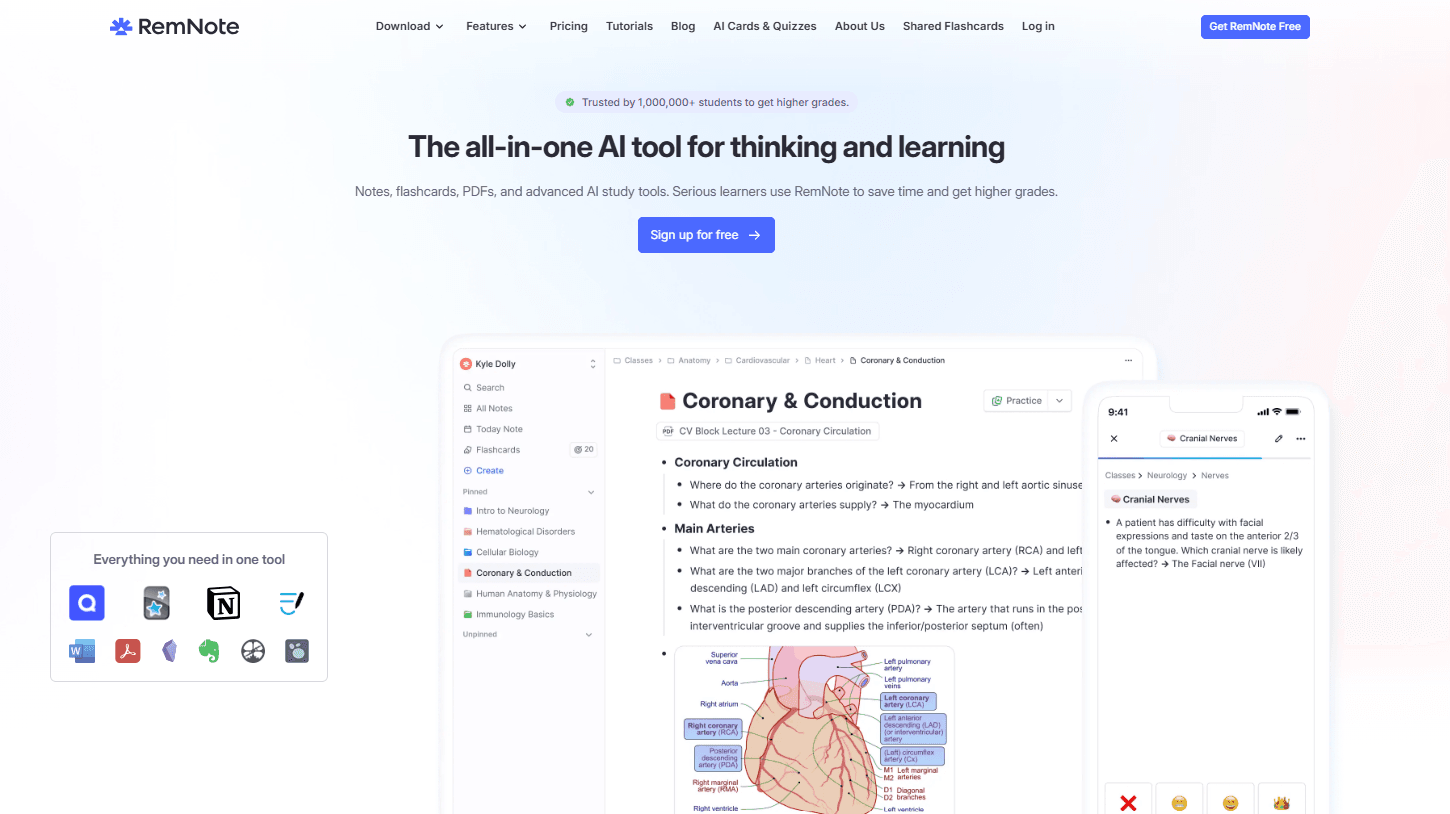
RemNote is a hybrid note-taking plus a spaced-repetition-based flashcard review app.
In Anki, you’d need to create your flashcards separately from where your lecture notes are. But RemNote combines your study material and the flashcards in one place, which essentially preserves the full context of your study content as you review it.
What really sets RemNote apart from other tools on this list is how much of a student's study routine fits in one place.
You can:
- Take lecture notes
- Annotate PDFs
- Record lectures
- Handwrite notes on an iPad
Then you can turn any of it into flashcards without switching apps. Instead of juggling Notion for notes, Anki for flashcards, and Goodnotes for PDFs, it all lives together.
The Exam Scheduler is another standout approach to learning in RemNote, which adjusts your daily reviews based on how close your exam is.
Try generating your first flashcard in RemNote for free.
Key Features
- Create flashcards directly inside your notes. Every card stays tied to the context you learned it in, and you can also generate them from PDFs using AI.
- Built-in exam scheduler that prioritises your reviews based on upcoming exam dates
- Lecture audio recording with automatic transcripts you can review after class
- Supports the modern FSRS algorithm and the Anki SM-2 algorithm
- PDF reader built in, with the ability to highlight text and turn it into a flashcard in one click
- The formats of flashcards include cloze, image occlusion, multiple choice, concept cards, and multiline cards
- Import functionality that lets you bring in content from Anki, Notion, Roam Research, or Markdown files
Pricing
The basic RemNote plan for flashcards and note-taking is free.
The Pro plan ($8/month) adds exam scheduling and some other cool tools, while the Pro with AI plan ($18/month) has extensive AI features.
Pros
- Combines note-taking and spaced repetition in one, very simple interface
- Keeps flashcards tied to their original context
- Built-in support for FSRS without the need to install any add-ons, unlike Anki
- More beginner-friendly interface compared to Anki’s steeper learning curve
Cons
- Has a steep learning curve since it has a lot of features
2. Quizlet
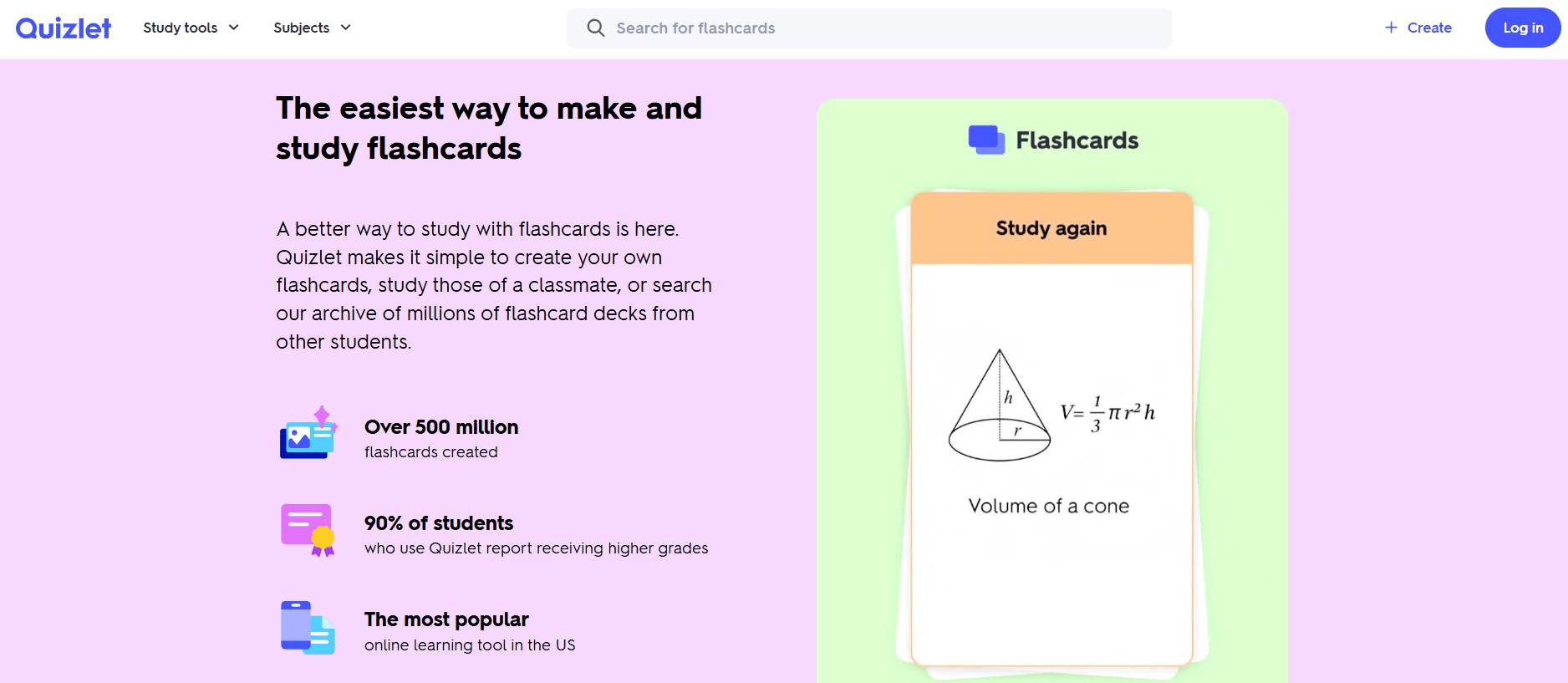
Quizlet is a web and mobile-based flashcard platform known for being quite user-friendly. Anki, in contrast, requires quite a lot of manual setup.
Quizlet offers you millions of pre-created flashcard sets that you can start studying from with just a few clicks.
Many young learners and those who'd rather spend their time reviewing cards than customizing the software like to use Quizlet.
Key Features
- Simple flashcard creation flow where you just add a term and definition
- Access to millions of pre-made flashcard sets on languages, science, exam prep, etc
- An import feature based on AI that makes flashcards out of your notes and study materials
- Swipe-based mobile study mode
- “Star” functionality, with which you can prioritize specific cards near your exam instead of reviewing entire decks
Pricing
Quizlet also has a basic free plan, but it shows you ads while studying, and you can’t study offline on the free version. The paid plans are:
- Quizlet Plus for $2.99/month billed annually
- Quizlet Plus Unlimited for $3.74/month, also billed annually
Pros
- Much easier to get started with than Anki
- A huge library of ready-made flashcard decks
- Very well-built for learning languages
Cons
- Many features are locked behind the paid Plus plan
- The AI features are region-restricted, so you may not ever get access to them
- Lacks transparency about what specific spaced repetition algorithm it uses
3. Brainscape
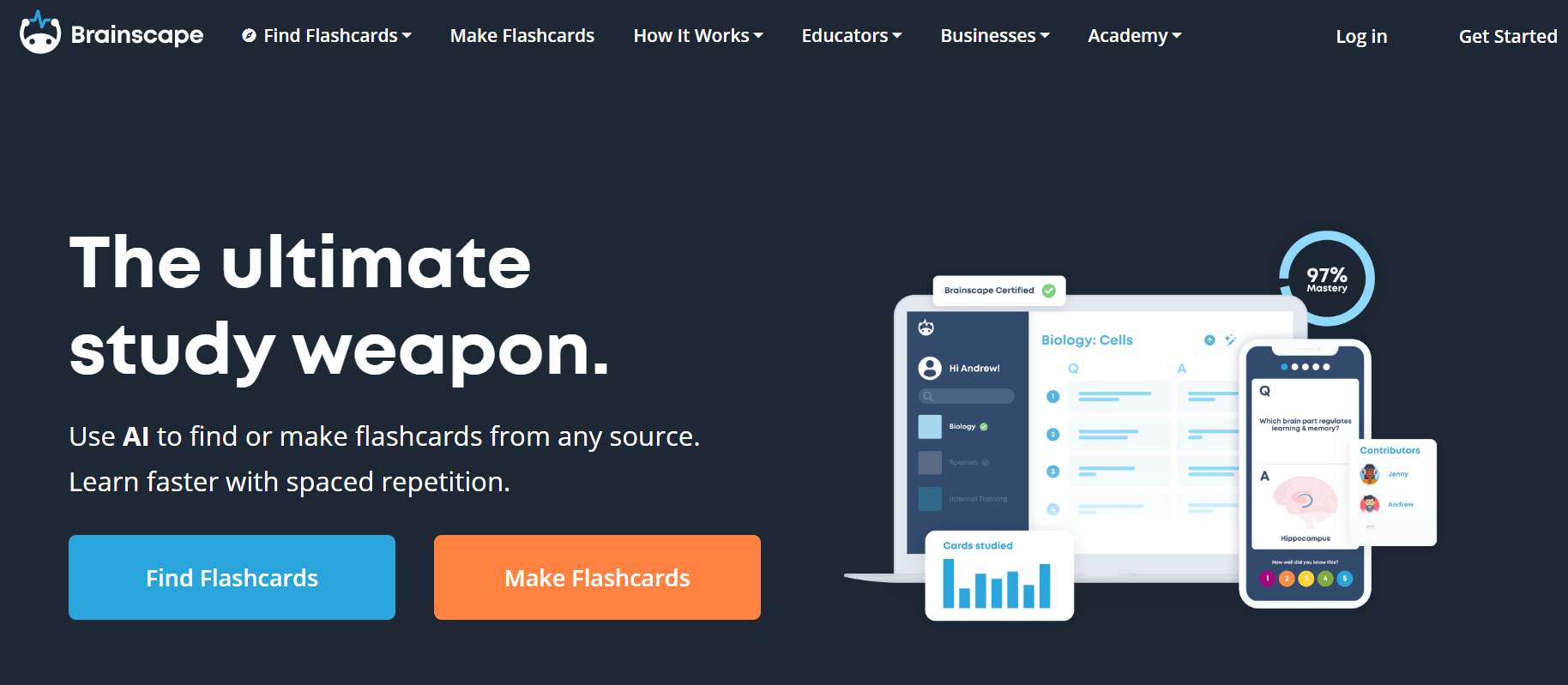
Brainscape is also a spaced repetition platform that allows you to create flashcards, but it is confidence-based. It optimizes your review of the material based on how you rate your confidence in the knowledge the card tests on a scale of 1-5.
In a way, it's a metacognitive approach to learning. You are constantly engaged with your flashcards in the form of self-assessment, through which you are likely to prioritize weaker areas.
Key Features
- Schedules reviews based on your confidence ratings rather than fixed spaced repetition intervals
- “Smart Study” mode delivers a pre-curated mix of cards for the subjects you choose
- Built-in progress tracking with checkpoints
- The “Estimated Time Left” feature gives a clear idea of how long it will take to complete your daily study goal
- Massive flashcard library (known as Knowledge Genome)
- Includes motivational tools like streak tracking, reminders, and leaderboards
Pricing
Brainscape has a generous free plan where you get unlimited personal flashcards.
The Pro plan ($7.99/month) gives you access to AI generation and full access to shared content. An enterprise plan is also offered to institutions with custom pricing.
Pros
- Strong focus on habit-building
- Pre-made content library is more structured than Anki shared decks
- “Smart Study” is a guided study experience
- Built-in metacognition improves your retention rate
Cons
- The biggest drawback is its paid model
- Most of the pre-made cards are in Q&A format, and there isn’t a lot of variety in card types
4. StudyStack
If you're among those who get bored doing Anki reviews and want a more engaging learning experience, StudyStack is that gamified platform for you.
It can create interactive activities such as Hangman, Hungry Bug, matching, crossword puzzles, word scrambles, etc, out of your flashcards. These activities are great for times when you don't feel like studying.
Key Features
- The flashcard system mimics physical index cards, including flip and correct/incorrect sorting
- Automatically converts flashcards into multiple game formats
- Separates your cards into correct and incorrect piles
- You can print your cards for offline studying
- Provides many useful buttons, e.g., option to shuffle, restart, retry incorrect cards, and enable auto-play slideshow mode
Pricing
StudyStack is mostly free, but you'll see ads running while you're studying on the app.
The Pro plan ($1.50/month or $10/year) removes those ads. District licenses are also available for mass purchase by institutions.
Pros
- Completely free core experience
- Much more engaging than Anki due to built-in games and interactive study modes
- Auto-generates multiple study activities from a single flashcard set
- Better suited for younger learners
Cons
- The spaced repetition algorithm is not as advanced as Anki or RemNote
- Very limited control over your study behavior
- Heavy on basic memorization
5. SuperMemo
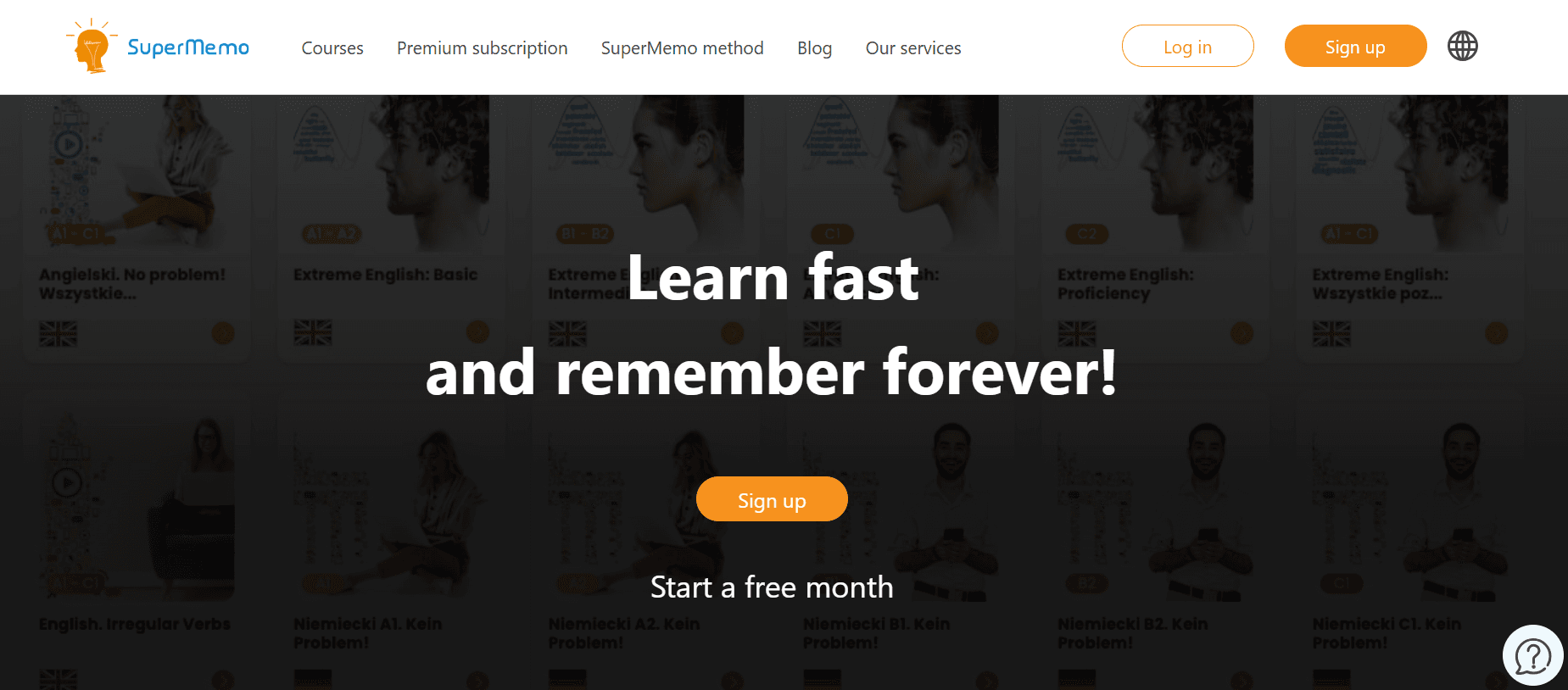
SuperMemo is the original spaced repetition system, built on the method that inspired Anki, and frankly, most of the flashcard tools on our list.
The algorithm was developed in the 1980s with the intention of algorithm-driven optimization for long-term memory.
They have a catalog of 300+ ready-made courses on different languages at varying difficulty levels from A1 to C2.
Key Features
- Uses the original SuperMemo spaced repetition algorithm on which Anki was built
- You review your cards based on self-assessment (“Know”, “Almost”, “Don’t know”)
- Very advanced interval calculation that increases the spacing as your memory strengthens over time
- Structured learning flow with separate Learn and Repeat modes
- Has an AI-powered MemoChat for role-play-based language learning
- Shows progress tracking and learning statistics
Pricing
SuperMemo offers a subscription at 35.99 PLN/month (approximately $9-$10 USD), starting with a free first month. Or, you can purchase a plan for 12 months, which costs 359.00 PLN/year (approx. $90-$100 USD).
Pros
- Gives you control over scheduling, intervals, and learning parameters
- Strong emphasis on long-term knowledge retention
- Backed by decades of research and real-world testing
- Better suited for serious learners
Cons
- Steep learning curve
- Primarily optimized for Windows
- Is not as fun to use as other gamified tools on this list
6. Kahoot!
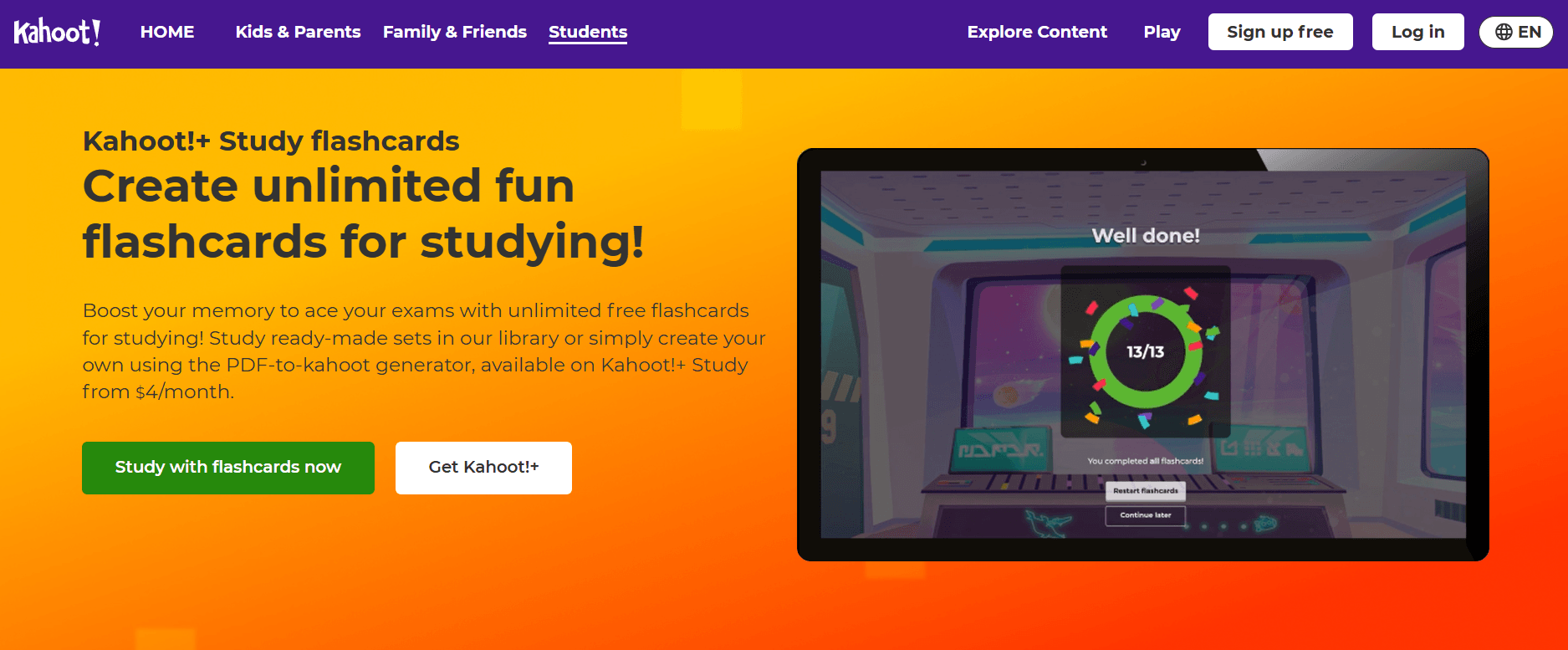
Kahoot! is a gamified learning platform with interactive quizzes, competitions, and group-based activities, making the flashcards really fun to study from.
It was tested in real-world settings during COVID-19 in histology and cell biology lab sessions for medical students in Egypt. The study reported a 100% student engagement and an average fun score of 4.65/5.
Key Features
- An AI-powered PDF-to-Kahoot generator with which you create flashcards out of your study notes
- Visually rich flashcards with images, audio, and interactive elements
- Access to a massive library of millions of public Kahoots (study sets and quizzes)
- Strong group collaboration tools
- Wide language support (50+ languages) for global accessibility
Pricing
Kahoot! also allows you to create flashcards for free. However, the AI features, particularly PDF-to-Kahoot functionality, require signing up for a paid plan. The plans start at $3/month (Bronze) and go up to $19/month (Kahoot! One).
Pros
- Very engaging due to gamification
- Excellent for group learning and classroom study sessions
- More motivating for short-term revision
- Modern interface that is easier for beginners to use than Anki
Cons
- Kahoot’s focus on speed and competition can disadvantage slower learners
- The AI tools are locked behind paid plans
- Less suitable for deep, individualized study compared to Anki
7. FlashRecall
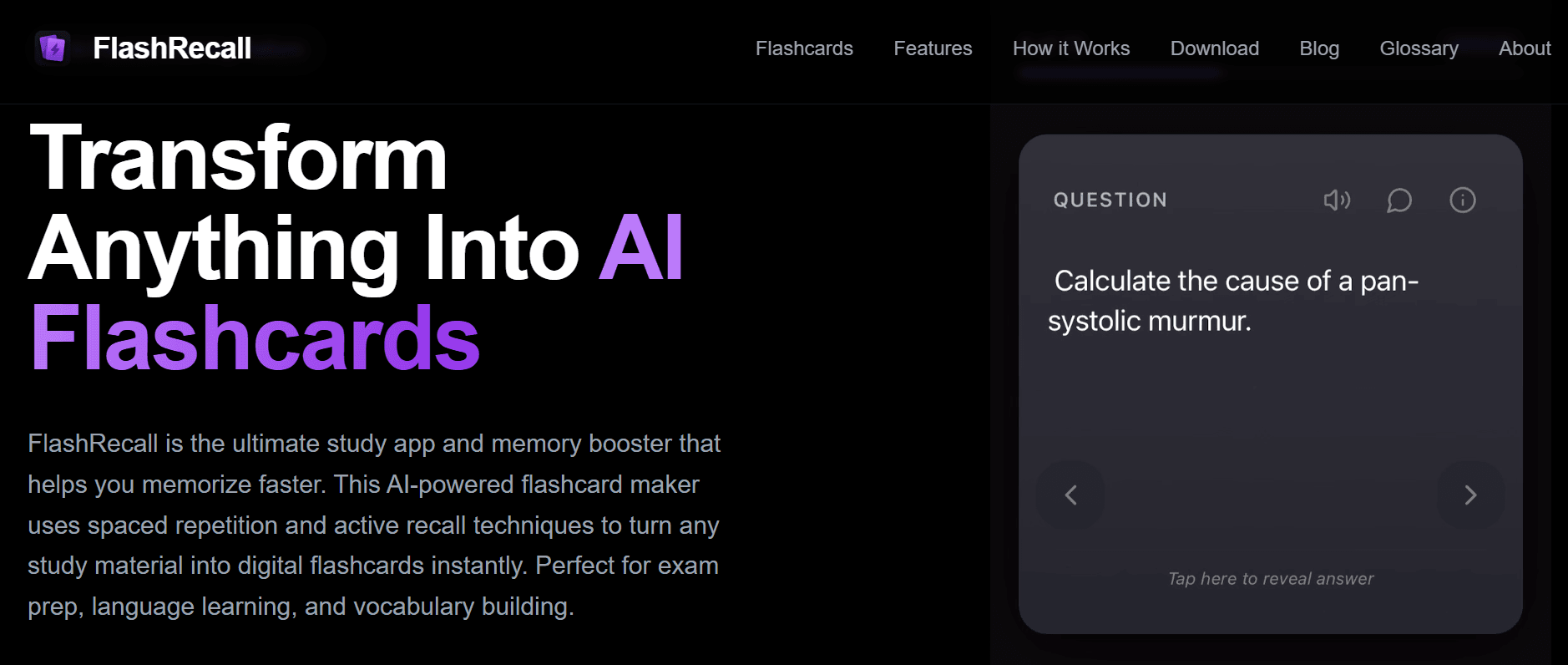
FlashRecall is a Singapore-based AI learning platform launched in 2022. It automates the entire flashcard workflow, unlike Anki, where you must do the setup and create your flashcard decks manually.
FlashRecall delivers instant AI-driven content generation from your raw study material. You can input any PDFs, audio recordings, images, or links and immediately get your ready-to-study flashcards.
Although flashcards run on active recall and spaced repetition, the tool is not transparent about what algorithm they are using.
Key Features
- AI-powered system generates flashcards from text, PDFs, images, audio recordings, or web links
- Built-in spaced repetition system
- Offers multiple study modes for people with different learning styles
- Tracks your progress with performance metrics
- Strong privacy policy with no storage of uploaded content and encrypted data handling
Pricing
FlashRecall has a free version with all the core features discussed above. They also offer premium plans to provide unlimited AI generation, priced at:
- $9.99/week
- $14.99/month
- $79.99/year
Pros
- Much faster setup than Anki due to AI automation
- More accessible for beginners who find Anki overwhelming
- Handles diverse input formats (audio, images, links)
- Offers offline studying access
Cons
- Heavy reliance on AI reduces your control over the quality of cards
- Subscription pricing is relatively expensive
- Not transparent about the spaced repetition algorithm being used
8. AlgoApp
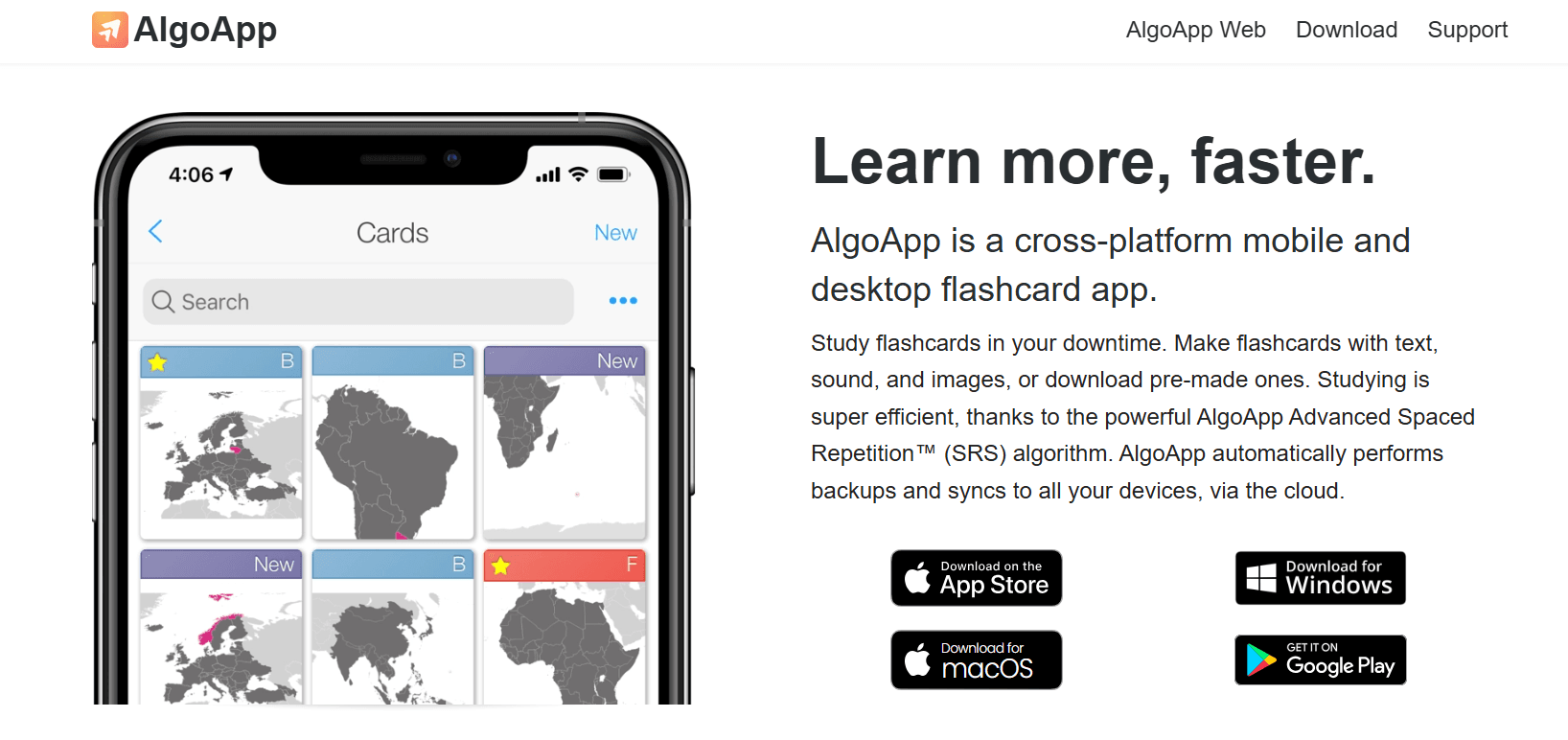
AlgoApp is a cross-platform flashcard app built on its own Advanced Spaced Repetition™ algorithm developed with input from neuroscience research.
Its key differentiator is the time-optimized studying approach, where the system aggressively prioritizes your weak cards in ultra-short study sessions. All unnecessary reviews will be minimized until you have good control over your weak topics.
Key Features
- Access to a large library pre-made flashcards
- Supports rich media flashcards, including text, images, and audio content
- Allows users to create custom card layouts using HTML and CSS
- Cloud sync and automatic backups on mobile and desktop
- Built-in progress tracking
- Includes text-to-speech, automatic translation, and multi-language support
Pricing
AlgoApp has a free plan that gives you up to 100 reviews/day and one active device.
The paid plan is priced at $29.99/year. It allows unlimited reviews, multi-device access, and many AI features. It also has a lifetime plan that costs you $99.99.
Pros
- Faster study sessions with minimal setup required
- Best suited for quick, on-the-go learning sessions
- More modern onboarding experience
- Includes useful extras like TTS and automatic translation out of the box
Cons
- Less customization compared to Anki’s configurable system
- Users have reported app freezing and sync failures with large decks
- Smaller ecosystem and fewer add-ons than Anki
9. Noji
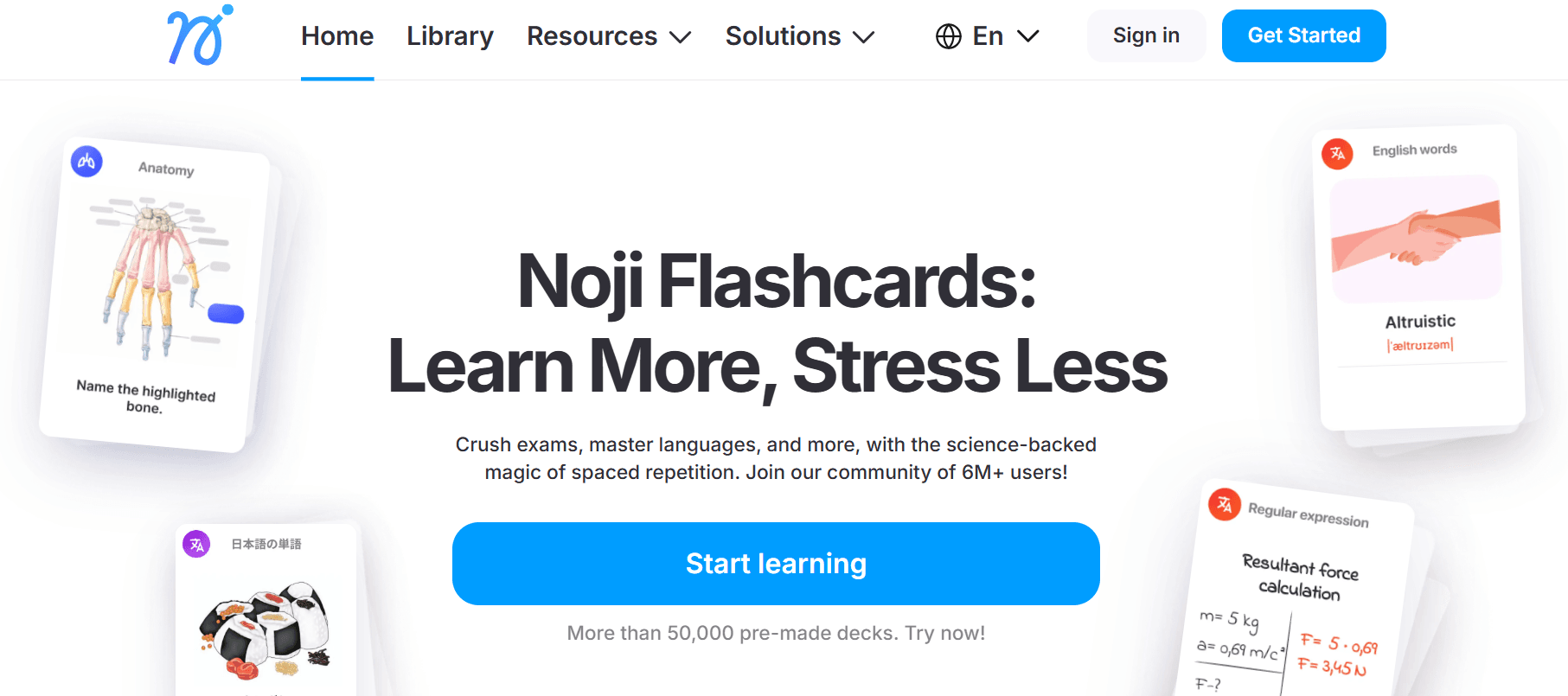
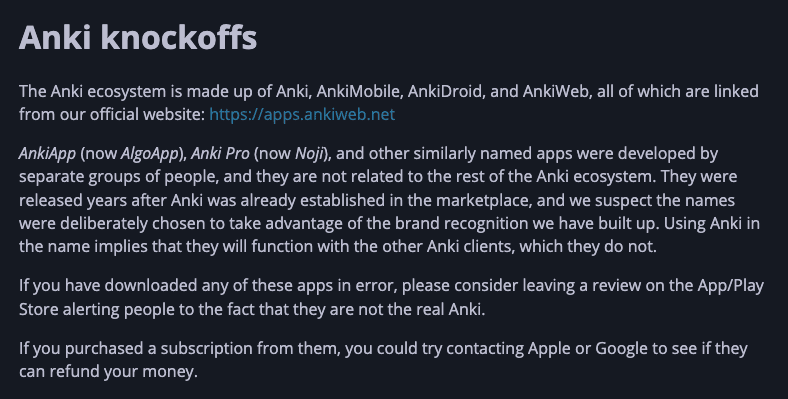
Noji was formerly known as Anki Pro, but recently it rebranded itself due to copyright concerns over similar names.
It is a design-focused flashcard app that has an aesthetic interface and a sleek UX with collaboration features.
The platform claims to be a performance-oriented tool based on the results of an internal survey in which 88% of surveyed users reported improved grades.
Key Features
- Built-in spaced repetition algorithm with optional presets (including a general mode for short-term cramming)
- Library of 50,000+ pre-made decks
- You can create, share, and collaboratively edit flashcard decks with your friends
- Offers multiple templates for cards
- Allows importing flashcards from Excel, Google Docs, Word, and other apps
- Auto-generated audio and pronunciation tools (premium) for language learning
- Supports an ADHD-focused study
Pricing
The essential flashcard creation system of Noji is free for all users. Some features are behind a paywall. However, Noji does not list transparent pricing plans on the website. The developers are currently working to localize their pricing for different regions of the world.
Pros
- Much cleaner, modern interface than Anki
- Built-in collaboration features
- Less technical setup required
- Flexible study modes for both long-term learning and short-term cramming
Cons
- Despite its former name, it is not affiliated with Anki’s open-source ecosystem
- Lacks the extensive plugins that give Anki its customization power
- There are some reports of server downtime and reliability issues
RemNote: The best Anki Alternative
After testing 20+ tools, we believe RemNote is among the best Anki alternatives available today.
RemNote also runs on the FSRS algorithm, the same research-backed scheduling system that Anki users swear by.
Few other tools have adopted FSRS yet. And unlike many tools on this list, RemNote has a large and active community of users that rivals Anki's own user base.
The AI-powered flashcard generation and a genuinely pleasant interface to work in make it a great Anki alternative.
For students who want their notes, PDFs, flashcards, and exam prep in one place, without add-ons or configuration, RemNote is worth trying.
Get RemNote for free today!

