


AI Flashcards for Computer Skills
Turn training manuals and course materials into flashcards in seconds. Master keyboard shortcuts, Microsoft Office, file management, and internet safety with AI-generated cards and spaced repetition.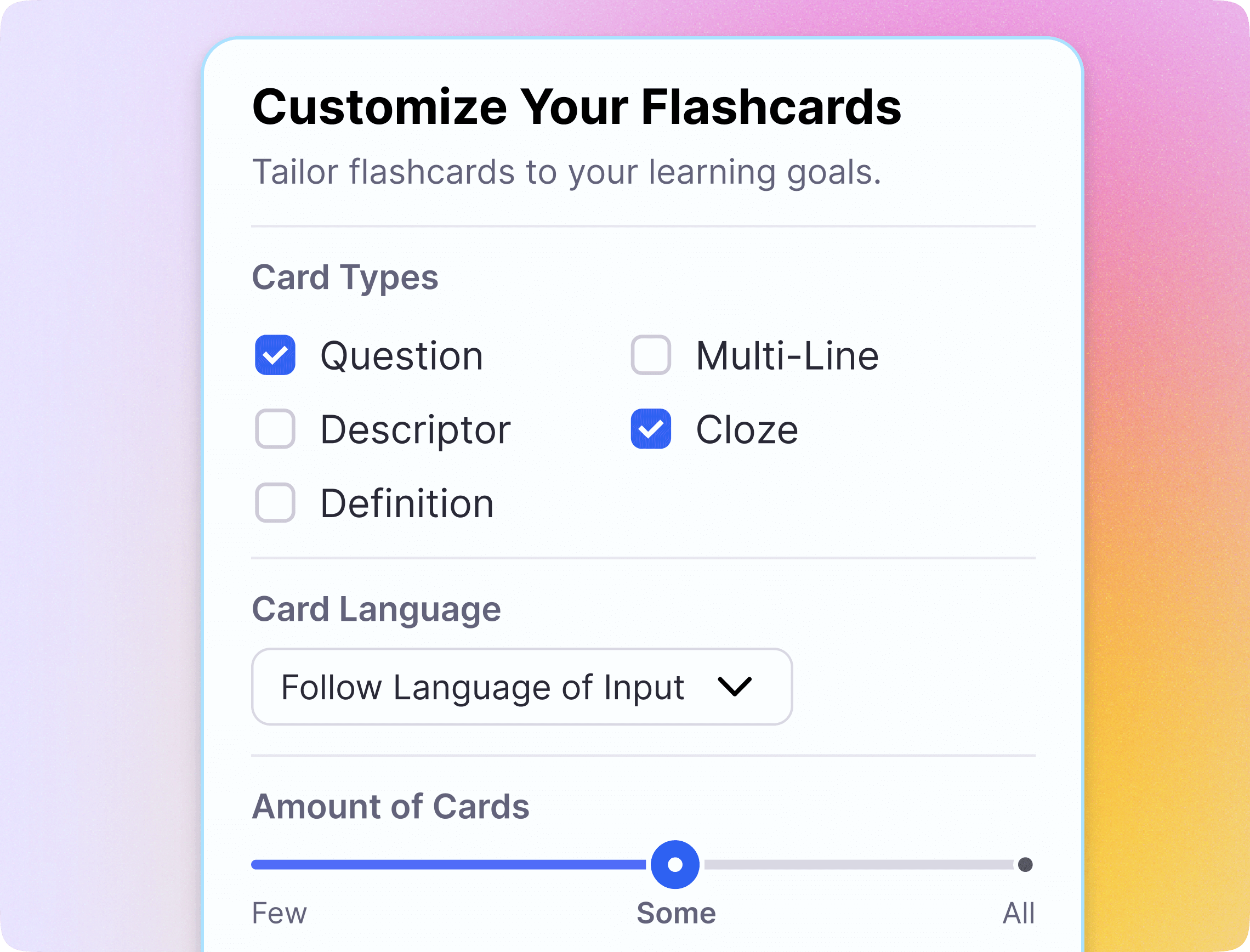
Join 1,000,000+ students getting higher grades!
Master Study Materials.


Learn Shortcuts and Commands That Stick
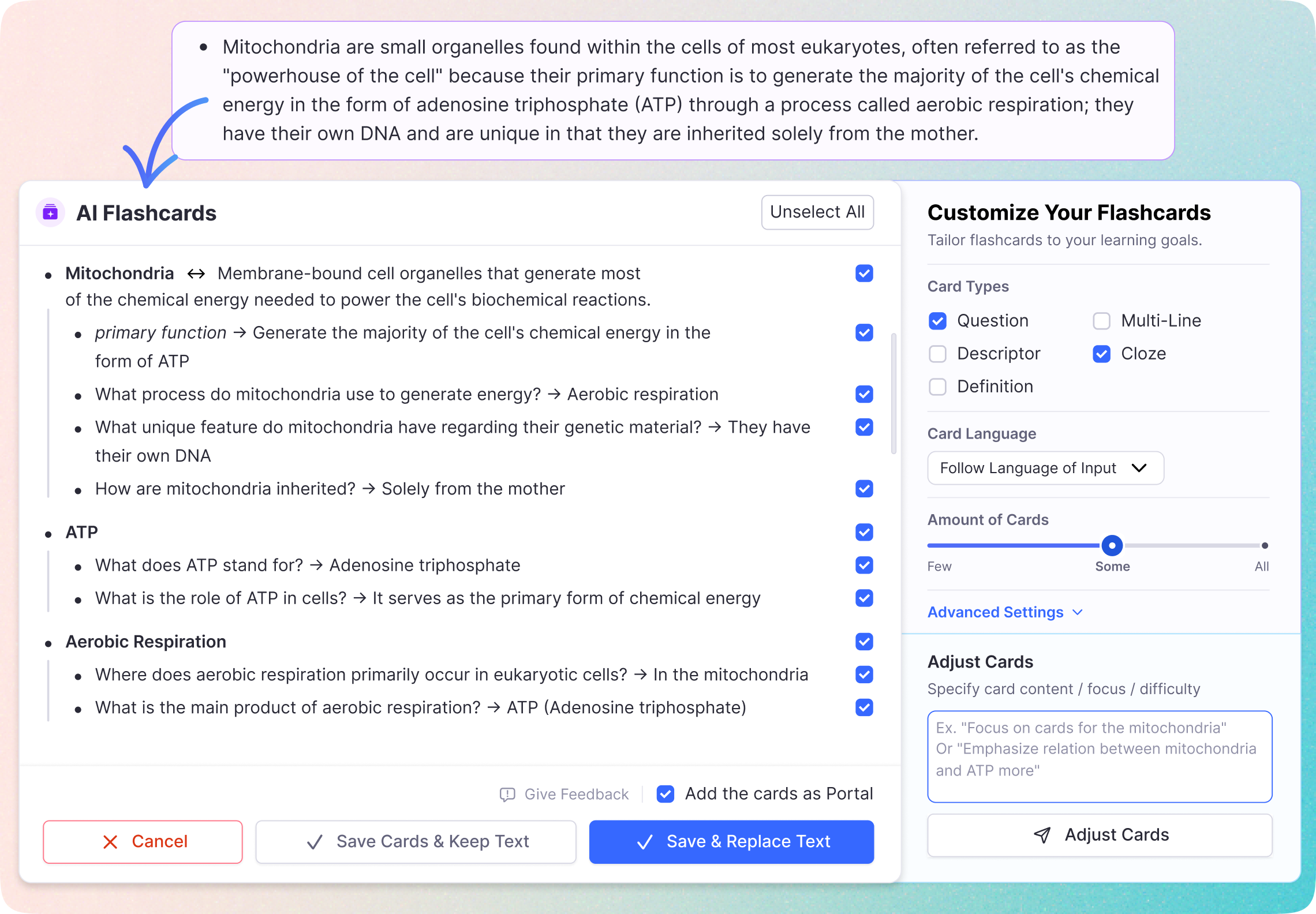
Import your course notes and training handouts. RemNote generates flashcards for keyboard shortcuts, menu locations, and software procedures so you stop searching and start doing.
From Training Manuals to Flashcards in Seconds
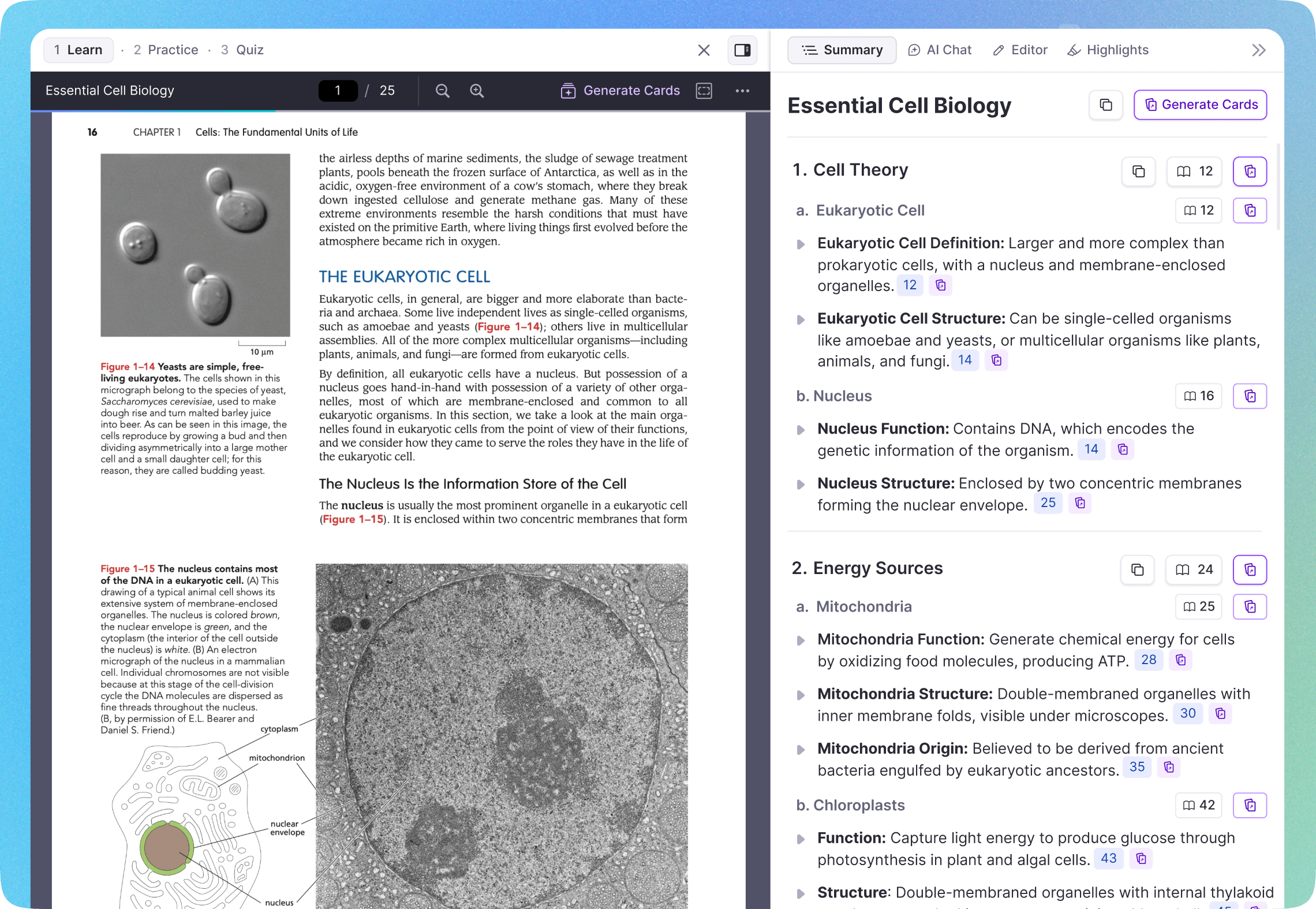
Upload PDFs of your IT training guides, certification study books, or course handouts. The AI identifies key terms, procedures, and shortcuts, then creates flashcards automatically.
Built for Every Computer Skill
Learners use RemNote to master essential computer skills across every category.
Office & Productivity
Generate flashcards for Excel formulas, Word formatting, PowerPoint shortcuts, and Google Workspace tools. Become the person everyone asks for help.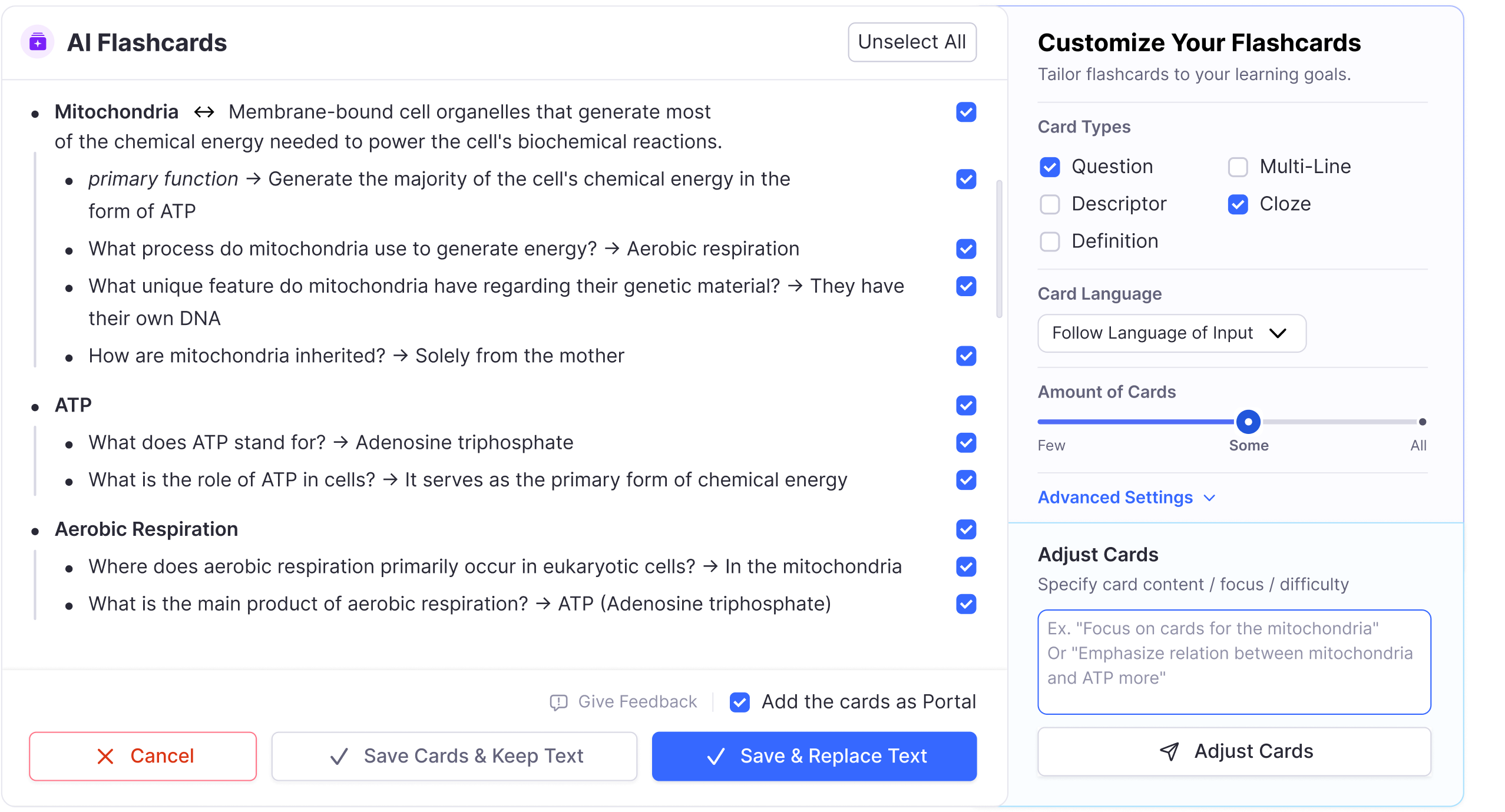
Internet & Digital Literacy
Turn internet safety rules, email best practices, browser features, and online research techniques into flashcards. Navigate the digital world with confidence.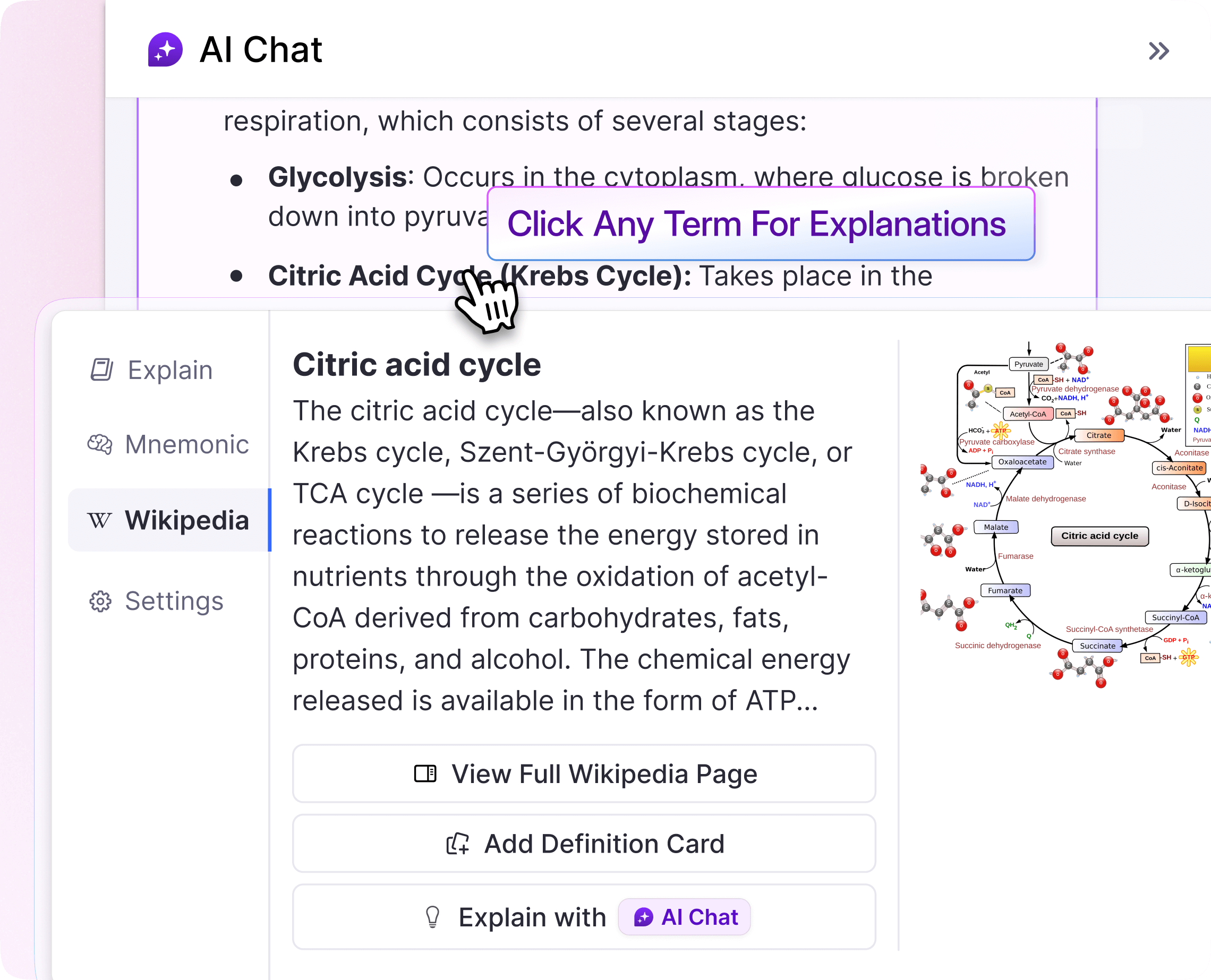
Hardware & Troubleshooting
Create flashcards for computer components, common error messages, troubleshooting steps, and basic networking. Solve problems without calling tech support.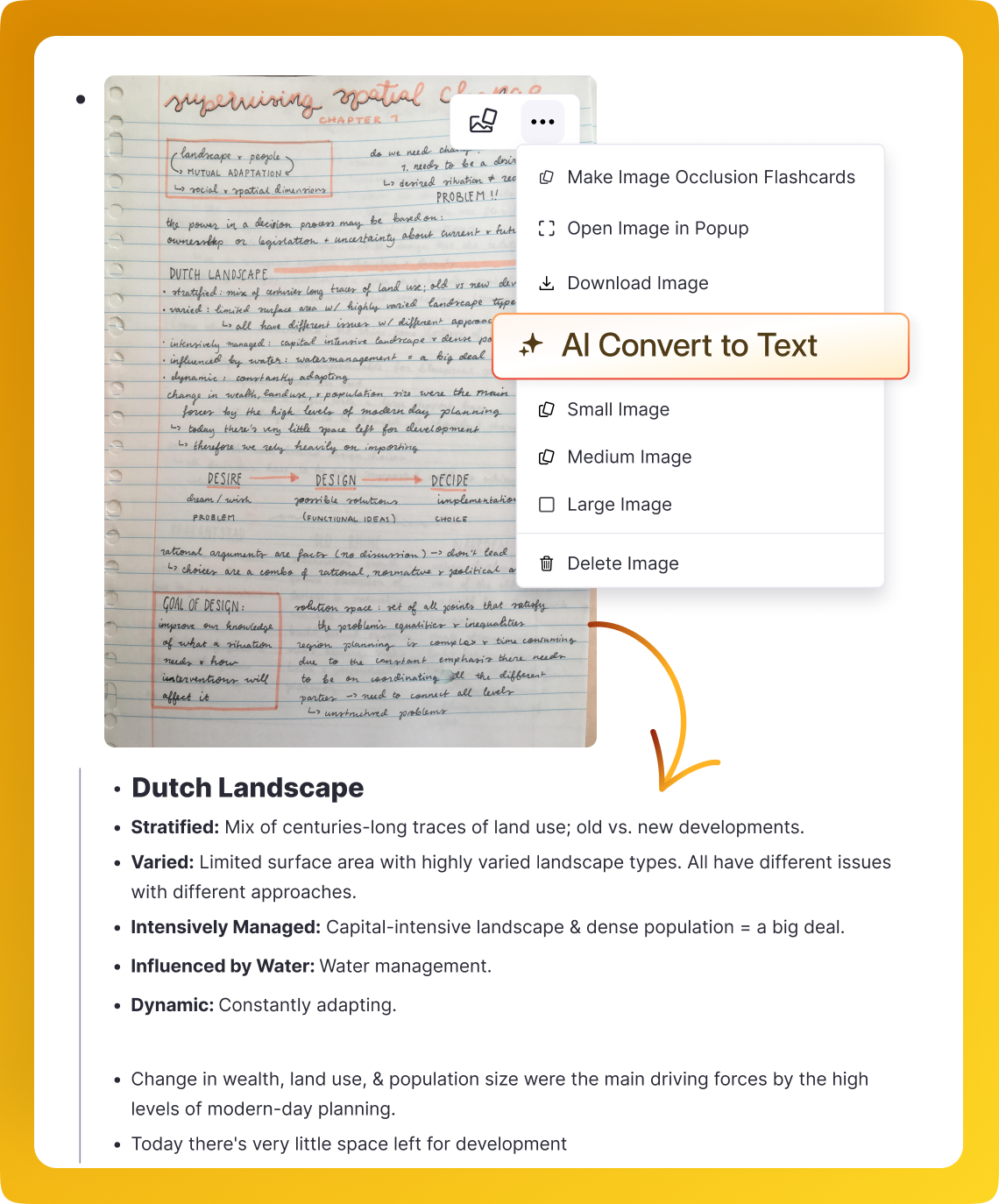
Spaced Repetition for Lasting Skills
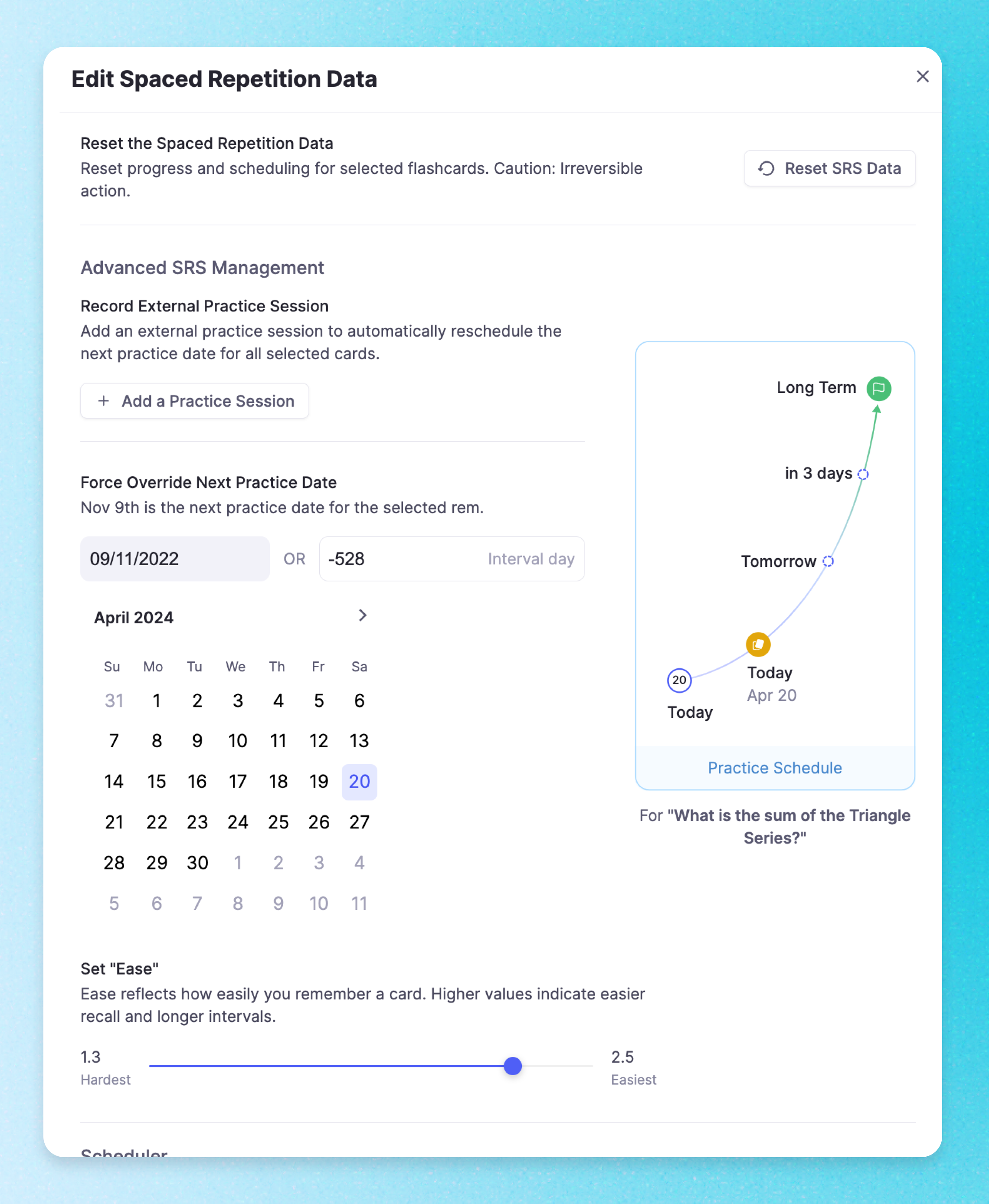
Every flashcard is automatically scheduled with spaced repetition. The FSRS algorithm figures out when you need to review each shortcut and concept, so your computer skills become permanent.
Join 1,000,000+ students getting higher grades!
Frequently Asked Questions
How can flashcards help me learn computer skills?
Computer skills involve memorizing keyboard shortcuts, software menus, file management steps, and IT terminology.
Flashcards let you drill these quickly, and spaced repetition ensures you retain shortcuts and procedures so they become second nature.
What computer skills can I study with flashcards?
You can create flashcards for Microsoft Office (Word, Excel, PowerPoint), keyboard shortcuts, file management, internet safety, email etiquette, basic networking, hardware components, and troubleshooting steps. Any factual computer knowledge works great with flashcards.
Can I generate flashcards from IT training materials?
Yes. Upload PDFs of your training manuals, certification study guides, or course handouts. The AI identifies key terms, procedures, and concepts, then generates flashcards automatically so you can study efficiently.
Is RemNote good for IT certification prep?
Yes. Many learners use RemNote to prepare for CompTIA, Microsoft Office Specialist, and other IT certifications. You can generate flashcards from your study materials and use spaced repetition to retain the terminology and procedures tested on certification exams.
Is RemNote free for learning computer skills?
Yes. You can create flashcards, use spaced repetition, and upload your study materials for free. RemNote also offers a Pro plan with additional AI features, but the core flashcard and review tools are completely free.

