


The Ultimate All-In-One Spaced Repetition Tool
Notes and flashcards in one app. FSRS and SM-2 scheduling. Card Table for managing thousands of cards. Seamless Anki import. Spoiler protection. Everything you need to remember anything, forever.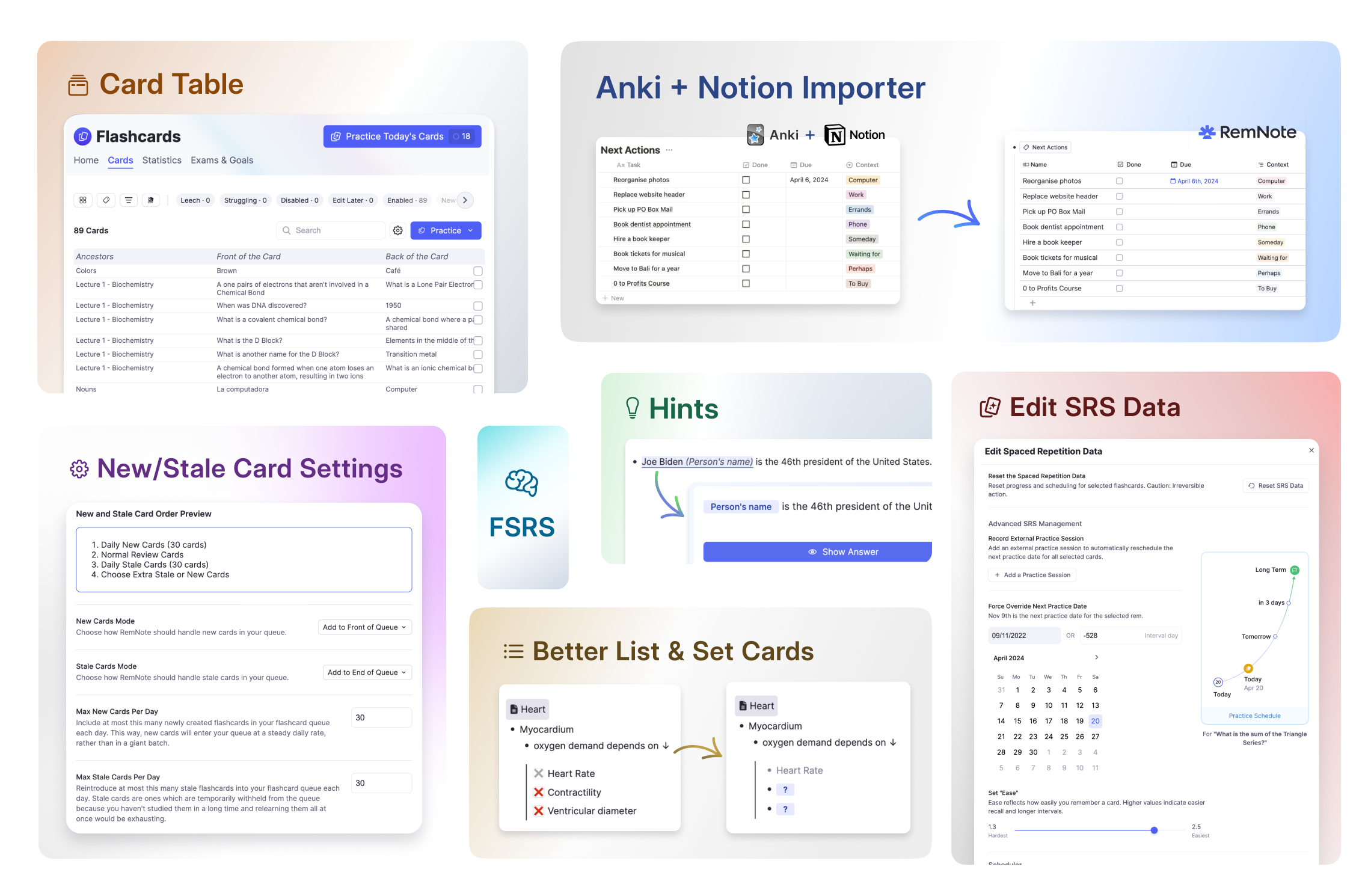
Join 1,000,000+ students getting higher grades!
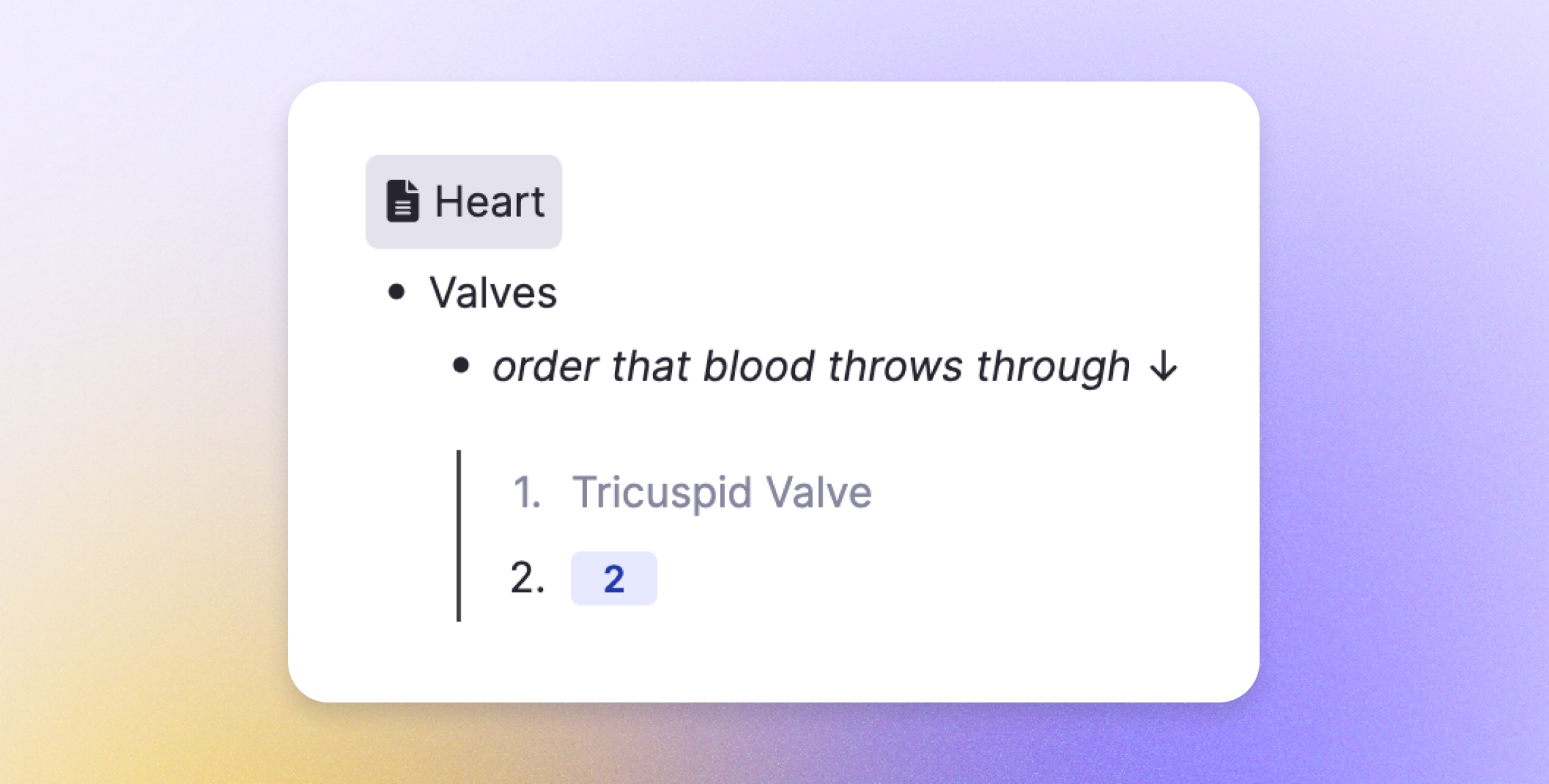
Smart Multi-Line Cards Track Every Item
Struggle to remember one item in a list? RemNote runs the full spaced repetition algorithm on each bullet separately. Items you forgot appear as partial cards until they catch up. Focus your practice time on exactly what you need.
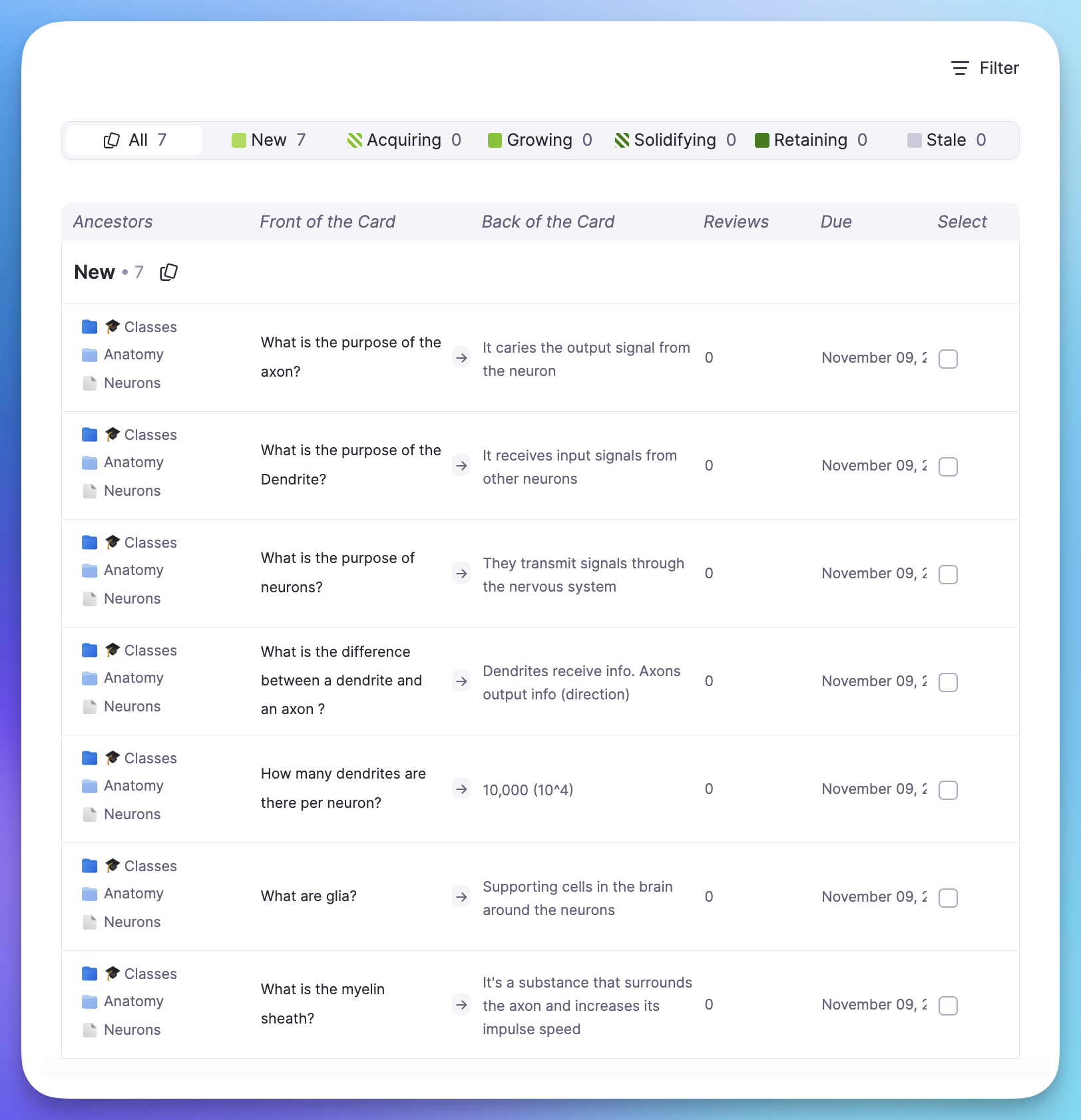
Card Table: Manage Thousands of Cards
See all your flashcards in one place. Filter by documents, tags, due dates, or status. Find leeches and struggling cards instantly. Bulk-edit SRS data across hundreds of cards. Search any card by content.
Advanced Features Built for Serious Learners
RemNote includes everything you need for effective spaced repetition: modern scheduling algorithms, spoiler protection, hints, and full control over your SRS data.
FSRS Scheduler
The popular FSRS algorithm can reduce review load by 20-30% compared to SM-2.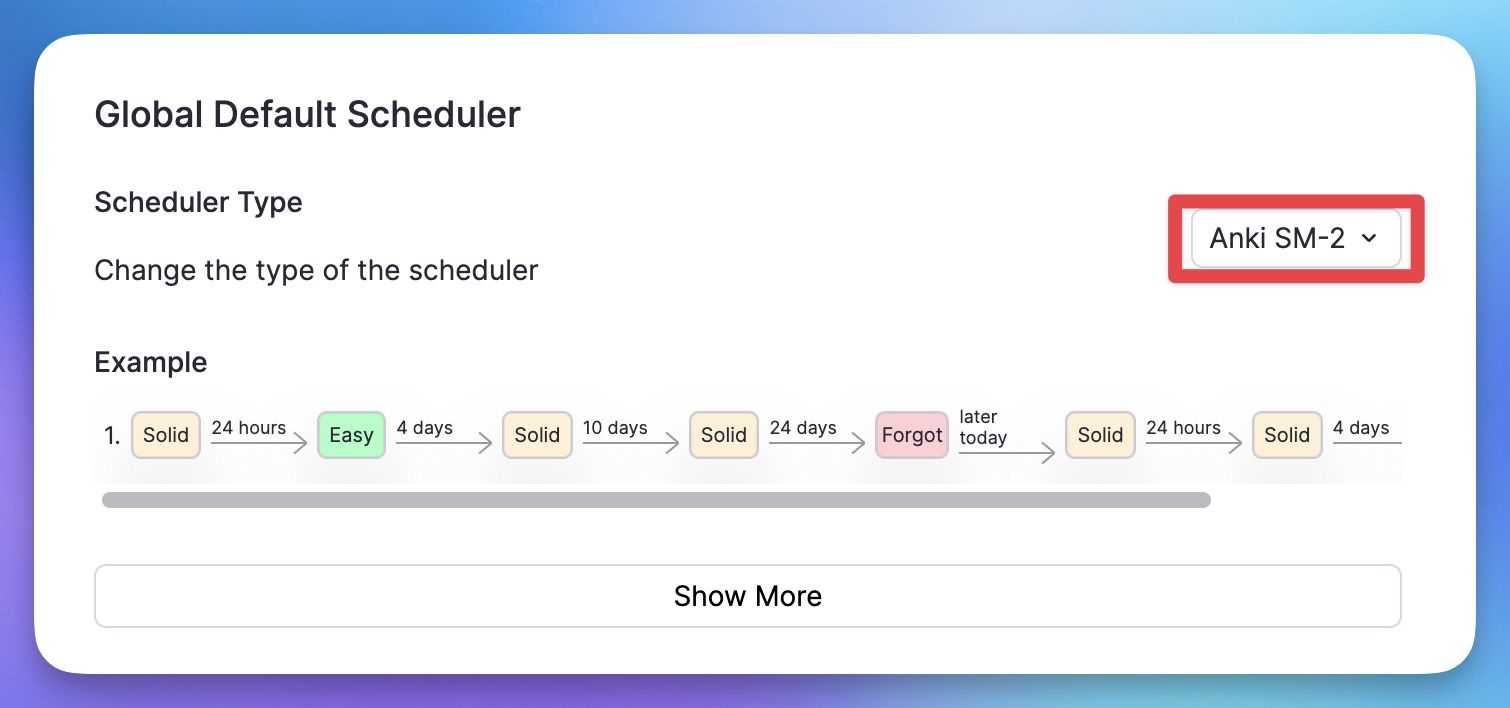
Spoiler Protection
Related cards are automatically delayed so you get a fair test every time.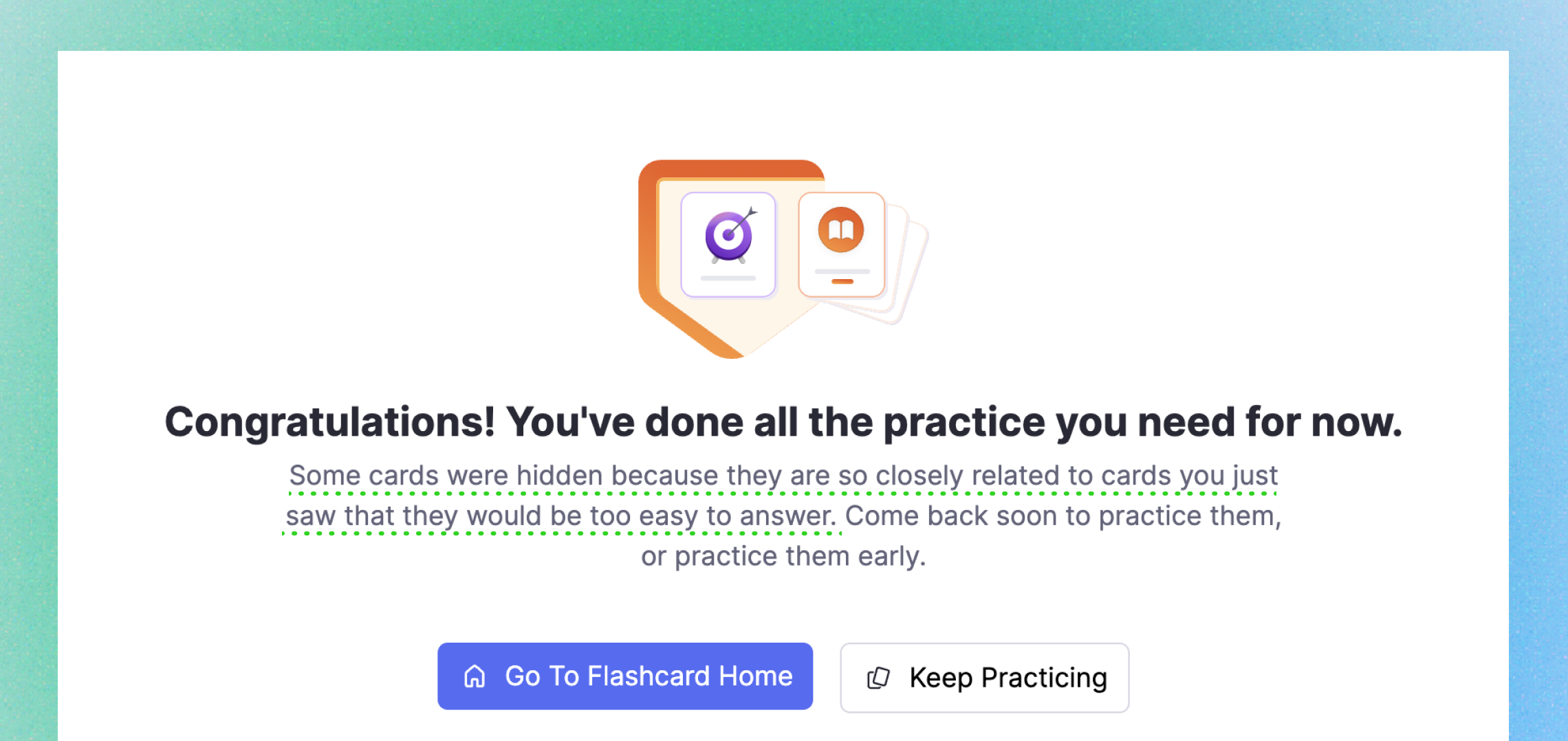
Flashcard Hints
Add hints to fill-in-the-blank, single-line, and multi-line cards.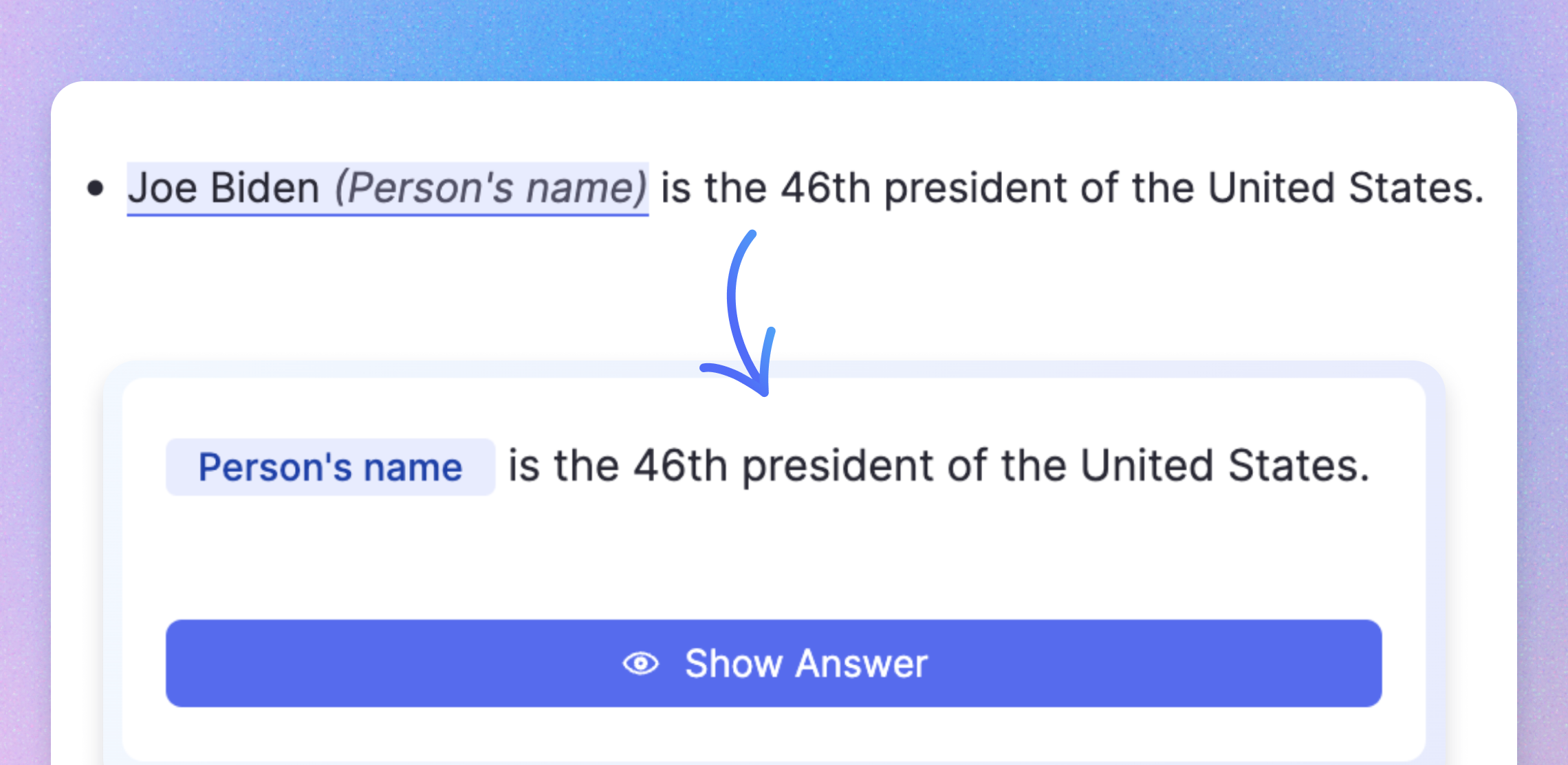
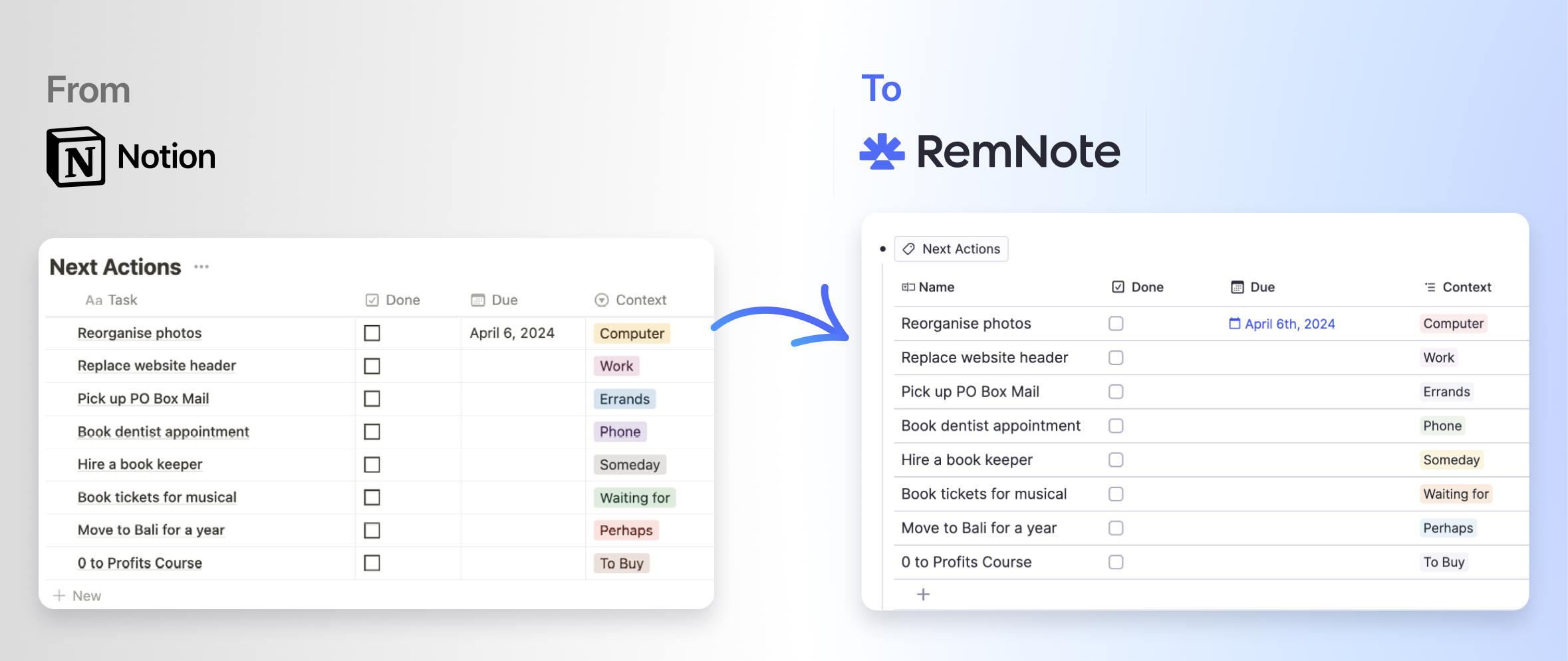
Switch From Anki: Full-Fidelity Import
Import your Anki decks with card templates, multiple card types, cloze hints, LaTeX, scheduler history, tags, and text formatting. Your learning progress transfers over so you pick up right where you left off.
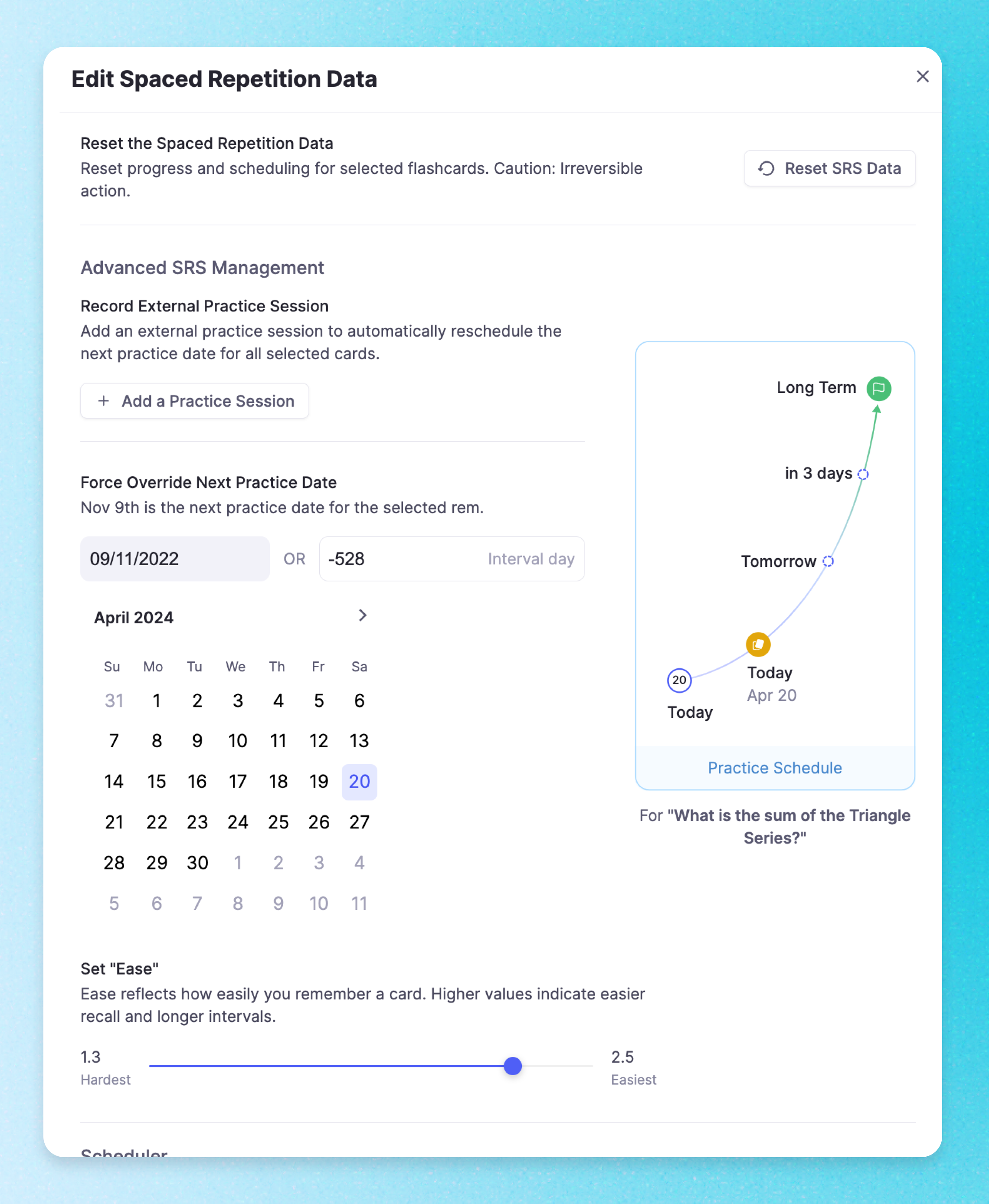
Edit SRS Data When You Need To
Override due dates, adjust ease, record external practice sessions, or reset spaced repetition data. RemNote normally handles this automatically, but you have full control when you need it.
Join 1,000,000+ students getting higher grades!
Frequently Asked Questions
Why is RemNote considered the best spaced repetition tool?
RemNote is the only tool that combines powerful note-taking with advanced spaced repetition in a single integrated system. You create flashcards directly in your notes, choose between FSRS and SM-2 scheduling algorithms, manage thousands of cards with the Card Table, and import from Anki with full fidelity including review history, tags, and card templates.
This integration means your study material and flashcards are always in sync. When you update a note, the corresponding flashcard updates automatically. No other tool offers this depth of connection between note-taking and spaced repetition, which is why students in demanding fields like medicine, law, and engineering rely on RemNote for long-term learning.
Can I import my Anki decks into RemNote?
Yes. RemNote has a comprehensive Anki importer that supports card templates, multiple card types, cloze hints, LaTeX, scheduler history, tags, and text formatting. Your learning progress transfers over so you can pick up right where you left off without losing any review data.
Once imported, your Anki decks become part of your RemNote knowledge base and gain all the benefits of the integrated system, including the ability to view cards in context with your notes, use AI-powered study features, and manage everything from the Card Table.
How does RemNote handle large volumes of flashcards?
RemNote is designed for students managing thousands of flashcards across multiple subjects. The Card Table gives you a searchable, sortable overview of your entire collection with filtering by tags, status, and due dates. You can edit cards in bulk, reorganize them across folders, and track your progress at a glance.
Features like multi-line cards with per-item tracking, queue spoiler protection, and folder priorities ensure that even very large collections are practiced efficiently. RemNote only shows you the cards you need to review each day, keeping your daily workload manageable regardless of how many total cards you have.
Does RemNote work offline and across devices?
Yes. RemNote is an offline-first application. Your notes and flashcards are stored locally on your device so you can study without an internet connection. All changes sync automatically when you reconnect, and your data stays consistent across desktop, mobile, and web.
This means you can take notes on your laptop during a lecture, practice flashcards on your phone during a commute, and review on your tablet at home, all with the same up-to-date content and study progress.
Is my data private and secure?
Yes. Your notes, flashcards, and review data are encrypted in transit and at rest. RemNote does not sell your data or use it for advertising purposes. You retain full ownership of your content and can export it at any time.
RemNote is built with privacy as a core principle. Your study data stays under your control, and the platform follows industry-standard security practices to keep your information protected.

