


Tables: Organize and Memorize Anything
Perfect for vocabulary lists, medication charts, historical timelines, and any structured information you need to learn. Create tables in seconds, then turn them into flashcards.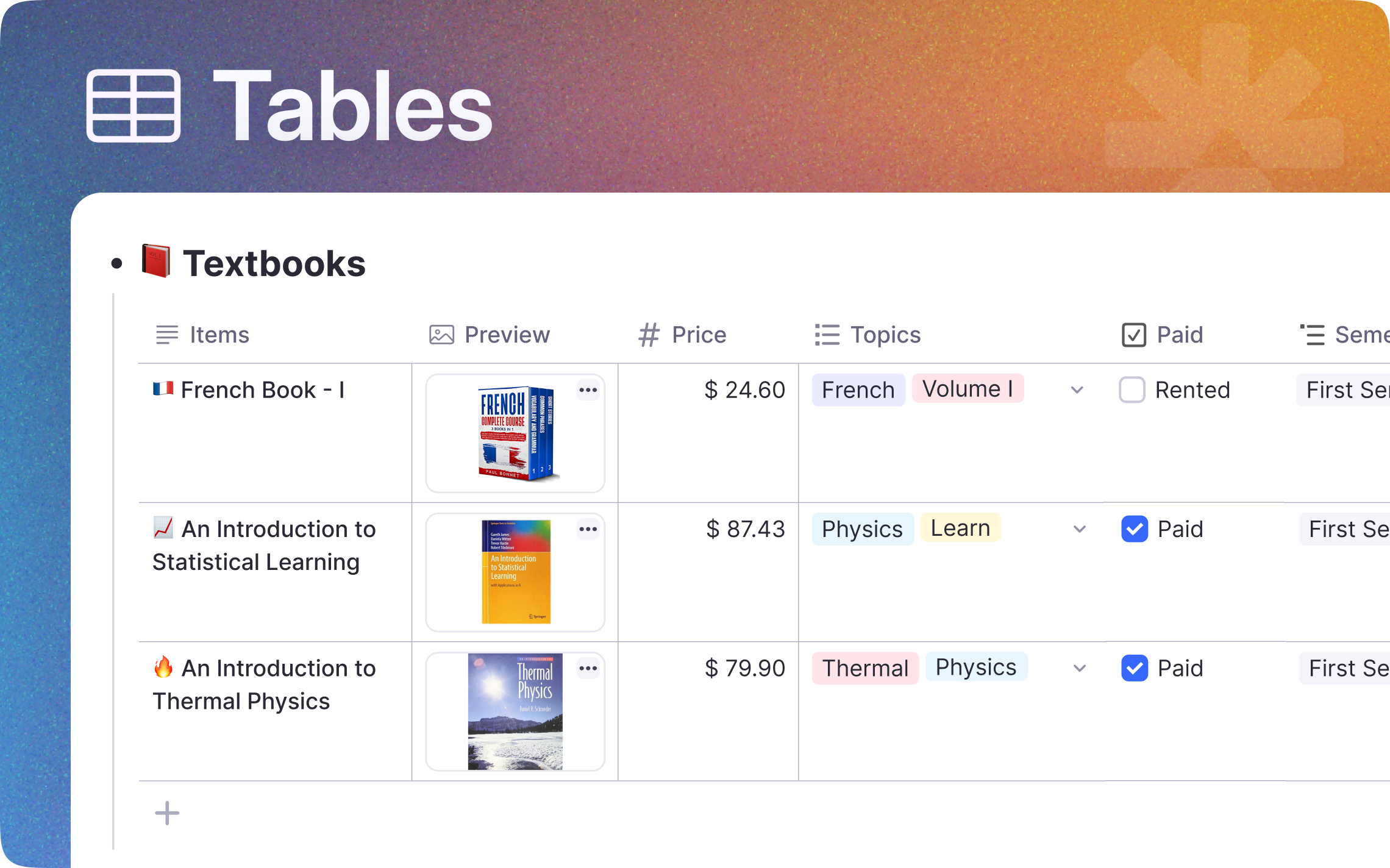
Join 1,000,000+ students getting higher grades!
Master Vocabulary and Terminology
Learning a new language or memorizing medical terms? Tables let you organize words, definitions, and examples side by side. Then turn any column into flashcards with one click.
Perfect for Any Subject
Whether you are studying biology, history, programming, or languages, tables help you organize and compare information visually.
Medical Students
Organize drug names, dosages, side effects, and indications.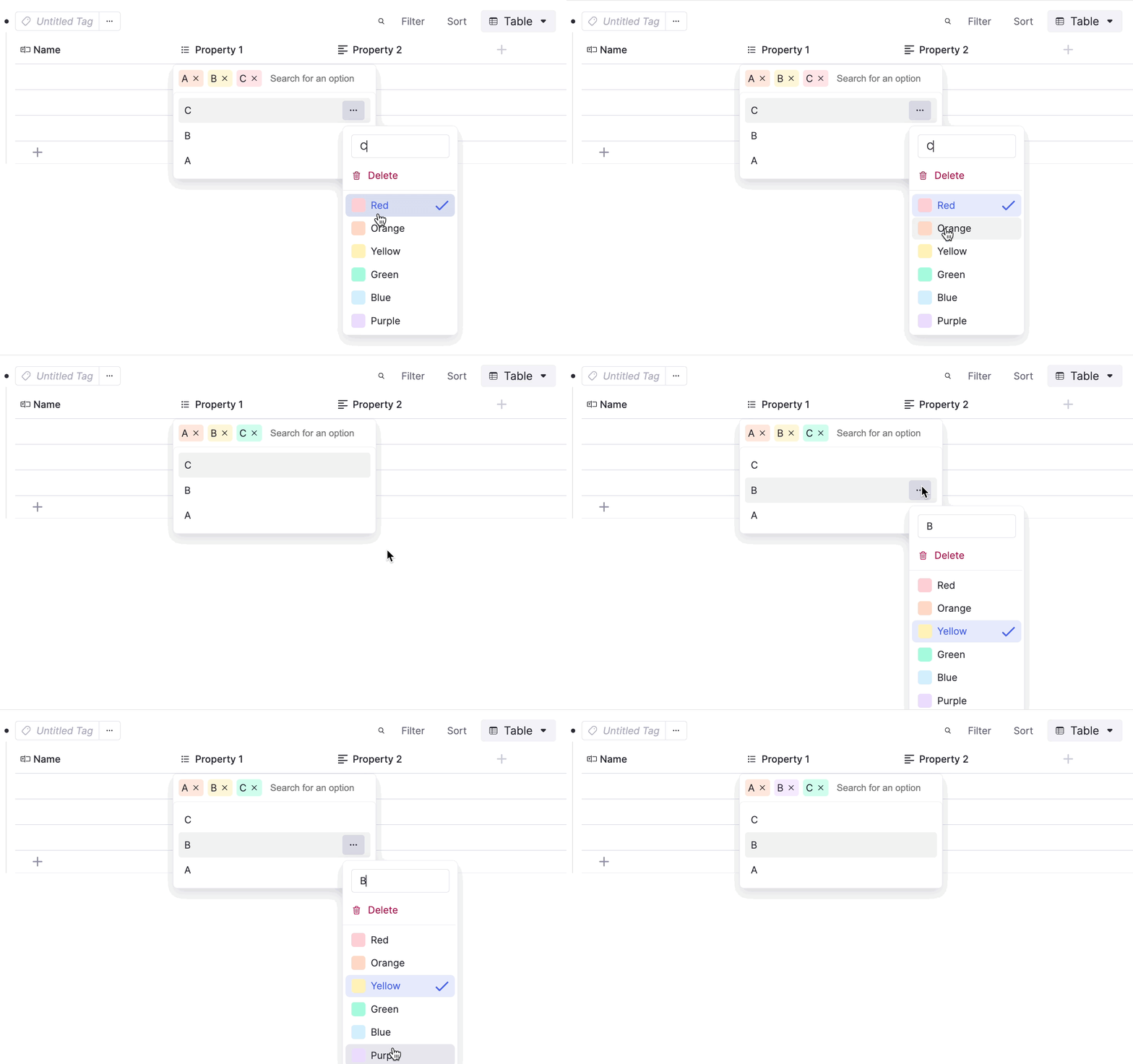
Language Learners
Build vocabulary lists with translations, pronunciation, and examples.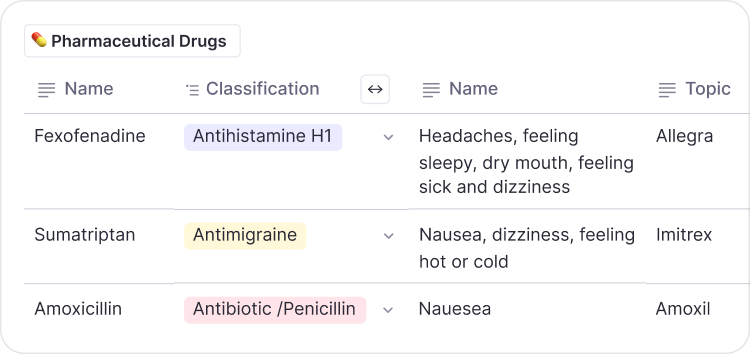
History Students
Compare events, dates, causes, and consequences in one view.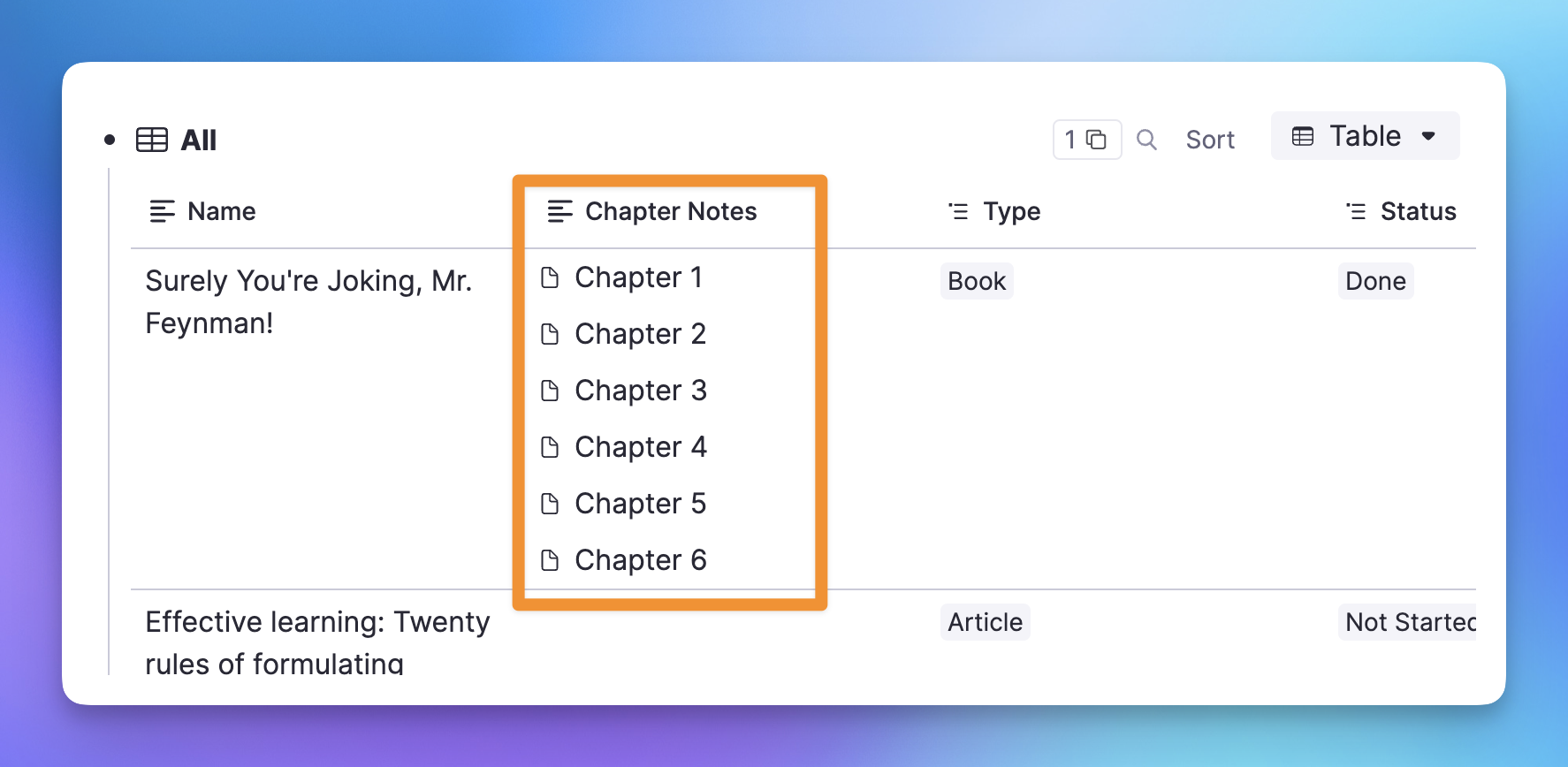
See the Big Picture While Studying
Unlike traditional flashcards, table flashcards show you the full context while testing individual cells. See how medications compare, how verb conjugations relate, or how historical events connect.
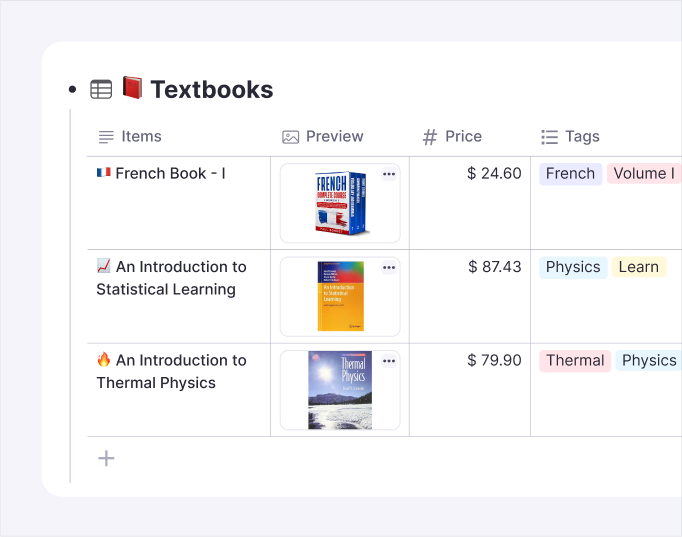
AI Builds Your Tables
Just type what you want to learn and AI creates the table for you. Need a table of US Presidents? French verbs? Common medications? Type the topic and press Tab.
Instant Table Generation
Describe what you need and AI creates the columns and rows.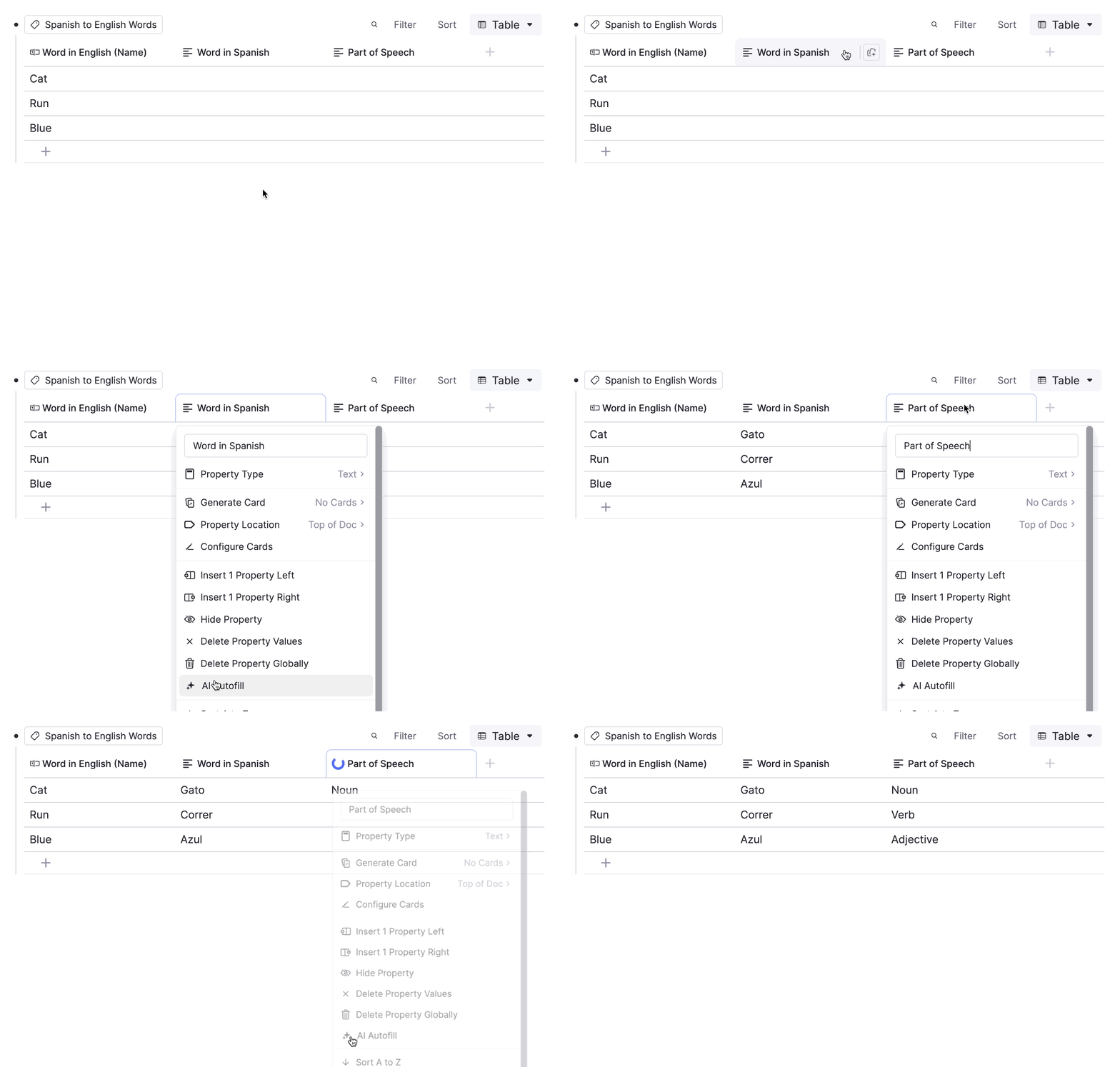
Auto-Fill Missing Data
Add a few items and AI fills in the details for you.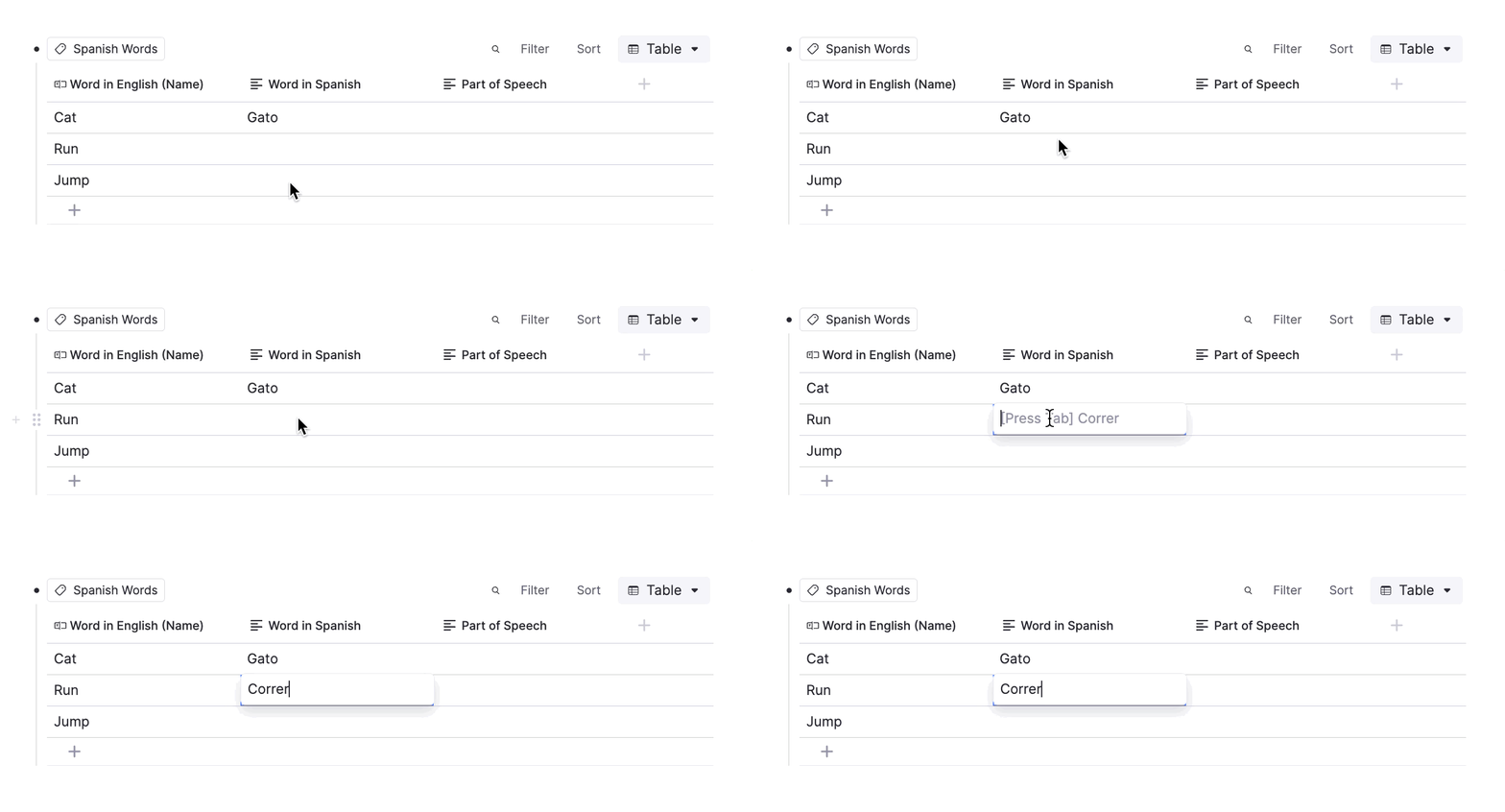
Import from Anywhere
Paste tables from ChatGPT, websites, or spreadsheets.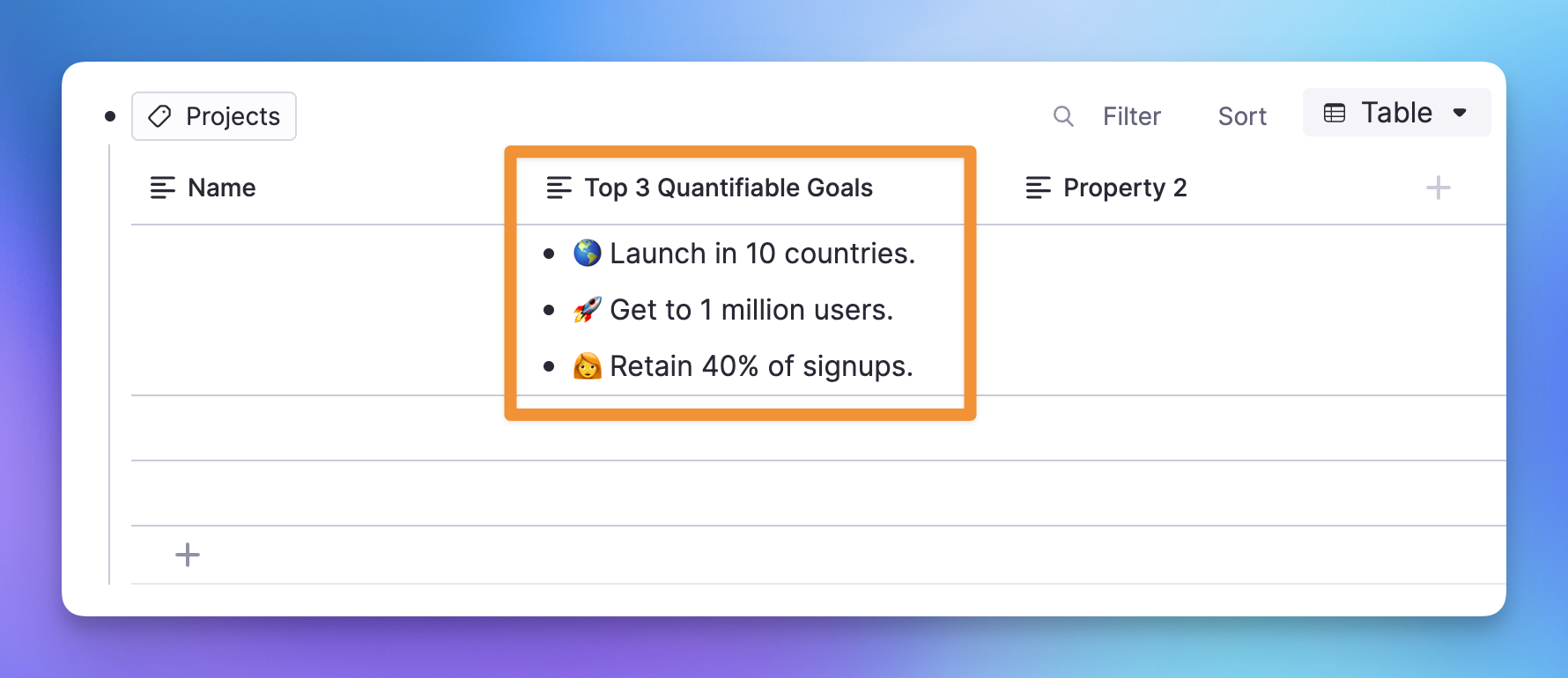
Join 1,000,000+ students getting higher grades!
Frequently Asked Questions
How do tables work in RemNote?
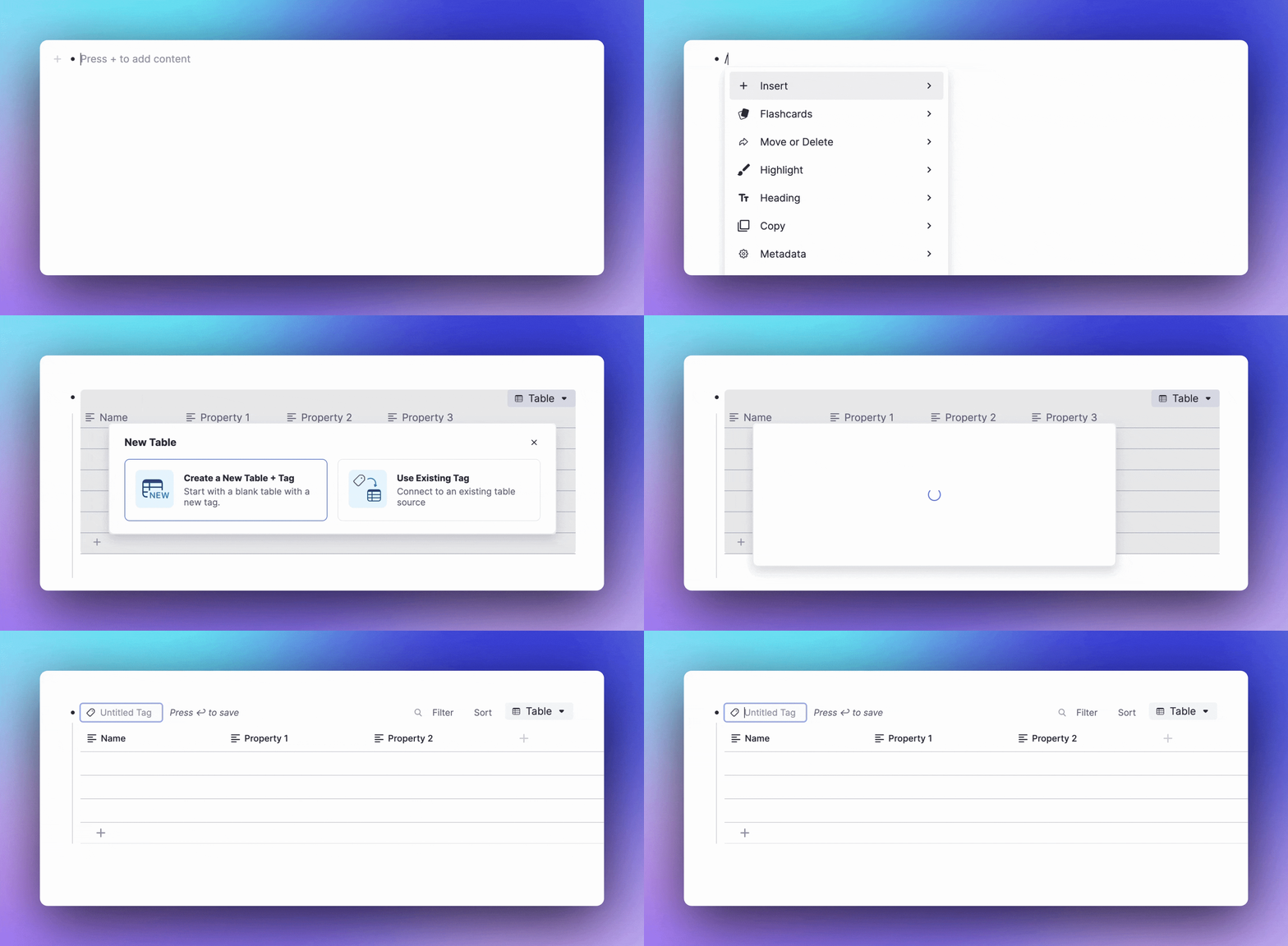
RemNote tables let you organize structured information into rows and columns directly inside your notes. You can create a table by typing /table or using the slash menu, then add columns for each attribute you want to track. Each cell supports rich text, images, and even references to other notes.
Tables in RemNote are designed for learning, not just data entry. You can turn any column or the entire table into flashcards with one click, making it easy to go from organizing information to actively memorizing it.
How do I make flashcards from a table?
Click the cards icon on any column header to enable flashcards for that column, or open the table menu to enable flashcards for the entire table. RemNote will generate spaced repetition cards that hide individual cells while showing the rest of the row as context.
Each cell gets its own review schedule, so cells you find difficult appear more frequently while ones you know well space out over longer intervals. This targeted approach means you spend study time where it matters most.
How is a RemNote table different from a spreadsheet?
Spreadsheets like Excel or Google Sheets are built for calculations and data analysis. RemNote tables are built for learning and knowledge management. Each cell can contain rich text, images, and links to other notes in your knowledge base, and any table can be converted into flashcards instantly.
RemNote tables also live inside your notes rather than in separate files. This means you can place a table of vocabulary words right next to your grammar notes, or embed a drug comparison table within your pharmacology study guide. Everything stays connected.
What is the best way to compare concepts using tables?
Create a table where each row represents one concept and each column represents an attribute you want to compare. For example, a pharmacology table might have columns for drug name, mechanism of action, dosage, and side effects. A history table might have columns for event, date, cause, and significance.
When you review these as flashcards, RemNote shows you the surrounding rows so you can see how similar concepts differ. This side-by-side context helps you notice patterns and avoid mixing up related items, which is one of the most effective strategies for deep learning.
Is my data private and secure?
Yes. RemNote uses encrypted connections for all data in transit and stores your notes on secure, access-controlled servers. Your knowledge base is private to your account, and RemNote does not sell or share your data with third parties. You can also export your data at any time in multiple formats.
RemNote offers an offline-first architecture, meaning your notes are stored locally on your device and synced to the cloud when a connection is available. This ensures you always have access to your data, even without an internet connection.

