


PPT Annotation Tool: Master Every Lecture Slide
Upload lecture slides, annotate them with highlights and drawings, and generate flashcards and quizzes. Turn every presentation into a study session.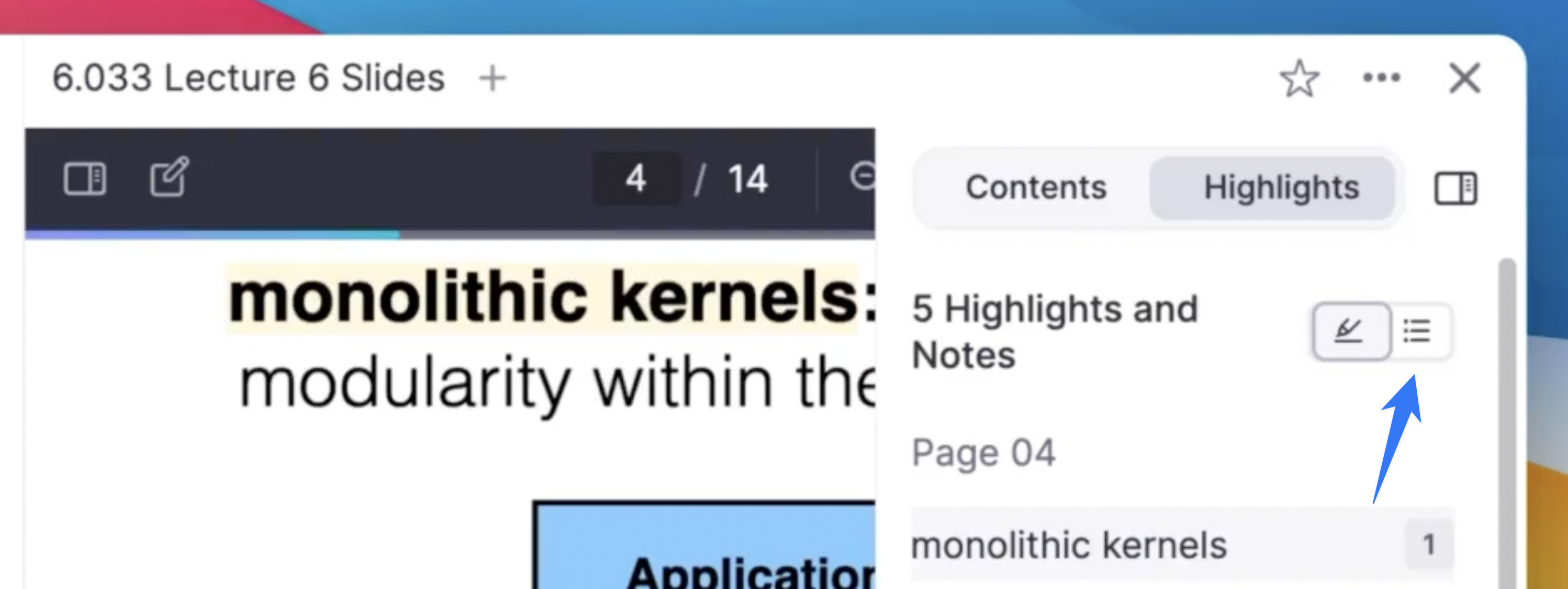
Join 1,000,000+ students getting higher grades!
Annotate Lecture Slides
Upload your lecture slides as PDFs and annotate them with highlights, drawings, and notes. Everything stays organized and synced across all your devices.
AI Flashcards from Slides
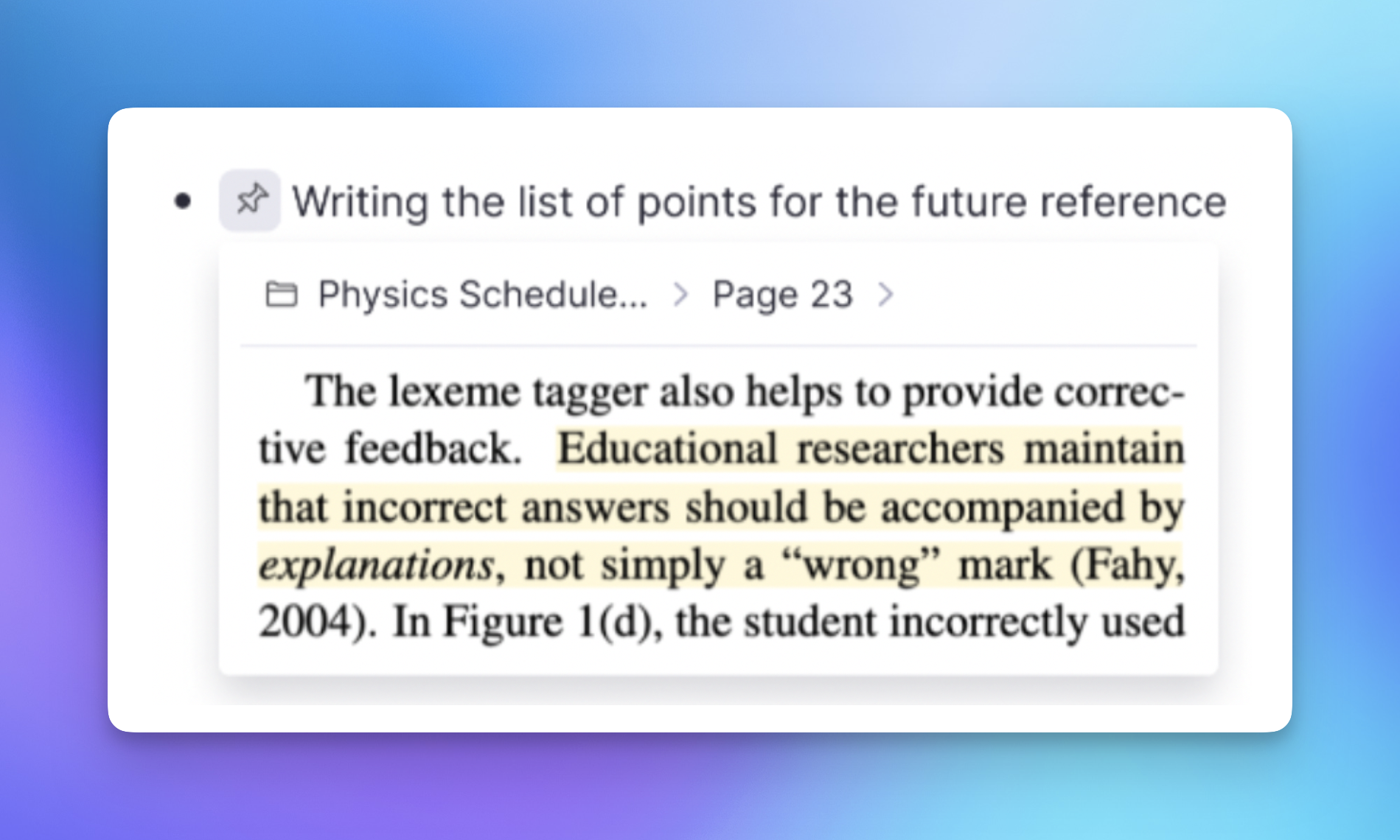
Generate flashcards from your entire slide deck with one click. The AI identifies key concepts, definitions, and relationships, creating cards that help you memorize the material.
Everything You Need to Study Slides
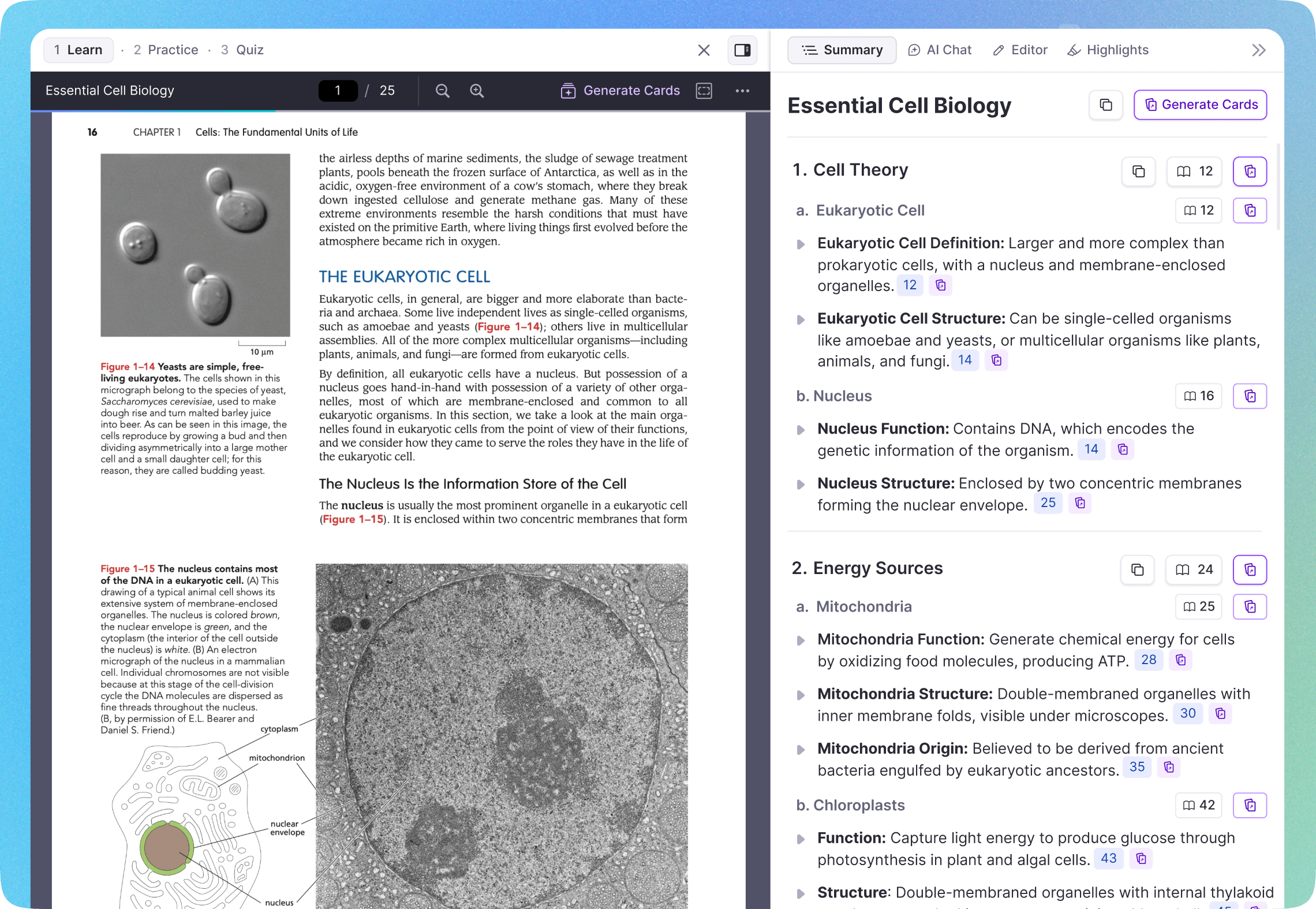
RemNote turns passive slide reading into active studying.
Side-by-Side Notes
View slides on one side and take notes on the other. Notes stay linked to the specific slide.AI Summary
Get a clear summary that explains every slide in plain language. Stop struggling with sparse bullet points.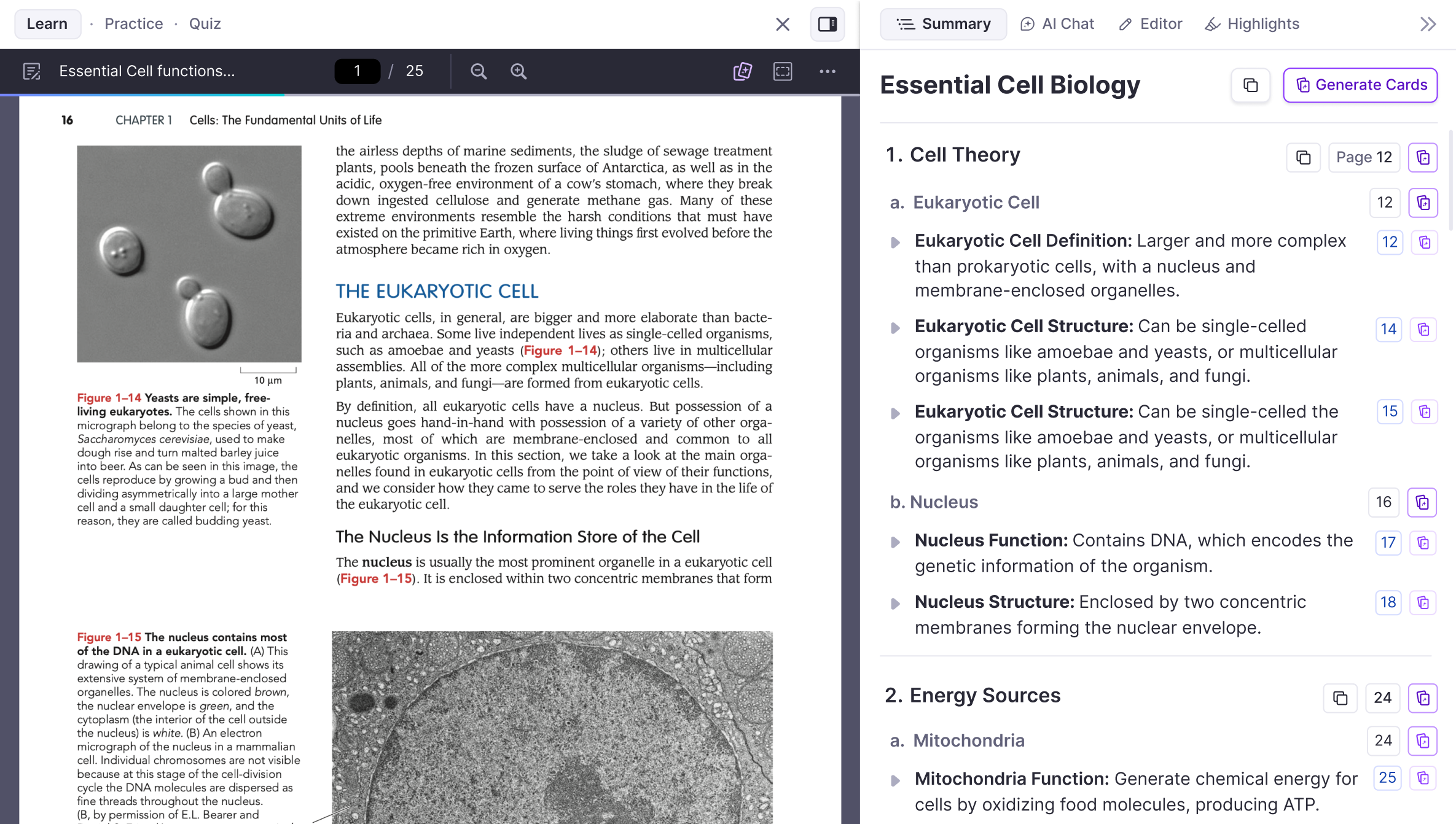
Practice Quizzes
Generate multiple-choice quizzes from your slides to test yourself before the exam.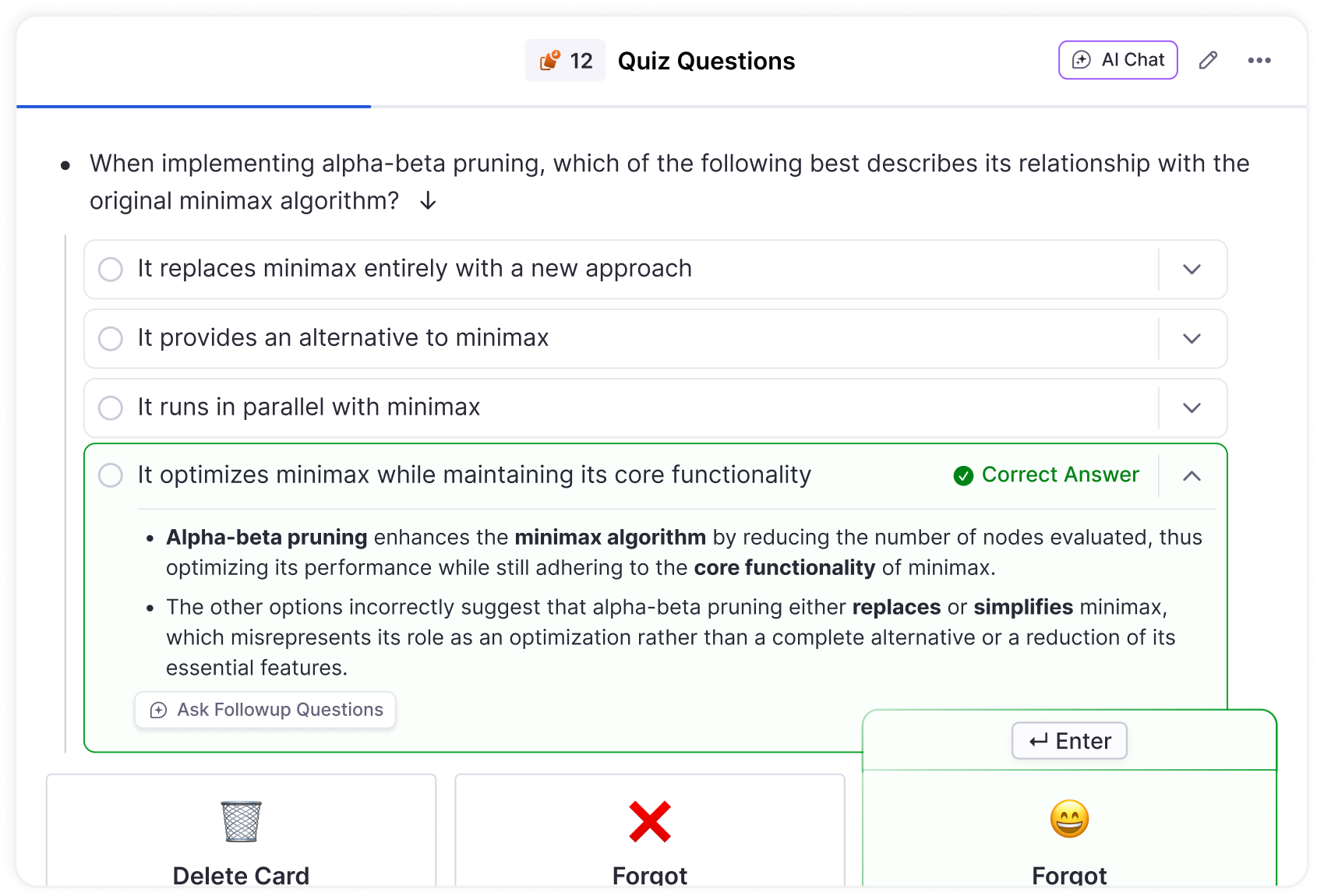
Join 1,000,000+ students getting higher grades!
Frequently Asked Questions
How do I annotate PowerPoint slides in RemNote?
Export your PowerPoint as a PDF, then upload it to RemNote. You can highlight text, draw on slides, add annotations, and create flashcards directly from your lecture slides.
All your annotations sync across every device.
Can I generate flashcards from lecture slides?
Yes! Upload your lecture slides and use AI to generate flashcards covering all the key concepts. You can also click on individual sentences to create flashcards manually.
All cards are automatically scheduled with spaced repetition.
Can I take notes alongside my slides?
Yes! RemNote shows your PDF slides on one side and a note-taking area on the other. Take notes during the lecture, and they stay linked to the specific slide.
You can also use the lecture recorder to capture audio alongside your notes.
Does RemNote support PowerPoint files directly?
RemNote works with PDFs, which is the universal format for lecture slides. Most professors provide slides as PDFs, and you can easily export any PowerPoint to PDF.
Once uploaded, you get highlights, annotations, AI flashcards, and more.
Can I get an AI summary of my lecture slides?
Yes! RemNote generates clear summaries from your lecture slides, breaking down complex topics into easy-to-understand explanations. You also get a topic breakdown, flashcards, and practice quizzes to help you study the material.

