


One Note, Many Places
Display the same content in multiple locations without duplicating. Edit anywhere and changes sync everywhere. Keep one source of truth visible wherever it matters.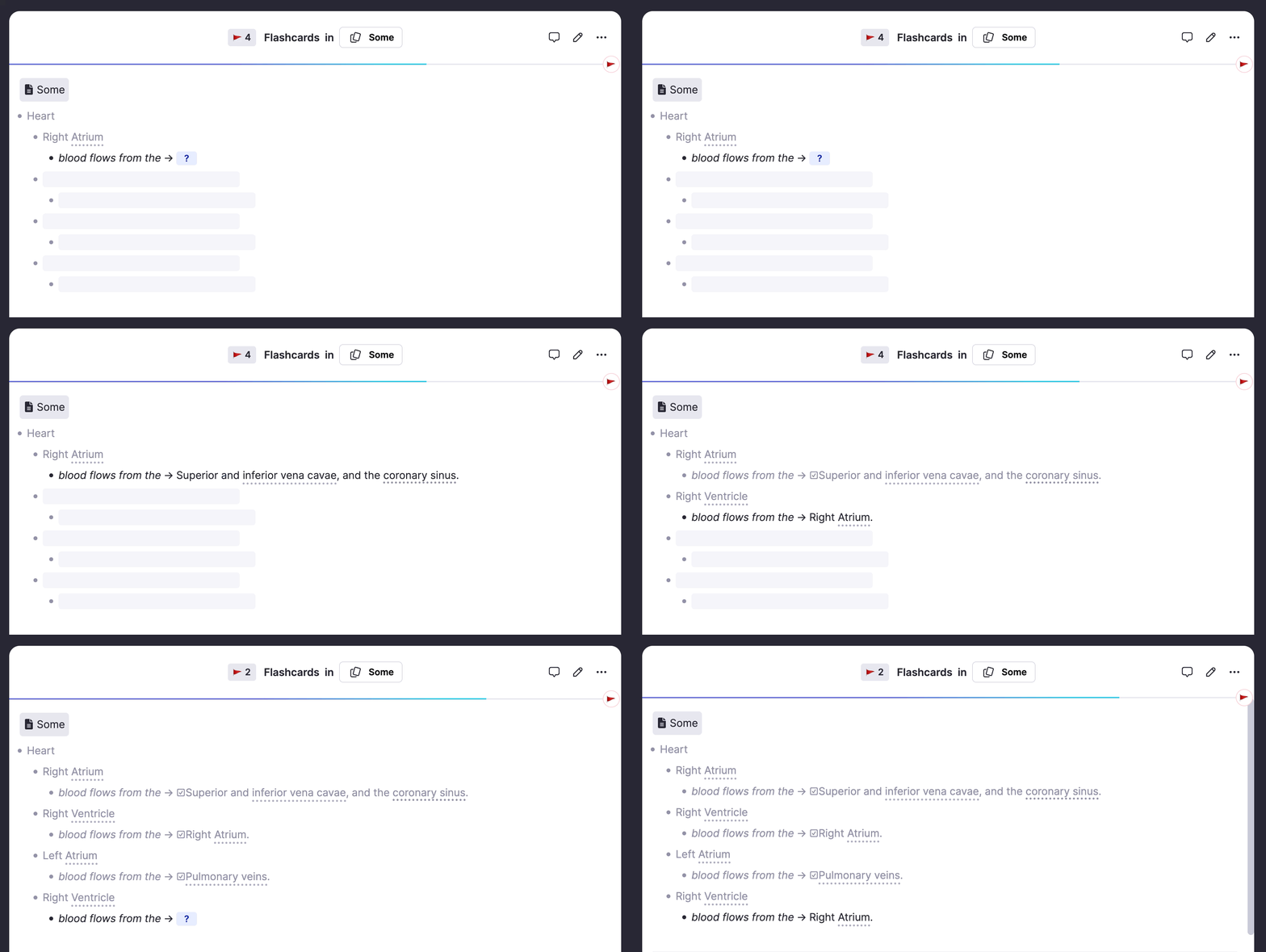
Join 1,000,000+ students getting higher grades!
Always in Sync
Edit content in a portal or the original: changes appear everywhere instantly. No more outdated copies or conflicting versions. Your knowledge base stays consistent and up to date.
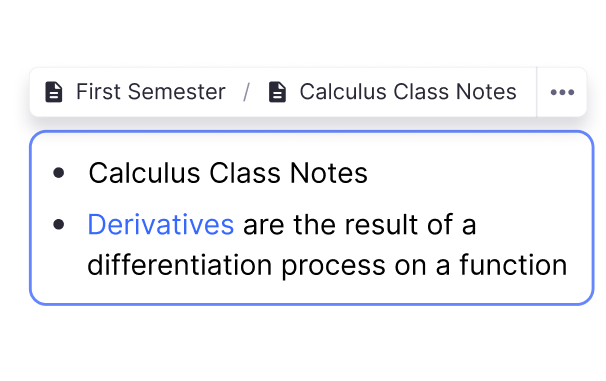
Portals for Every Context
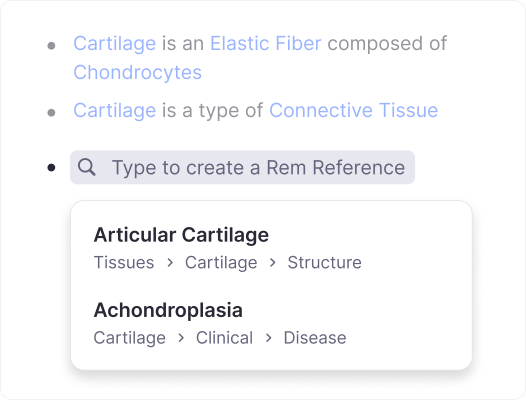
Type (( to search and insert any note as a portal. See the content with a blue bar on the left, expand children, and edit directly, all while keeping everything organized.
Centralize Definitions
Keep key concepts in one place but include them wherever relevant. Update once, see changes everywhere.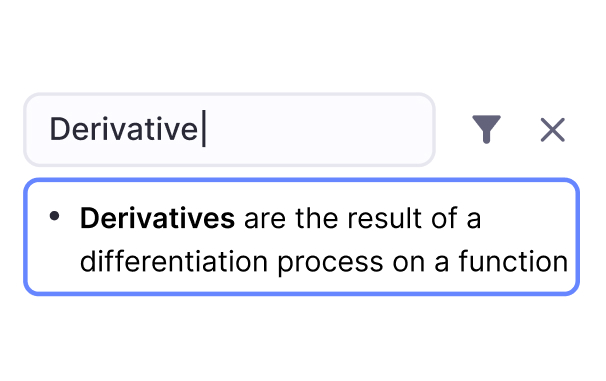
Include Across Sources
Learn from multiple books or lectures? Portal shared concepts into each source for context while keeping one master note.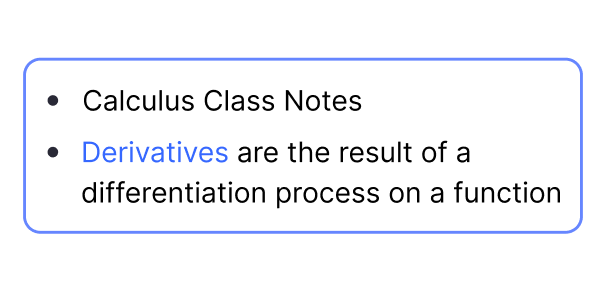
Review in Context
See portaled content within your study notes. Practice flashcards with full context visible, not isolated facts.Hide What You Don't Need
Not every piece of a portaled note is relevant everywhere. Hide specific children with Ctrl+Alt+H (Cmd+Opt+H on Mac) to show only what matters in each context, without affecting the original.
Use Cases for Portals
Portals shine when the same information belongs in multiple contexts. Stop copying and start connecting.
Medical Students
Portal drug information into cardiology, pharmacology, and clinical notes. One medication profile, visible in every relevant context.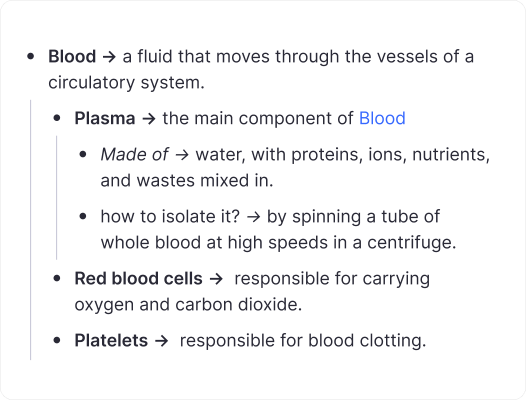
Research & Writing
Keep methodology notes centralized but portal them into each project. Update your process once, see it everywhere.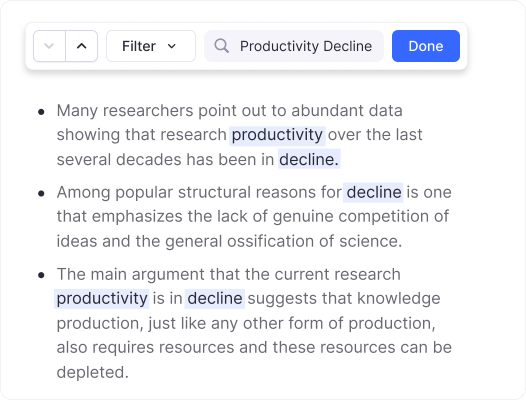
Course Notes
Concepts appear in multiple lectures. Portal definitions into each lecture document while maintaining one authoritative source.
Join 1,000,000+ students getting higher grades!
Frequently Asked Questions
What are Portals in RemNote?
Portals are a feature in RemNote that let you embed live content from one document into another. Rather than copying text, a portal displays the original note directly inside a different page. Any edit you make in one place is instantly reflected everywhere that content appears.
This approach eliminates duplication and keeps your notes genuinely connected. Instead of maintaining separate copies that drift out of sync over time, portals ensure every reference points back to a single authoritative version of your material.
How do Portals help with studying?
Portals let you view related material in context without switching between documents. When a concept from one lecture also applies to another topic, you can portal it in so the information appears right where you need it during review. This saves time and preserves the connections between ideas.
By assembling portals from across your knowledge base, you can build comprehensive study materials that draw on multiple sources while keeping each original note intact and easy to update.
Are changes in a Portal reflected everywhere?
Yes. Portals show live content, not static copies. When you edit a note in one location, every portal displaying that note updates immediately. There is no need to manually propagate changes or worry about outdated versions elsewhere in your knowledge base.
This single-source-of-truth model means you can confidently reorganize and refine your notes knowing that every portal referencing that content will always present the latest version.
Can I use Portals with flashcards?
Yes. Flashcards embedded via portals work seamlessly with RemNote's spaced repetition system. When you portal a note that contains flashcards into another document, those cards still appear in your practice queue and track your review history just as they would in the original location.
This gives you flexible organization without sacrificing the benefits of spaced repetition. You can structure your notes around topics, courses, or projects and portal flashcard-bearing content wherever it makes sense, knowing your study schedule remains unified.
Is my data private and secure?
Yes. RemNote uses encrypted connections and stores your data on secure servers. Your notes, portals, and flashcards are accessible only to you unless you explicitly choose to share them. We do not sell user data or use it for advertising purposes.
Privacy is a core part of how RemNote is built. You retain full ownership of your content, and our infrastructure is designed to keep your information protected at every level.

