


Math & LaTeX in Your Notes
Add beautifully formatted math equations to your notes. Type in plain text, and let AI convert to LaTeX instantly.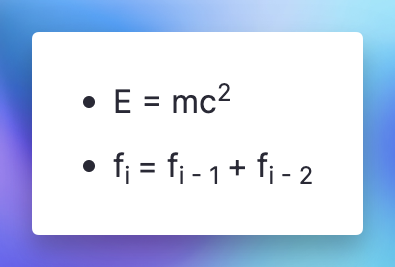
Join 1,000,000+ students getting higher grades!
Type Plain Text, Get Beautiful Math
No need to memorize LaTeX syntax. Just type "6/7" or "integral of X from 0 to 3" and press Tab. AI converts it to properly formatted equations.
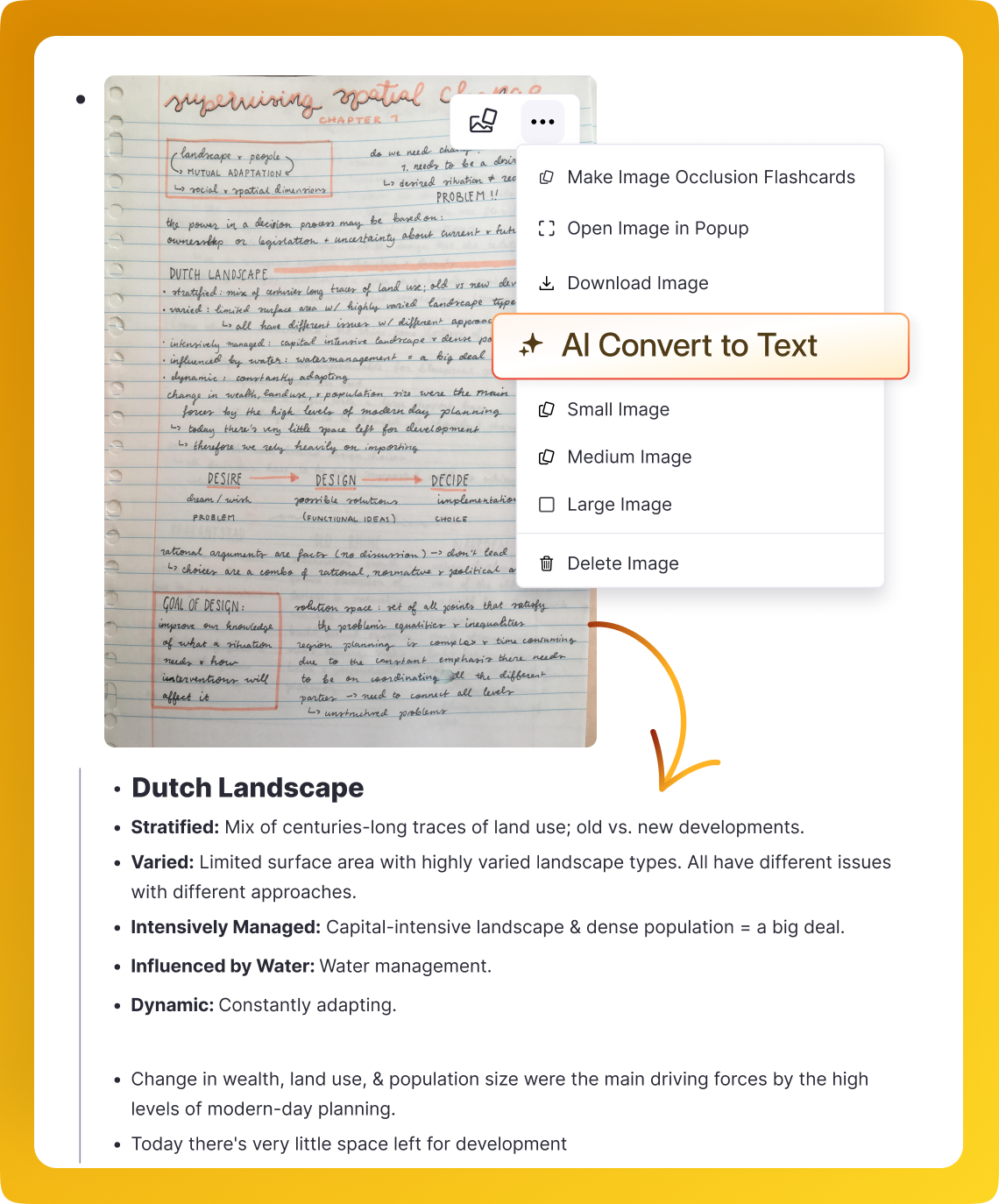
Support for All Math Notation
From basic fractions to complex integrals, RemNote supports the full range of mathematical notation through KaTeX.
Calculus
Integrals, derivatives, limits, and summations.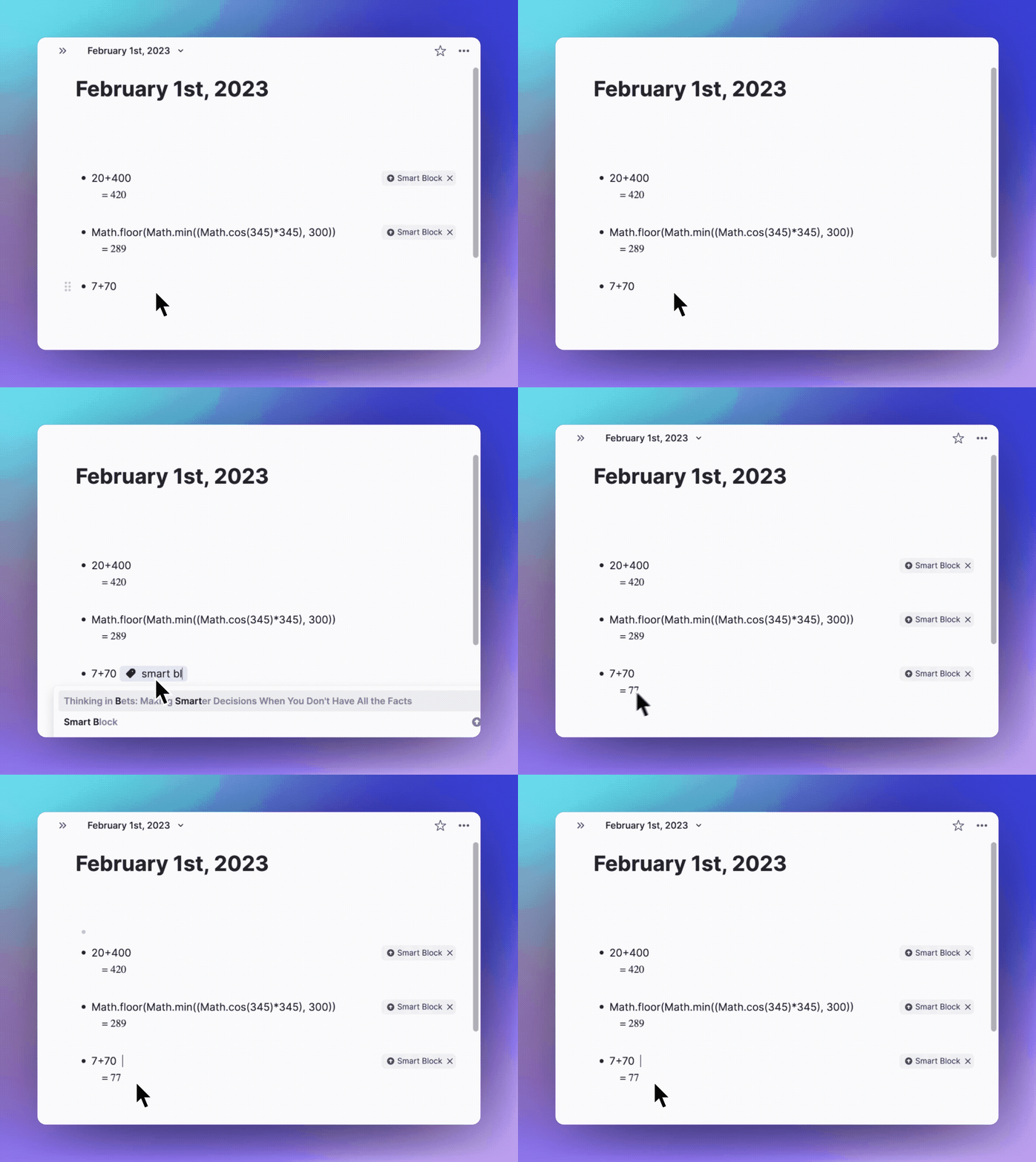
Linear Algebra
Matrices, vectors, and determinants.Chemistry
Chemical equations using the mhchem package.Create Flashcards from Equations
Turn your math notes into spaced repetition flashcards. Create cloze deletions within equations to test yourself on specific parts.
Inline or Block Mode
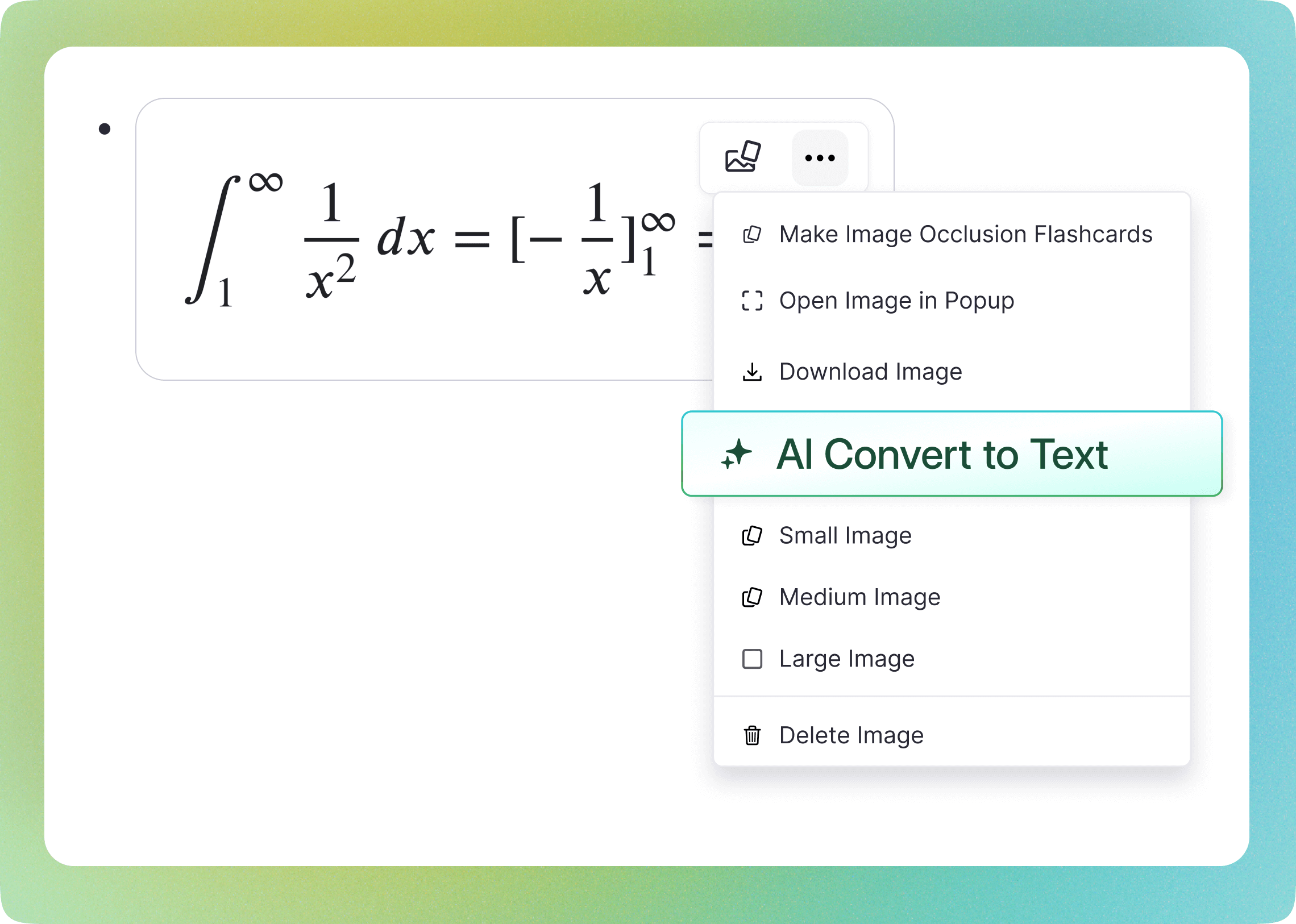
Choose how your equations appear. Inline for equations within text, block for standalone equations on their own line.
Inline Mode
Equations appear within your text, perfect for formulas in sentences.Block Mode
Centered equations on their own line for important formulas.Easy Switching
Toggle between modes with Alt+B or the dropdown menu.Join 1,000,000+ students getting higher grades!
Frequently Asked Questions
Does RemNote support LaTeX and math equations?
Yes. RemNote includes full LaTeX rendering powered by KaTeX, so you can write and display math equations directly inside your notes. Type in plain text or raw LaTeX, and equations render inline as you work.
RemNote is built for learning, so your equations are not just static text. They integrate seamlessly with flashcards, spaced repetition, and other study tools, making it easy to review and retain complex formulas alongside the rest of your material.
Can I create flashcards with math equations?
Yes. Math equations render on flashcards exactly as they appear in your notes. You can create cloze deletions within equations to hide specific parts, testing yourself on individual terms, steps, or variables during review.
This makes RemNote particularly effective for STEM subjects where memorizing formulas, derivations, and proofs is essential. Spaced repetition schedules your math flashcards at optimal intervals, so you spend less time drilling and more time building genuine understanding.
How does RemNote compare to Overleaf or other LaTeX editors for studying?
Overleaf and similar editors are designed for producing polished documents. RemNote takes a different approach by embedding LaTeX directly into a learning system. You write equations inside your notes, then turn them into flashcards and practice them with spaced repetition, all without leaving the app.
The advantage for students is that your math notes become active study material rather than static files. Instead of switching between a LaTeX editor, a note-taking app, and a flashcard tool, everything lives in one place and works together to help you learn.
Does math rendering work on mobile devices?
Yes. Equations render correctly on phones, tablets, and desktops. Whether you created your notes on a laptop or a phone, the math displays consistently across all your devices.
This means you can review your math flashcards and notes anywhere, whether you are commuting, waiting between classes, or studying away from your desk. Your equations stay readable and properly formatted regardless of screen size.
Is my data private and secure?
Yes. Your notes, equations, and flashcards are securely stored with clear privacy protections in place. Your content stays in your workspace, and AI features operate within your notes to help you learn and organize, not to publicly reuse your material.
RemNote is designed for students and professionals who need a reliable, private space for their work. You retain full control over your data, and your material is not used to train external models.

