


Visual Notes That Stick
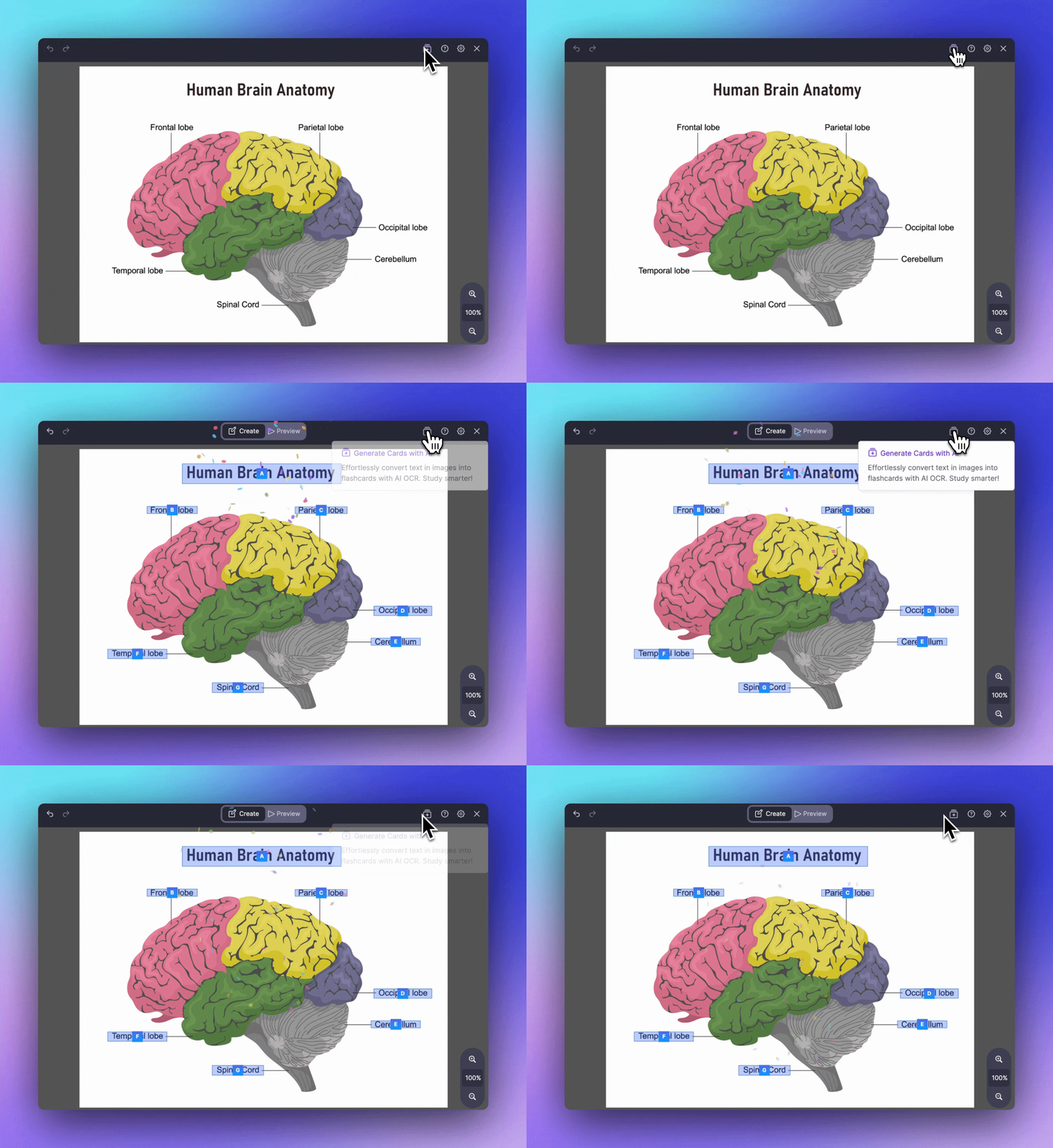
Add images, videos, and audio to your notes in seconds. Drag, drop, paste, or use slash commands. Turn any image into flashcards with Image Occlusion.
Join 1,000,000+ students getting higher grades!
Drag, Drop, Done
Adding images is effortless. Drag from your desktop, paste from your clipboard, or use /image with any URL. Your visual content appears instantly in your notes.
Rich Media Support
Go beyond text with images, videos, and audio. Perfect for visual learners and anyone studying with multimedia content.
Images
PNG, JPG, GIF and more. Resize, annotate, and turn into flashcards.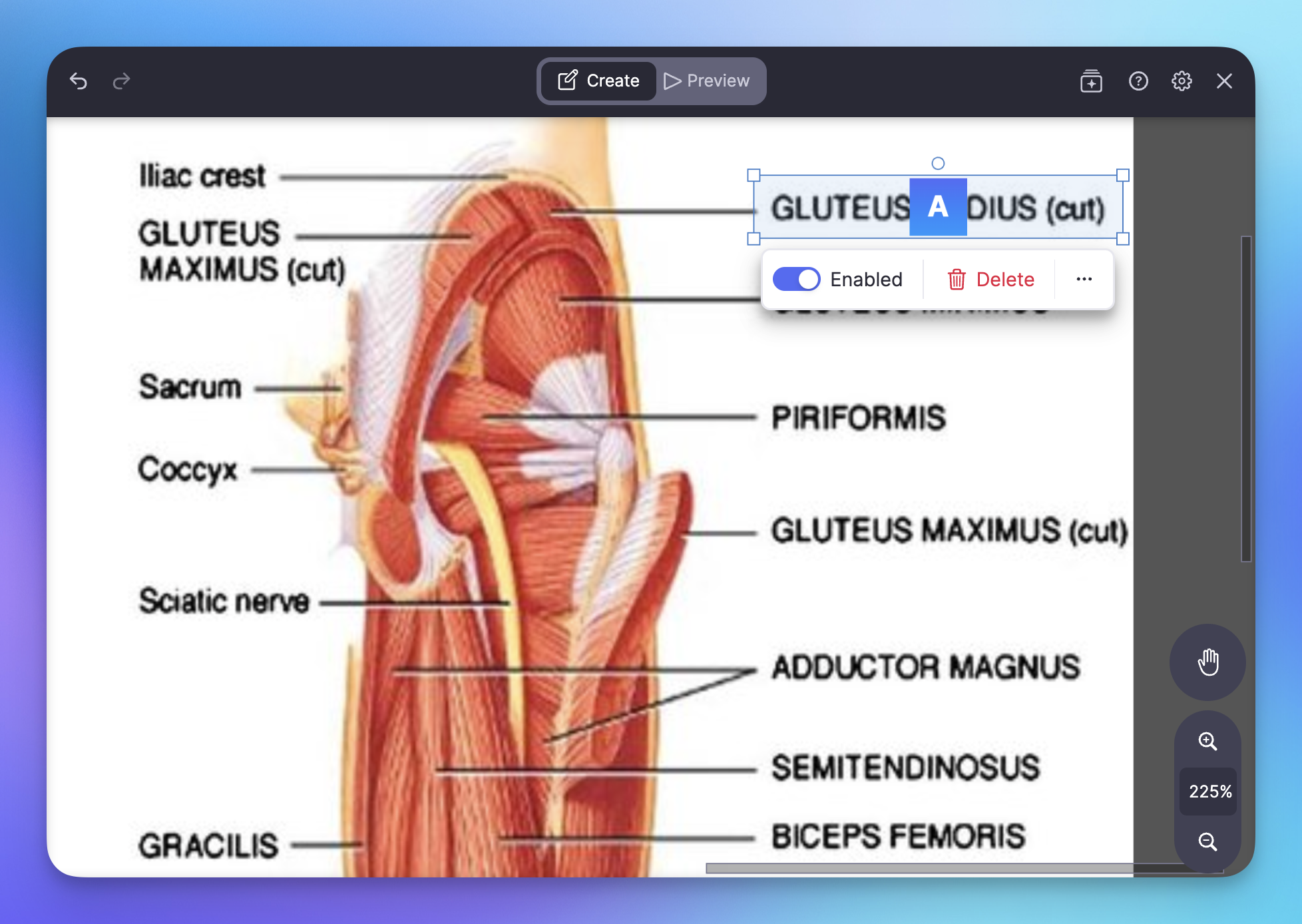
Videos
Embed YouTube videos or any video URL. Watch without leaving your notes.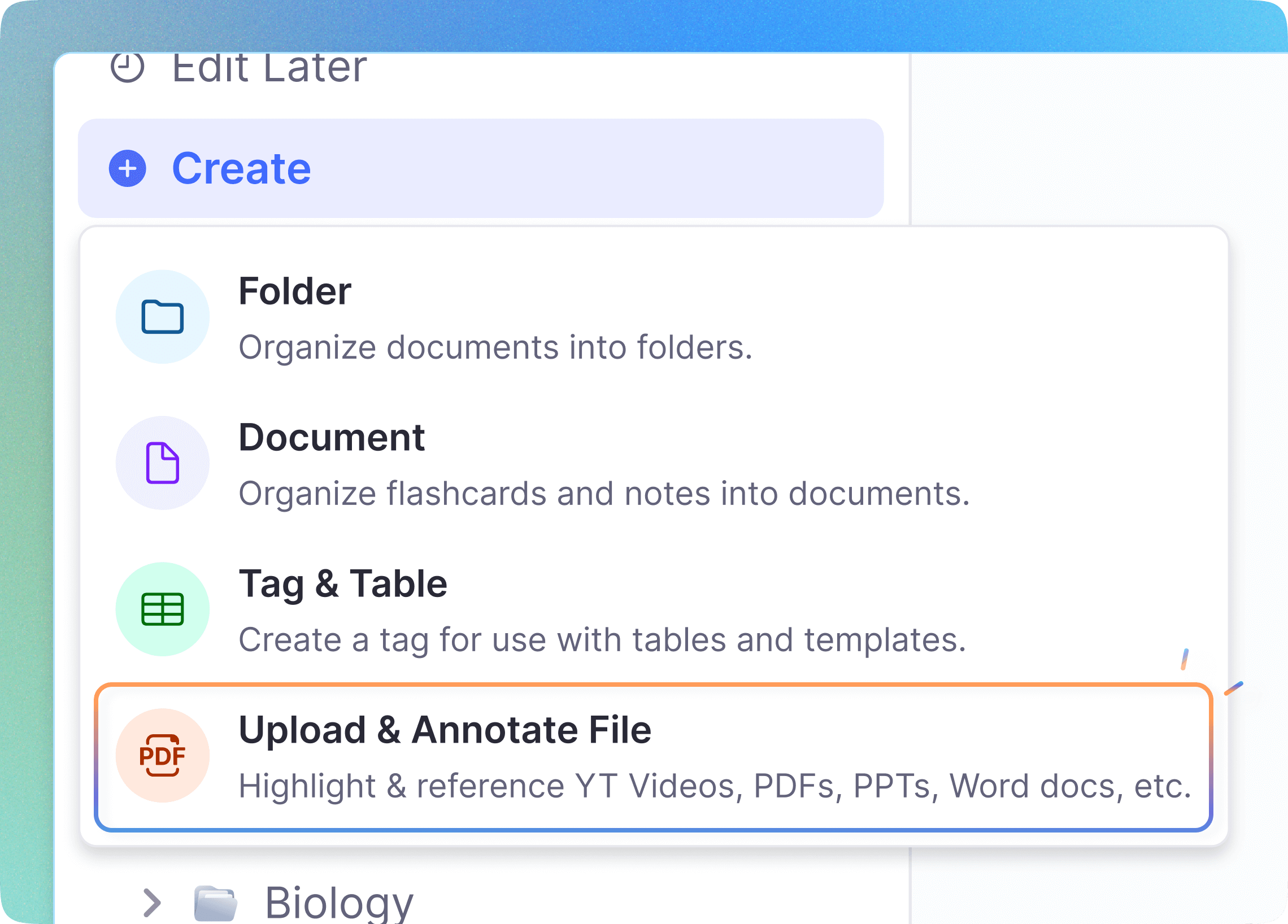
Audio
Embed audio files for pronunciation practice and listening exercises.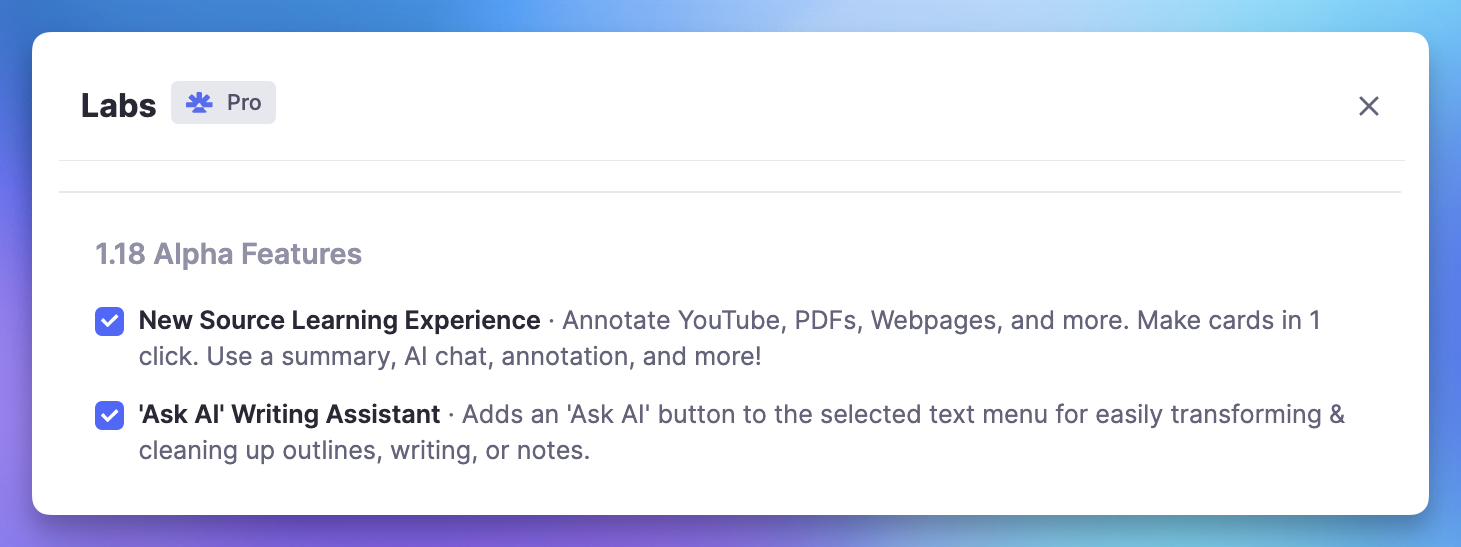
Learn From Image Occlusion
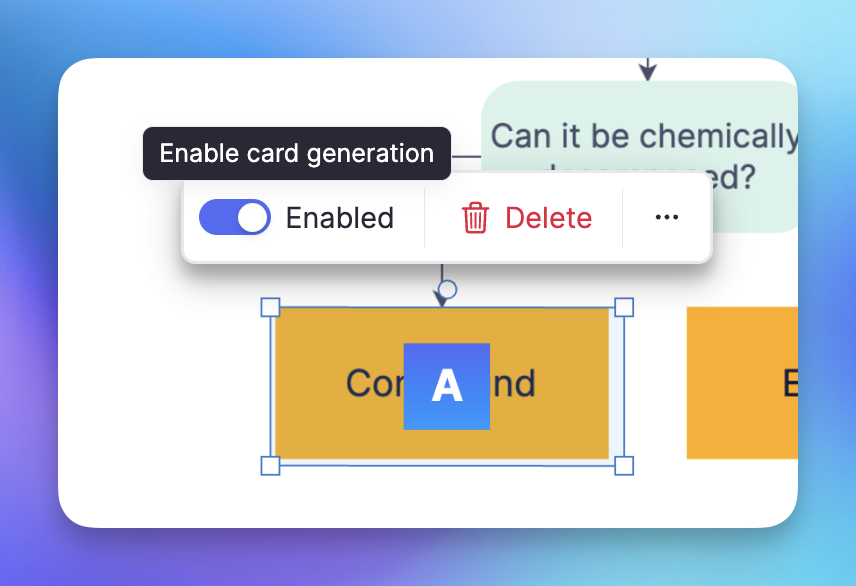
Turn any image into interactive flashcards. Hide parts of diagrams, maps, or charts and test yourself. Perfect for anatomy, geography, and visual subjects.
Perfect For Every Subject
Visual content enhances learning across all disciplines. See how students use images and media in RemNote.
Medical Students
Anatomy diagrams, histology slides, and pathology images with occlusion.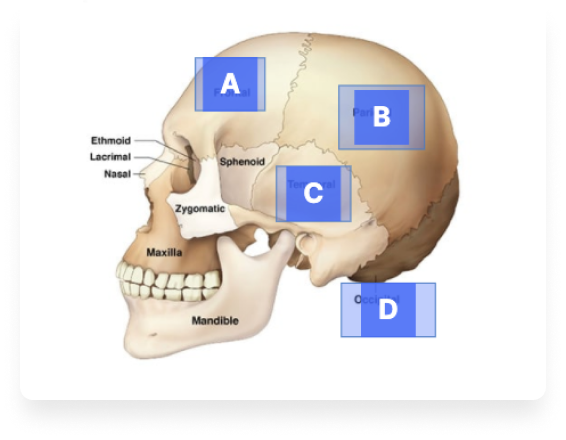
Language Learners
Audio for pronunciation, videos for immersion, and images for vocabulary.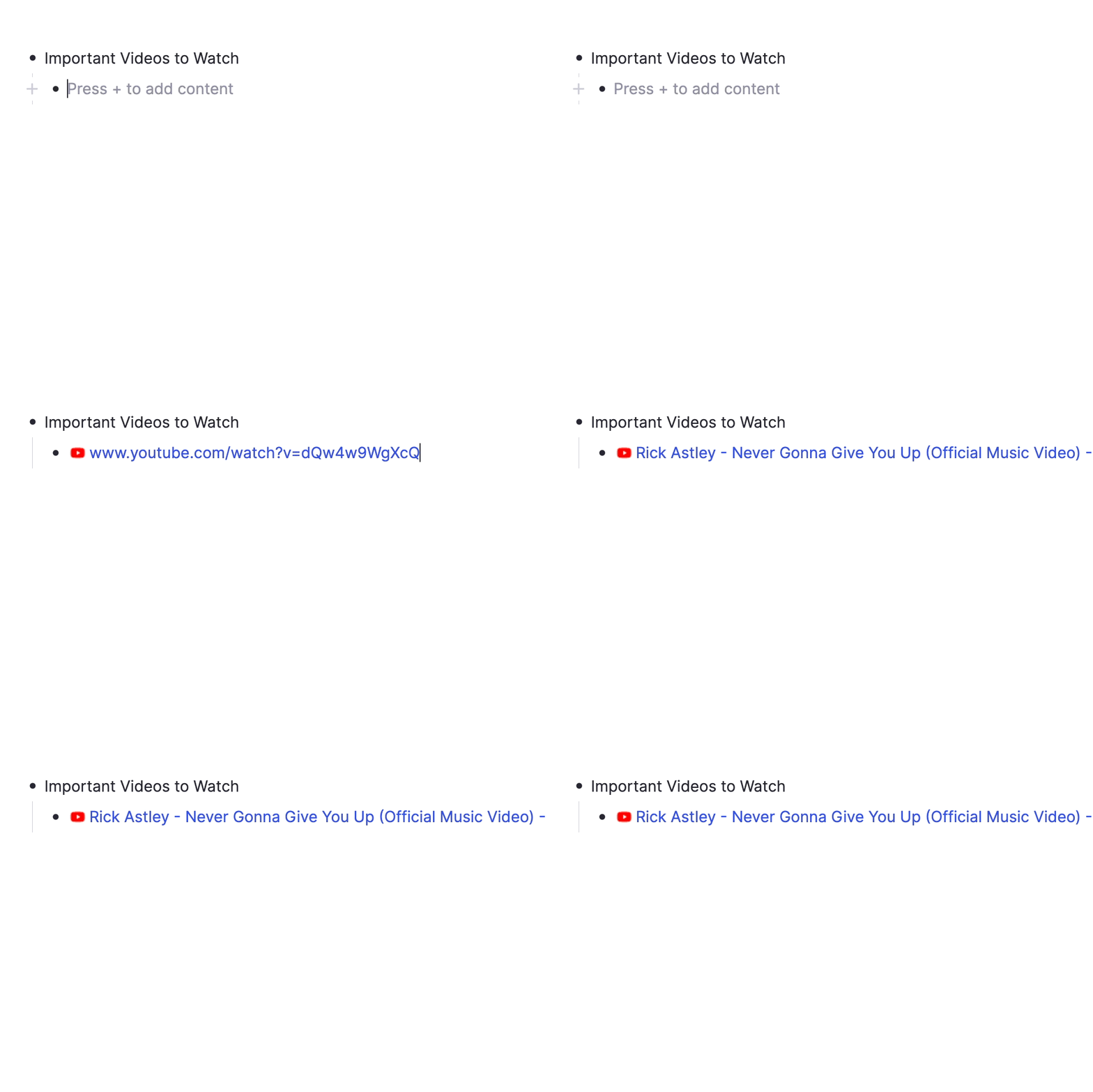
STEM Students
Charts, graphs, formulas, and diagrams that bring complex concepts to life.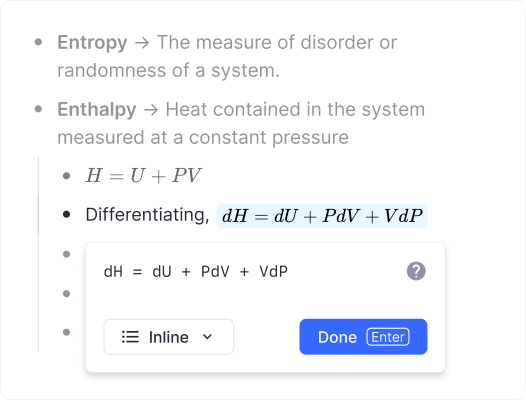
Join 1,000,000+ students getting higher grades!
Frequently Asked Questions
Can I embed images, videos, and audio in my notes?
Yes. RemNote supports full multimedia embedding, including images, videos, and audio files. You can drag and drop files directly into your notes, paste from your clipboard, or use slash commands to insert media from a URL. All common formats are supported and media appears inline with your text.
Embedding rich media in your notes makes study materials more engaging and helps you retain information more effectively. Diagrams, lecture recordings, and video explanations all live alongside your written notes, so everything you need is in one place when it comes time to review.
Can I create flashcards from images?
Yes. RemNote includes an Image Occlusion feature that lets you hide parts of any image to create interactive flashcards. You can place occlusion boxes over diagrams, charts, maps, or any visual content and then test yourself during spaced repetition practice. RemNote AI can also extract text from images and convert it into structured notes and flashcards automatically.
This combination of image occlusion and AI-powered extraction makes RemNote particularly effective for visual learners and students studying subjects like anatomy, geography, and engineering.
Does RemNote support audio recordings in notes?
Yes. You can record audio directly within RemNote or embed existing audio files in your notes. Audio clips are embedded inline, making it easy to capture lectures, pronunciation examples, or verbal explanations right where they belong in your study materials.
Having audio alongside your written notes means you can review recordings in context without switching between apps. This is especially useful for language learners practicing pronunciation, students revisiting lecture content, or anyone who benefits from hearing information repeated during review sessions.
Can I embed YouTube videos in my notes?
Yes. Paste any YouTube link into RemNote and it will automatically embed as a playable video within your notes. You can also use the /iv slash command to insert videos from other sources or direct video file URLs.
Studying alongside embedded video content lets you take timestamped notes, create flashcards from key moments, and keep all related material in a single document. This eliminates the need to switch between a video player and your notes, helping you stay focused and organized during study sessions.
Is my data private and secure?
Yes. RemNote takes data privacy and security seriously. Your notes, uploaded media, and personal information are protected with encryption in transit and at rest. RemNote does not sell your data or use it for advertising, and you retain full ownership of everything you create.
RemNote also supports knowledge base-level access controls, so you decide who can view or edit your content. Whether you are a student managing personal study materials or part of a team sharing resources, your data remains under your control at all times.

