


Focus on What Matters Most
Control which flashcards matter most with folder priorities. Prioritize exam material, keep nice-to-have cards for later, and never feel overwhelmed by your flashcard queue.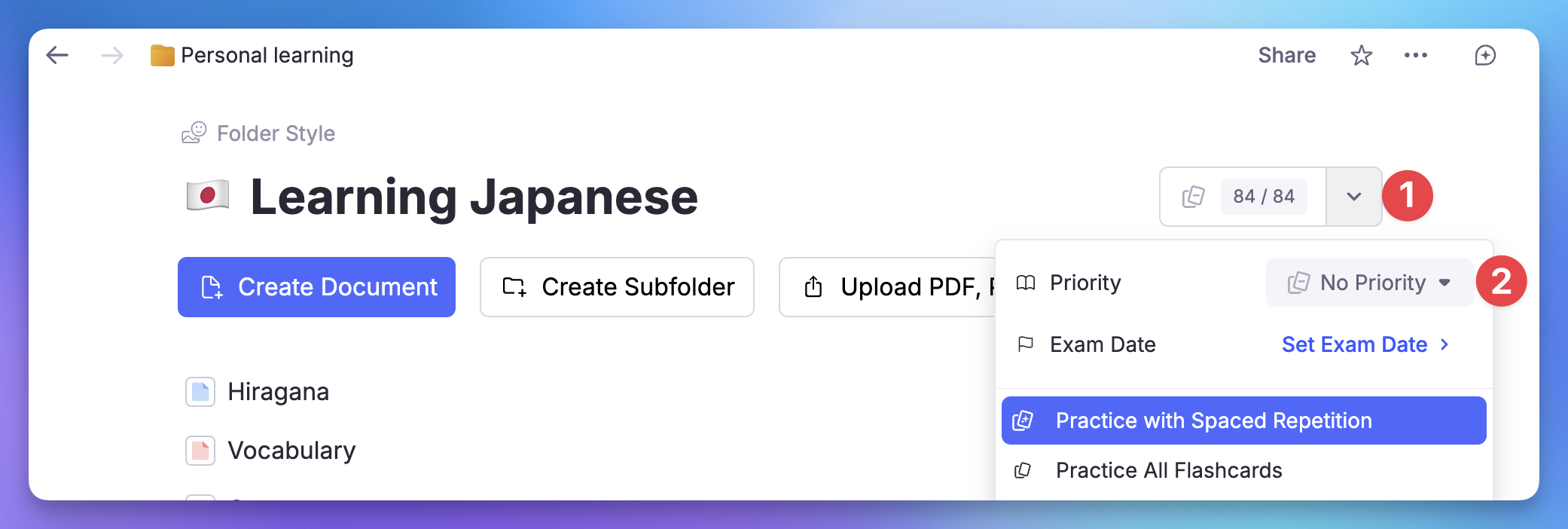
Join 1,000,000+ students getting higher grades!
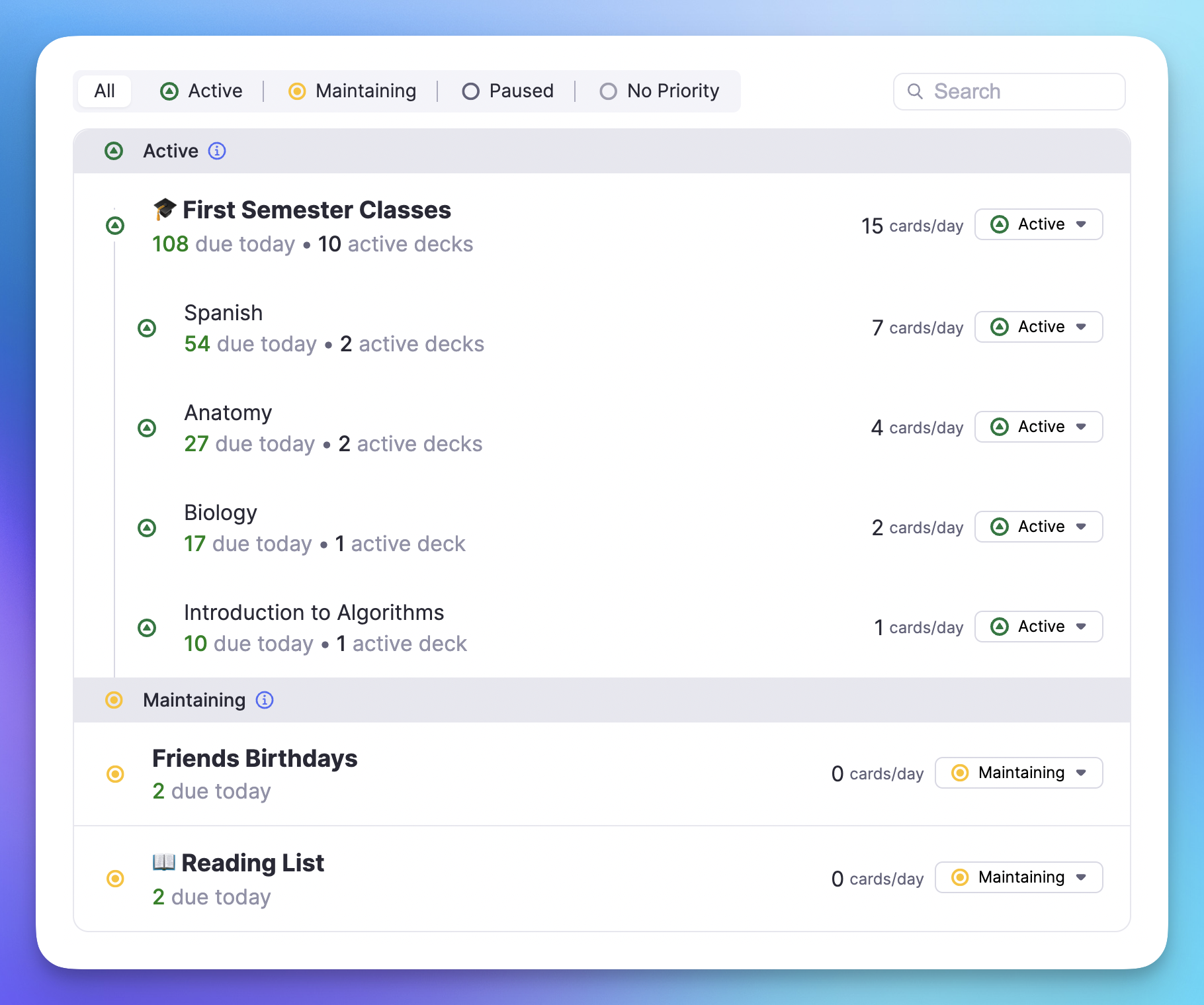
Five Priority Levels for Complete Control
From exam prep to nice-to-have knowledge, organize your flashcards by importance. Focus your limited study time on what truly matters.
Exam Priority
Cards for upcoming tests appear first. Never miss what will be on the exam.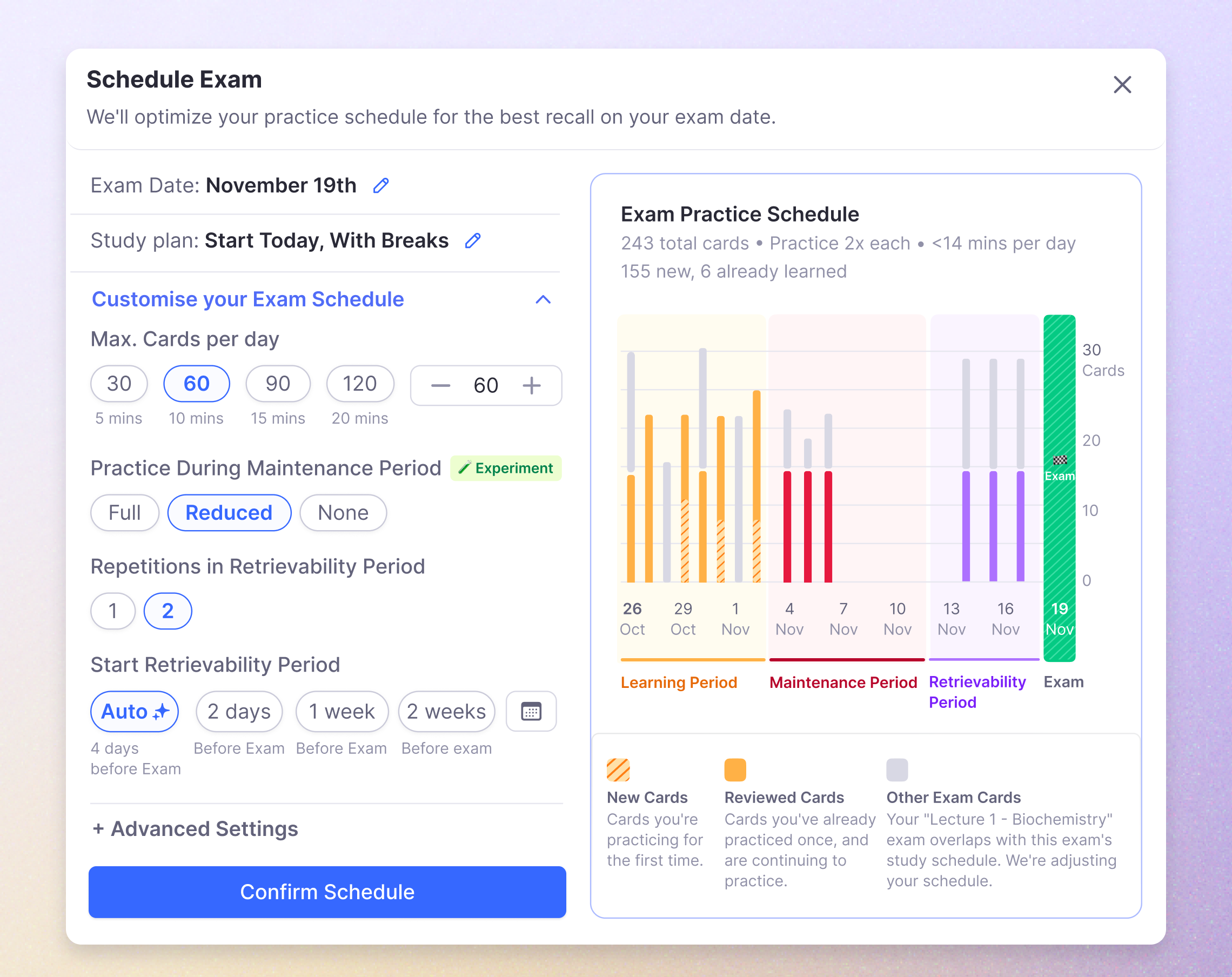
Currently Studying & Maintaining
Currently Studying cards are your daily focus. Maintaining cards are nice-to-have when you have time.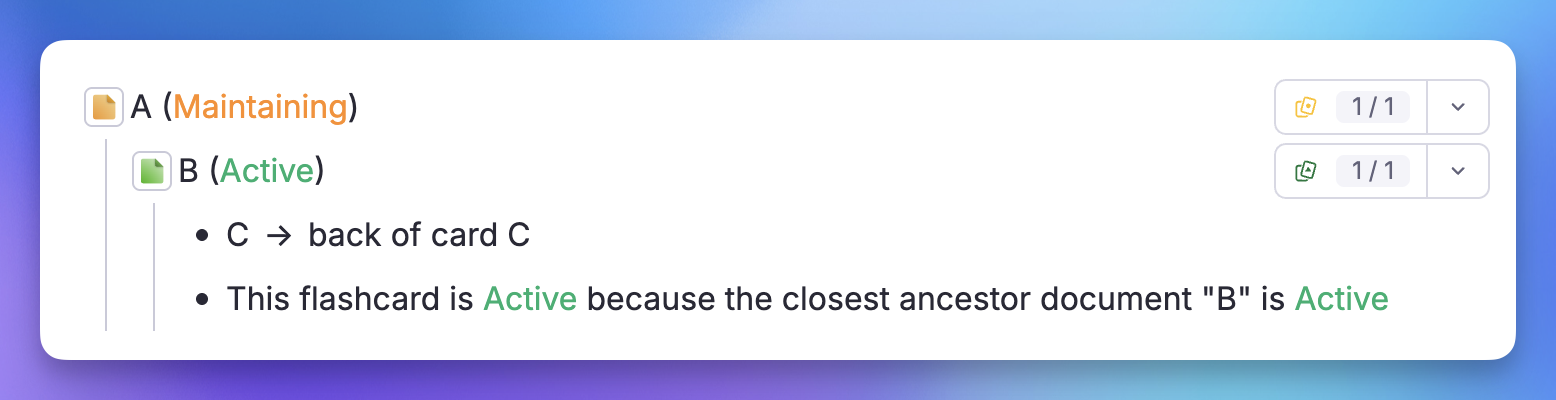
Paused for Later
Pause material you want to return to someday. RemNote tracks how well you knew it.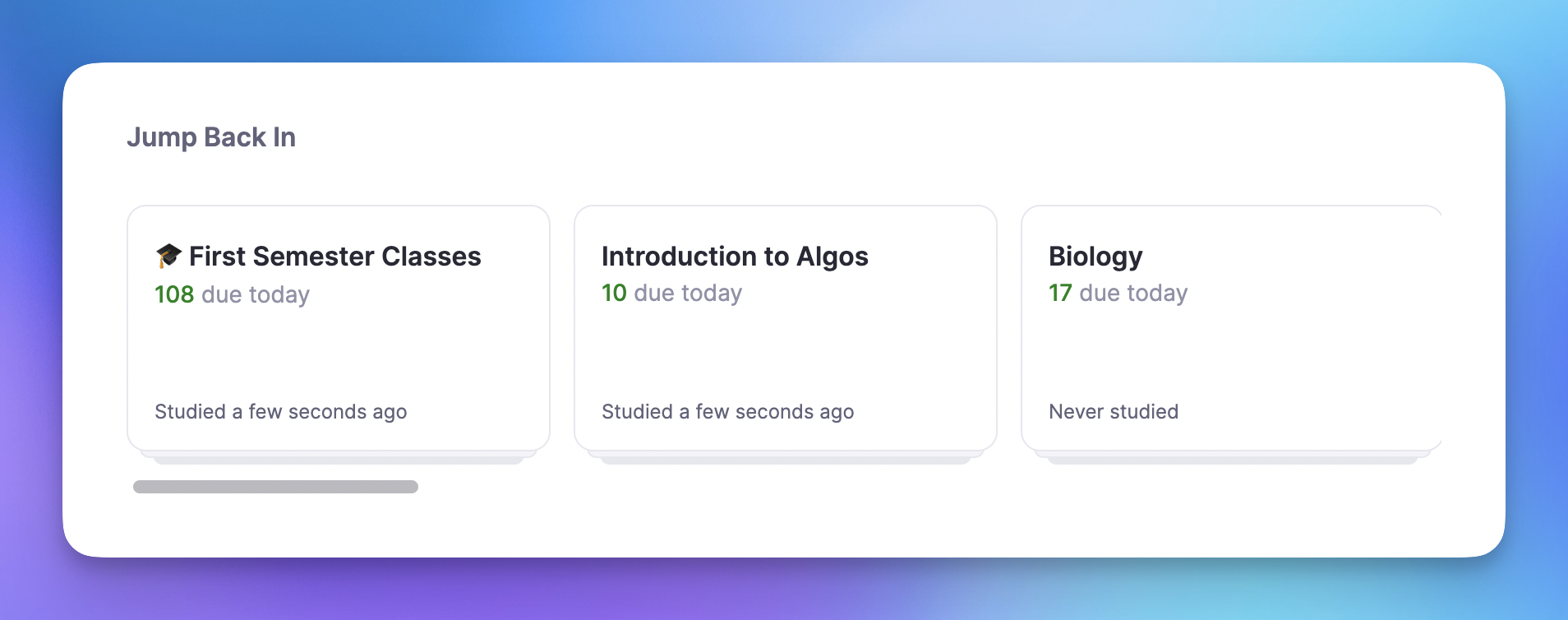
Priorities Inherit Automatically
Set a priority on a document once, and all flashcards inside inherit it automatically. Nested documents respect the closest priority in the hierarchy.
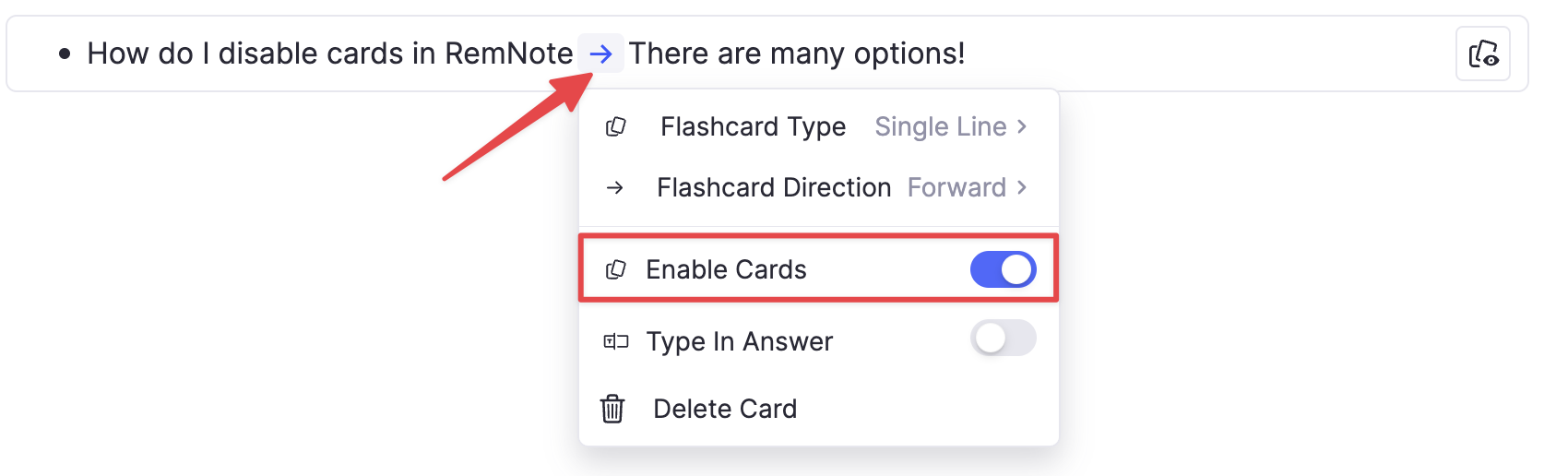
Disable Individual Flashcards
Need more precise control? Disable specific flashcards that are poorly written, too difficult, or just not worth your time right now. They stay in your notes but never appear during practice.
Smart Priority Resolution
When a flashcard appears in multiple documents, RemNote intelligently picks the right priority. Exam always wins. The closest document in the hierarchy takes precedence. You always practice what matters most.
Join 1,000,000+ students getting higher grades!
Frequently Asked Questions
What are folder priorities in RemNote?
Folder priorities are a study management feature in RemNote that lets you control which flashcards appear first during practice sessions. You assign a priority level to any document or folder, and every flashcard inside automatically inherits that priority.
RemNote offers five levels: Exam for upcoming tests, Currently Studying for daily focus material, Maintaining for nice-to-have knowledge, Paused for material you want to revisit later, and No Priority as the default. This system ensures you spend your limited study time on the material that matters most, rather than reviewing everything equally.
How do I prioritize subjects before an exam?
Set the Exam priority on any folder or document containing material for your upcoming test. Cards with Exam priority always appear first in your practice queue, so you focus entirely on exam-relevant content. You can set this by clicking the Practice button at the top of any document and selecting Priority.
As your exam approaches, set your exam folders to Exam priority and lower other subjects to Maintaining or Paused. After the exam, switch the priority back to Currently Studying or Maintaining so those cards return to your regular review rotation without losing your progress.
How do folder priorities interact with spaced repetition?
Folder priorities control the order in which cards appear during practice, while spaced repetition determines when each card is due for review. Cards with higher priorities are shown before lower-priority cards within the same session, but the spaced repetition algorithm continues to schedule all active cards at optimal intervals.
When a flashcard appears in multiple documents with different priorities, RemNote uses the highest priority. The closest document in the hierarchy takes precedence when resolving conflicts. Paused cards are temporarily removed from your review schedule, but their history is preserved so you can resume exactly where you left off.
Can I use folder priorities with the exam scheduler?
Yes. Folder priorities and the exam scheduler work together to optimize your study plan. When you set an exam date for a folder, RemNote builds a schedule for cards from that folder so you cover all the material before the test.
Combining this with the Exam priority level ensures those cards are always shown first in your daily queue. This dual approach means you are both seeing the right cards at the right frequency and in the right order, giving you the best chance of retaining exam material when it counts.
Is my data private and secure?
Yes. Your notes, flashcards, and study progress are securely stored with encryption in transit and at rest. RemNote does not share your content with third parties, and your data is not used to train AI models without your explicit consent.
RemNote follows industry-standard privacy and security practices. Your study material stays in your account, and you retain full control over your data at all times.

