


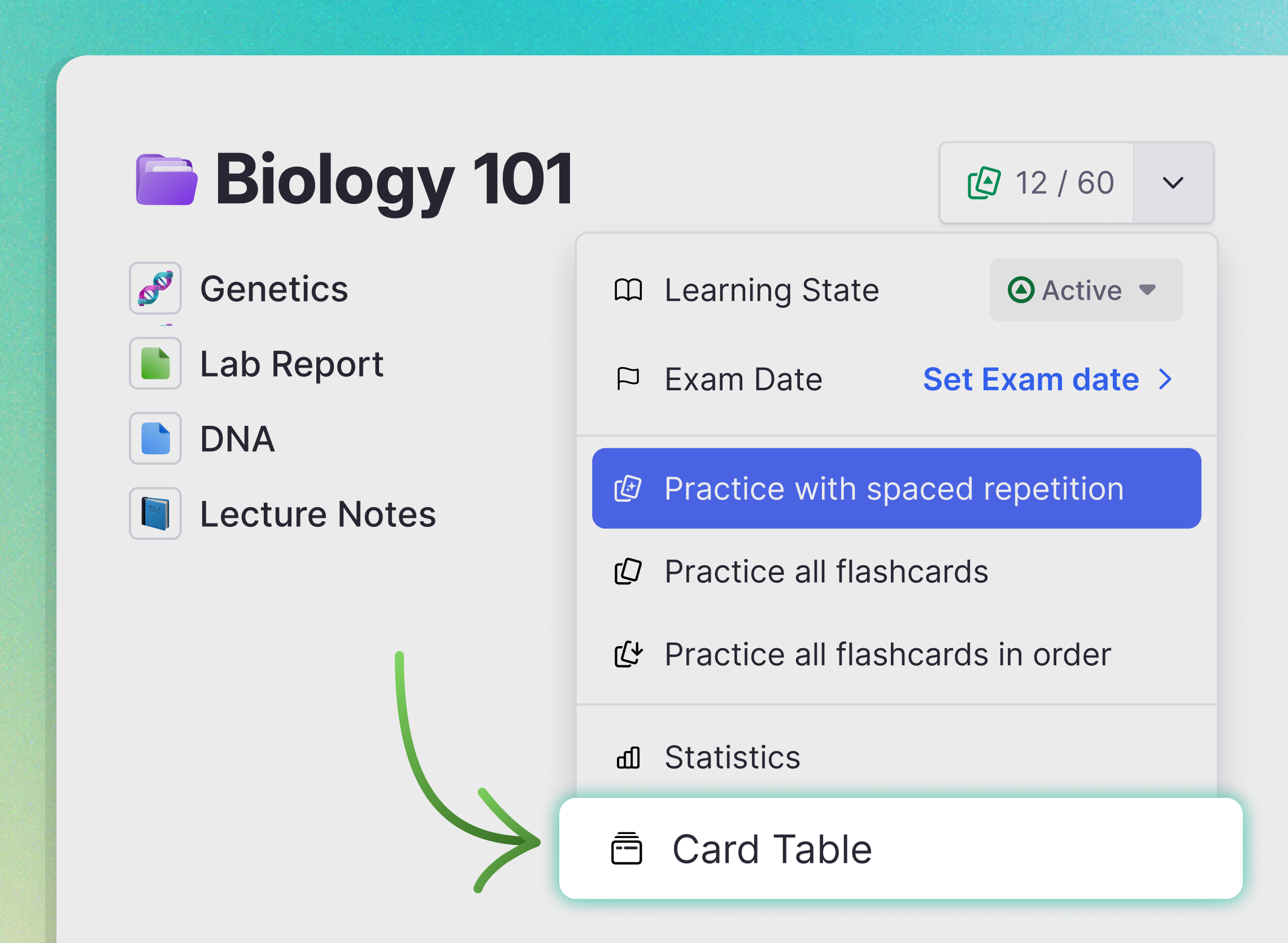
Card Table: Manage All Your Flashcards
See all your flashcards in one place. Filter by documents, tags, or due dates. Find leeches and struggling cards. Bulk-edit SRS data across hundreds of cards at once.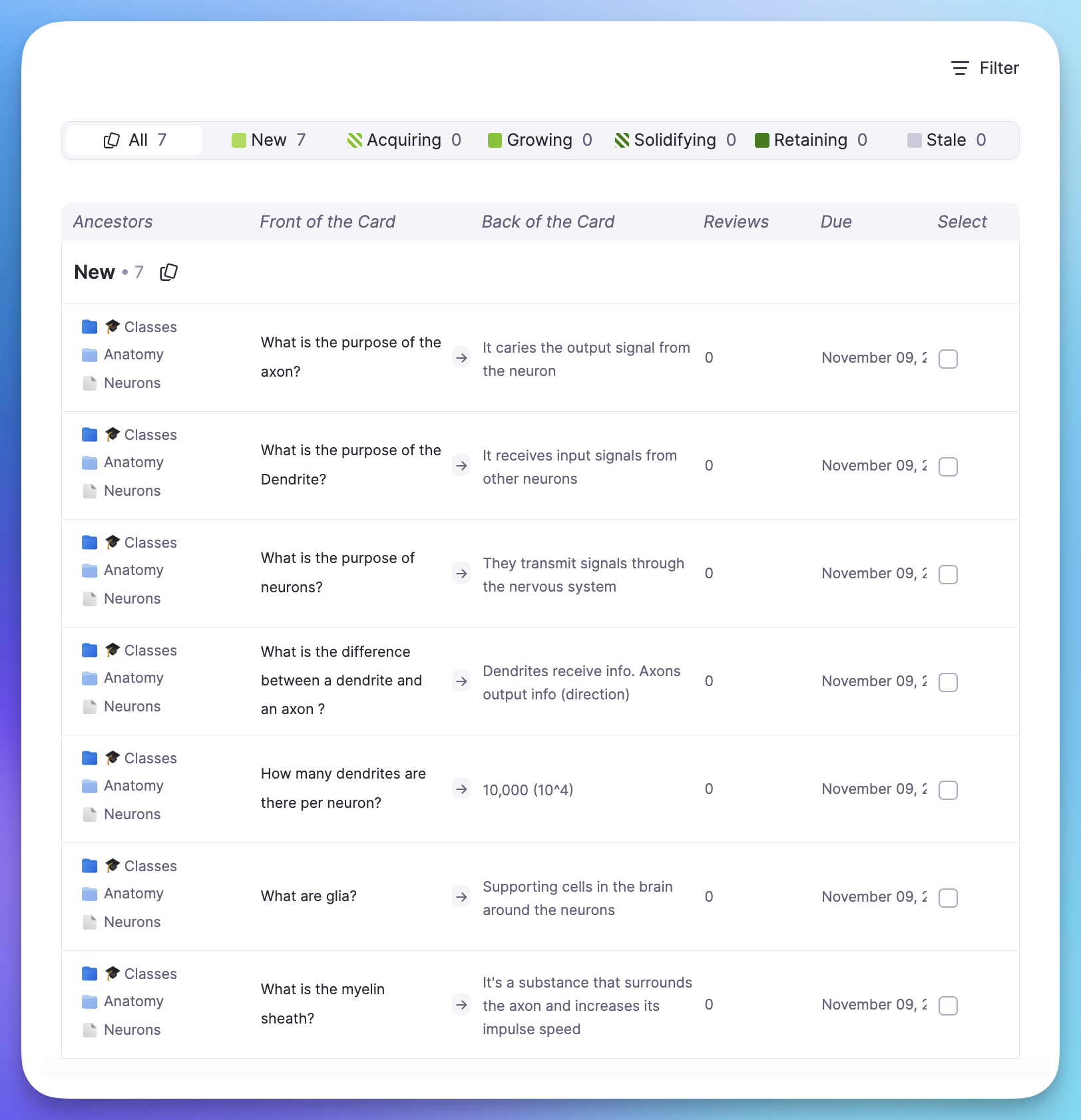
Join 1,000,000+ students getting higher grades!
See Your Entire Collection
Get a summary of the spaced repetition state for all of your cards. See due dates, ease ratings, review counts, and mastery levels at a glance.
Find Any Card Instantly
Use filter presets or create custom filters to find exactly the cards you need. Search by content, filter by tags, or find cards by their SRS state.
Quick Filters
One-click presets for leeches, struggling cards, disabled cards, and more.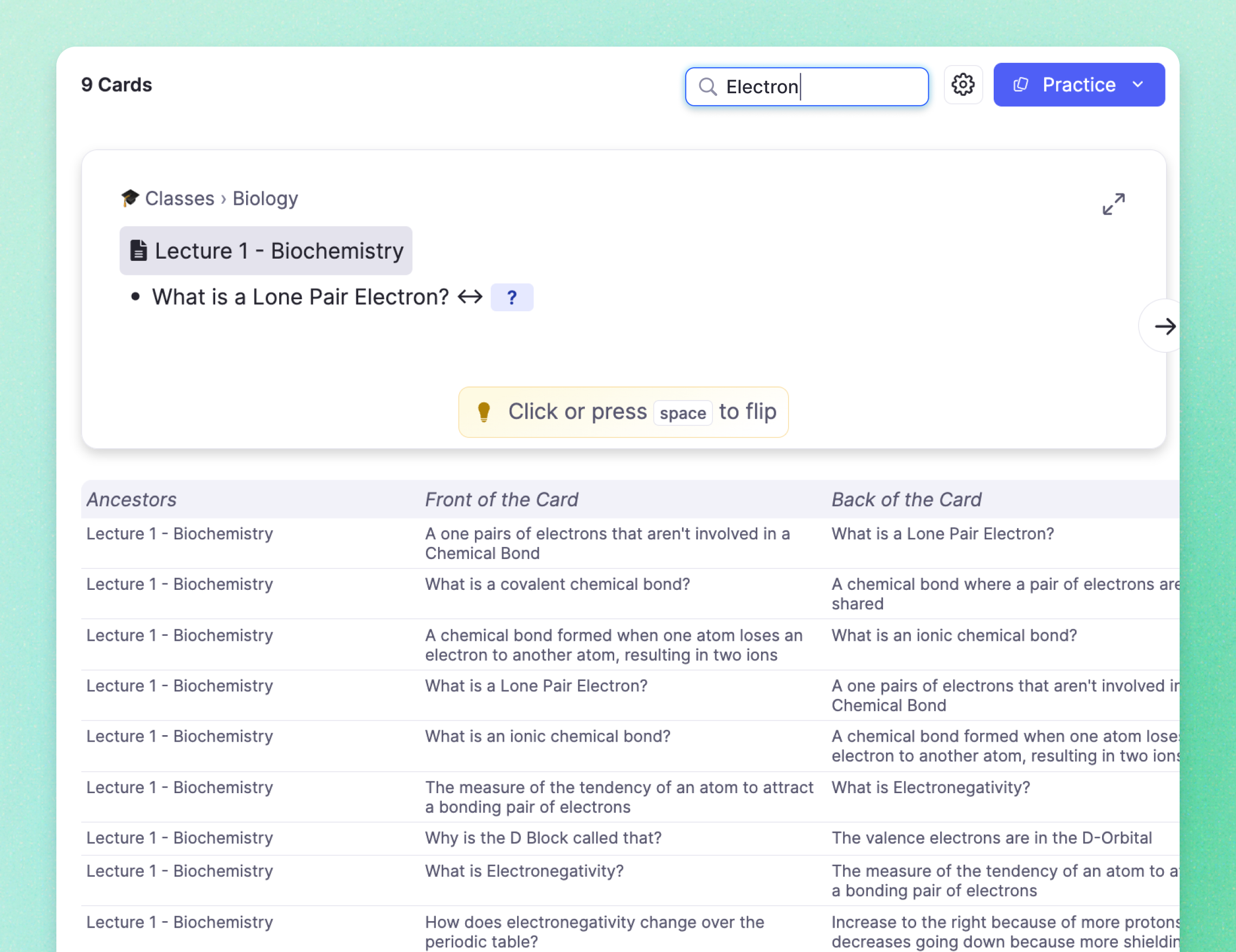
Search by Content
Type any keyword to find matching cards across your entire knowledge base.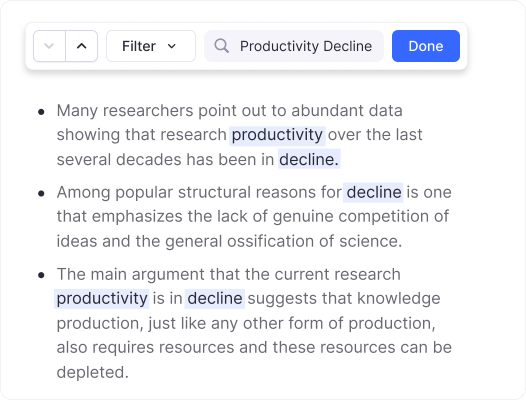
Advanced Filters
Filter by documents, tags, due dates, review counts, and more.Bulk-Edit Cards Effortlessly
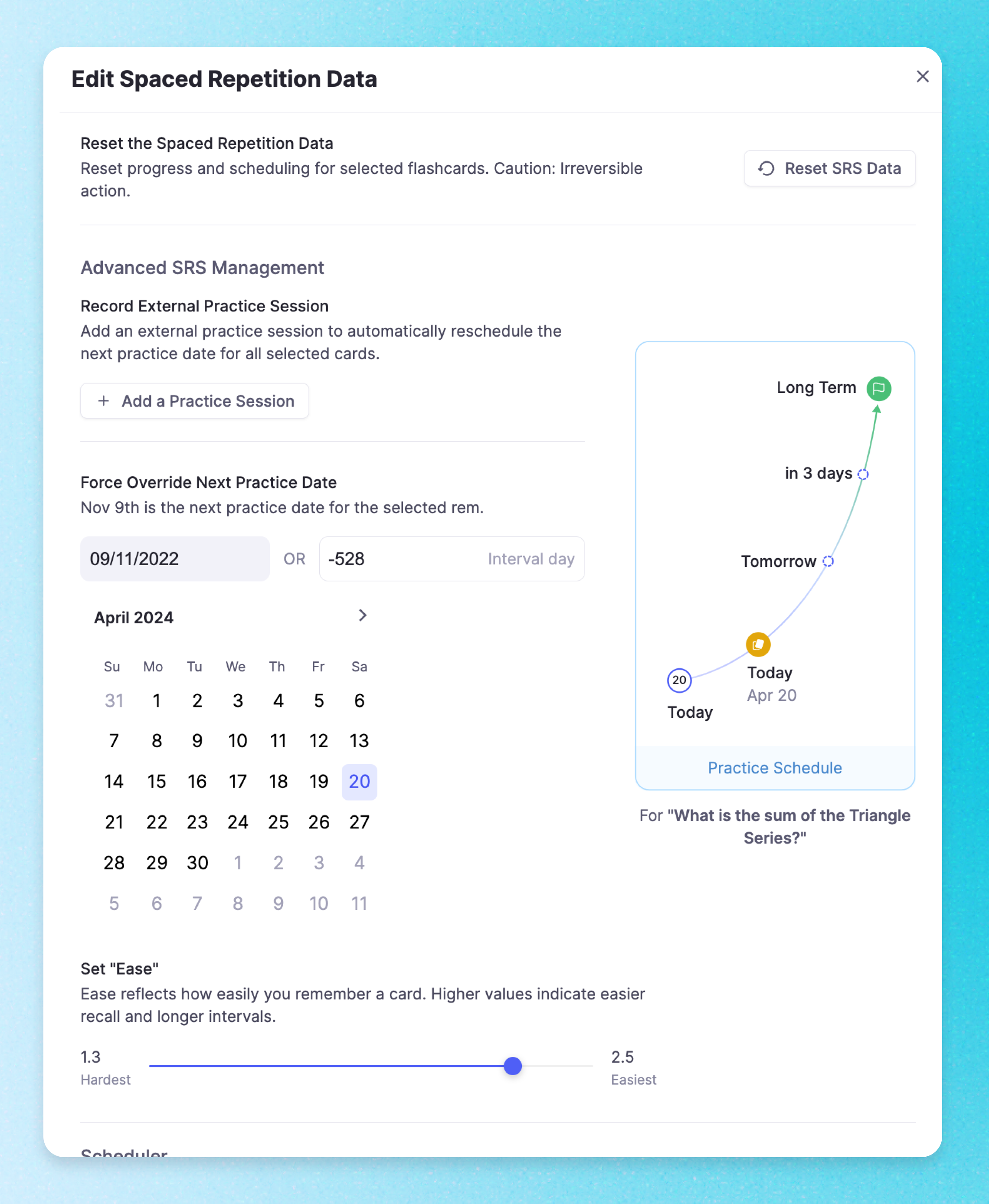
Select multiple cards and edit due dates, ease, repetitions, tags, and other SRS metadata in bulk. Perfect for rescheduling cards before an exam or resetting difficult material.
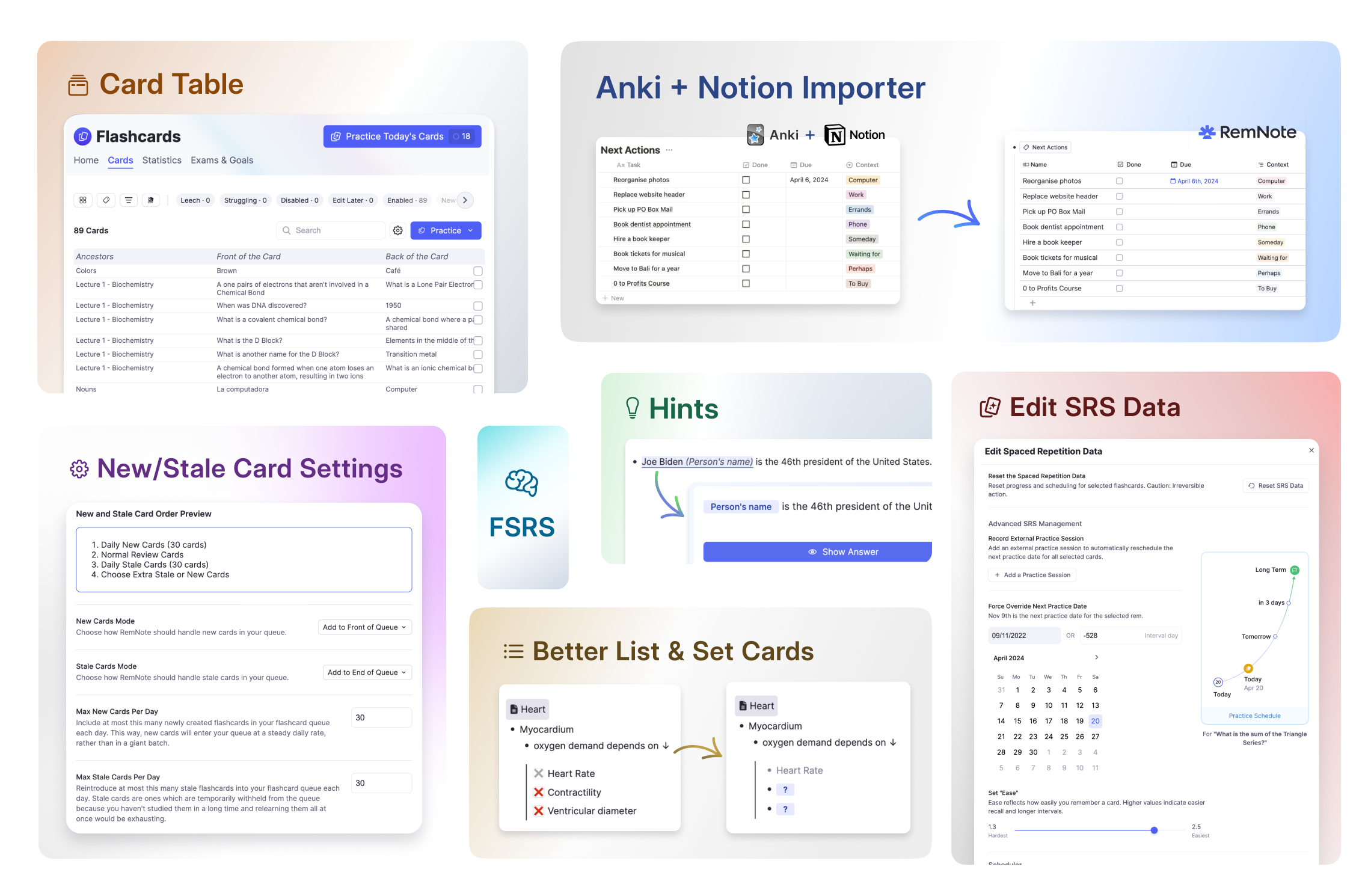
Edit Cards In Context
Click on any card to open an editor pane showing the card in its original document. See surrounding notes and make changes without losing your place in the table.
Join 1,000,000+ students getting higher grades!
Frequently Asked Questions
What is the Card Table in RemNote?
The Card Table is a centralized dashboard that displays every flashcard in your knowledge base in a sortable, filterable spreadsheet-style view. You can see each card alongside its spaced repetition data including due date, ease rating, review count, and mastery level, all at a glance.
It gives you full control over your flashcard collection without needing to navigate through individual documents. You can search by keyword, apply filter presets to find problem cards, and click any card to open it in context within its original document. It is designed for students managing hundreds or thousands of cards across multiple subjects.
How do I manage thousands of flashcards effectively?
The Card Table provides filter presets that let you instantly surface the cards that need attention. One-click presets show you leeches (cards you keep forgetting), struggling cards, disabled cards, and cards you have flagged for editing. You can also create custom filter combinations using documents, tags, due dates, review counts, and mastery levels.
For large collections, the search function lets you type any keyword to find matching cards across your entire knowledge base. You can sort by any column to prioritize your review, and the card preview lets you verify content without leaving the table view.
Can I bulk edit flashcard schedules and metadata?
Yes. Select multiple cards using the checkboxes in the Card Table, then use the bulk toolbar to edit due dates, ease factors, repetition counts, tags, and other spaced repetition metadata in a single action. This is particularly useful before exams when you want to reschedule a batch of cards to review sooner.
You can also use bulk editing to reset difficult cards that have accumulated low ease factors, re-enable cards you had previously disabled, or add tags to organize cards by exam topic. These operations apply to all selected cards simultaneously, saving significant time compared to editing cards one by one.
Can I import Anki decks into RemNote?
Yes. RemNote supports importing Anki .apkg files, bringing in your cards, media, and deck structure. Once imported, your cards appear in the Card Table alongside any cards you have created natively in RemNote, and they follow the same spaced repetition scheduling.
The main advantage of moving to RemNote is that your flashcards live inside your notes rather than in a separate app. This means you can edit cards in context, link them to related concepts, and benefit from features like table flashcards and AI-assisted card generation that are not available in Anki.
Is my data private and secure?
Yes. RemNote uses encrypted connections for all data in transit and stores your notes on secure, access-controlled servers. Your knowledge base is private to your account, and RemNote does not sell or share your data with third parties. You can also export your data at any time in multiple formats.
RemNote offers an offline-first architecture, meaning your notes are stored locally on your device and synced to the cloud when a connection is available. This ensures you always have access to your data, even without an internet connection.

